






The Evolution of the Budget Laptop Market
The landscape for affordable computing has shifted dramatically over the past five years. Historically, the sub-500-dollar category was dominated by plastic-heavy, underpowered machines prone to early failure and sluggish performance. Today, the market segment is characterized by a "smart compromise" philosophy. Manufacturers have learned to prioritize long battery life and functional, ergonomic designs over high-end graphics capabilities or premium materials. This evolution is driven by the increasing efficiency of ARM-based processors and the optimization of software environments like Google’s ChromeOS and streamlined versions of Windows 11.

Market data indicates that the demand for these devices remains robust, particularly within the educational sector and among budget-conscious consumers seeking secondary machines for travel or light productivity. As inflation and potential supply chain shifts—such as fluctuating tariff policies—impact the broader tech sector, the sub-500-dollar laptop has become a critical entry point for digital accessibility.
Top Performers in the 2025 Budget Category
Based on rigorous laboratory testing, including synthetic benchmarks and real-world usage scenarios, four specific models currently lead the market.
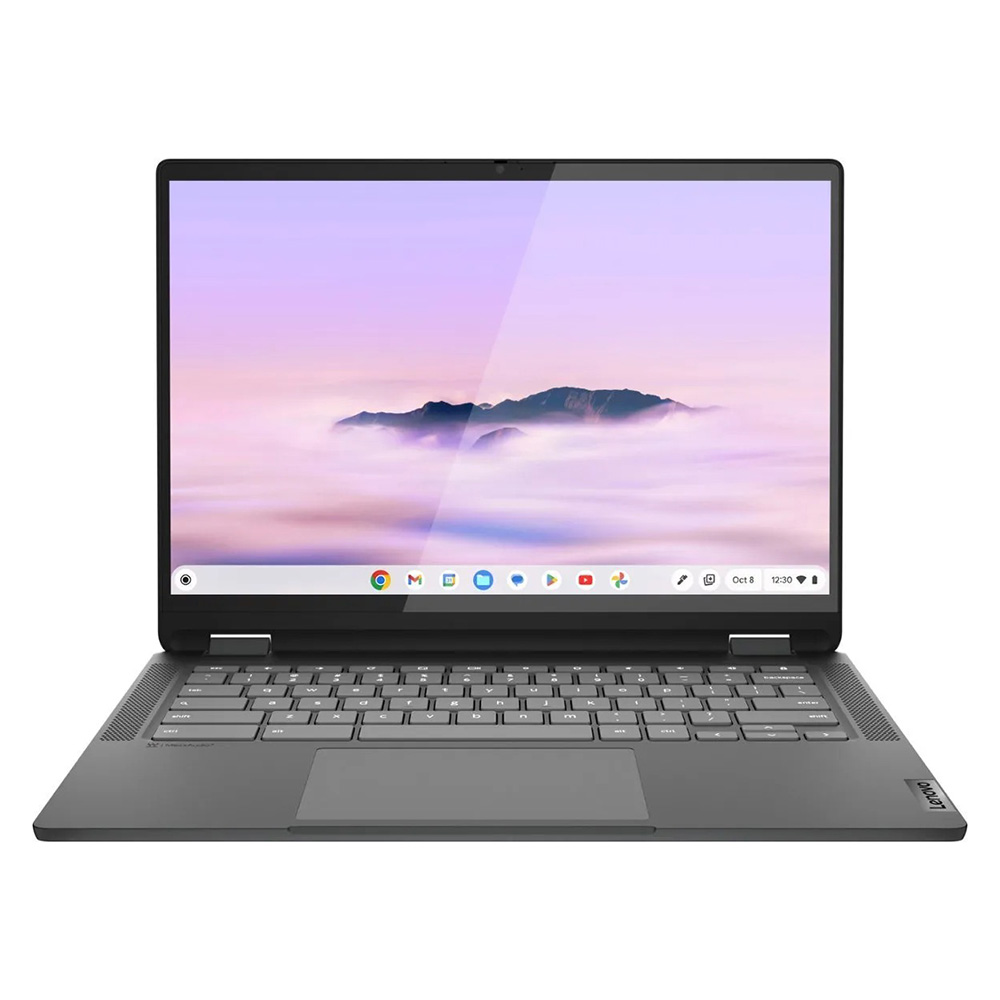
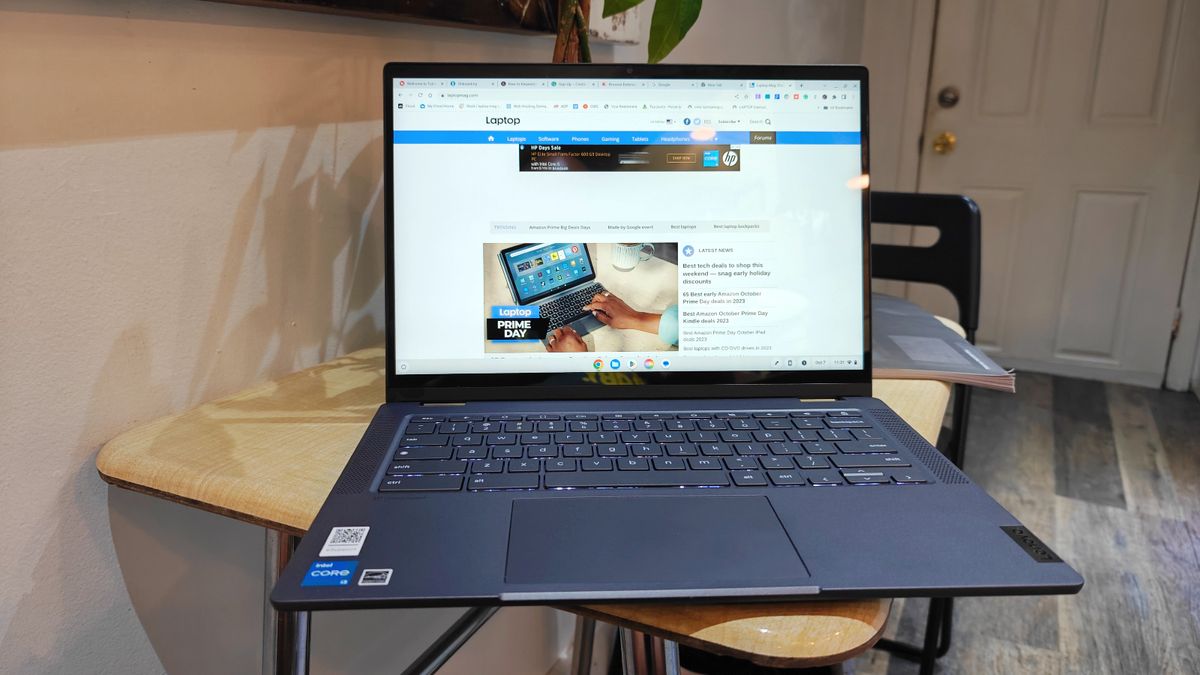
Lenovo IdeaPad Flex 5i Chromebook Plus (Best Overall)
Positioned as the premier choice, this model integrates AI-enhanced performance features that differentiate it from standard budget offerings. With an Intel Core i3-1315U processor and 8GB of RAM, it achieved a multi-core score of 5,384 on Geekbench 6—significantly higher than the average Chromebook. Its 14-inch, 16:10 aspect ratio display provides superior vertical workspace, making it ideal for document management and web-based multitasking.
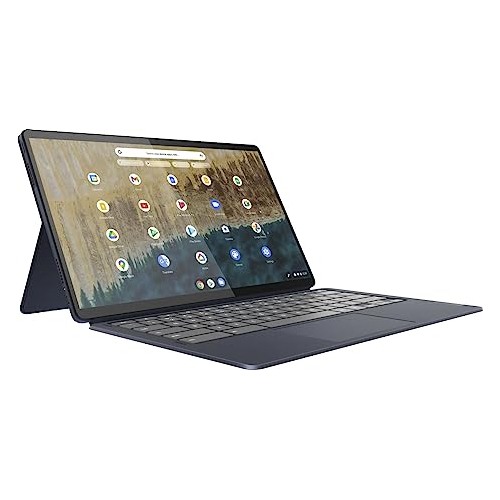
Lenovo Duet 5 Chromebook (Best Under 300 Dollars)
For consumers prioritizing portability and media consumption, the Duet 5 remains an industry benchmark. Its inclusion of an OLED display is a rarity at this price point, offering color reproduction and contrast levels typically reserved for premium workstations. Despite its modest performance metrics (Geekbench 5 multi-core score of 1,727), its detachable 2-in-1 form factor and 13.5-hour battery life provide exceptional utility for students.
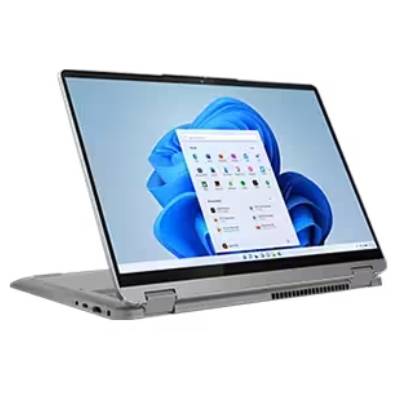
Lenovo IdeaPad Flex 5 14 (Best Windows Option)
Finding a functional Windows device under 500 dollars is historically difficult, yet the Flex 5 14 manages to maintain structural integrity and reliable performance. Equipped with an Intel Core i5 processor, it serves users who require full Windows software compatibility. While its synthetic performance (3,841 on Geekbench 5) is lower than the Chromebook Plus, it remains one of the few devices in its class that does not compromise on keyboard tactile response or battery longevity, consistently exceeding 14 hours in testing.
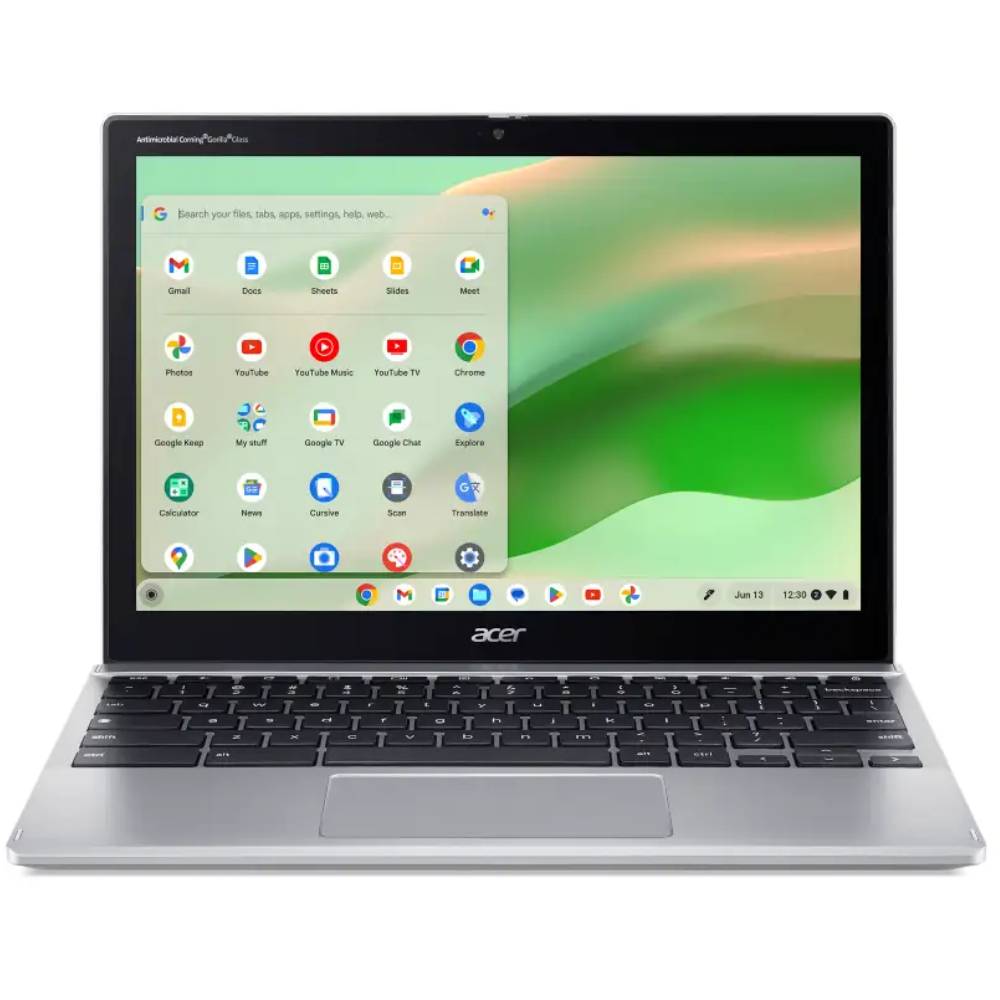
Acer Chromebook Spin 312 (Best for Students)
Designed with the rigors of classroom use in mind, the Spin 312 combines durability with a lightweight chassis. The standout feature is the "OceanGlass" touchpad, which offers a smooth, high-friction surface that mimics premium trackpads. Its 10-hour battery life and 2-in-1 capability ensure it remains a viable tool for long days of research and academic writing.
Technical Analysis and Benchmark Comparisons
Understanding the trade-offs in budget hardware requires looking beyond marketing specifications. A core issue for budget devices is the storage type; many rely on eMMC (embedded MultiMediaCard) memory, which is significantly slower than the NVMe SSDs found in more expensive laptops.
| Model | Geekbench 6 (Multi) | Battery Life (Web) | Display Nits |
|---|---|---|---|
| Lenovo IdeaPad Flex 5i Plus | 5,384 | 09:43 | 306 |
| Lenovo Duet 5 Chromebook | N/A | 13:31 | 361 |
| Lenovo IdeaPad Flex 5 14 | N/A | 14:16 | 200 |
| Acer Chromebook Spin 312 | 4,477 | 10:33 | 277 |
These metrics demonstrate that while budget laptops are increasingly capable, they are not intended for intensive tasks such as 4K video rendering or high-fidelity gaming. The "hottest temperature" readings—typically staying under 95 degrees Fahrenheit—indicate that these systems are thermally efficient, preventing performance throttling during standard web-based workflows.
Strategic Implications for Consumers
The decision to purchase a sub-500-dollar laptop should be guided by a clear understanding of intent. For users whose primary activity is cloud-based—using Google Workspace, streaming media, or attending video conferences—a Chromebook is objectively the most efficient path. The streamlined nature of the OS ensures that even modest hardware feels responsive. Conversely, users who require specialized Windows software should prioritize the Lenovo IdeaPad Flex 5 14, as it is one of the few devices in this bracket that can handle the overhead of the Windows operating system without significant stuttering.
Industry analysts emphasize that the longevity of these machines is linked directly to how they are managed. Because many of these devices feature soldered RAM and limited storage, they are rarely upgradeable. Consumers are advised to look for models with 8GB of RAM as a baseline requirement for 2025, as 4GB is no longer sufficient to support modern web browser memory demands.

Future Outlook and Market Trends
As of mid-2025, the laptop market is facing potential volatility. Economic reports suggest that new tariff implementations could impact the pricing of electronic components, making it increasingly difficult for manufacturers to keep hardware costs below the 500-dollar threshold while maintaining current performance standards.
Despite these macroeconomic pressures, the competition among major manufacturers—specifically Lenovo, Acer, and HP—continues to drive innovation. We are observing a trend toward "premiumization" of the budget tier, where features like OLED panels and haptic trackpads, once exclusive to the high-end, are trickling down to more accessible price points.
Expert Methodology: How These Devices Are Vetted
The selection of these recommendations is based on a standardized testing protocol that involves both controlled environments and longitudinal, real-world usage.
- Synthetic Benchmarking: Every unit undergoes a battery of tests including Geekbench 5 and 6 to gauge raw CPU potential, and Jetstream 2 to measure web-app responsiveness.
- Real-World Stress Testing: Reviewers perform "day-in-the-life" simulations, which include opening 20+ browser tabs, running background productivity apps, and streaming high-definition video to test thermal management and battery drain.
- Display Analysis: Using a K10 colorimeter, lab technicians measure color gamut coverage (DCI-P3) and peak brightness (nits). This ensures that even budget screens meet the basic requirements for comfortable long-term viewing.
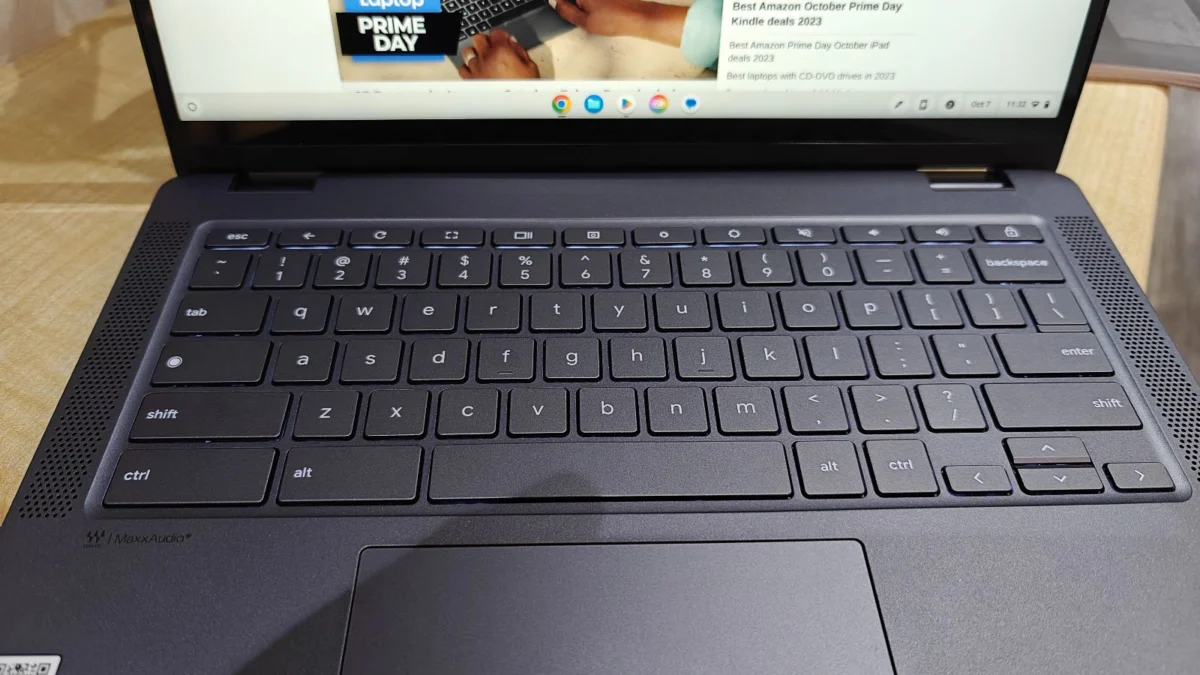
- Physical Evaluation: Reviewers assess the keyboard deck for flex, the hinge mechanism for long-term durability, and the trackpad for responsiveness.
By combining these data-driven insights with the practical experiences of daily users, the current list represents the most durable, efficient, and cost-effective solutions available to the modern consumer. Prospective buyers are encouraged to verify current market pricing during major retail events, such as Black Friday or back-to-school cycles, as these periods often offer additional discounts that can push even higher-tier "budget" laptops into the sub-500-dollar range.