
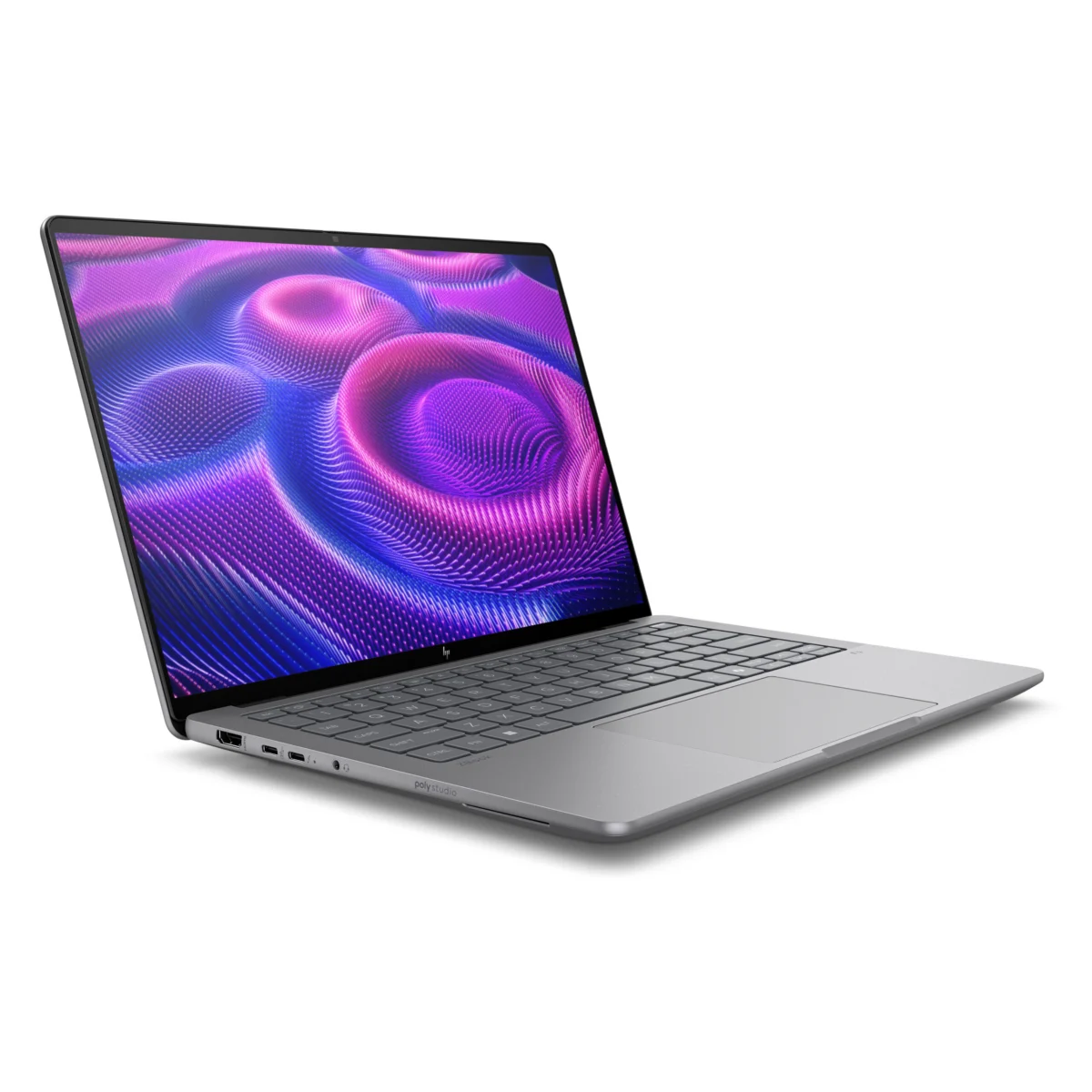









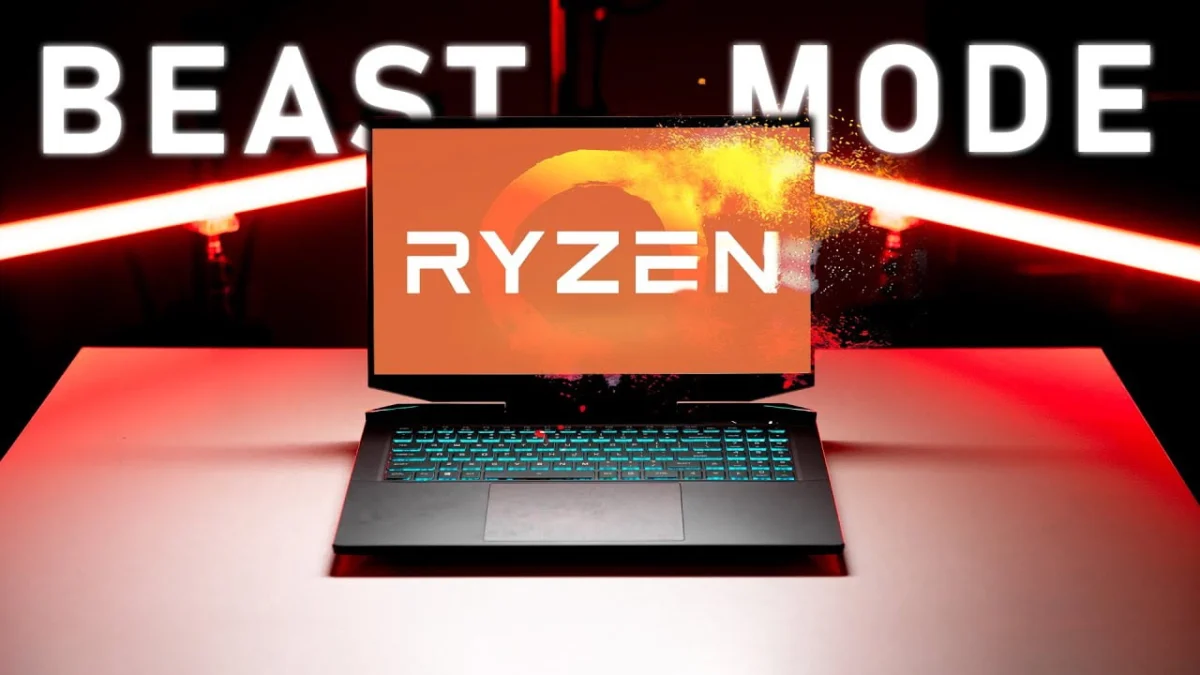
The high-end gaming laptop landscape has long been dominated by established industry giants such as Dell, HP, ASUSTeK Computer, and Micro-Star International (MSI). However, boutique manufacturers have increasingly sought to carve out market share by bridging the gap between mass-market production and elite customization. Among these smaller enterprises is Eluktronics, a company that previously captured industry attention with the RP-15. Building upon that hardware foundation, the company has introduced its latest flagship device: the Prometheus XVII Ultra. Fusing mythological nomenclature—Prometheus, the ancient Greek Titan associated with fire and craft—with contemporary marketing taxonomy, the laptop is designed to deliver uncompromised processing power. Equipped with an AMD Ryzen 5000H series processor and an NVIDIA GeForce RTX 3080 graphics processing unit capable of high-wattage delivery, the Prometheus XVII Ultra aims to redefine performance expectations within the desktop-replacement segment. Yet, evaluating a device positioned at the apex of mobile computing requires looking beyond raw computational metrics to assess its structural design, thermal thresholds, and overall user experience.
Market Positioning, Pricing, and Configuration Tiers
Navigating the contemporary component market presents significant hurdles for PC manufacturers, particularly regarding the allocation of advanced central processing units and high-end graphics cards. Global supply chain constraints have periodically challenged the availability of Ryzen-powered systems paired with top-tier GPUs, prompting manufacturers like Eluktronics to manage backorders carefully. Despite these logistical realities, the Prometheus XVII Ultra enters the market with a competitive entry-level price point of $1,700 USD. For this baseline investment, consumers receive an AMD Ryzen 7 4800H processor, 16GB of random-access memory, a 512GB NVMe solid-state drive, and an NVIDIA GeForce RTX 3060.
Alternative configurations scale upward significantly. A tier priced $400 higher incorporates an Intel 10th Generation Core i7-10875H processor paired with an RTX 3070. Meanwhile, allocating an additional $500 introduces AMD’s advanced Ryzen 7 5800H CPU alongside an RTX 3080 featuring 16GB of video RAM. Fully upgraded review units, which double both memory and storage capacity, command approximately $2,800 USD. While this represents a substantial financial commitment, industry analysts note that it undercuts several competing models offering similarly high-wattage RTX 3080 implementations. Furthermore, Eluktronics includes promotional peripherals—such as a gaming mouse pad, a lightweight mouse, a headset, and an HDMI cable—for orders exceeding $2,500 USD, adding tangible value to the acquisition.
Chassis Design, Structural Integrity, and Aesthetics
From an exterior perspective, the Prometheus XVII Ultra features a minimalist industrial design constructed from a hybrid of aluminum and reinforced plastic. Users seeking customization can apply specialized vinyl skins, such as a black matrix finish from dbrand, for a nominal fee. Integrated along the chassis perimeter are subtle RGB light bars programmable via proprietary software controls.
As a 17-inch workstation, the device prioritizes screen real estate over extreme portability. Measuring slightly under one inch in thickness and weighing approximately six pounds, it functions primarily as a transportable desktop replacement rather than an ultra-portable notebook. Structural evaluations reveal certain trade-offs inherent to its generic chassis architecture—a framework shared with other system integrators. The centrally mounted display hinge exhibits noticeable flex when opened from a single corner, and minor chassis torsion can occur during lap-based operation. Consequently, while the minimalist aesthetic succeeds in professional and gaming environments alike, the physical hardware lacks the proprietary structural rigidity found in some tier-one competitors.
Keyboard Ergonomics and Input Layout
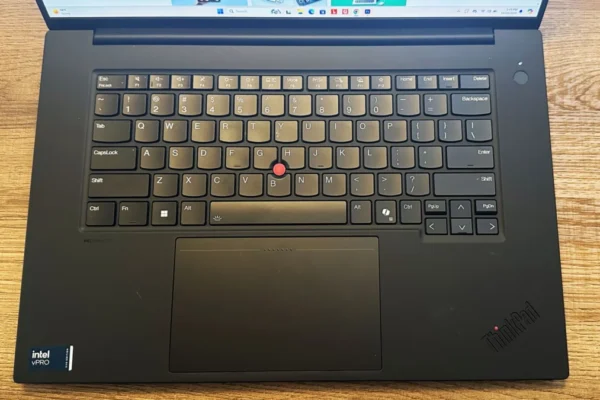
The interior workspace accommodates a full-sized keyboard layout complete with a dedicated numeric keypad, a design choice facilitated by the expansive 17-inch form factor. Typing mechanics receive high marks, offering stable keycaps with minimal lateral wobble and a tactile bottoming-out sensation comparable to industry benchmarks like the ASUS ROG Zephyrus G15.
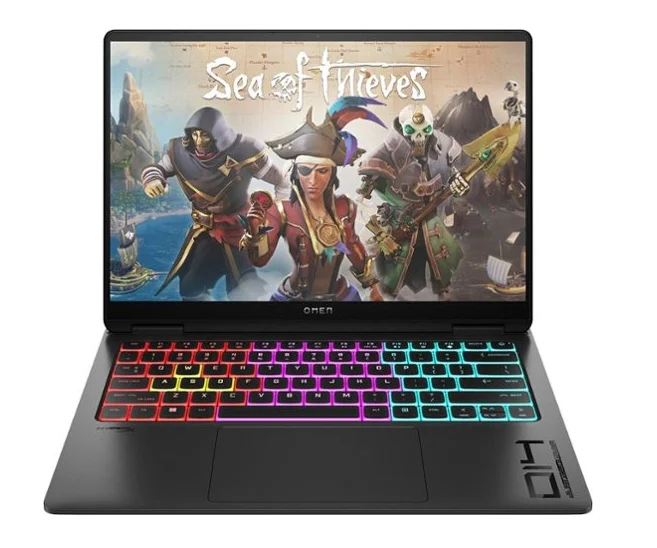
However, the layout presents ergonomic challenges. The arrow keys match the dimensions of standard alphanumeric keys, resulting in accidental inputs during rapid navigation. Additionally, the numeric keypad omits a secondary enter key, potentially frustrating professionals who rely on intensive data entry via spreadsheet applications. Backlighting is delivered via a single-zone RGB LED system; while functional for low-light environments, it lacks the per-key customization preferred by enthusiasts.
Trackpad Performance and Palm Rejection
Occupying a prominent position below the keyboard is a massive glass-surfaced trackpad, exceeding the dimensions of established large-format alternatives such as the Dell XPS 17. The smooth glass texture facilitates precise cursor navigation within the Windows operating environment. Despite its physical scale, the trackpad’s software-level palm rejection requires further refinement. Users resting their right hand near the primary input zones frequently encounter accidental locking or unresponsive window dragging. Although Eluktronics provides an option to disable the right half of the trackpad, this workaround halves the usable surface area and diminishes overall utility. Furthermore, the distance between the front edge of the chassis and the keyboard deck may cause minor discomfort for users with smaller hands.
Audio-Visual Hardware and Peripherals
Multimedia capabilities present a mixed profile. The integrated webcam delivers substandard video fidelity, suffering from noticeable digital noise in moderate lighting conditions. Moreover, typing vibrations can induce a perceptible wobble in the display assembly during video conferences. Conversely, the onboard microphone array captures clean audio.
Audio playback relies on downward-firing stereo speakers. While speech clarity is acceptable, the system exhibits limited low-frequency bass response and harsh treble reproduction, making external headphones or dedicated desktop speakers a practical necessity for media consumption and gaming.
Connectivity and I/O Distribution
The input/output (I/O) port arrangement represents a distinct advantage of the Prometheus chassis. Connectivity options are distributed intelligently across the left, right, and rear edges. The left flank features a USB 3.1 Gen 2 Type-A port alongside discrete audio input and output jacks. The right side houses two USB Type-A ports (operating at Gen 1 speeds) and a full-sized UHS-I SD card reader.
The rear panel accommodates the primary power input, a gigabit Ethernet port, an HDMI 2.1 output, and a USB Type-C port supporting DisplayPort passthrough. This rear-centric layout significantly enhances cable management, allowing users to anchor permanent desktop connections—such as power, network cables, and external displays—out of the way of mouse-handling zones.
Display Specifications and Visual Fidelity
Visual output is driven by a single panel configuration: a matte-finish, IPS-level display operating at a Quad HD (2560×1440) resolution with a 165Hz refresh rate. The 1440p resolution provides an optimal balance of pixel density and screen real estate for a 17-inch form factor, delivering sharp text and fluid motion reproduction.
Color gamut coverage tests indicate approximately 99% sRGB, 76% Adobe RGB, and 79% DCI-P3 fidelity. While this spectrum satisfies casual content creation and gaming requirements, professionals demanding wider color spaces may find the gamut restrictive. Furthermore, peak luminance is measured at approximately 350 nits. Combined with the matte coating, this brightness level can render outdoor visibility or operation in brightly lit environments challenging.
Internal Architecture, MUX Switch, and Upgradability
System versatility is enhanced by the inclusion of a hardware MUX (Multiplexer) switch, enabling users to toggle between NVIDIA Optimus (dynamic graphics switching) and dedicated discrete GPU operation to maximize frame rates and minimize latency.
Internal accessibility is straightforward. The motherboard provides two accessible, fully populated SO-DIMM memory slots, alongside two M.2 NVMe storage slots, allowing users to expand storage beyond the factory configuration. While the stock NVMe solid-state drive delivers adequate read speeds, write performance trails behind the fastest drives found in competing elite flagships.
Power Profiles and Software Suite
Eluktronics provides a comprehensive control center application for managing system behavior, though its interface can feel clunky compared to streamlined alternatives. Users can select from three core power profiles: Office Mode, Balanced Mode, and Beast Mode.
Within Balanced and Beast modes, advanced users can manually configure fan curves, adjust CPU power limits up to 80 watts, overclock the GPU, establish target temperatures, and toggle Dynamic Boost. Disabling Dynamic Boost allows the RTX 3080 GPU power target to be driven up to an extreme 150 watts. However, saving custom user profiles within the software suite lacks intuitive refinement, indicating room for software optimization.
Battery Longevity and Desktop-Replacement Reality
Due to its high-performance hardware architecture paired with a relatively modest 62Wh battery, the Prometheus XVII Ultra yields limited battery runtime. Even under light web-browsing workloads in Office Mode, untethered operation is brief. Beast Mode yields similarly compressed battery endurance under light loads. Consequently, the device functions strictly as a desktop replacement rather than a mobile notebook, requiring continuous connection to an AC power source during intensive tasks.
Thermal Dynamics, CPU Performance, and Frequencies
Performance scaling is heavily influenced by the selected power profile. Office Mode significantly throttles processor performance to prioritize energy efficiency and acoustic silence. Balanced Mode and standard Beast Mode operate within a close thermal and electrical envelope.
Activating the maxed-out Beast Mode configuration—unlocking the CPU to 80 watts and pushing the GPU to 150 watts—yields substantial processing bursts. However, thermal constraints under sustained maximum loads cause the CPU to gradually settle from initial peak power delivery to a stable 73-watt threshold, with corresponding clock frequencies adjusting to maintain safe operating temperatures. Despite these adjustments, internal thermal management successfully prevents critical overheating, keeping component temperatures well below the 87°C threshold.
Gaming Benchmarks and Hardware Efficiency
In real-world gaming scenarios, the Prometheus XVII Ultra lives up to its moniker. At native 1440p resolution, frame rates outpace many competing systems, particularly when power sliders are maximized.
Comparative analysis reveals interesting performance dynamics. While pushing the RTX 3080 to 150 watts secures a performance lead over lower-wattage implementations (such as the RTX 3070 found in the Razer Blade 15 Advanced), the scaling is non-linear. The Prometheus GPU consumes approximately 50% more power than the Blade’s configuration while delivering roughly a 15% increase in frame rates. This underscores the law of diminishing returns when maximizing mobile GPU power budgets.
Acoustic Profile and Surface Temperatures
Fan noise correlates directly with the selected power profile. Office Mode remains exceptionally quiet, whereas Beast Mode generates substantial acoustic output during heavy gaming workloads. Balanced Mode offers the most practical acoustic compromise for daily use.
Surface temperatures are generally well-controlled across the main chassis body, though lateral exhaust zones become noticeably warm during extended gaming sessions, potentially affecting comfort for users employing an external mouse positioned close to the side vents.
Conclusion and Market Assessment
The Eluktronics Prometheus XVII Ultra delivers exceptional raw processing and gaming performance, complemented by an advanced software suite that grants granular control over power limits and thermal targets. Its comprehensive I/O layout, robust keyboard tactile feedback, and high-refresh-rate Quad HD display provide a strong foundation for a desktop-replacement system.
However, reliance on a generic chassis introduces compromises, including a sprawling, imprecise trackpad, a flexible display hinge, and a mediocre integrated webcam. For consumers whose primary priority is uncompromising computational and graphical throughput at a competitive price point, the Prometheus XVII Ultra represents a compelling option. Conversely, buyers seeking refined industrial design, superior audio-visual peripherals, and balanced portability may find that alternative flagship offerings justify their higher financial investment.