The release of macOS 27 Golden Gate marks a significant, albeit understated, milestone for the Mac ecosystem, bringing a robust suite of updates directly to the native Photos application. While the latest iteration of Apple’s flagship desktop operating system bypasses any radical visual overhauls of the user interface, it introduces a surprisingly comprehensive collection of functional enhancements. These updates span advanced Apple Intelligence-powered editing tools, versatile organizational upgrades, improved cross-platform sharing capabilities, and modernized search infrastructure designed to streamline everyday user workflows.
Background Context of the Release
The evolution of the macOS Photos application has historically mirrored Apple’s broader hardware and software integration strategies. Over the past several hardware cycles, the transition to Apple Silicon processors has enabled the company to shift computationally heavy machine learning tasks directly onto the device. Building upon the foundational AI features introduced in previous software iterations, macOS 27 Golden Gate leverages the Neural Engine present in compatible Mac models to perform complex image rendering, spatial reconstruction, and natural language indexing locally.
This release arrives at a time when consumer expectations for native photo management tools have risen significantly, driven by the ubiquity of high-resolution smartphone photography and the growing demand for seamless multi-device synchronization. By refining both professional-grade organizational tools and consumer-friendly sharing features, Apple aims to position the Mac Photos app as a competitive alternative to third-party digital asset management software.
Advanced Apple Intelligence Editing Capabilities
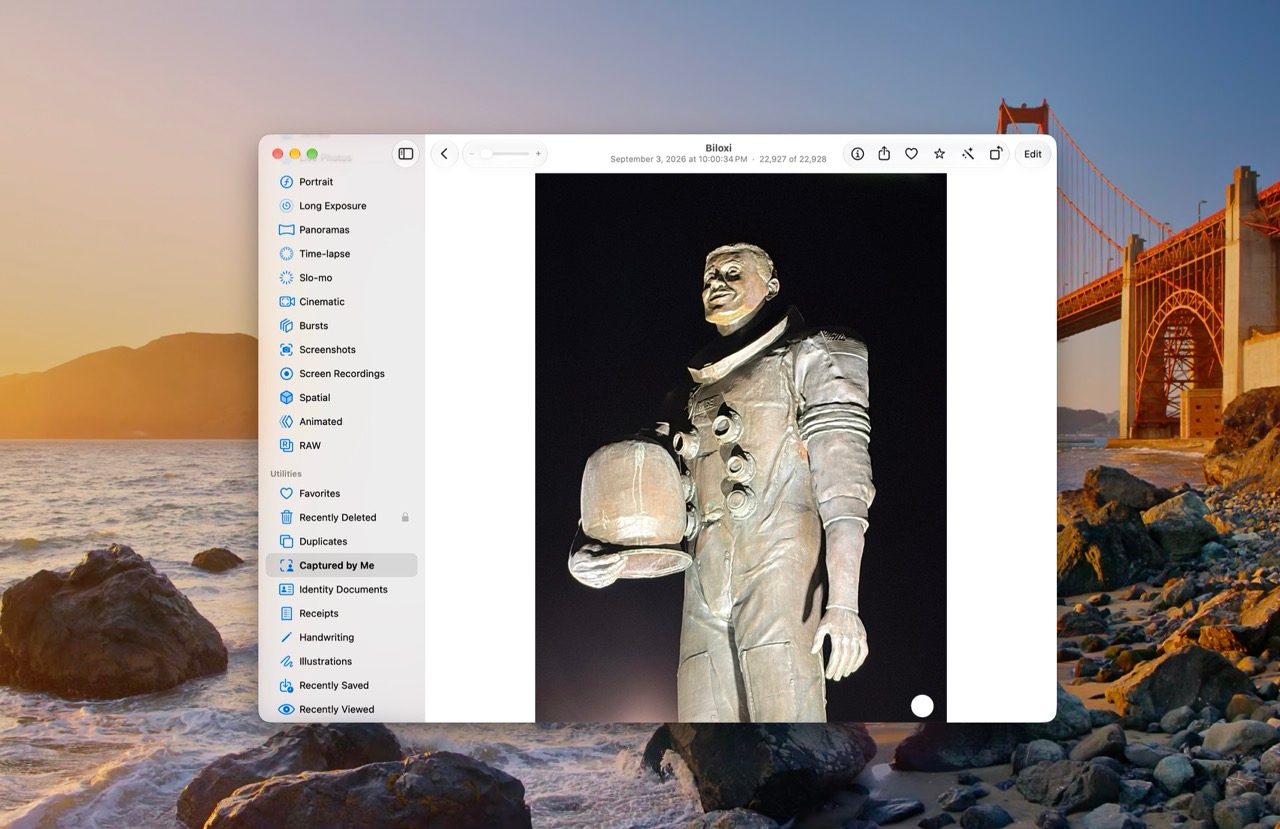
The most visually striking advancements in macOS 27 Golden Gate are housed within a newly minted Tools pane, which relies on compatible hardware equipped with Apple Intelligence. Among these, the Clean Up feature receives a substantial performance upgrade. According to Apple, the underlying algorithms can now process larger objects and navigate complex scenes with a heightened degree of realism, effectively minimizing artifacts that previously plagued automated removal tools. Furthermore, the application now offers dual operational modes: a fast mode optimized for quickly eradicating minor blemishes, and a high-quality mode engineered to tackle intricate, multi-layered background reconstructions.
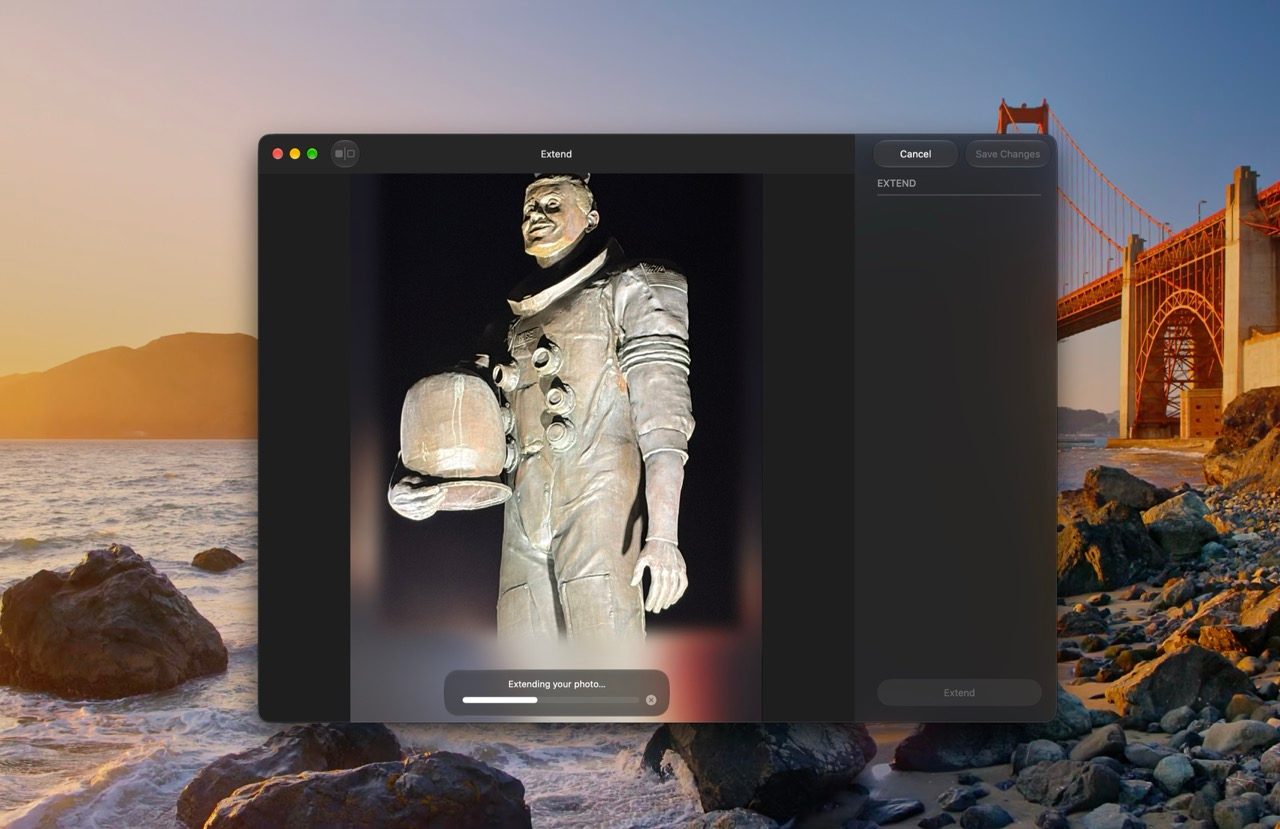
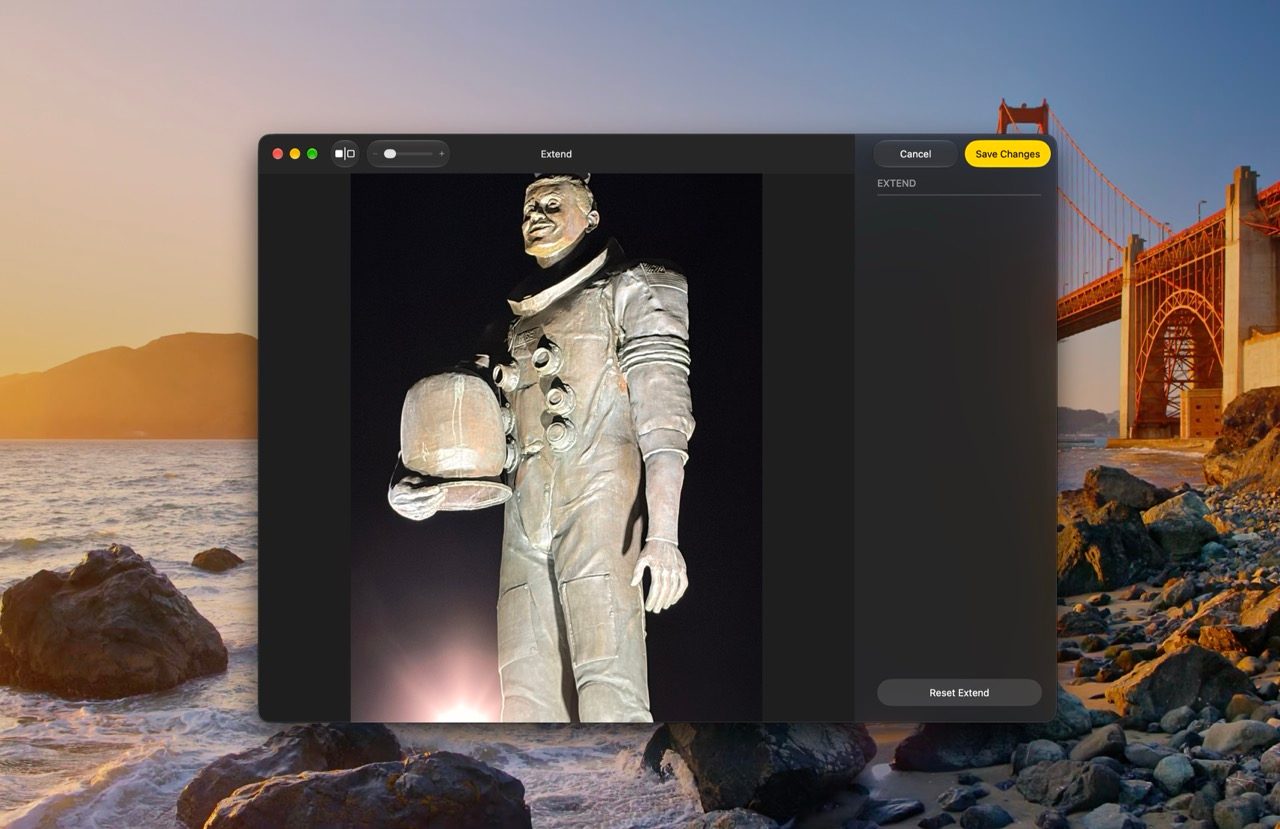
Complementing Clean Up is the newly introduced Extend tool. Powered by generative models, Extend allows users to seamlessly expand an image beyond its original physical boundaries. This capability provides a practical solution for common post-processing hurdles, such as straightening an uneven horizon, adjusting an image’s aspect ratio to fit specific display dimensions, or simply breathing more negative space around a primary subject. The Extend functionality is deeply integrated, accessible directly from the standard cropping interface.
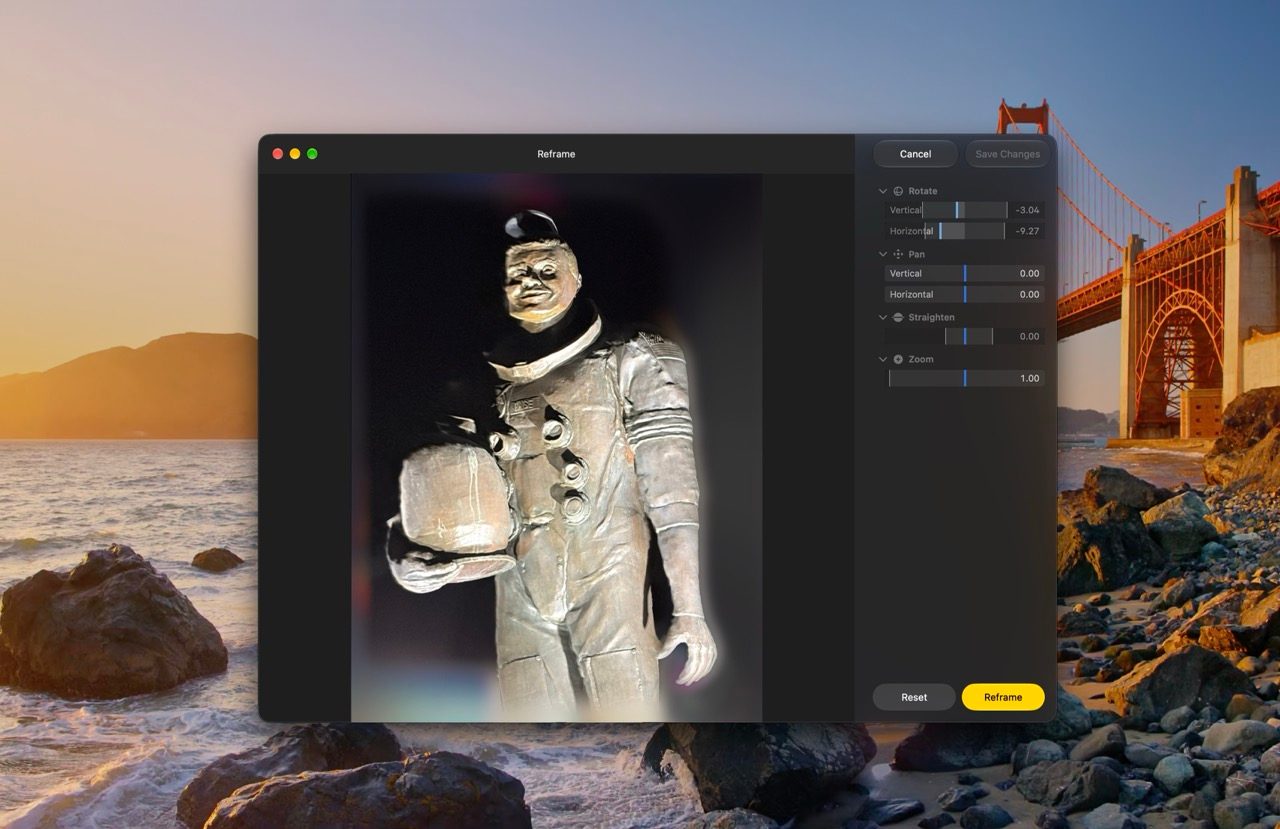
Perhaps the most technologically ambitious addition is Spatial Reframing. This feature utilizes on-device spatial models to construct a comprehensive three-dimensional view of a standard two-dimensional photograph. Once the spatial map is generated, users can artificially rotate around a subject, pan across the frame, or alter the focal zoom to simulate a completely different camera position. When these dramatic adjustments expose hidden areas previously outside the frame, advanced generative image models automatically synthesize the missing background data to preserve visual integrity.
Streamlined Sharing and Ecosystem Expansion
Collaboration and file distribution have long been pain points for closed software ecosystems, but macOS 27 Golden Gate introduces vital adjustments to iCloud Shared Albums. Most notably, the platform now supports full-resolution file sharing across all standard photo and video formats, removing the compression bottlenecks that previously frustrated professional and amateur photographers alike.
In a departure from strict ecosystem exclusivity, Apple has also improved accessibility for individuals operating outside the Apple ecosystem. Friends and family members utilizing Android or Windows devices can now seamlessly join a Shared Album and contribute their own media directly through a web interface via iCloud.com. This interoperability represents a subtle yet strategic shift in Apple’s approach to cloud services, acknowledging the heterogeneous device environments common in modern households and collaborative circles.
To alleviate everyday friction, macOS 27 Golden Gate includes bulk-action capabilities that allow users to import an entire Shared Album into their personal library with a single click. Conversely, for temporary collections—such as those created for weddings, vacations, or short-term events—users can configure albums to automatically expire after a 30-day window, preventing digital clutter from accumulating in cloud storage.
Revived Presentation Controls and Granular Organization

Power users and long-time macOS loyalists will welcome the return of granular control over slideshow creation. The updated Photos app permits users to transform any custom selection of photos and videos into a dynamic slideshow. Creators can tailor slide durations, select specific transition styles, and incorporate background music. Once finalized, the presentation can be exported and saved directly within the photo library as a standalone video file, ensuring that custom presentations can be replayed or distributed without requiring redundant assembly.
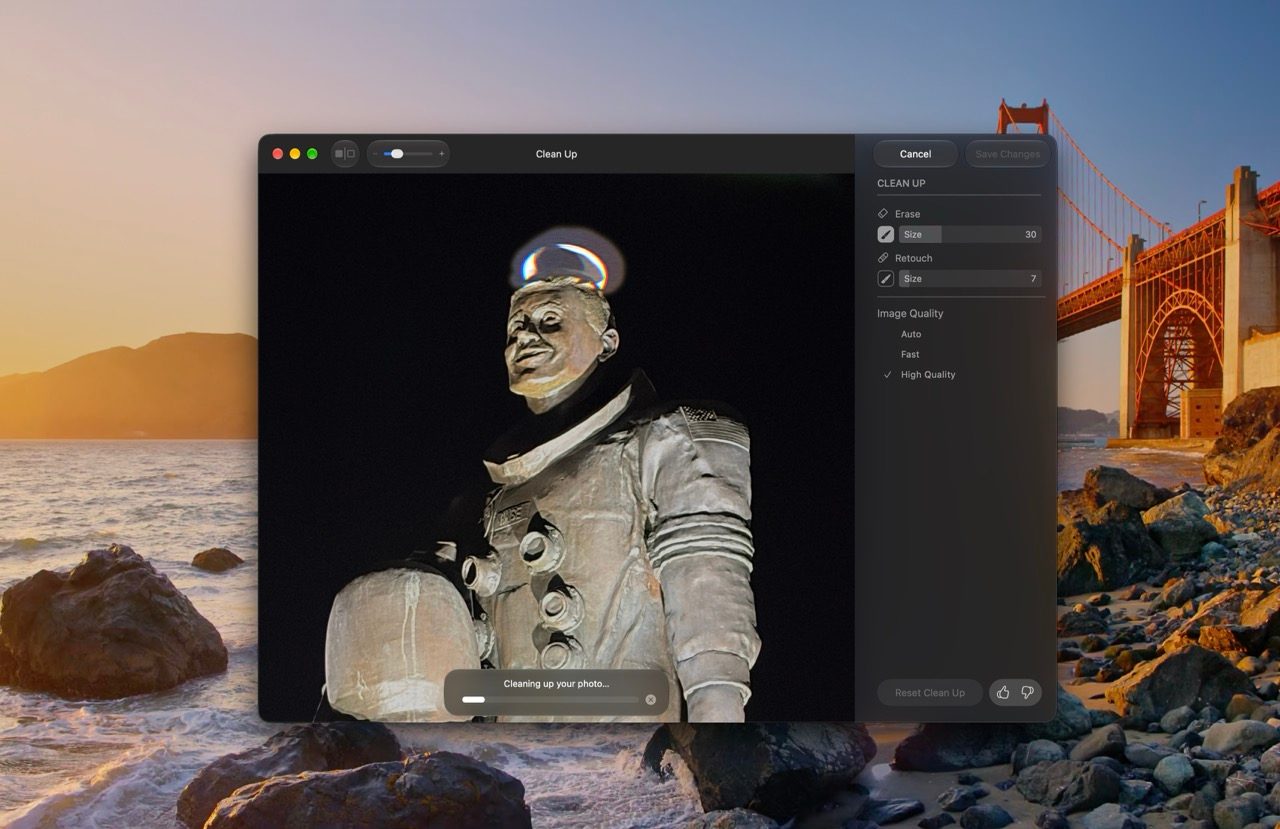
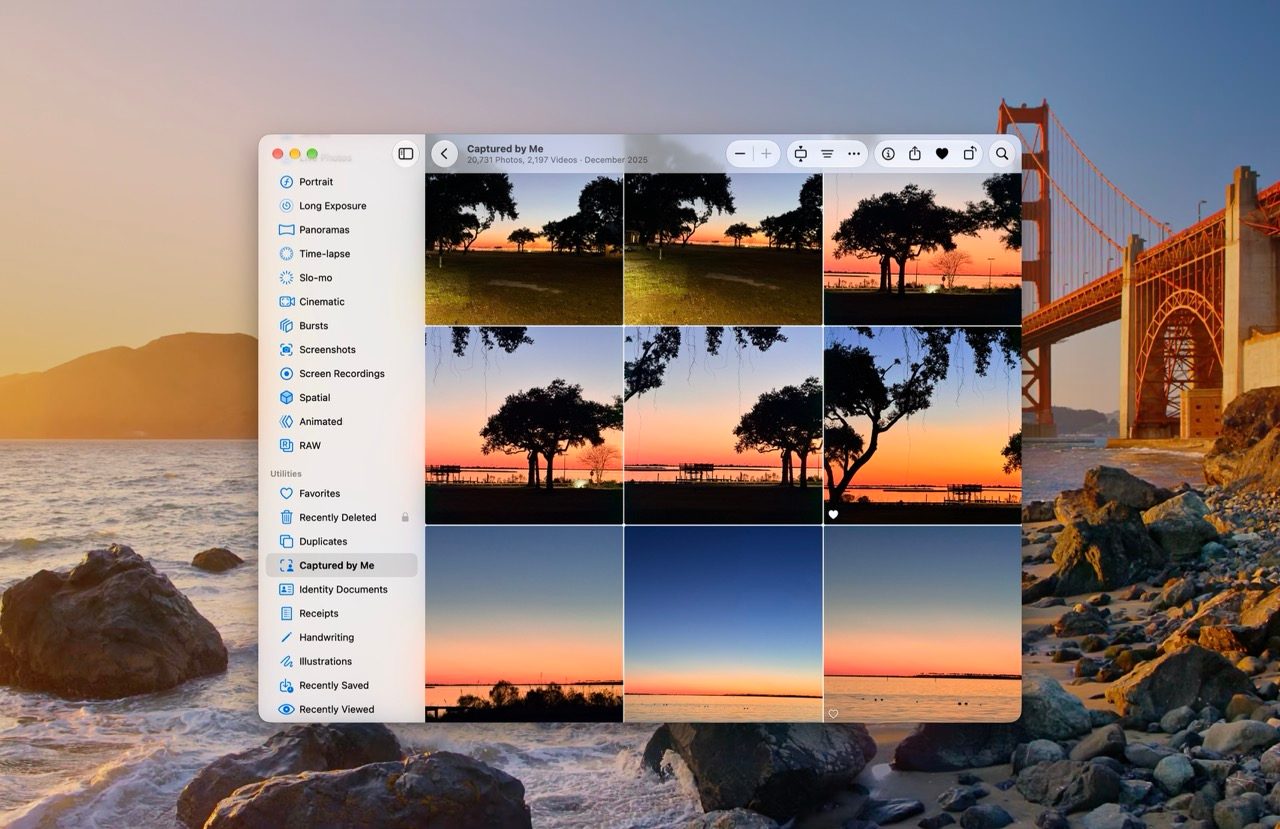
For cataloging personal archives, Apple has introduced the Captured by Me collection, which automatically aggregates images captured using the native Camera app, including legacy media imported from older devices. This criterion can also serve as a dynamic filter throughout the broader library.
Furthermore, catering to photographers who demand precise curation workflows, the application now supports traditional one-to-five-star ratings. These ratings can be utilized to filter the primary library and custom collections, though users must manually enable the feature within the Photos application settings, as it remains disabled by default.
Under-the-Hood Performance: Syncing and Search
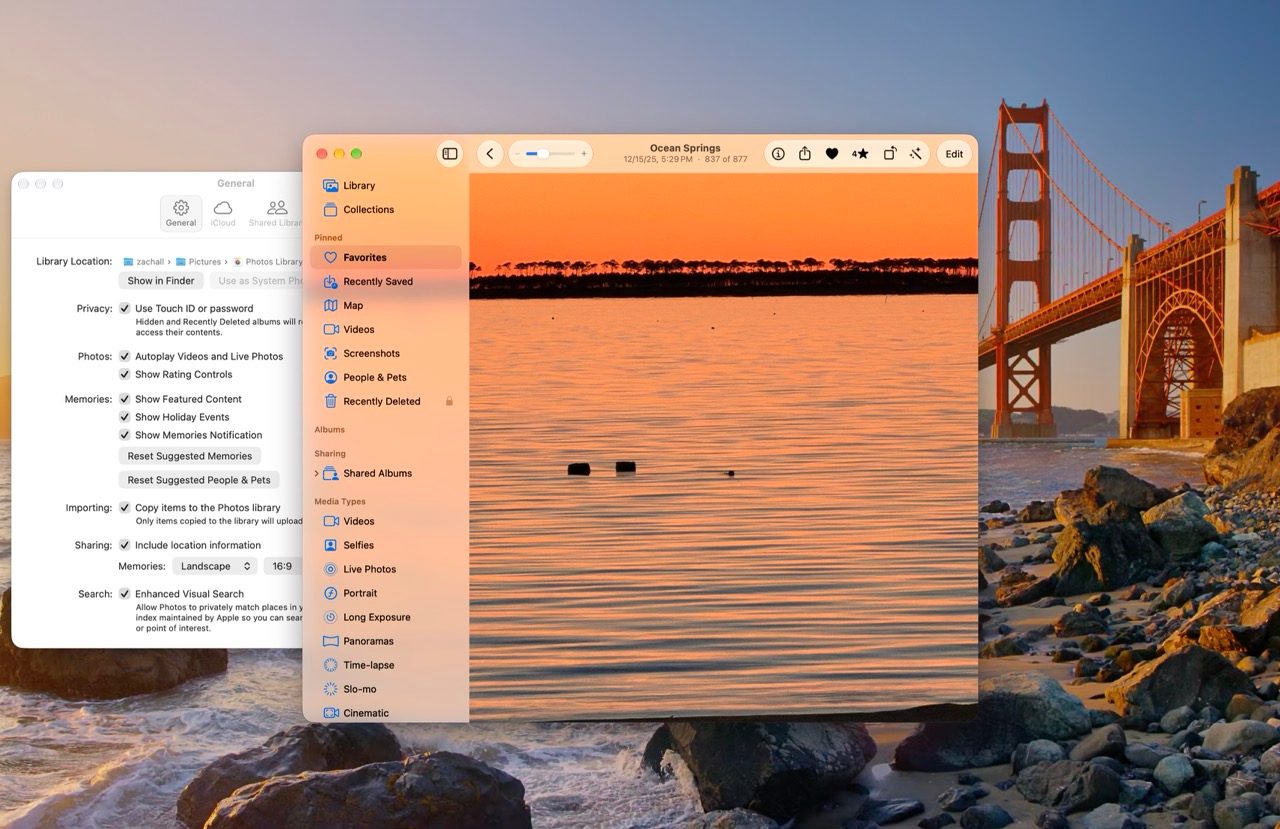
Beyond user-facing tools, macOS 27 Golden Gate addresses performance inefficiencies that affect day-to-day usability. The operating system now allows users to explicitly prioritize iCloud Photos syncing. When activated, newly imported batches of photos and videos bypass lower-priority background tasks, beginning the cloud upload process immediately. This functionality is particularly beneficial for professionals or travelers who ingest large volumes of media and require rapid access across multiple Apple devices.
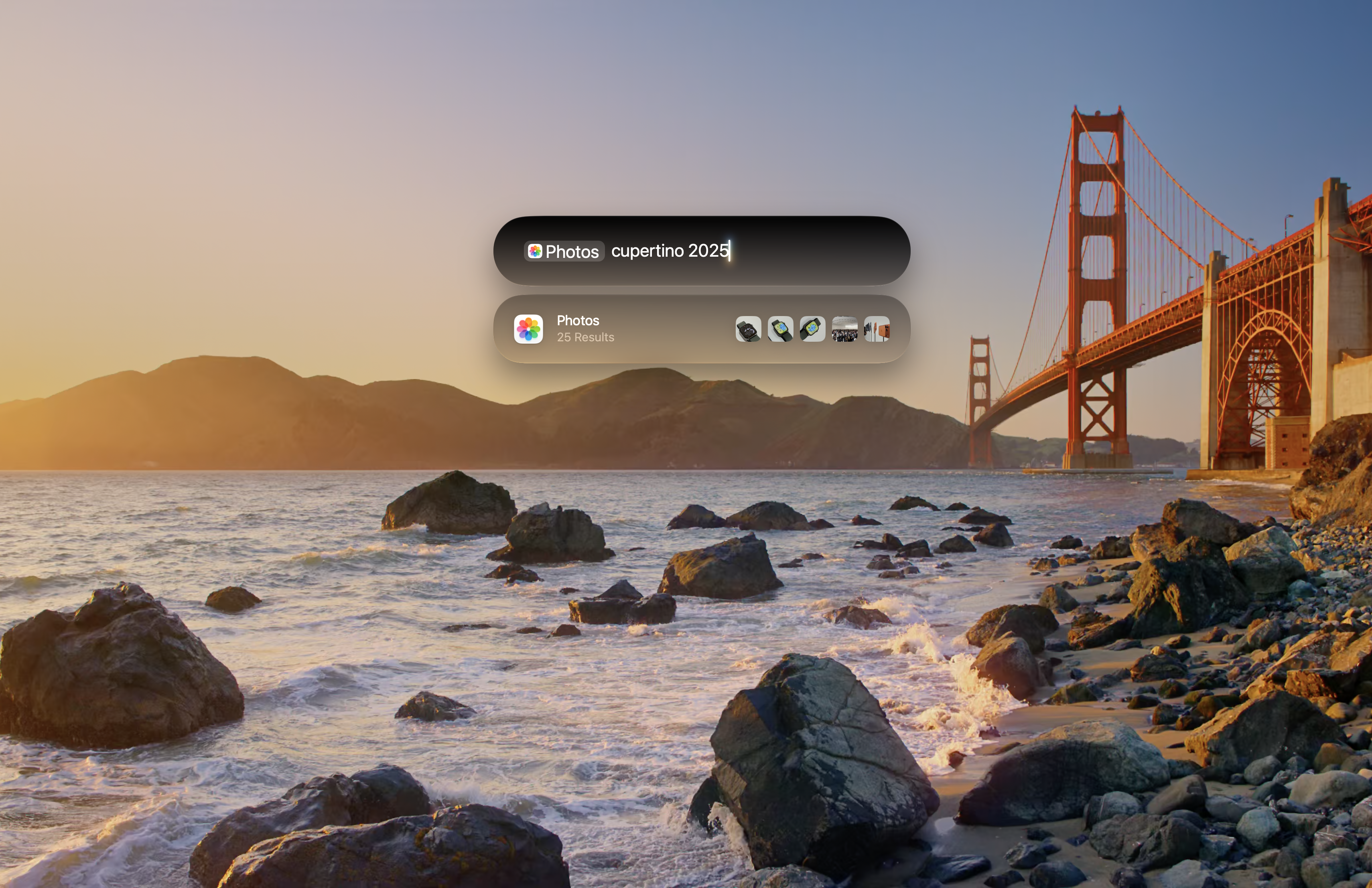
Search infrastructure has also undergone a foundational rebuild, integrating deeply across Spotlight, Photos, and Mail. Apple reports that this modernized architecture constructs a more exhaustive index of user content and continuously updates the database throughout the day. The result is a more responsive search experience capable of retrieving specific visual elements, dates, and contextual markers with greater speed and accuracy.
Implications and Market Outlook
The release of macOS 27 Golden Gate underscores Apple’s sustained commitment to enhancing core applications through targeted, practical innovations rather than disruptive redesigns. By integrating advanced generative models directly into the operating system’s image management pipeline, Apple is lowering the technical barrier for complex photo retouching while simultaneously addressing long-standing enterprise and consumer demands for better organization, faster synchronization, and cross-platform accessibility.
As these features roll out to the broader public, the implications for third-party utility developers—such as system optimization and clean-up software vendors—will involve adapting to an increasingly self-reliant operating system. For the end user, macOS 27 Golden Gate successfully transforms the Mac Photos app from a passive repository into an active, intelligent workspace capable of meeting the rigorous demands of modern digital photography.