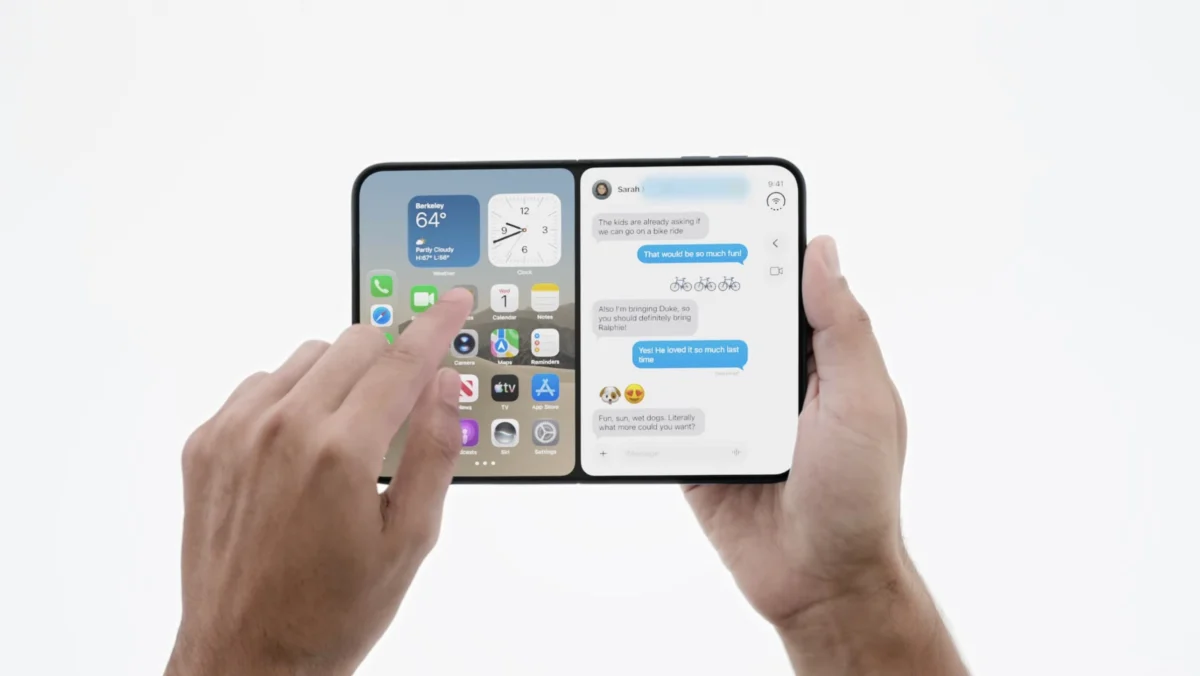
Apple’s recent hardware showcase introduced a transformative chapter for the company’s mobile ecosystem, highlighted by the debut of its long-awaited foldable device, the iPhone Duo. While the new hardware has garnered widespread praise for its innovative engineering and polished software implementation, the launch has inadvertently renewed critical discussions regarding the state of multitasking on the iPad. Industry observers and power users have increasingly pointed to a growing philosophical divide between how Apple approaches multitasking on its newly minted foldable smartphone versus its traditional tablet lineup, particularly the iPad mini.
The introduction of the iPhone Duo marks a significant milestone in Apple’s hardware evolution. Positioned as the company’s first foray into the foldable smartphone market, the device addresses many of the ergonomic and software hurdles that have historically plagued foldable form factors from competitors. However, the elegance of the iPhone Duo’s user interface has brought into sharp relief the rigid and occasionally cumbersome multitasking paradigms currently enforced by iPadOS 27.
The Evolution of iPad Multitasking: From Split View to Windowing
To understand the current friction within the iPad ecosystem, it is necessary to examine the trajectory of Apple’s tablet software over recent product cycles. For years, iPadOS relied on a structured, intuitive approach to multitasking that favored split-screen views, slide-over panels, and a predictable grid layout. These features allowed users to manage multiple applications simultaneously without requiring complex spatial awareness or external input devices.
The landscape shifted significantly with the rollout of iPadOS 26. In an effort to bridge the functional gap between tablets and traditional personal computers, Apple introduced a comprehensive windowing system. While this feature brought desktop-like capabilities to high-end iPad Pro and iPad Air models equipped with the M-series processors, it fundamentally altered the user experience.
Under the architecture of iPadOS 26 and its subsequent iterations, users were largely forced into a binary choice: embrace a full windowing environment reminiscent of macOS or remain restricted to traditional full-screen applications. Although Apple later reintroduced simplified split-screen and slide-over functionalities in minor point releases, these legacy tools were integrated directly into the broader windowing framework. Consequently, executing simple side-by-side app arrangements often necessitates navigating a complex network of floating windows, an experience that many users find counterintuitive, especially when operating without a Magic Keyboard or physical mouse.
The iPhone Duo Approach: Elegance in Constraints
In stark contrast to the desktop-emulating ambitions of modern iPadOS, the iPhone Duo demonstrates a more tailored approach to multitasking on a dual-screen or foldable display. The software architecture designed for the iPhone Duo prioritizes fluidity, contextual awareness, and simplicity.
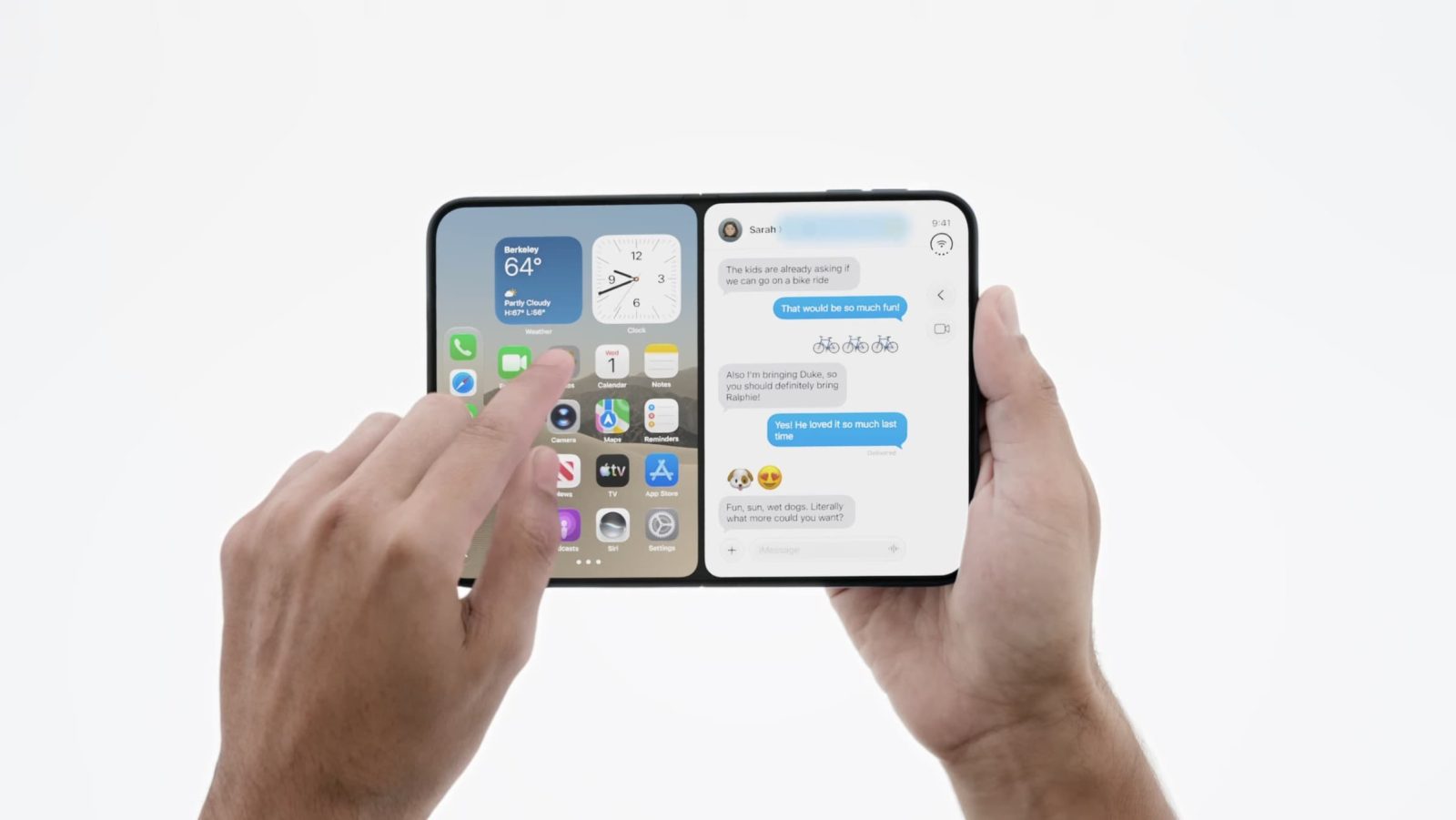
On the iPhone Duo, users can effortlessly allocate an application to one half of a split-screen view while maintaining full visibility of the primary home screen to select a secondary app. Furthermore, the system introduces practical quality-of-life features, such as the ability to save frequently used app pairs for quick deployment later in the workday.

Crucially, the iPhone Duo supports specific layout combinations that remain absent from the iPad ecosystem—most notably, the ability to run a video stream in a dedicated split-screen view alongside an active productivity application. Given that the compact physical dimensions of the iPhone Duo closely mirror those of the iPad mini, industry analysts have argued that these streamlined multitasking mechanics would translate exceptionally well to smaller tablet hardware.
Despite these clear usability benefits, iPadOS 27 continues to adhere to an uncompromising, all-or-nothing philosophy. Even on form factors like the iPad mini, where spatial constraints make a full windowing environment exceptionally convoluted, users are subjected to the same interface paradigms designed for larger desktop-class tablets.
Architectural Similarities and the Case for Convergence
At its structural core, iPadOS remains fundamentally tied to iOS. While the physical specifications, thermal constraints, and display sizes of Apple’s various devices necessitate distinct user interface adjustments, software engineers note that the underlying application frameworks share substantial codebases.
Given this architectural kinship, critics and developers alike have questioned why features proven successful on one platform are not systematically adapted for another. The seamless multitasking framework developed for the iPhone Duo suggests that Apple possesses the capability to engineer simpler, more tactile window management tools that do not rely on mouse-and-keyboard peripherals.

The reliance of modern iPadOS multitasking on accessories like the Magic Keyboard has created a distinct barrier for tablet users who prefer handheld or touch-first interactions. While power users docked at a desk may benefit from overlapping windows, consumers utilizing an iPad mini on a commute or an iPad Air on a couch frequently encounter an interface that feels increasingly hostile to touch navigation.
Industry Implications and Future Outlook
The debut of the iPhone Duo and the concurrent discussions surrounding iPadOS 27 highlight a broader challenge facing consumer technology conglomerates: maintaining functional consistency while catering to divergent hardware categories. As form factors continue to blur—with foldable phones approaching tablet dimensions and tablets attempting to replace laptops—software design must balance power with accessibility.
Apple has historically prioritized a cohesive user experience across its ecosystem, often transitioning successful interface paradigms from one operating system to another. Observers suggest that the overwhelmingly positive reception of the iPhone Duo’s software layer could serve as a catalyst for a broader reassessment of tablet multitasking within Apple’s software engineering division.
Whether Apple will choose to decouple its tablet multitasking features from the heavier windowing architecture remains to be seen. However, as consumer expectations evolve alongside new hardware innovations like the iPhone Duo, pressure will likely mount on the Cupertino-based tech giant to harmonize its user interfaces, ensuring that simpler, touch-optimized workflows are accessible across both the iPhone and iPad lineups.