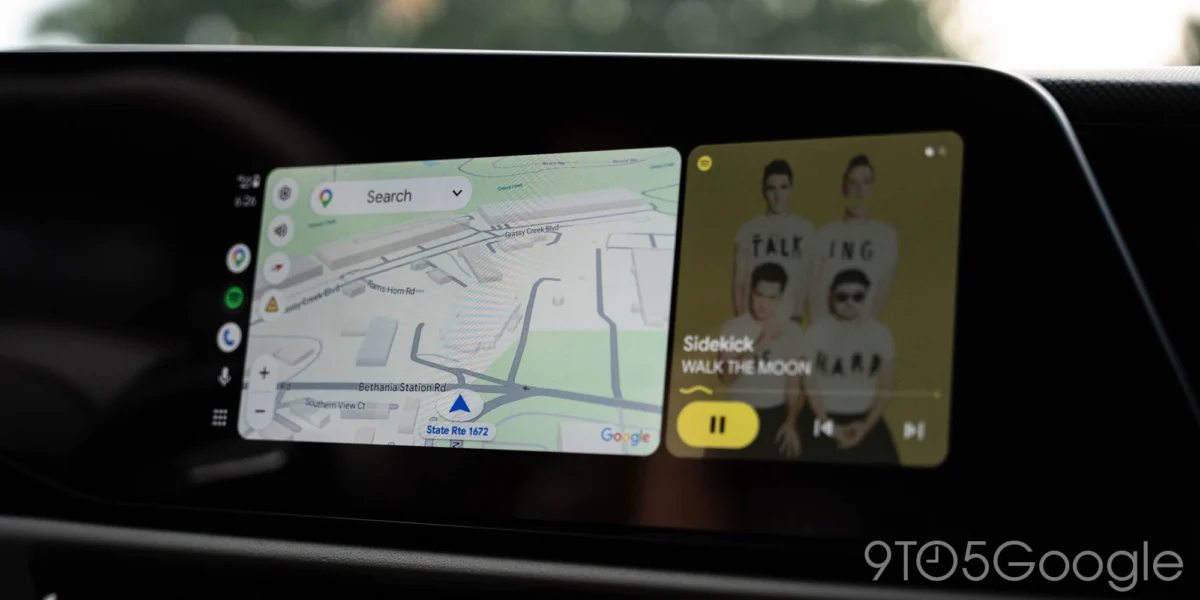
Android Auto users are finally witnessing the debut of a live speedometer feature within Google Maps, a highly anticipated addition that has been a frequent request within the platform’s community for years. This rollout, currently limited to a beta program, signifies a crucial step towards enhancing driver awareness and feature parity within Google’s in-car infotainment system. The long-awaited functionality, which displays the vehicle’s current speed directly on the navigation screen, is now appearing for a select group of users, marking a significant, albeit gradual, advancement.
The Protracted Journey to a Basic Feature
The introduction of a live speedometer in Android Auto has been remarkably protracted, particularly when viewed against the backdrop of its availability on other platforms and within Google’s own ecosystem. Google Maps first introduced support for displaying speed limits back in January 2019, a feature that itself took considerable time to become widely available. Even more perplexing was the delay in bringing a live speedometer to Android Auto, especially since the same functionality has been present on standalone Android phones for an extended period. Furthermore, Google Maps rolled out speedometer support for Apple’s CarPlay in July 2024, creating a noticeable disparity in features between the two major in-car systems, despite both being powered by Google Maps. This staggered approach has often left Android Auto users feeling underserved, particularly given that Google-owned Waze, a direct competitor in navigation, has offered a live speedometer on Android Auto for several years, providing a stark contrast in feature availability. The lack of a clear, public explanation from Google regarding this prolonged delay has only amplified user frustration and speculation within the tech community.

Initial Reports and Beta Program Details
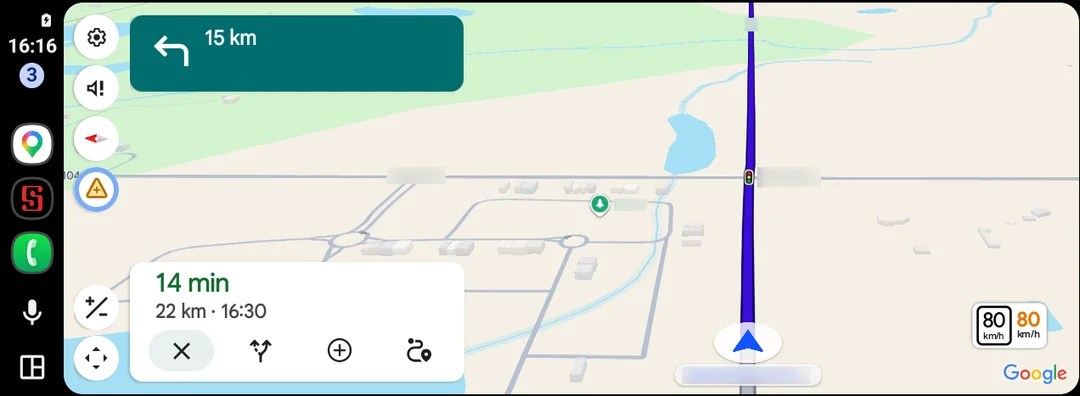
The first concrete signs of this feature surfacing appeared through user reports on online forums. Specifically, at least two Android Auto users on Reddit have independently reported seeing the speedometer integrated into their Google Maps display while using the system. One of these users, located in Canada, noted they were running Google Maps app version 26.29.02.946673643, which is available through the beta program. This detail is crucial, as it indicates that the feature is undergoing testing with a smaller cohort of users before a potential wider release.
The accompanying image provided by one of these Reddit users clearly illustrates the speedometer’s placement: a small, circular indicator typically appearing in the corner of the map interface, often alongside the previously established speed limit display. This visual integration suggests a seamless addition to the existing navigation layout, aiming to provide drivers with immediate access to critical speed information without cluttering the primary map view. The nature of a beta rollout implies that availability is not widespread and that the feature may still be subject to refinements and bug fixes based on early user feedback. It also means that other users, even those in the beta program, may not yet have access to it, as these rollouts are frequently staggered and server-side activated.
The Technical Underpinnings of GPS Speedometers
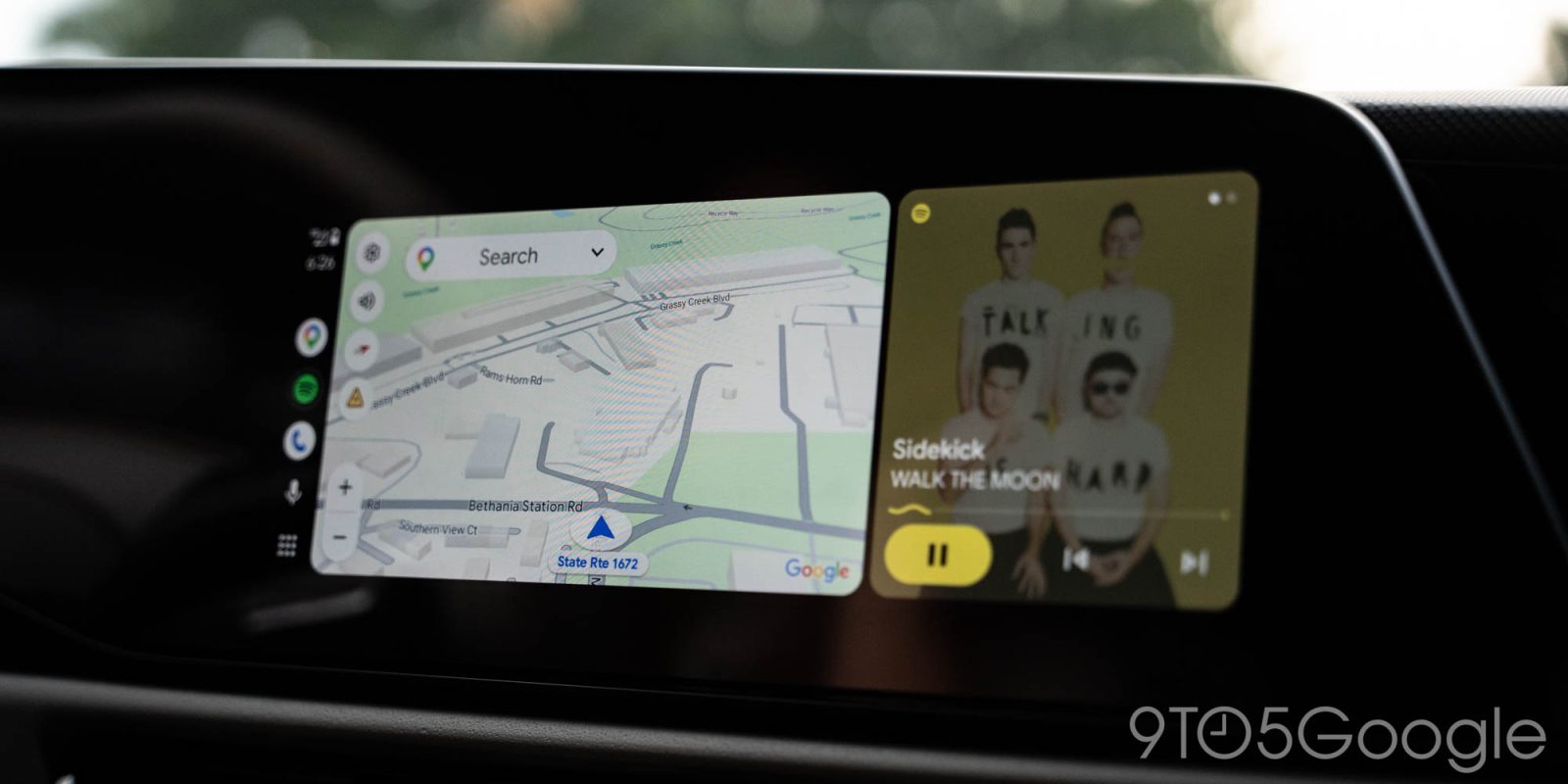
A GPS-based speedometer operates by utilizing satellite signals to calculate the vehicle’s speed. The Global Positioning System (GPS) receivers in smartphones or integrated into vehicle systems constantly receive signals from multiple satellites orbiting Earth. By measuring the time it takes for these signals to reach the receiver and knowing the precise location of the satellites, the system can triangulate the device’s position. As the vehicle moves, the GPS system tracks changes in its position over time, which allows it to accurately calculate velocity.
While generally reliable, GPS speedometers can exhibit minor discrepancies compared to a vehicle’s mechanical or electronic speedometer, which typically derive speed readings from wheel rotation sensors. Factors such as satellite signal strength, urban canyons, tunnels, and even atmospheric conditions can introduce slight inaccuracies or momentary lags in GPS readings. For instance, a vehicle’s internal speedometer might read slightly higher than its actual speed due to manufacturer calibration or tire wear, whereas a GPS-based system tends to reflect true ground speed more closely. Due to these potential minor differences, and for legal liability reasons, most digital speedometers in navigation apps, including Google Maps, often come with disclaimers advising drivers to rely on their vehicle’s primary speedometer for official speed readings. Despite these minor nuances, a GPS speedometer offers a valuable secondary reference, particularly for maintaining awareness of one’s speed relative to posted limits.
Why the Delay? An Analysis of Potential Factors
The protracted timeline for the speedometer’s arrival on Android Auto, especially given its presence on other Google platforms and competing services, prompts questions about the underlying reasons. Several factors could contribute to such delays:
- Prioritization and Resource Allocation: Google manages a vast ecosystem of products and services. Development resources might have been prioritized for other Android Auto features, or even other platforms like CarPlay (where Google might aim for feature parity with Apple’s own Maps), or core Android functionality.
- Integration Complexity: Android Auto runs on a myriad of vehicle makes, models, and infotainment systems, each with its own hardware specifications, screen resolutions, and software quirks. Ensuring a stable, consistent, and visually appealing experience across such a diverse ecosystem can be a significant technical challenge, requiring extensive testing and optimization.
- Safety and Legal Considerations: Displaying speed is a critical function. Google would need to ensure a high degree of accuracy and reliability to mitigate potential safety risks or legal liabilities associated with incorrect speed readings. This might involve rigorous testing under various driving conditions and legal reviews for disclaimers.
- User Interface and Experience Design: Integrating a new piece of information like a speedometer into an already busy navigation interface without causing distraction or clutter requires careful UI/UX design. Google may have spent considerable time refining its placement and visual presentation.
- Staged Rollouts and Server-Side Activations: Google frequently employs staged rollouts for new features, often activating them server-side for a limited number of users even if they have the latest app version. This allows them to monitor performance, gather feedback, and address issues before a wider deployment, which inherently extends the overall rollout period.
Broader Implications for Driver Safety and User Experience
The introduction of a live speedometer has several significant implications for driver safety and the overall user experience within Android Auto:
- Enhanced Driver Awareness: By providing an immediate and prominent display of the current speed, drivers are more likely to remain aware of their velocity, helping them adhere to posted speed limits. This constant visual reminder can be particularly useful in unfamiliar areas or during long drives where speed creep can occur.
- Reduced Reliance on Vehicle Dashboard: Many drivers prefer to keep their eyes on the central infotainment screen for navigation and media. Having the speedometer integrated into Google Maps means less glancing down at the vehicle’s primary instrument cluster, potentially reducing visual distraction and keeping the driver’s focus closer to the road ahead.
- Complementary Information: While not a replacement for the car’s built-in speedometer, the GPS-based reading offers a complementary source of information. This can be beneficial in situations where the vehicle’s speedometer might be obscured, or simply for those who prefer to have all relevant driving data consolidated on their navigation screen.
- Addressing a Core User Need: For years, the absence of this basic feature has been a point of frustration for Android Auto users. Its arrival finally addresses a fundamental expectation, likely leading to increased user satisfaction and loyalty to the platform.
- Potential for Safer Driving Habits: While hard data is needed to confirm, an accessible speedometer in a prominent location could subtly encourage safer driving habits by making it easier for drivers to self-monitor and adjust their speed.
Competitive Landscape and Google’s Position
The rollout of the speedometer feature positions Google Maps on Android Auto more competitively within the navigation app landscape.

- Catching Up to Waze: For years, Waze has been lauded by users for its comprehensive feature set, including a live speedometer, speed limit warnings, and crowd-sourced traffic data. Google Maps’ belated adoption of the speedometer helps close a significant feature gap, making Google’s native navigation offering more robust and reducing the incentive for users to switch to Waze solely for this functionality.
- Parity with CarPlay: With the speedometer already available on Google Maps for Apple CarPlay since July 2024, its arrival on Android Auto brings much-needed feature parity across the two leading in-car platforms. This ensures a consistent experience for users, regardless of whether they connect an Android or iOS device to their vehicle’s infotainment system.
- Future of Android Auto: This update signals Google’s continued commitment to evolving Android Auto. While some users might perceive the pace of innovation as slow, the addition of such a highly requested feature suggests that Google is listening to user feedback and investing in the platform’s long-term development. It reinforces the idea that Android Auto is a dynamic system, continuously being refined to meet driver needs.
The Rollout Process: What Users Can Expect
As with most Google feature rollouts, the live speedometer for Android Auto is expected to be a gradual process. Users currently in the beta program for Google Maps have the highest chance of encountering it first. However, even within the beta, activation is likely controlled by server-side switches, meaning not all beta users will see it simultaneously. For the broader user base, patience will be key. It could take weeks or even months for the feature to transition from beta testing to a stable, wide release. Users are encouraged to keep their Google Maps and Android Auto applications updated to the latest versions and to participate in beta programs if they wish to get early access to such features. Monitoring community forums and official announcements from Google will also be crucial for staying informed about the availability of the speedometer.
In conclusion, the emergence of a live speedometer within Google Maps on Android Auto, while long overdue, represents a significant enhancement to the platform’s utility and safety features. It finally brings Android Auto closer to feature parity with its competitors and addresses a persistent demand from its user base. As the feature slowly makes its way to more drivers, it promises to contribute to a more informed and potentially safer driving experience, solidifying Android Auto’s position as a comprehensive in-car navigation solution.