










The professional monitor landscape has long presented visual artists, photographers, and videographers with a frustrating financial dilemma. Achieving absolute color accuracy, professional hardware calibration, and reliable high-dynamic-range performance traditionally meant investing in high-end reference displays with four-figure price tags. Even then, users often had to purchase third-party hardware calibrators separately, adding another layer of expense and setup friction to their daily workflows. However, the hardware market is shifting rapidly as manufacturers look to democratize high-end features. Entering this competitive arena with a striking combination of advanced specifications and aggressive pricing is the ASUS ProArt Display PA27UCGE professional monitor, carrying a recommended retail price of £749 while frequently appearing at even more attractive discounted rates.
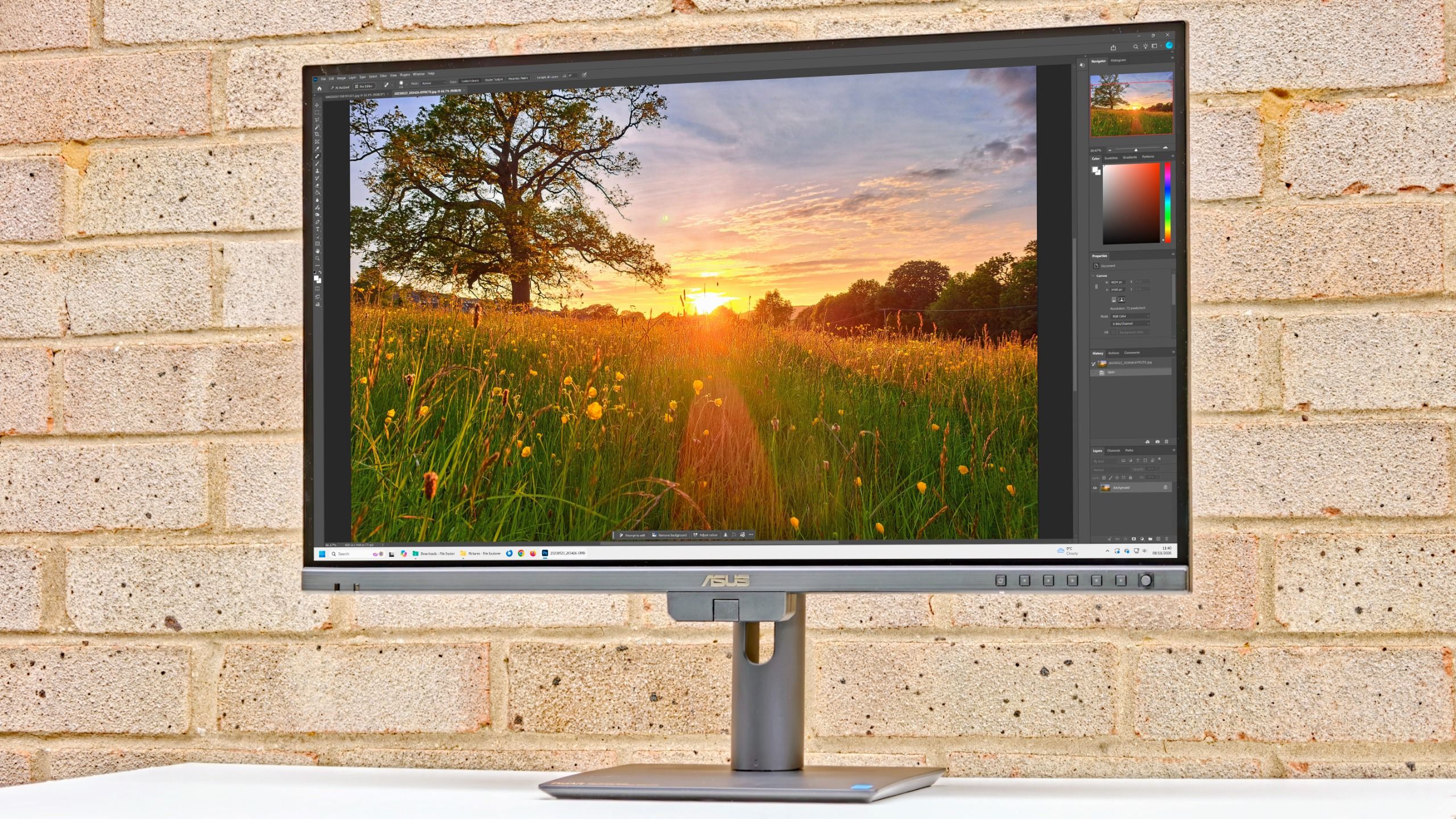
Designed specifically with content creators in mind, the PA27UCGE arrives on the heels of increasing demand for streamlined, all-in-one studio equipment. Modern creators frequently switch between Windows workstations and Apple MacBook setups, requiring displays that can maintain uniform color profiles independently of the host operating system. Furthermore, the rise of hybrid working environments means that studio space is at a premium, making single-cable connectivity and integrated maintenance tools highly desirable. ASUS has positioned this 27-inch display as a direct answer to these industry challenges, packing high-end attributes like a built-in motorized colorimeter and robust USB-C power delivery into a package that undercuts much of the established competition.
Unpacking the Technical Specifications
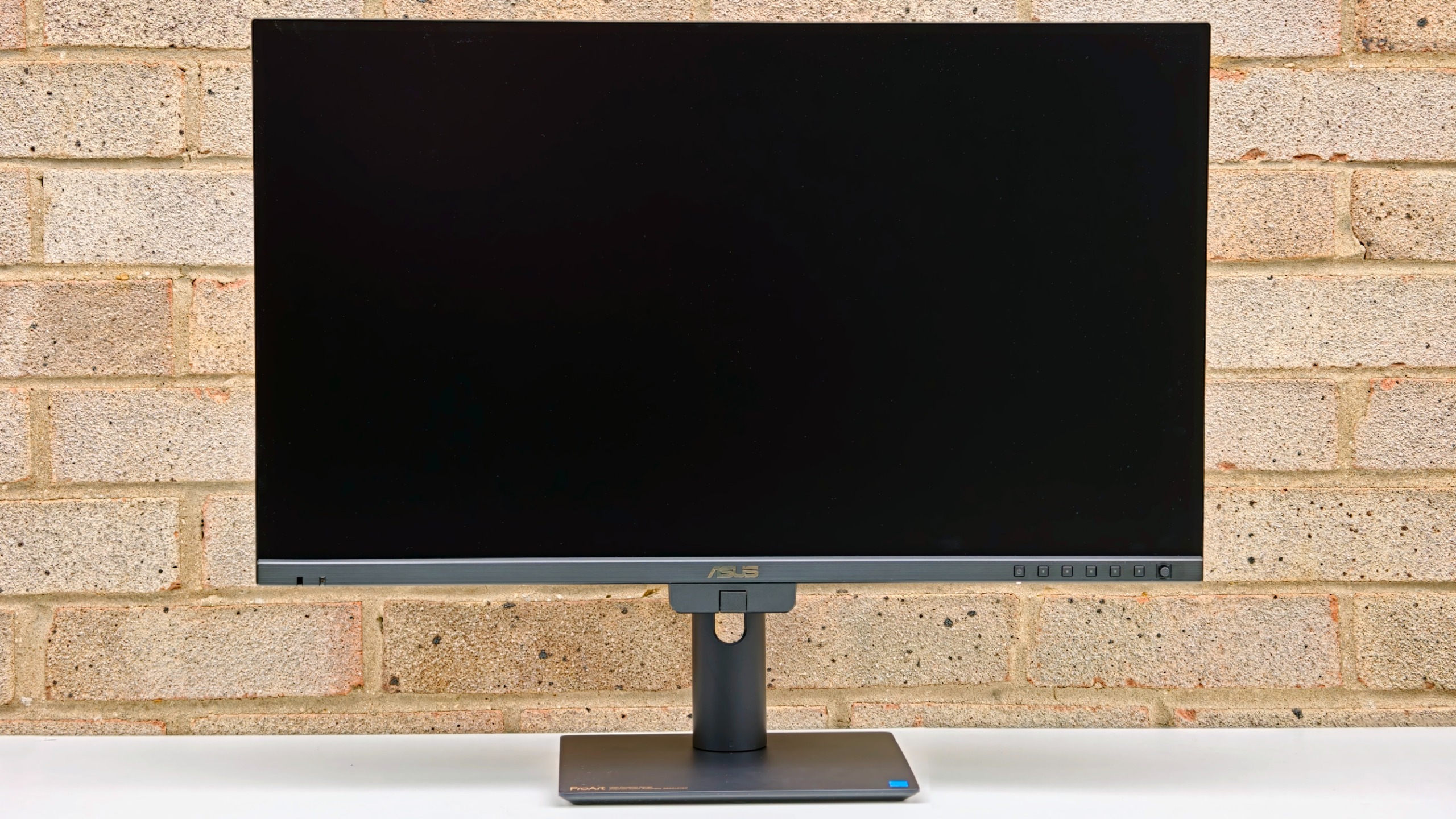
At the core of the ASUS ProArt Display PA27UCGE is a 27-inch In-Plane Switching (IPS) panel boasting a native 4K UHD resolution of 3840 by 2160 pixels. This configuration yields a high pixel density of 163 pixels per inch, ensuring that individual pixels remain indistinguishable from normal viewing distances, rendering sharp text and pristine fine lines for graphic designers and retouchers. The display operates natively at a smooth 160Hz refresh rate alongside a rapid 1ms response time, indicating that ASUS has engineered the panel not just for static image editing, but also for high-framerate video timelines and motion graphics work.
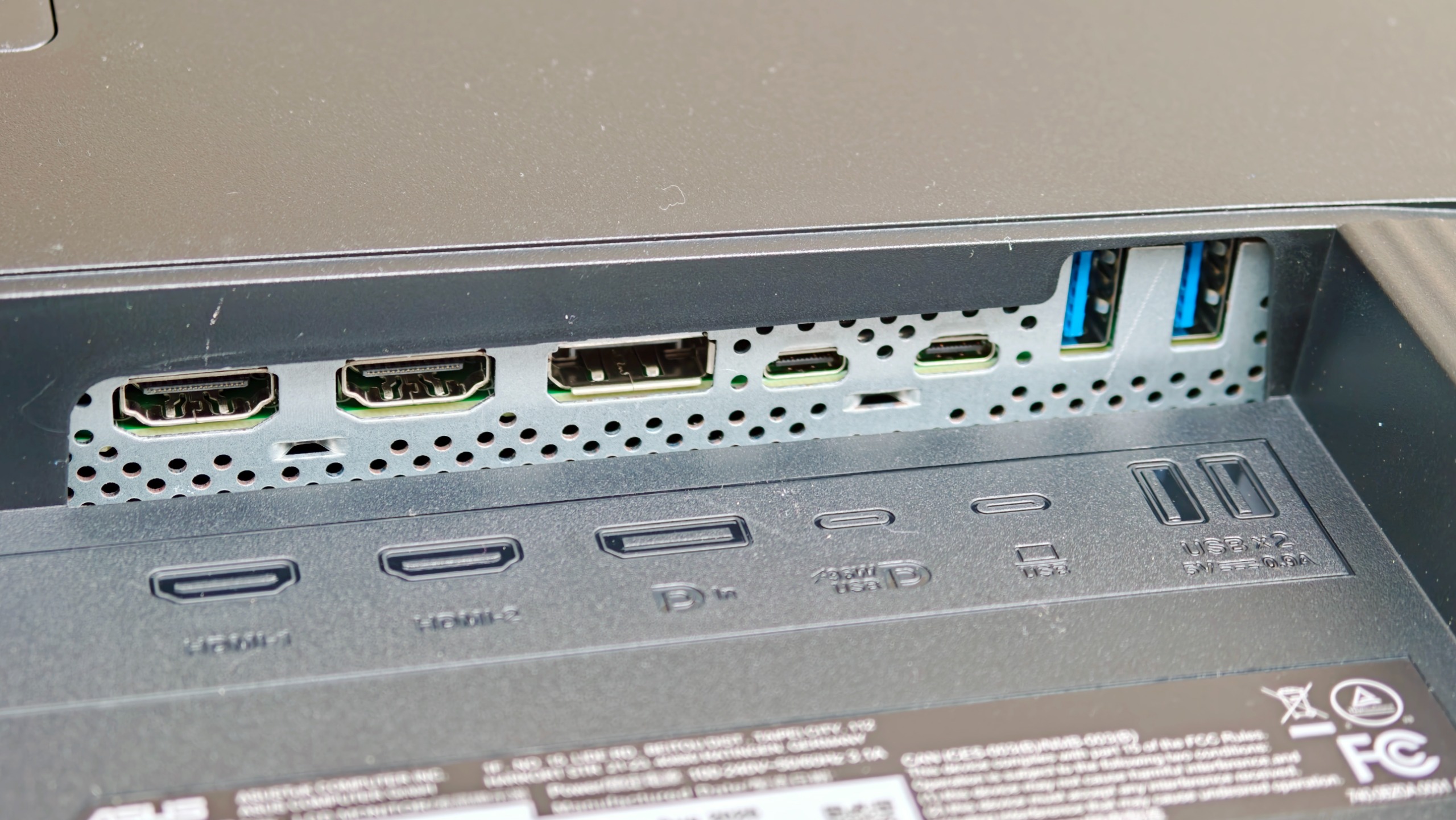
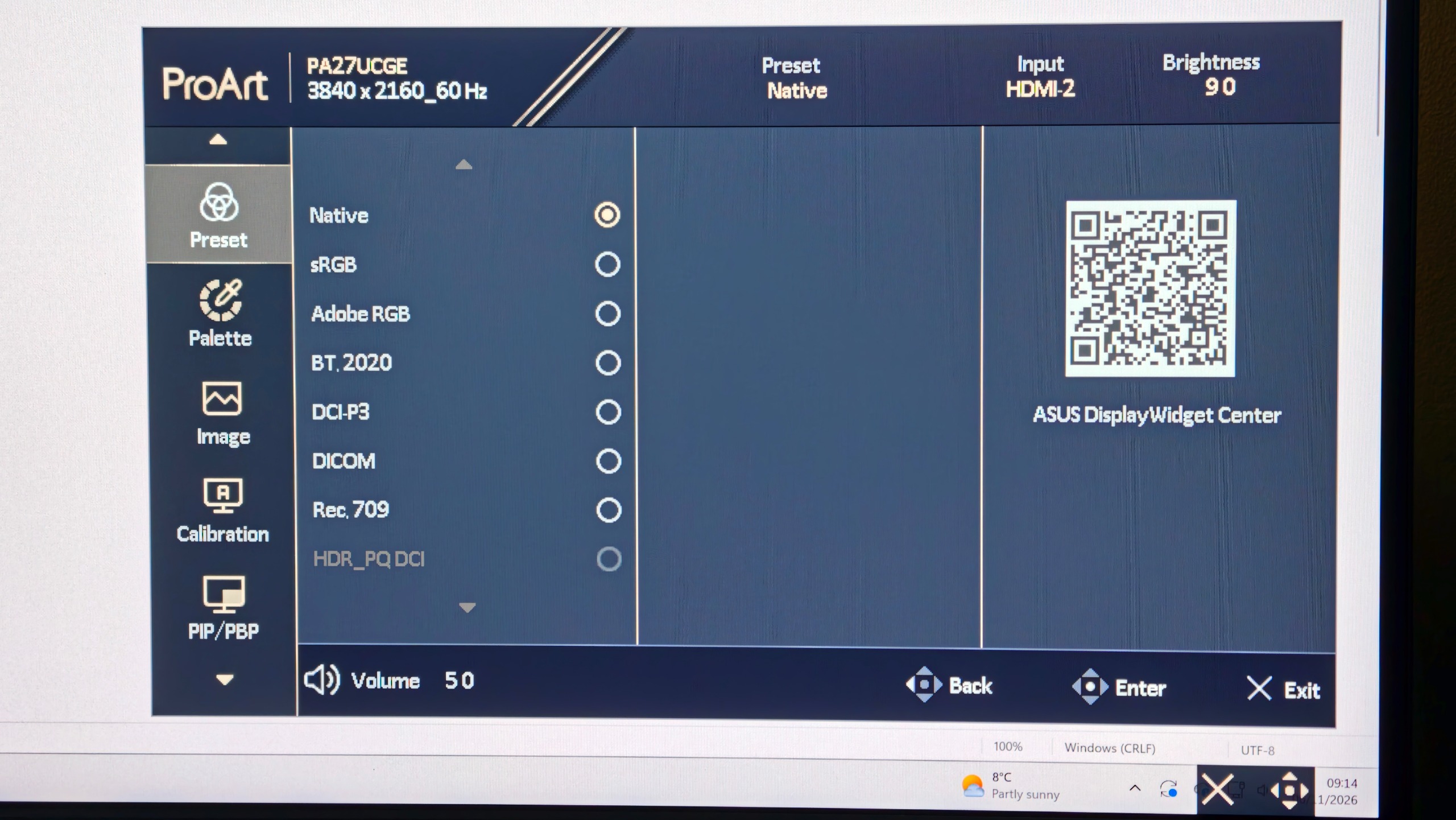
Color reproduction is naturally a major focal point for the ProArt series. The 10-bit panel supports 1.07 billion display colors and covers 100% of the sRGB color space alongside an impressive 98% coverage of the cinema-grade DCI-P3 color gamut. Brightness capabilities are equally robust, with a peak rating of 600 nits that earns the monitor a VESA DisplayHDR 600 certification, supporting both HDR10 and Hybrid Log Gamma (HLG) standards. Connectivity is comprehensive, featuring two HDMI ports, a DisplayPort input, and dual USB-C ports—one of which supports DisplayPort Alternate Mode alongside a generous 96W of power delivery to charge connected laptops. Additional utility is provided by an integrated KVM switch, built-in stereo speakers, and a bundled shading hood to mitigate environmental glare.
Hardware Calibration and the Built-In Colorimeter
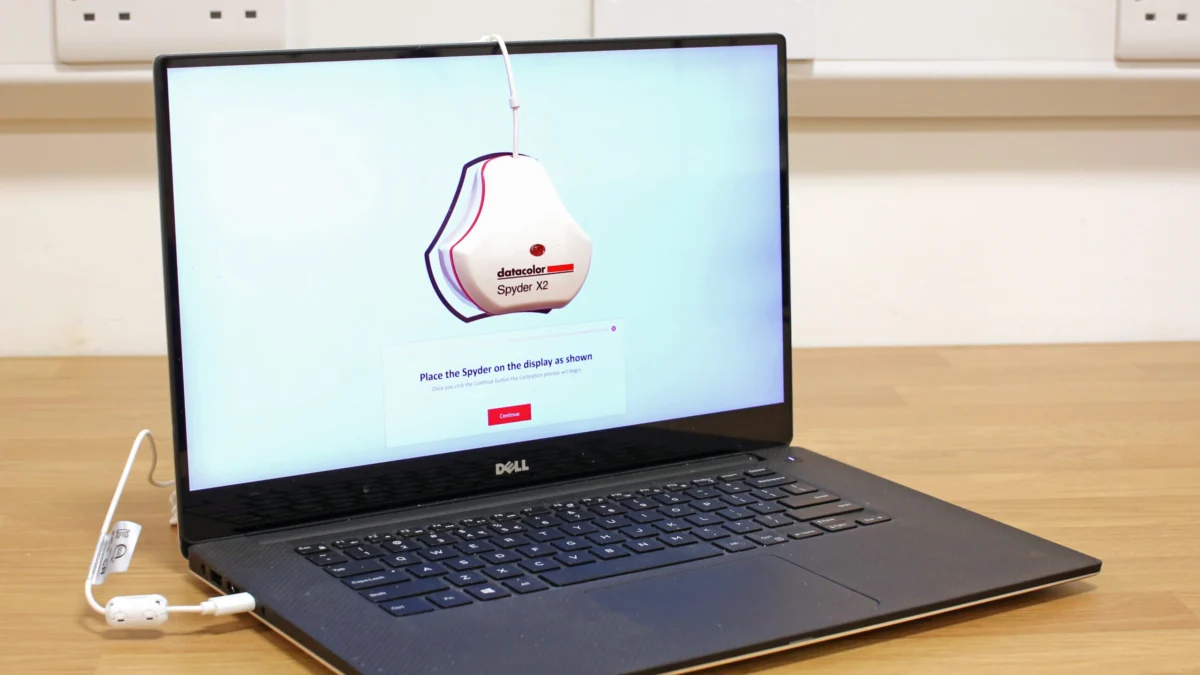
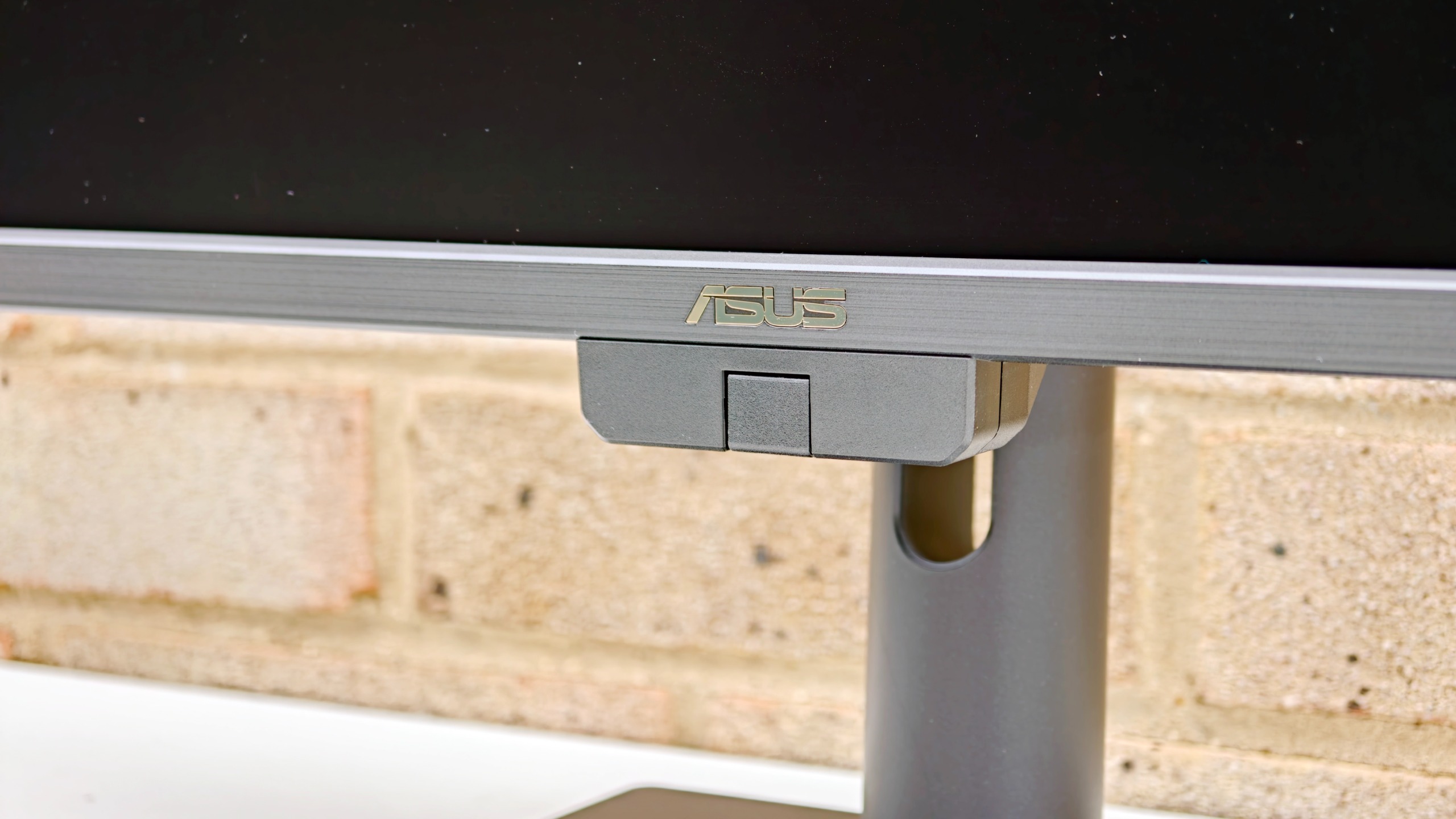
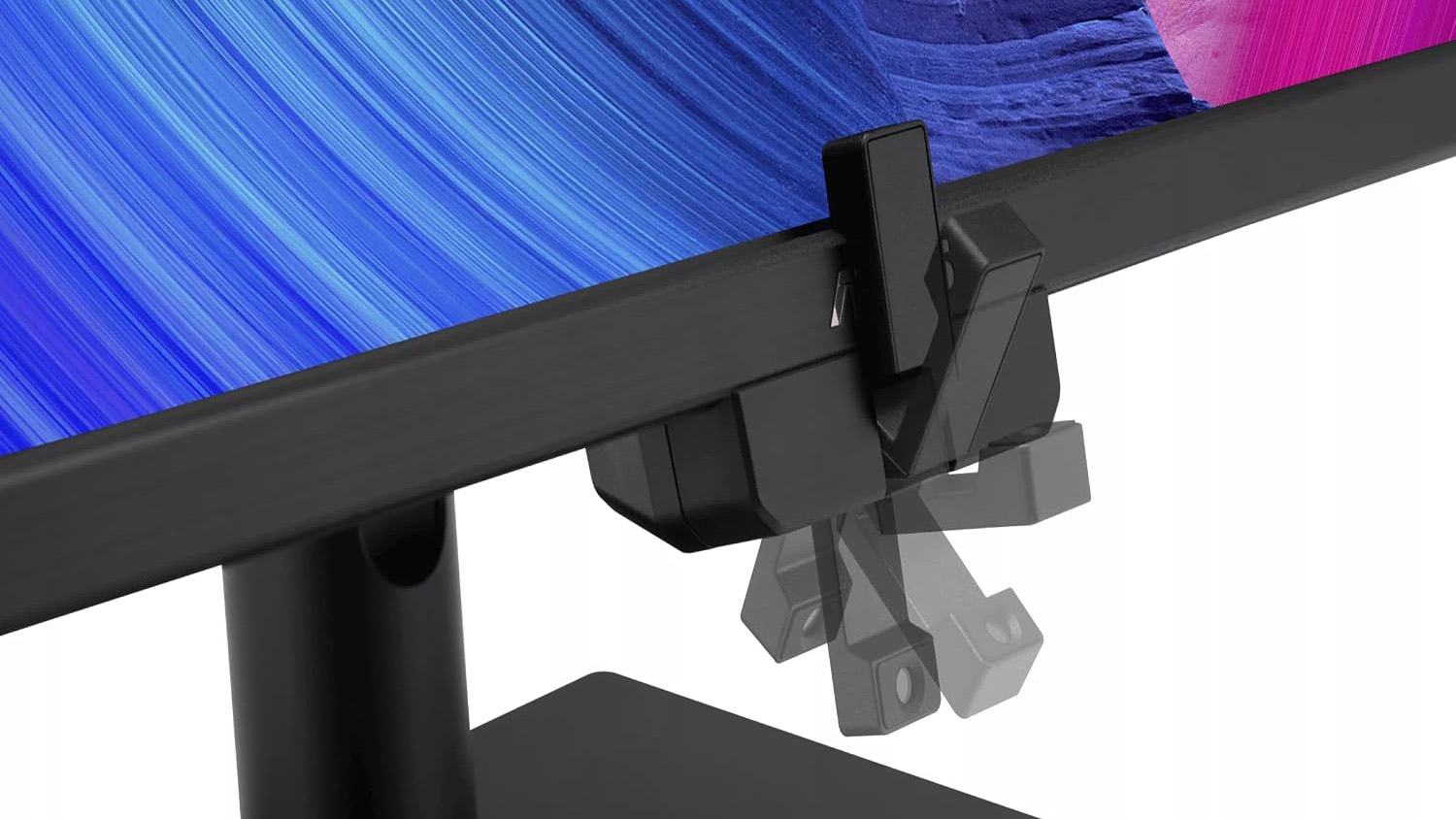
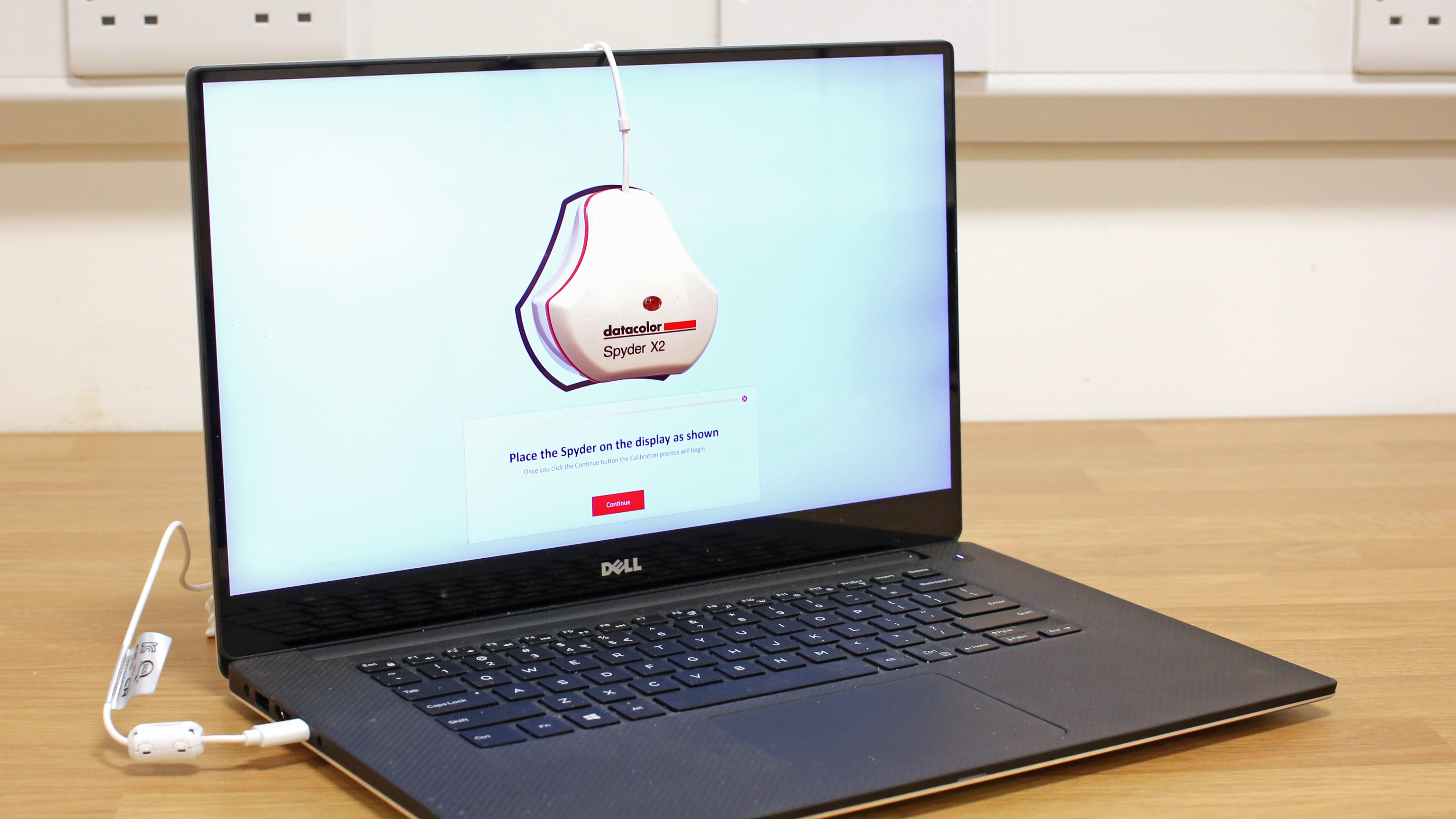
One of the most compelling engineering achievements of the PA27UCGE is its approach to color calibration. Professional displays often require users to attach an external spectrophotometer or colorimeter over the screen, launch third-party software, and generate ICC profiles stored on the host computer. The PA27UCGE streamlines this process dramatically by incorporating a motorized colorimeter directly into the lower bezel of the chassis. When triggered via ASUS ProArt Calibration software or the on-screen display, this sensor physically hinges upward to rest against the active glass surface, automatically measuring color response and writing calibration data directly to the monitor’s internal lookup table (LUT).
This hardware-level calibration ensures that color accuracy remains entirely consistent regardless of which machine is plugged into the display. ASUS factory-calibrates each unit to a tight tolerance of Delta-E less than 1, surpassing the industry standard of Delta-E less than 2 or 1.5 usually claimed by competing manufacturers. Furthermore, users can configure automated calibration schedules to run outside of standard working hours, minimizing disruptions to active projects.
Lab Testing Insights and Performance Realities
While manufacturer specifications offer a baseline for evaluation, rigorous laboratory testing reveals the nuanced performance characteristics of the hardware in practice. When subjected to objective colorimeter analysis using industry-standard tools, the PA27UCGE demonstrated exceptional color accuracy, registering a remarkable average Delta-E deviation of just 0.55 out of the box. This makes it one of the most color-accurate panels available in its price class, validating ASUS’s factory pre-calibration claims.
Brightness metrics in the lab exceeded expectations significantly. Although advertised with a peak of 600 nits, testing revealed a blazing output of up to 881 nits under specific conditions, providing ample headroom for HDR content creation and combating intense ambient office lighting. Contrast ratio measurements hovered tightly around the advertised 1000:1 mark. However, laboratory evaluations also highlighted a few operational compromises. DCI-P3 color gamut coverage peaked at approximately 93% rather than the advertised 98%, and Adobe RGB coverage was recorded at a modest 87%. Additionally, brightness uniformity testing showed an 18% variance between the brightest and dimmest zones of the panel, though this could be mitigated down to 9% by engaging the monitor’s built-in Uniformity Compensation mode, albeit at the expense of reduced overall panel brightness and a lower contrast ratio of 620:1.
Ergonomics, Build Quality, and Daily Handling
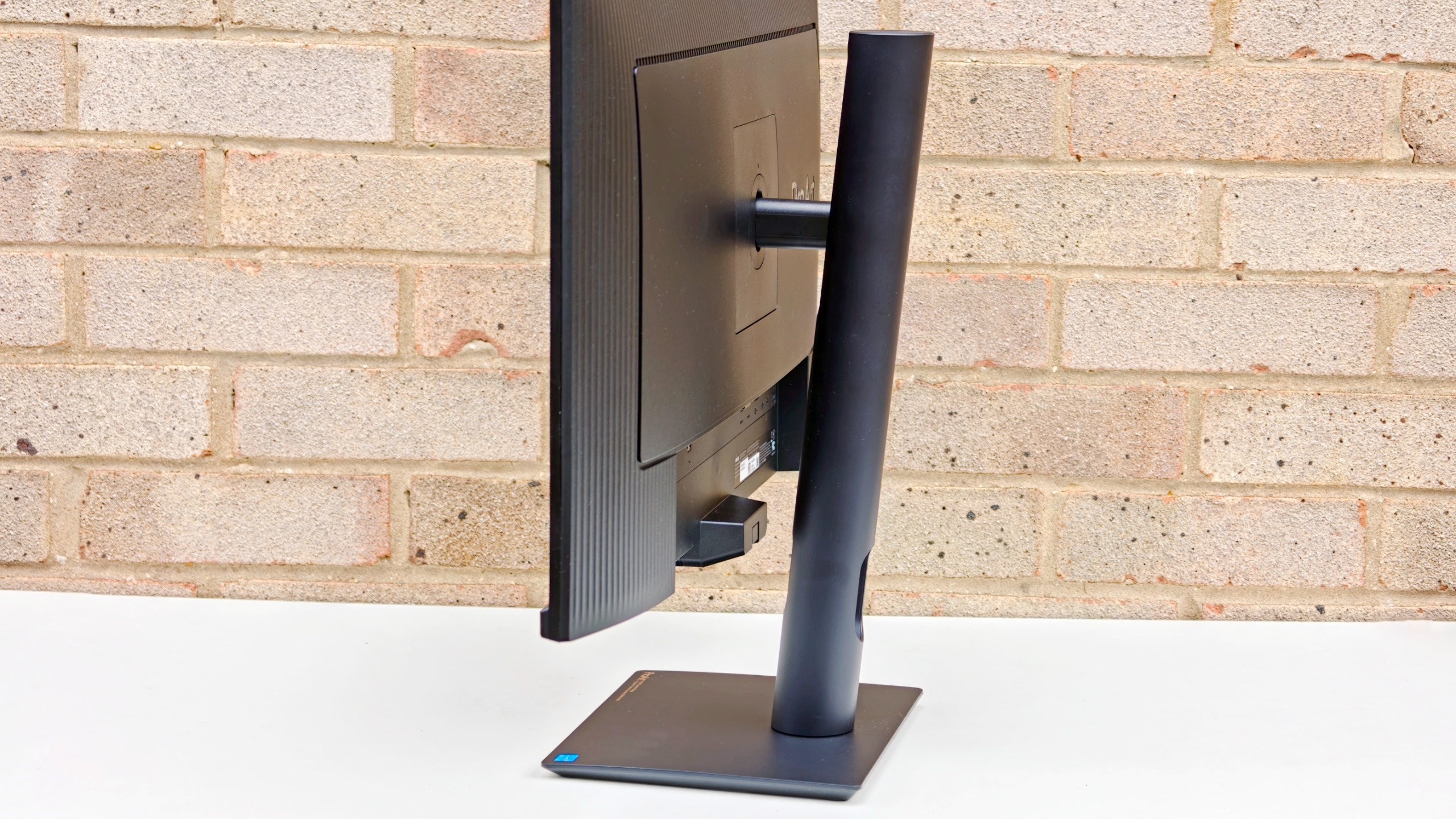
The physical design of the PA27UCGE adheres to the utilitarian, function-first philosophy of the ProArt lineup. The chassis features slim bezels that frame the 27-inch workspace neatly, avoiding the bulky top bezels found on some rival models that attempt to house external calibration sensors internally. The included stand offers robust height adjustment, swivel, pivot, and tilt capabilities, allowing users to configure the screen into portrait mode easily. While the base incorporates internal metal reinforcement for stability, the exterior plastic finish feels slightly less luxurious than the heavy-duty aluminum found on ultra-premium reference monitors.
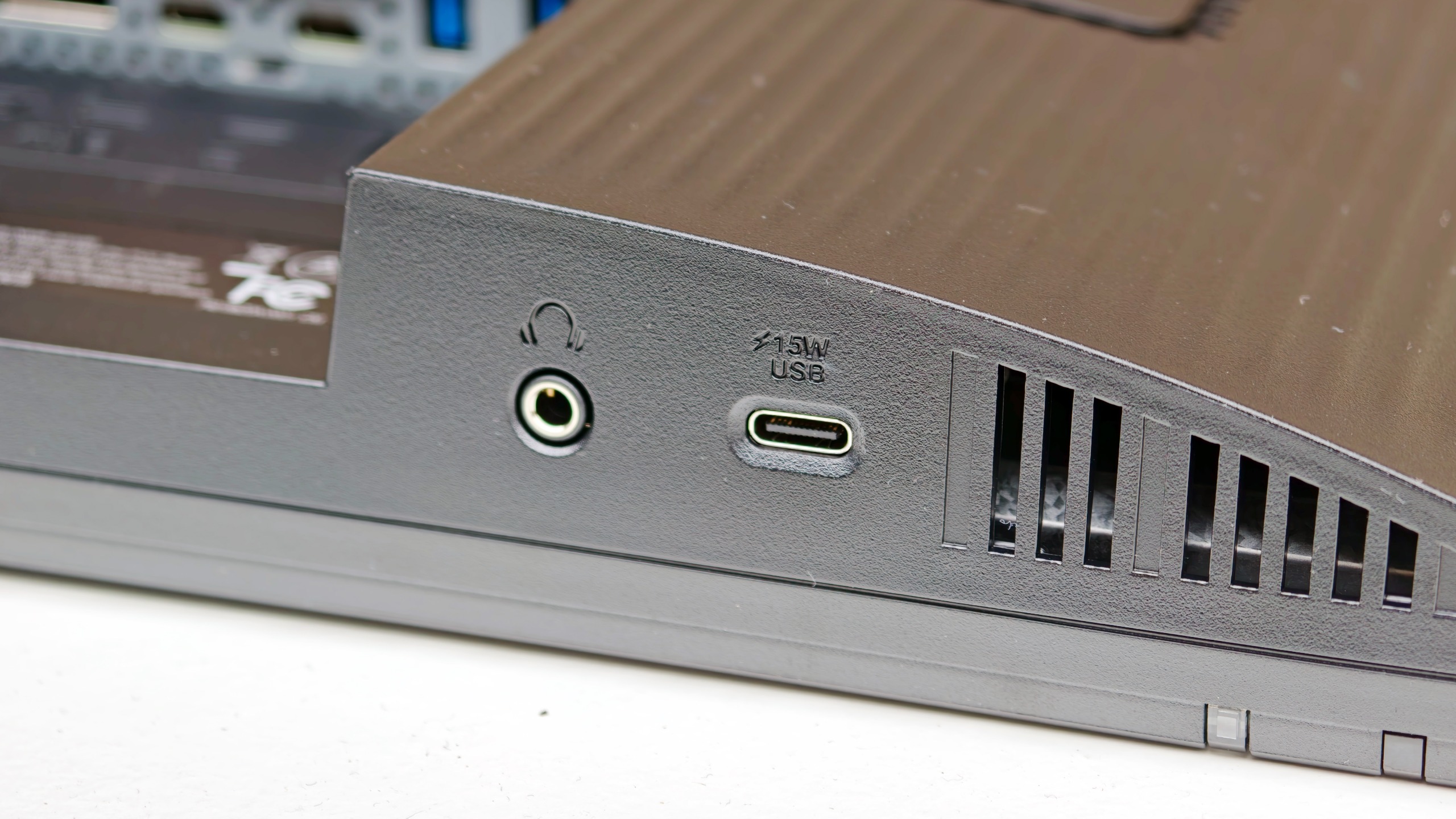
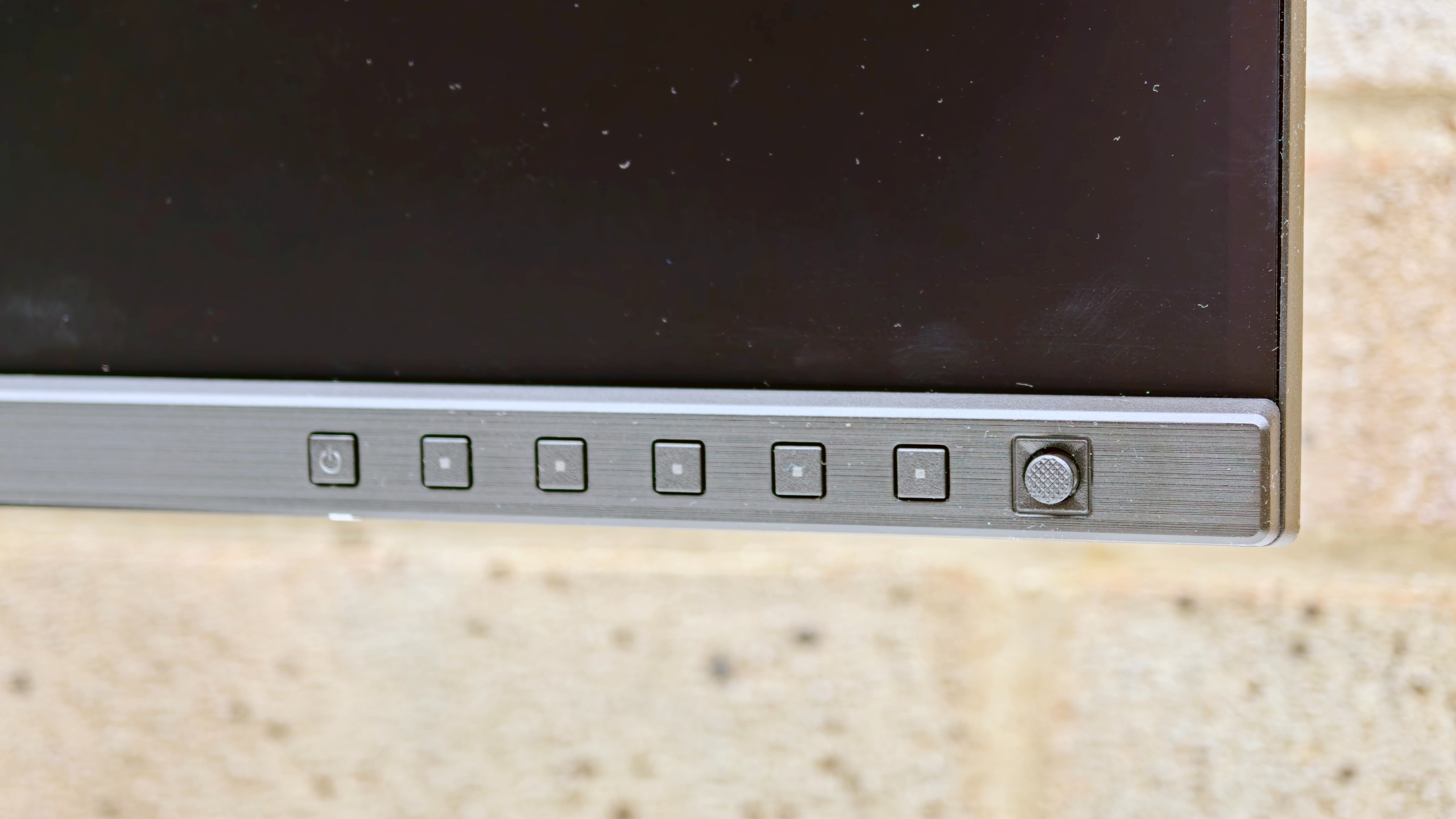
Physical controls consist of a tactile rear joystick for navigating the on-screen display (OSD) menus, supplemented by quick-access shortcut buttons. The menu system itself is logically organized and straightforward to operate, though certain adjustments—such as the brightness scale, which spans from 0 to 400—feel overly granular, requiring more rotational input than necessary to make swift adjustments. The inclusion of an easily accessible downstream USB-C port beneath the bezel complements the rear-facing USB hub ports and video inputs, ensuring that connecting peripheral storage drives or card readers is a frictionless experience.
Implications for Photographers and Videographers
The introduction of the ASUS ProArt Display PA27UCGE addresses a critical market segment: professionals who require color-critical accuracy for print, web, or broadcast, but operate on budgets that preclude dedicated reference hardware from brands like Eizo or Sony. By integrating an automated calibration system and robust USB-C power delivery into a sub-thousand-pound display, ASUS has lowered the barrier to entry for color-managed workflows.
The inclusion of LuxPixel anti-glare, low-reflection coating helps manage reflections without sacrificing perceived color saturation or fine text crispness, though users transitioning from glossy glass panels may require a brief adjustment period to grow accustomed to the matte texture. While the automated calibration routine is thorough, laboratory testers noted that the process can be time-consuming—taking upwards of 30 minutes for a single gamut—and locks the monitor controls during preparation warm-up periods. Consequently, utilizing the scheduled overnight calibration feature is practically mandatory for maintaining uninterrupted daytime productivity.
Market Position and Competitive Outlook
Within the broader ecosystem of professional monitors, the ASUS ProArt Display PA27UCGE carves out a distinct competitive advantage through its feature-to-price ratio. Competitors offering comparable hardware calibration and integrated sensors frequently demand significantly higher financial outlays, while lower-cost alternatives often force users to rely entirely on software-based profiles and manual calibration upkeep.
For freelance photographers, independent filmmakers, and digital content creators looking to upgrade their editing suites without incurring exorbitant costs, the PA27UCGE presents a compelling proposition. Despite minor trade-offs in Adobe RGB coverage and panel uniformity that require compensation via onboard settings, its exceptional color accuracy, immense brightness reserves, and comprehensive connectivity suite make it a formidable tool for modern creative environments. As studios continue to demand greater efficiency and precision from their hardware, displays of this caliber signal a welcome shift toward accessible, high-performance professional technology.