





Finding the perfect hardware to run Adobe Photoshop requires a strategic balance of raw processing power, color-accurate display technology, and thermal efficiency. As we move through 2025, the landscape for creative workstations has shifted significantly, driven by the integration of Intel’s Core Ultra 200-series processors, AMD’s Max Pro series, and the continued dominance of high-performance discrete graphics cards. Whether you are a student learning the nuances of layer masking or a professional retoucher managing massive, multi-gigabyte PSD files, the right machine acts as a force multiplier for your workflow.
The Evolving Hardware Standard for Creative Work
The modern Photoshop experience is no longer limited to basic CPU performance. With Adobe leaning heavily into hardware acceleration for features like AI-powered Generative Fill, Neural Filters, and real-time canvas rendering, the GPU has become just as critical as the CPU.
Laptops equipped with Nvidia’s RTX 50-series graphics cards have arrived at a pivotal time, offering the VRAM overhead required for handling high-resolution textures and complex 3D assets. Simultaneously, the industry has seen a pivot toward OLED technology. Professionals now prioritize wide color gamut coverage—specifically DCI-P3—which allows for the precise color grading necessary in professional print and digital output.
2025 Top Tier Selections: A Curated Overview
The current market is defined by several standout performers that cater to different segments of the creative community, ranging from budget-conscious students to enterprise-level professionals.
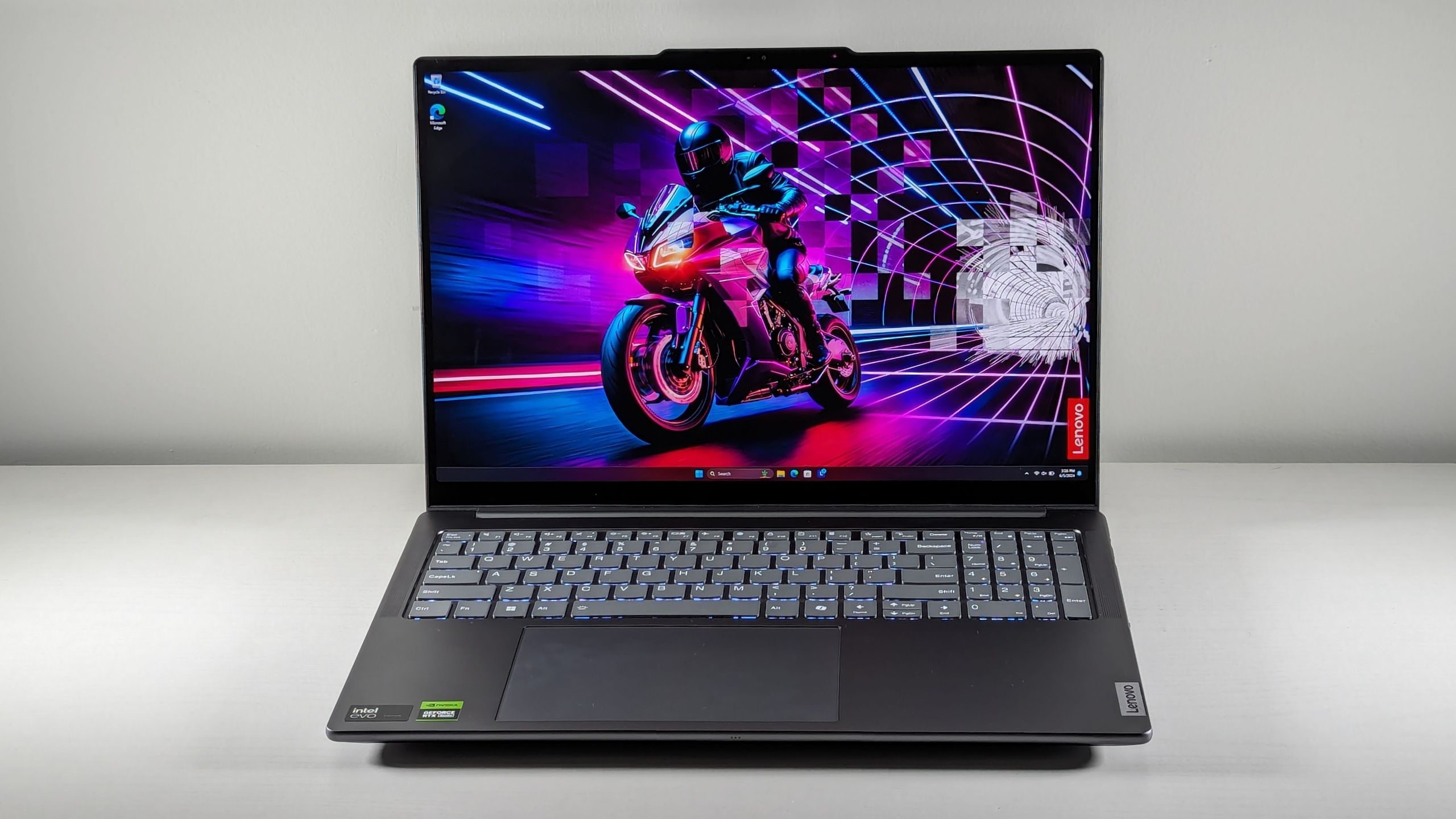
1. The All-Rounder: Lenovo Yoga Pro 9i 16 Gen 9
The Lenovo Yoga Pro 9i 16 Gen 9 remains the gold standard for versatility. By pairing an Intel Core Ultra 9 185H processor with an Nvidia GeForce RTX 4050, it provides a stable environment for complex filters and AI-driven tasks. Its 16-inch, 3200 x 2000 resolution display is the centerpiece, boasting 105.7% DCI-P3 color gamut coverage, which significantly outperforms the 91.2% average for premium laptops. While the internal audio performance is lackluster, the sheer visual fidelity and keyboard tactile response make it the premier choice for most users.
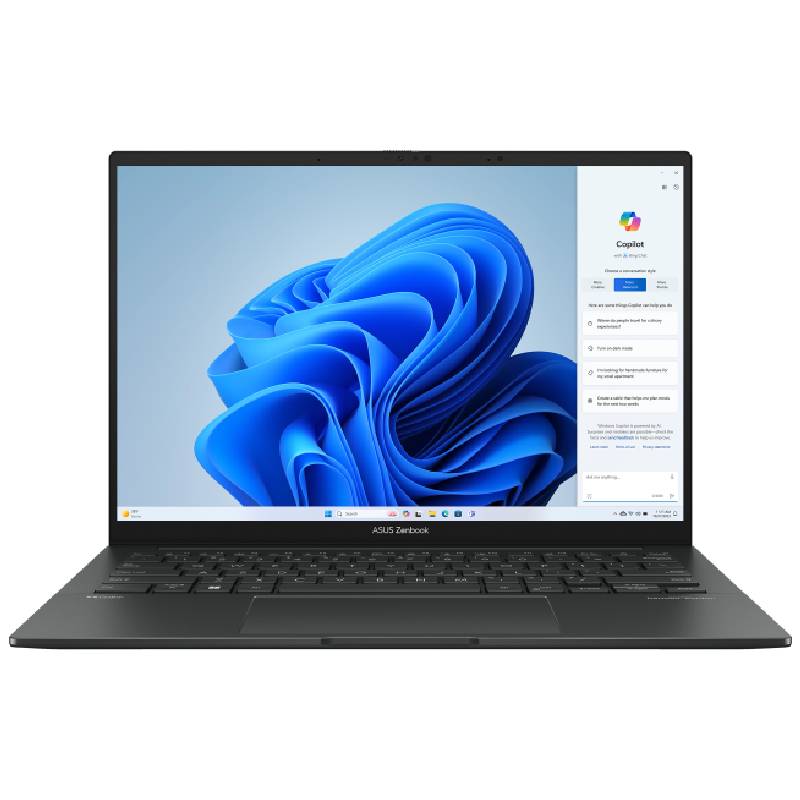
2. The Budget-Friendly Contender: Asus Zenbook 14 OLED (Q425M)
For users who do not require a discrete GPU for heavy 3D rendering, the Asus Zenbook 14 OLED (Q425M) offers a masterclass in value. With an Intel Core Ultra 7 155H and 16GB of RAM, it handles standard photo editing tasks with ease. Most notably, its battery efficiency is industry-leading, clocking in at nearly 16 hours during our standardized web-surfing tests. This makes it an ideal choice for nomadic photographers who prioritize portability and battery longevity over raw 3D performance.
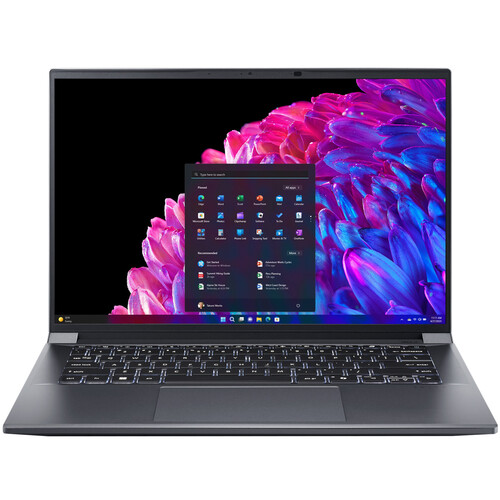
3. The Performance-to-Portability Ratio: Acer Swift X 14 (2024)
The Acer Swift X 14 (2024) serves as the middle ground for those needing a dedicated graphics card without the bulk of a desktop replacement. Configured with an Nvidia RTX 4070 and an Intel Core Ultra 7 155H, it is surprisingly lightweight at 2.6 pounds. Its CineCrystal OLED display provides vibrant, saturated colors, though it does struggle slightly with glare in bright, office-lit environments.
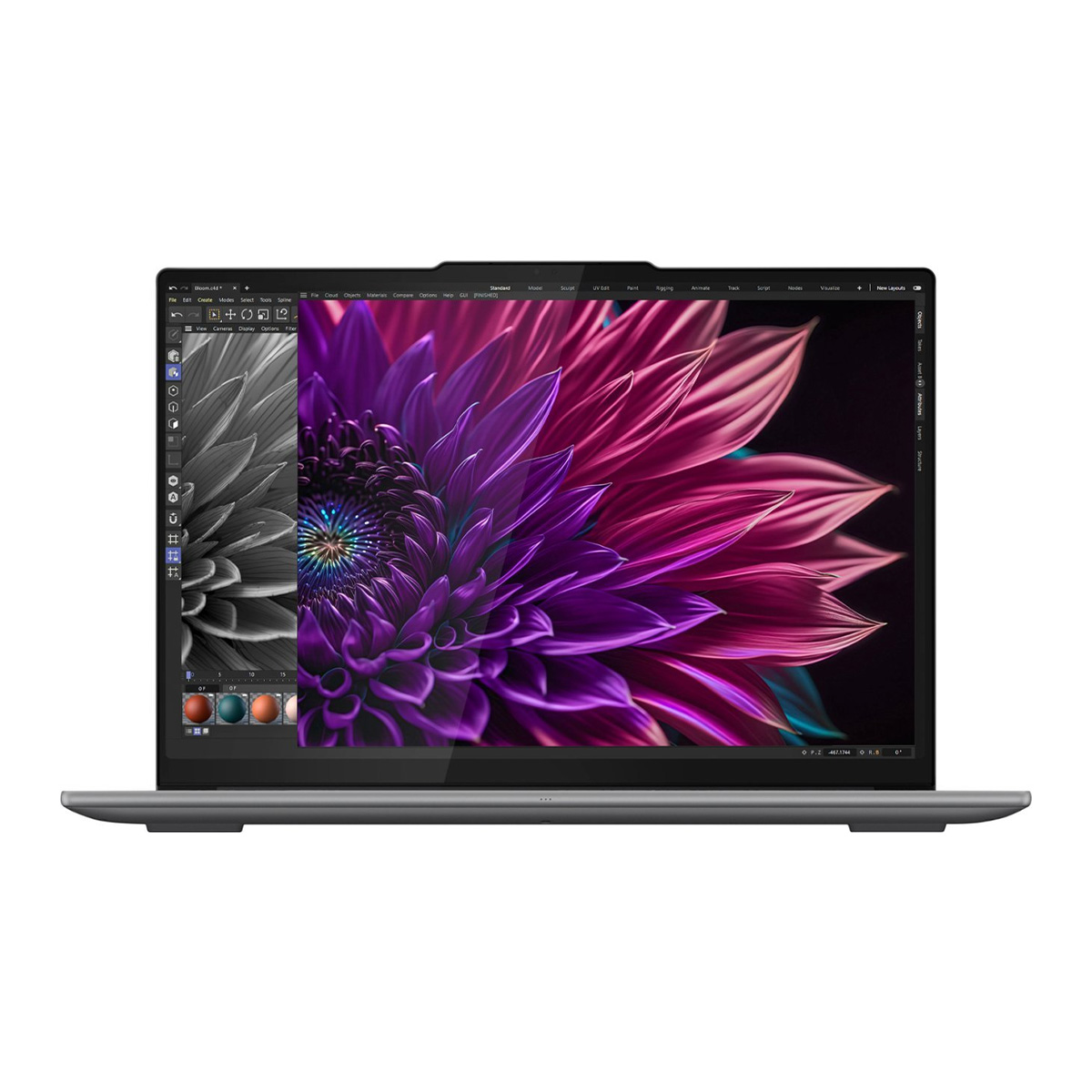
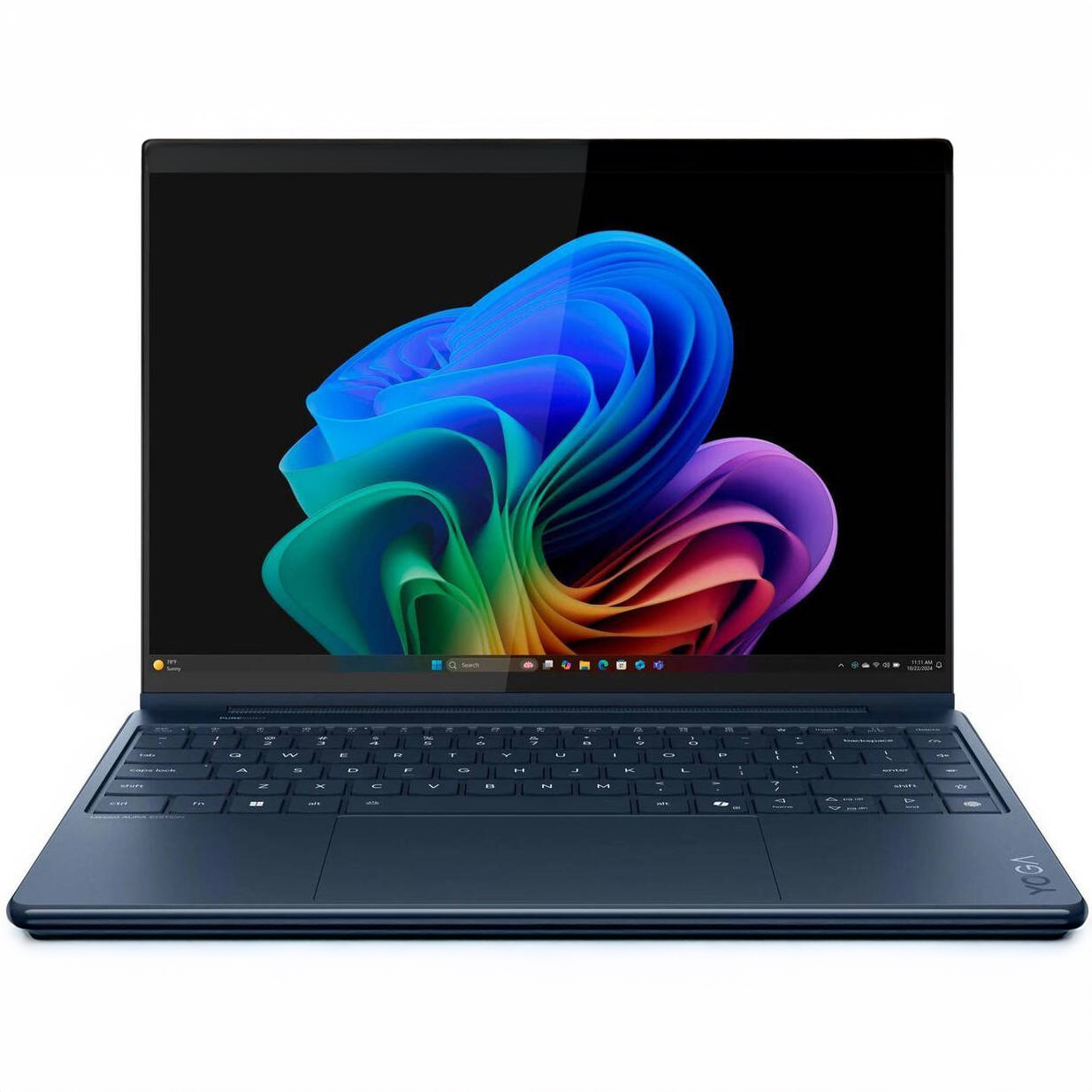
4. The 2-in-1 Specialty: Lenovo Yoga 9i 2-in-1 Aura Edition
For digital artists who utilize stylus input, the Yoga 9i 2-in-1 Aura Edition features an OLED panel with 149.2% DCI-P3 color coverage. It is currently the most vibrant screen in our testing lineup. While it is slower than its peers when transcoding 4K video, its primary strength lies in its color precision and versatility as a tablet, making it a favorite among illustrators and photographers who value tactile input.
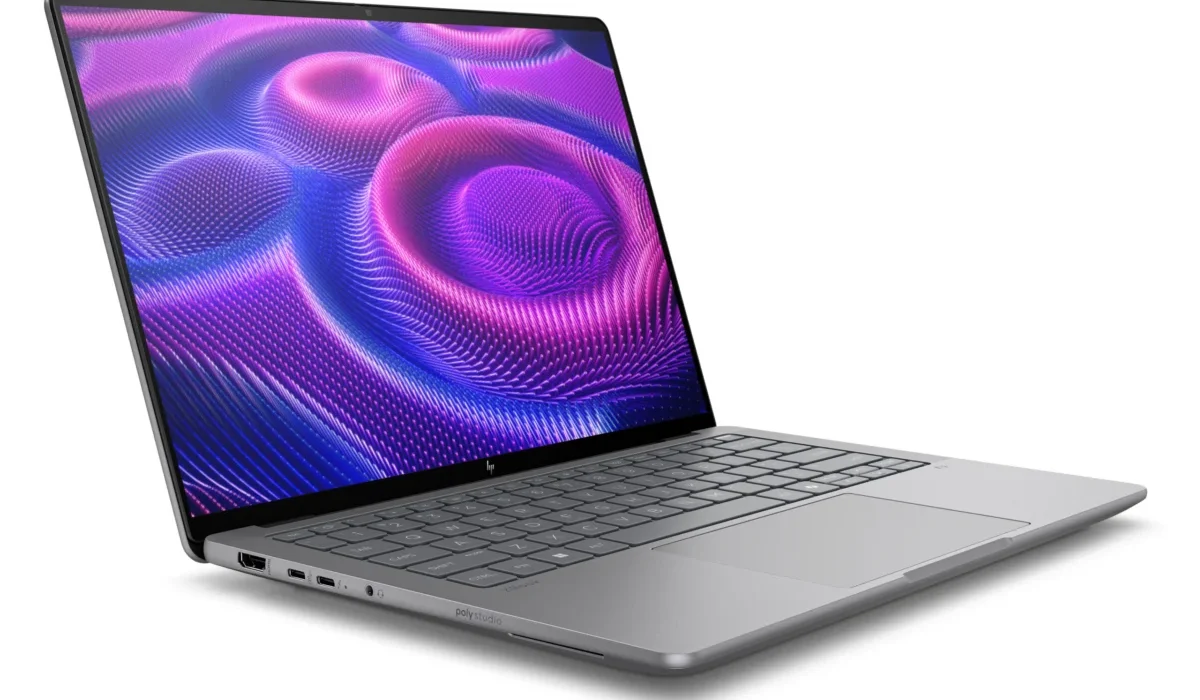
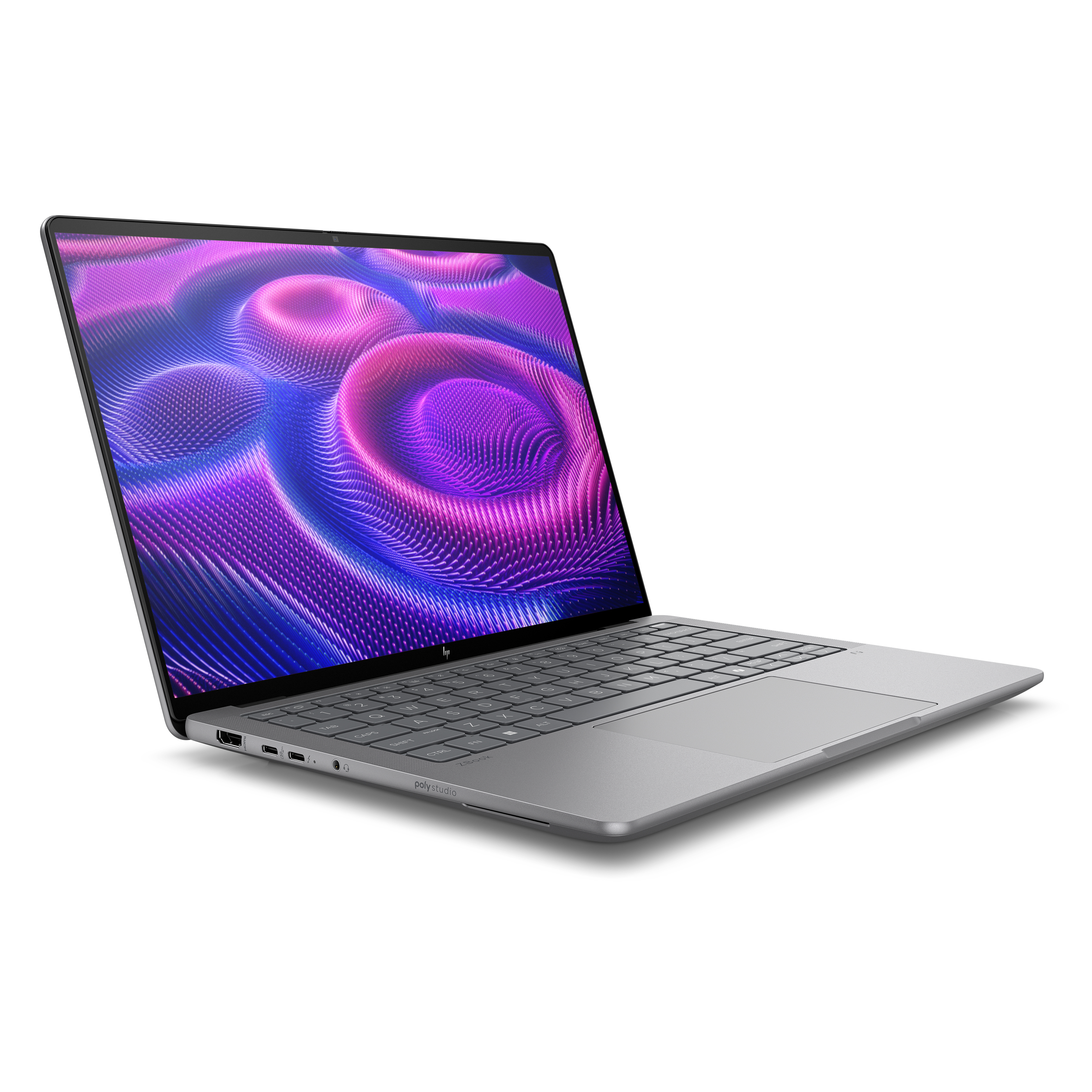
5. The Enterprise Workstation: HP ZBook Ultra 14 G1a
The HP ZBook Ultra 14 G1a is a technical marvel, representing the pinnacle of Windows workstation portability. Weighing only 3.4 pounds, it houses the AMD Ryzen AI Max+ Pro 395 chip, enabling it to go toe-to-toe with the MacBook Pro in specific transcode scenarios. It is designed for those who require 128GB of RAM and workstation-class reliability, though its high entry price of $2,599 reflects its professional-grade target audience.
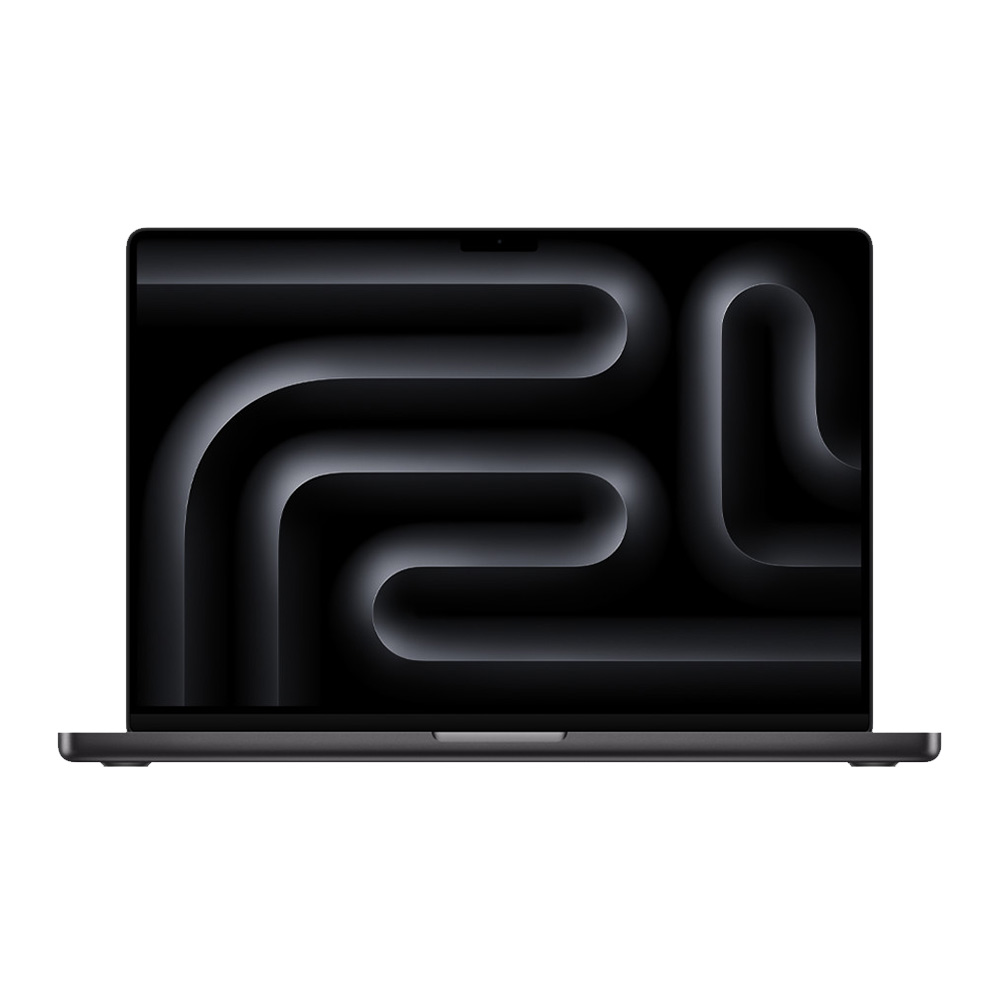
6. The Industry Benchmark: Apple MacBook Pro 16 M4 Pro
The Apple MacBook Pro 16 M4 Pro continues to set the benchmark for longevity and performance. With nearly 21 hours of battery life and the proprietary Liquid Retina XDR display, it remains the preferred choice for those embedded in the macOS ecosystem. While upgrades for RAM and storage are notoriously expensive, the sheer power of the M4 Pro chipset ensures it will remain relevant for several years of professional use.
Benchmark Analysis and Technical Implications
To ensure these machines meet the rigorous demands of Photoshop, our testing lab subjects every unit to a standardized battery of benchmarks. We utilize the Klein K-10A colorimeter to ensure that display color accuracy (Delta-E) remains within professional thresholds.
The disparity in performance is most evident in our Handbrake transcoding test. The HP ZBook Ultra 14 G1a completed a 4K to 1080p conversion in 2 minutes and 34 seconds, narrowly beating the MacBook Pro 16 M4 Pro (2 minutes and 38 seconds). This demonstrates that, at the professional level, Windows workstations have largely closed the performance gap that existed in previous years.
However, users must be aware of the "Windows on Arm" limitations. Currently, Qualcomm Snapdragon X Elite laptops, while efficient, lack native support for many Adobe Creative Cloud applications, forcing them to run via emulation. This overhead can lead to system instability and slower performance for complex tasks, which is why we continue to recommend x86-based systems for power users.
How to Select the Right Hardware for Your Workflow
Choosing a laptop for Photoshop is a calculation of your specific creative needs:
- Processor (CPU): Photoshop is a burst-heavy application. You need an Intel Core Ultra 7/9 or Apple M4 to handle the multi-threaded load of heavy filters and large file batching.
- Graphics (GPU): While integrated graphics can handle basic photo adjustments, if your workflow involves AI generative tools or 3D effects, a discrete GPU with at least 4GB of VRAM is non-negotiable.
- Memory (RAM): 16GB is the absolute floor. For professional work involving high-layer counts, 32GB or 64GB is recommended to prevent virtual memory swapping, which significantly slows down performance.
- Display Fidelity: Resolution is secondary to color accuracy. Always check for high DCI-P3 gamut coverage and ensure the panel is calibrated. If your laptop’s screen is insufficient, consider budgeting for a high-quality external monitor.
Broader Industry Impact and Future Outlook
The industry is currently in a transition phase. As Adobe continues to push its "Firefly" AI models, the demand for local compute power is increasing. We are seeing a shift where "workstation" status is no longer defined by physical size, but by the efficiency of the NPU (Neural Processing Unit) and the synergy between the CPU and discrete graphics.

The 2025 lineup suggests that manufacturers have finally accepted that creators do not want to sacrifice portability for power. The success of the HP ZBook Ultra and the Acer Swift X 14 proves that high-performance, thin-and-light chassis are the new standard for the creative professional. As we look toward the remainder of the year, we anticipate further optimizations in thermal management, allowing these machines to sustain peak performance for longer durations without the risk of thermal throttling.
For the average user, the advice remains consistent: prioritize the display and the RAM capacity first. While a fast processor makes the work feel snappy, a color-accurate display ensures the quality of the final product, and sufficient RAM ensures you aren’t forced to restart your system mid-project. Regardless of your budget, the current market offers an abundance of options that far exceed the minimum requirements for Adobe’s professional software suite, ensuring that your hardware is a partner in your creativity, not a bottleneck.