






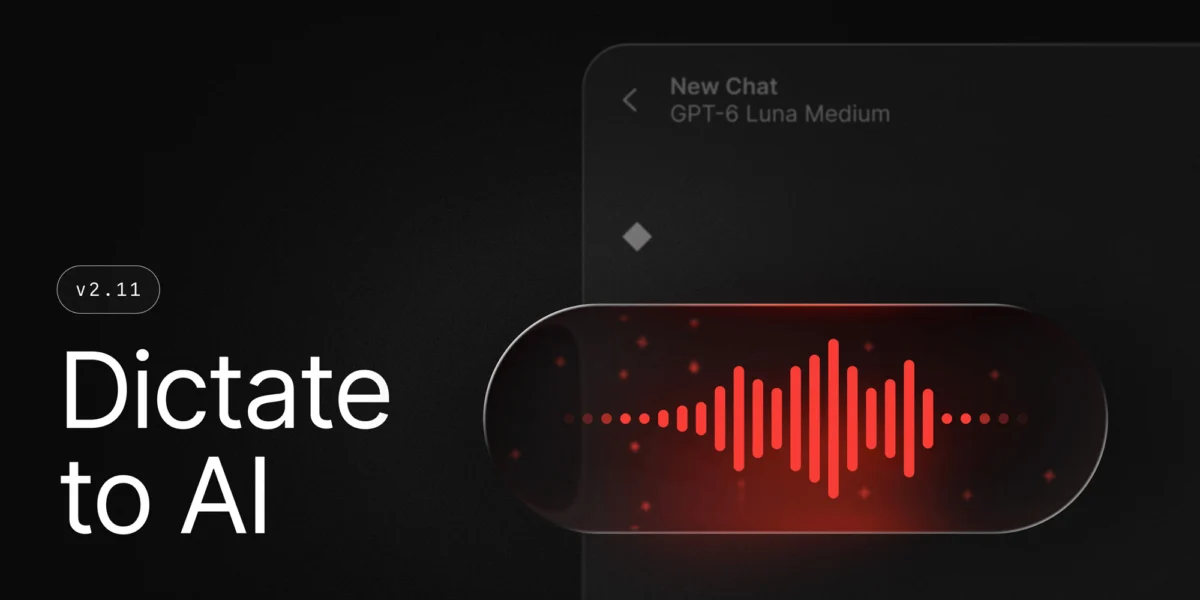
Productivity powerhouse Raycast has rolled out a substantial update to its ecosystem, headlined by a new feature called Dictate to AI that merges voice-to-text capabilities with advanced screen comprehension. Building upon the foundation laid by last year’s Screen Awareness release, the latest software iteration aims to eliminate friction in human-computer interaction by allowing users to speak naturally to artificial intelligence models while automatically incorporating the active context of their computer screens.
The update arrives at a time when major operating system developers, including Apple with Apple Intelligence and Microsoft with Windows Copilot, are heavily investing in native, context-aware artificial intelligence. By bridging the gap between voice dictation and visual context, Raycast continues to position itself as an essential command center for power users seeking to streamline multi-step workflows.
The Evolution of Contextual AI in Productivity Software
To understand the significance of Raycast’s latest development, one must examine the trajectory of the platform over the past year. In August, Raycast introduced Screen Awareness, a feature designed to solve a persistent bottleneck in AI utilization: the need for manual context sharing. Traditionally, interacting with large language models required users to manually copy and paste text, capture and attach screenshots, or type out lengthy explanations of what was visible on their displays.
Screen Awareness changed this dynamic by granting the AI secure, on-demand visibility into the user’s active window or application. With a simple shortcut, users could query the AI about a complex spreadsheet, a piece of code, or an article without leaving their workflow.

This week’s update takes that seamless integration a step further. The new Dictate to AI command allows users to bypass the keyboard entirely, speaking their requests aloud while the system simultaneously captures the visual context of the screen. Demonstrated by Raycast team member Pedro Duarte, the feature allows for conversational, hands-free problem-solving. A user can look at an error log in an integrated development environment, activate the dictation tool, and simply ask, "What is causing this exception and how do I fix it?" without writing a single line of text or manually scoping the screenshot.
Comprehensive Platform Upgrades and Feature Expansions
Beyond the headline-grabbing voice and vision integration, version 2.11 of Raycast brings a wide array of improvements across macOS, iOS, and Windows platforms. These enhancements focus heavily on performance optimization, expanded free-tier offerings, and cross-device synchronization.
Enhancements on macOS
The core macOS application has received notable performance optimizations. Developers have tuned the search infrastructure to deliver faster results while simultaneously reducing the application’s overall memory footprint. This is a critical metric for power users who keep Raycast running continuously in the background and invoke it hundreds of times a day.
Furthermore, Raycast Notes—a built-in utility designed for quick thoughts and snippets—has undergone a significant capability expansion. Free-tier users now enjoy unlimited note creation, removing a previous barrier to entry. Additionally, the notes utility now natively supports embedded images, bringing it closer in functionality to dedicated, standalone note-taking applications while keeping information tightly integrated within the Raycast command launcher.
Mobile Upgrades and Cloud Sync
Recognizing the increasingly fragmented nature of modern computing, Raycast has also updated its iOS application. The mobile counterpart now features a custom keyboard equipped with integrated AI-powered writing tools, allowing users to draft messages, refine tone, and summarize text across various iOS apps. Alongside the keyboard comes improved Cloud Sync capabilities, ensuring that user settings, snippets, and preferences remain synchronized seamlessly between desktop and mobile environments.

Parity for Windows Users
Since expanding beyond its original macOS roots, Raycast has steadily worked to achieve feature parity for its growing Windows user base. With this update, Windows users receive a significant enhancement to Screen Awareness. The platform now supports advanced commands that enable users to transmit specific, individual interface elements or entire windows directly into AI Chat, closing the capability gap between the two major desktop operating systems.
Industry Implications and the Shift Toward Ambient Computing
The introduction of Dictate to AI and the maturation of Screen Awareness highlight a broader industry shift toward ambient, context-aware computing. For years, human-computer interaction has been bound by explicit, manual inputs: clicking, typing, dragging, and dropping. The integration of speech recognition with real-time visual comprehension represents a move away from application-centric workflows toward intent-centric workflows.
Industry analysts note that tools like Raycast are effectively acting as a middleware layer between users and various AI models. By handling the orchestration of context—capturing what is on the screen, translating voice to text, and routing the combined package to the appropriate large language model—Raycast abstracts away the technical complexity of AI utilization.
This approach presents both opportunities and challenges for tech giants. While operating system developers like Apple and Microsoft are building deep, system-level AI integration into their respective platforms, third-party launchers like Raycast demonstrate the agility to innovate rapidly and deliver cross-platform solutions that appeal directly to software developers, designers, and power users.
By continuously refining its feature set—ranging from zero-friction voice commands and unlimited note-taking to enhanced memory management and cross-device synchronization—Raycast solidifies its utility as an indispensable tool for modern digital workflows. Users looking to explore the full technical changelog and update their applications can review the official documentation on the Raycast release portal.