





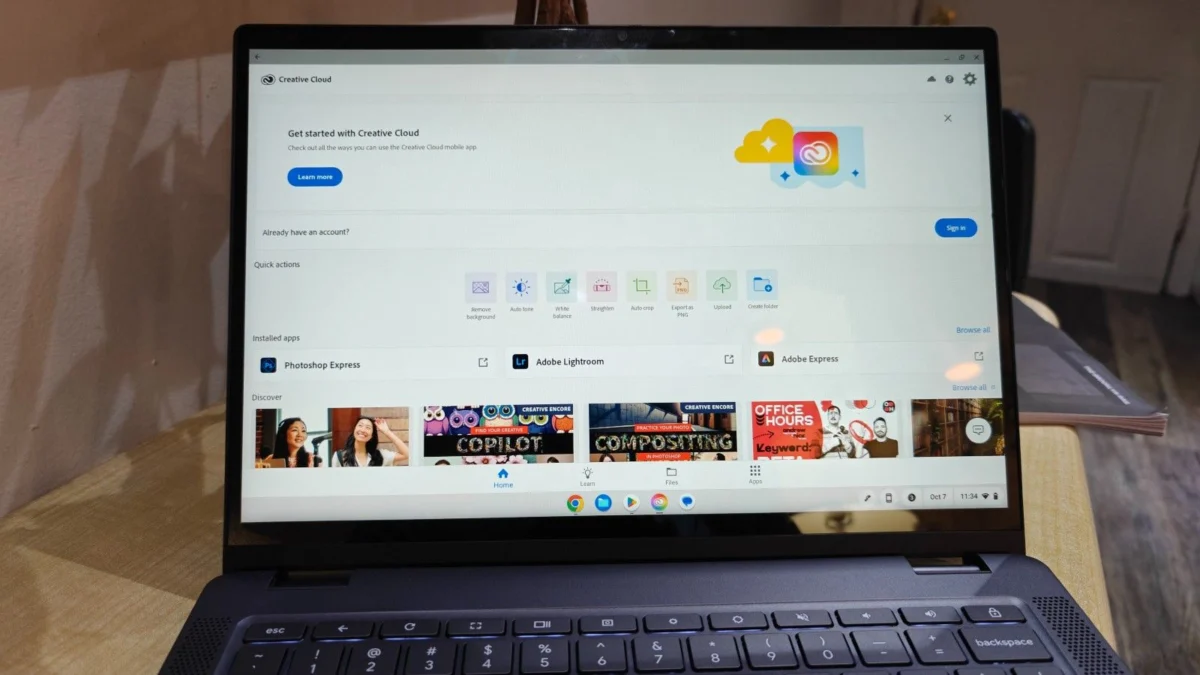
Finding a high-quality laptop for under $500 remains one of the most challenging consumer electronics endeavors in the current market. As inflationary pressures and fluctuating supply chain costs continue to impact the tech sector, manufacturers have had to become increasingly strategic in how they allocate resources for budget-tier devices. While premium ultrabooks often command prices exceeding $1,000, the sub-$500 category serves as the backbone for students, budget-conscious professionals, and families seeking reliable secondary hardware.

The Evolution of the Budget Laptop Market
The landscape for affordable computing has undergone a significant transformation over the last decade. Historically, "cheap" laptops were synonymous with sluggish performance, poor build quality, and unreliable battery life. However, as of early 2025, the proliferation of optimized operating systems—most notably Google’s ChromeOS—has allowed manufacturers to deliver snappy, functional devices that cater to the essential needs of web browsing, word processing, and media consumption without requiring the raw, expensive power of high-end Windows or macOS machines.
The current market is defined by a dichotomy between entry-level Windows machines and Chromebooks. While Windows laptops offer greater compatibility with specialized software, they often struggle to maintain performance benchmarks at lower price points. Conversely, Chromebooks leverage cloud-based architecture to provide a smoother user experience, often outperforming Windows counterparts in synthetic benchmarks despite having less powerful internal components.
Top Performers in the 2025 Budget Tier
Based on extensive laboratory testing and real-world performance metrics, four models have emerged as the leaders for the 2025 fiscal year.
-
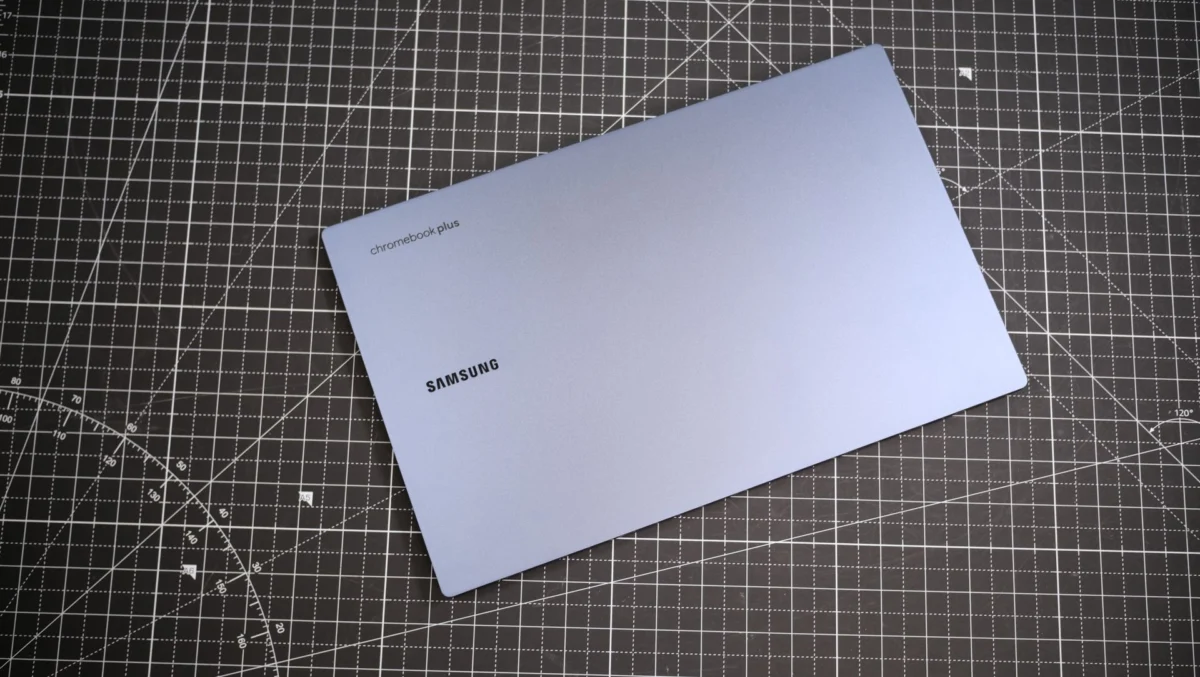
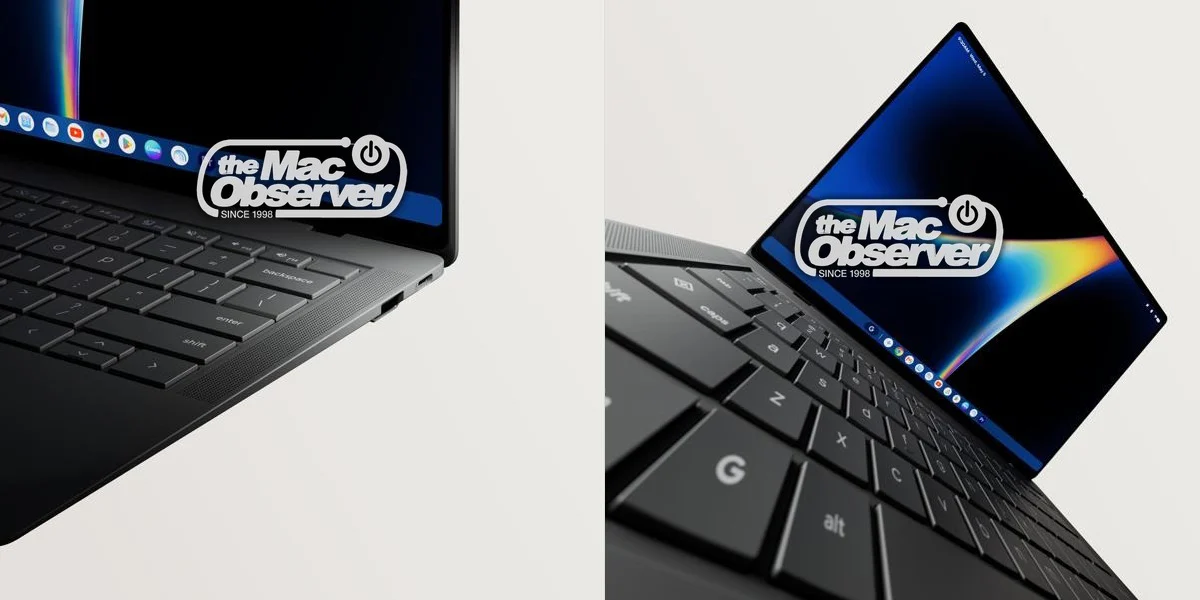
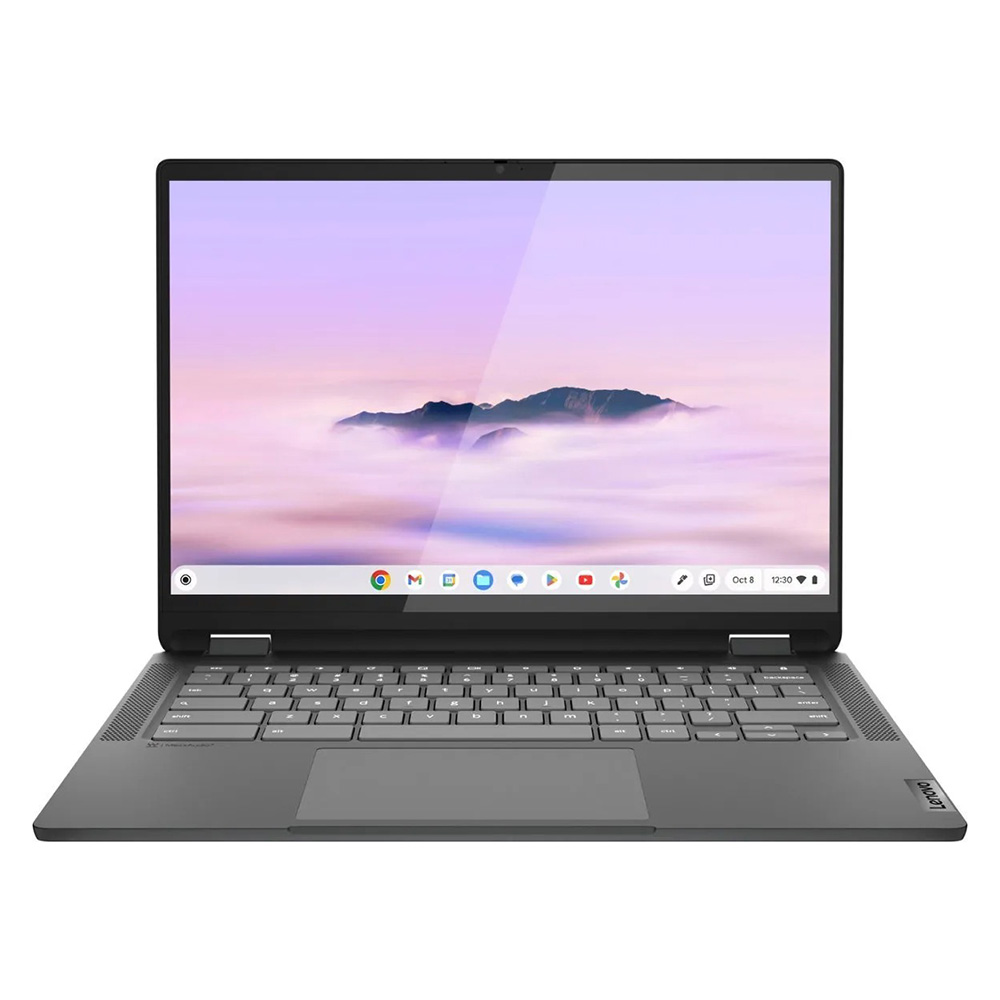
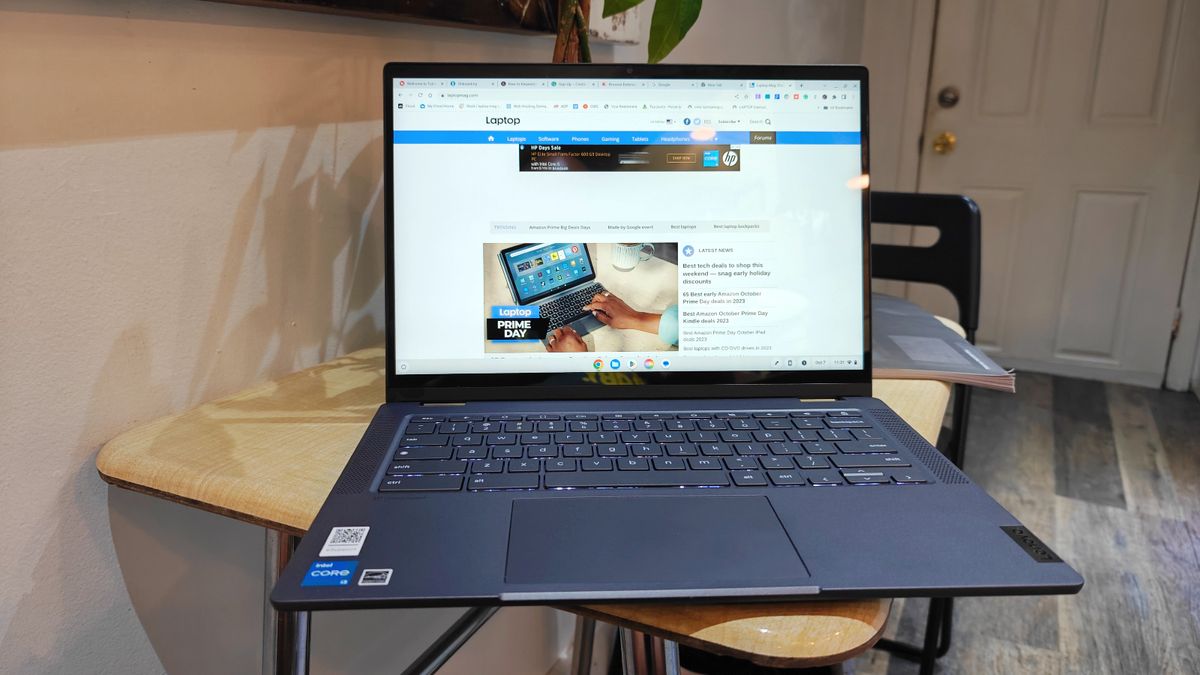
Lenovo IdeaPad Flex 5i Chromebook Plus (Best Overall): This device has set a new standard for budget-tier performance. Equipped with an Intel Core i3-1315U processor and 8GB of RAM, it achieved a Geekbench 6 multi-core score of 5,384. Its integration of AI-enhanced features and a durable 2-in-1 hinge design makes it a versatile choice for users who demand both portability and power.
-
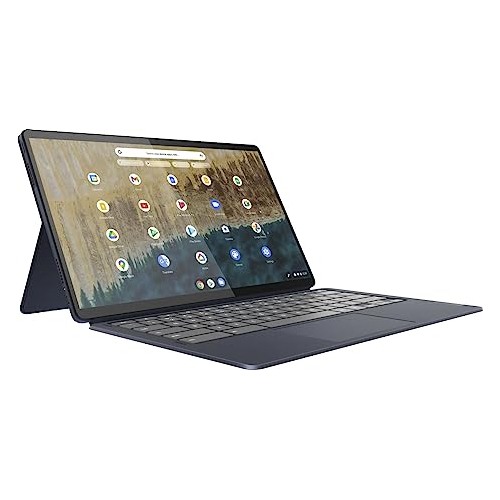
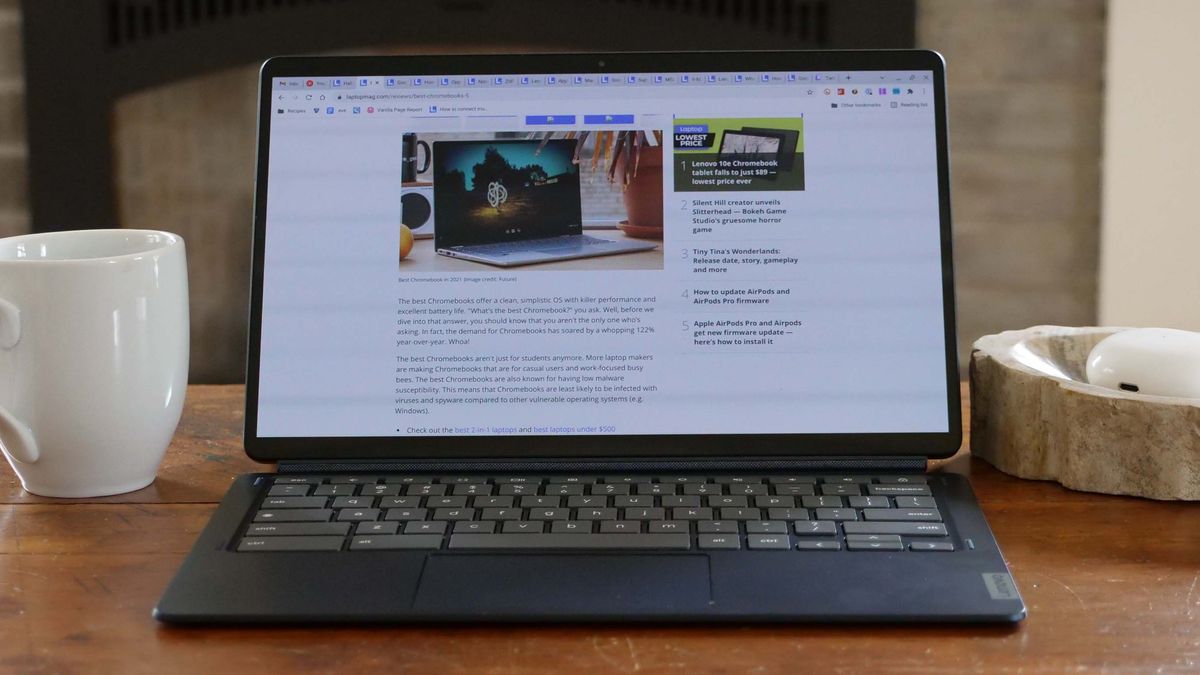
Lenovo Duet 5 Chromebook (Best Under $300): This detachable 2-in-1 remains a standout for its display quality. Featuring a 13.3-inch OLED panel that covers 85.2% of the DCI-P3 color gamut, it provides a visual experience typically reserved for flagship devices. With a battery life of over 13 hours, it is the premier choice for commuters and students.
-
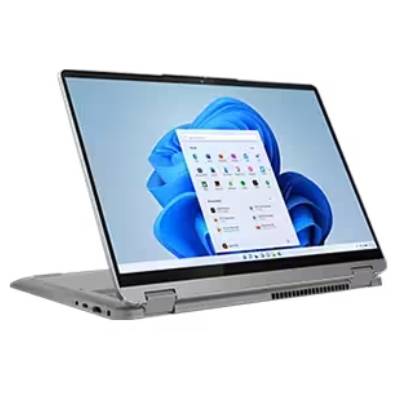
Lenovo IdeaPad Flex 5 14 (Best Windows Laptop): For users who require the Windows ecosystem, the IdeaPad Flex 5 14 acts as the primary recommendation. By utilizing Intel Iris Xe integrated graphics and providing 16GB of RAM in higher configurations, it maintains relevance despite being an older chassis design. Its ability to bridge the gap between office productivity and casual entertainment makes it an essential entry in the current market.
-
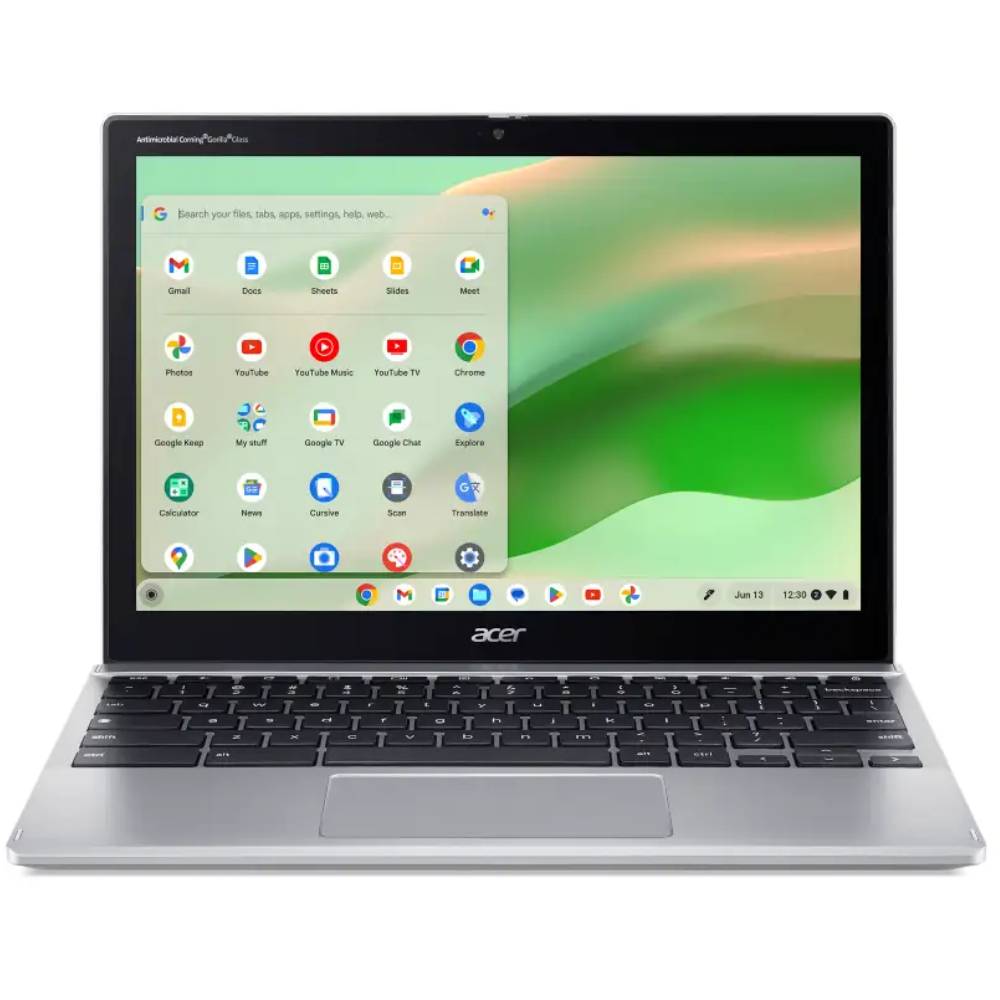
Acer Chromebook Spin 312 (Best for Students): Designed with the rigors of academic life in mind, the Spin 312 features a sturdy chassis and an innovative "OceanGlass" touchpad. Its 12.2-inch display, coated in Corning Gorilla Glass, enhances color vibrancy, providing a premium feel for a device priced at $450.
Comparative Benchmark Data and Technical Analysis
To ensure objective purchasing decisions, consumers must look beyond marketing claims and examine raw data. The following table summarizes the performance metrics observed during recent evaluations:
| Metric | Lenovo Flex 5i Plus | Lenovo Duet 5 | Lenovo Flex 5 14 | Acer Spin 312 |
|---|---|---|---|---|
| Geekbench (Latest) | 5,384 | 1,727 (GB5) | 3,841 (GB5) | 4,477 |
| Battery (Hrs:Mins) | 09:43 | 13:31 | 14:16 | 10:33 |
| Brightness (Nits) | 306 | 361 | 200 | 277 |
| DCI-P3 Gamut | 46.5% | 85.2% | 45% | 55% |
The data indicates a clear trade-off: users prioritizing performance should lean toward the IdeaPad Flex 5i, while those prioritizing screen fidelity and battery endurance—essential for long hours of study—will find the Duet 5 or the Spin 312 more suitable.
Market Implications and Future Outlook
The stability of this price category is currently facing external risks. Industry analysts have noted that proposed tariff hikes on electronic components could potentially drive up the base price of entry-level laptops. If manufacturers are forced to pass these costs onto consumers, the "under $500" threshold may become increasingly difficult to maintain without sacrificing essential quality components, such as RAM and SSD storage.

Furthermore, the shift toward "AI-ready" hardware is beginning to influence even the most affordable segments. While the current crop of budget laptops utilizes basic AI-infused software, the next generation of processors will likely demand more robust thermal management and higher memory overheads. This suggests that the 2025 models currently on the market represent the peak of value-to-performance before a potential transition to more expensive, AI-centric architecture.
Selection Criteria: How to Choose
For consumers currently navigating this market, the following framework is advised:
- Processor: Aim for at least an Intel Core i3 or an equivalent modern processor. Avoid older Celeron or Pentium chips if possible, as they struggle with modern web browser demands.
- Memory (RAM): 8GB should be the absolute minimum. Any device with 4GB will experience significant slowdowns during multitasking.
- Storage: While 128GB eMMC storage is common, an SSD is significantly faster. If you must settle for eMMC, ensure the device supports cloud-based workflows (e.g., Google Drive) to minimize local storage strain.
- Display: Prioritize brightness (nits) over resolution. A 1080p display is standard, but if it is too dim, outdoor or office use will be severely compromised.
The Role of Rigorous Testing
The editorial stance of Laptop Mag relies on a rigorous testing methodology. Each device is subjected to the Klein K10 colorimeter for display analysis, and real-world graphics testing is conducted using Sid Meier’s Civilization 6. This technical analysis is supplemented by days of field usage to simulate the actual conditions under which these laptops will be used—namely, extended typing sessions, multi-tab web browsing, and high-definition video conferencing.
This dual-layered approach ensures that recommendations are not merely based on spec sheets, which can be misleading, but on the tangible performance of the hardware over time. By balancing synthetic benchmarks with professional, lived-in experience, we provide a transparent view of the longevity and reliability of these budget machines.
Conclusion: Is a Budget Laptop Worth It?
The answer is a definitive yes, provided the user’s expectations are calibrated to the price. For users whose workflows center around Google Workspace, Microsoft 365, streaming, and general information gathering, these devices are not just "good enough"—they are highly efficient tools.
As we progress through 2025, the value proposition of these sub-$500 laptops remains strong. While they lack the premium chassis materials, high-refresh-rate screens, and discrete graphics cards of professional workstations, they successfully democratize access to computing. By carefully selecting a model that prioritizes the user’s specific needs—whether that be battery life, form factor, or raw processing power—consumers can secure a device that offers professional utility at a fraction of the cost of high-end alternatives. As always, keeping an eye on seasonal sales, such as those during Black Friday or back-to-school periods, remains the most effective way to maximize the value of these essential tools.