








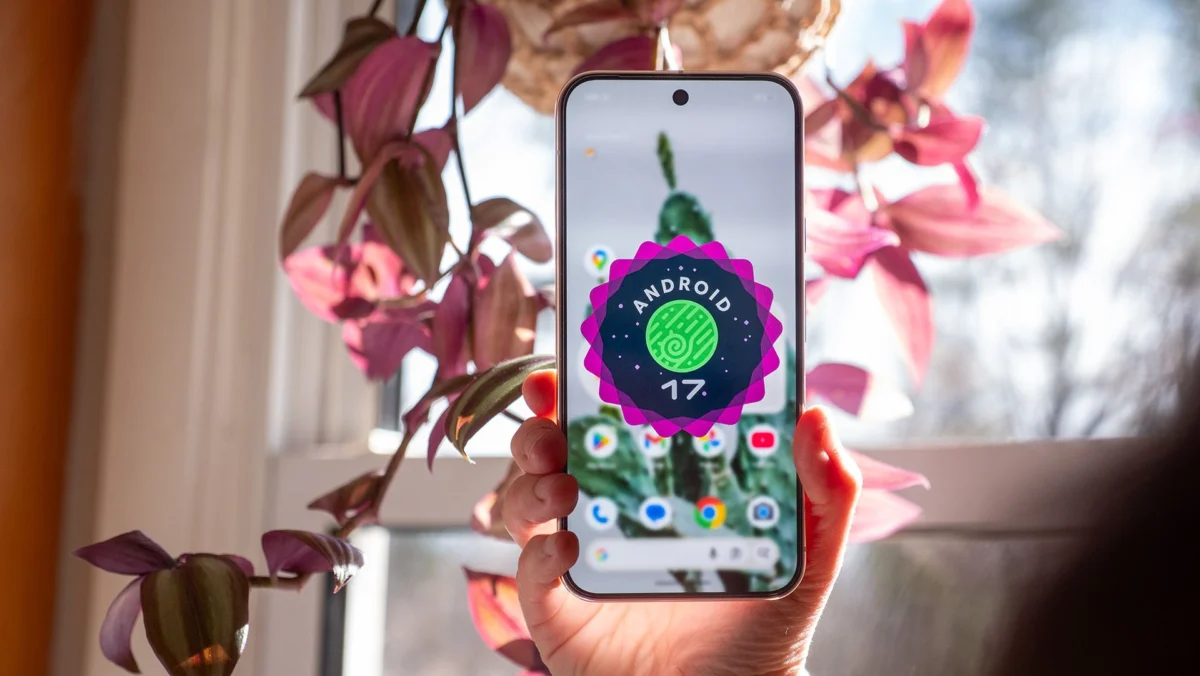
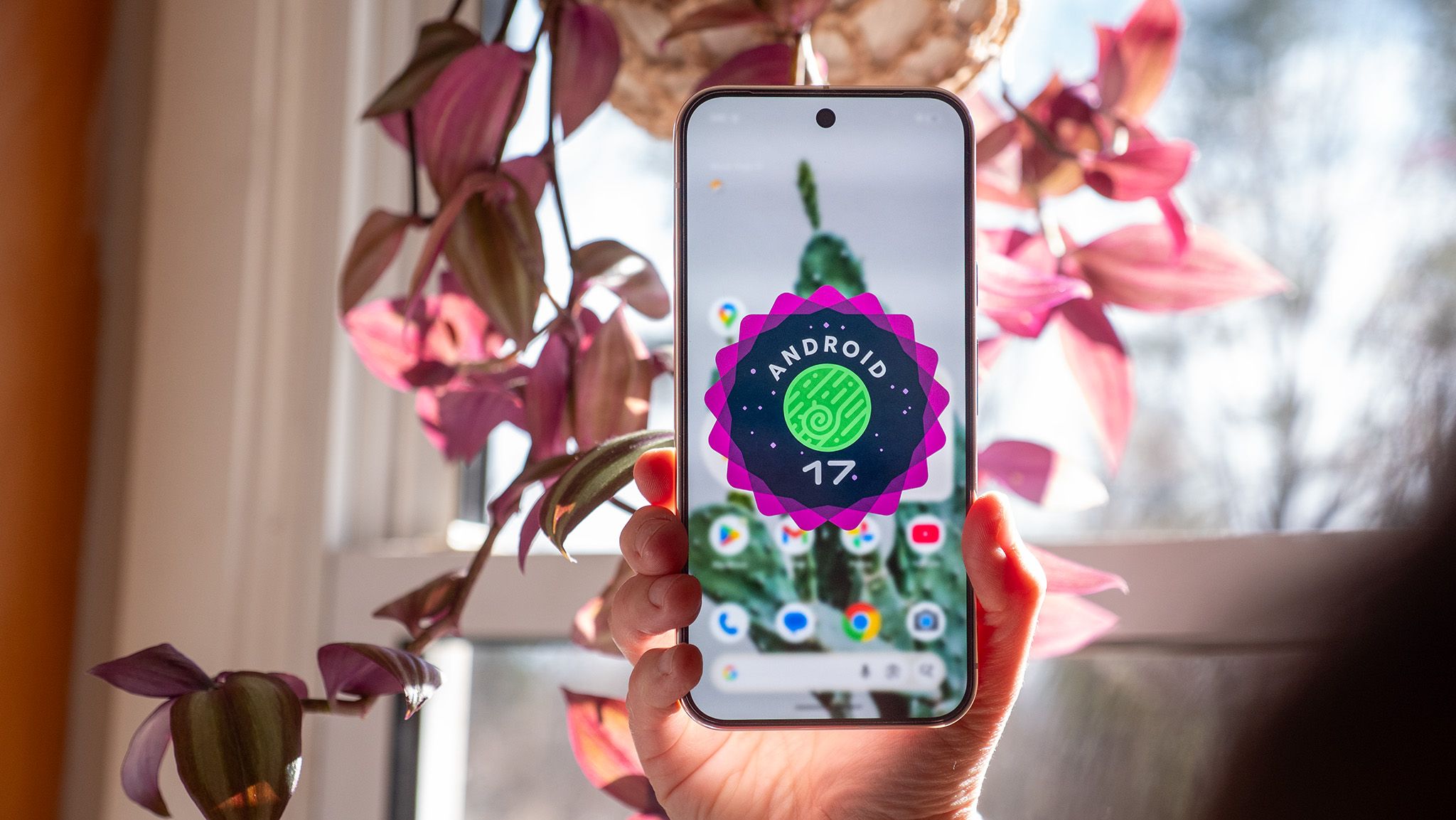
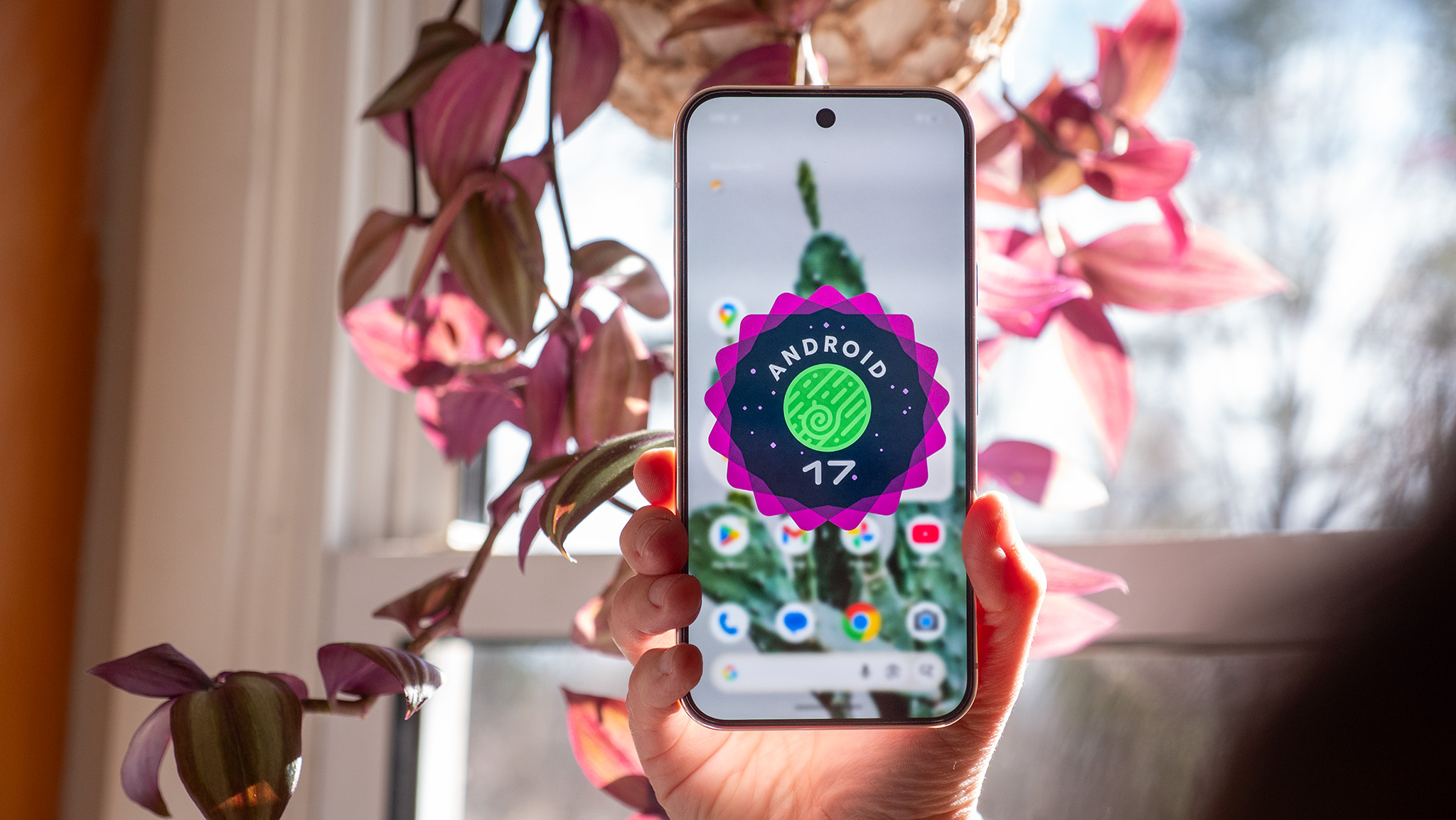
Google has surprised the mobile technology ecosystem by rolling out the Android 17 Quarterly Platform Release 2 (QPR2) approximately one month ahead of its anticipated schedule. Arriving in tandem with the November 2026 Pixel Feature Drop, this major software update is currently deploying to a wide array of supported Google Pixel hardware, ranging from the budget-conscious Pixel 6a to the company’s newest flagship iterations. Discovered and detailed by industry experts such as Mishaal Rahman, this unexpected release follows an extensive beta-testing phase designed to squash kernel crashes and eliminate unpredictable system reboots. While several of the headline features remain exclusive to Google’s proprietary ecosystem for the time being, the overarching updates signal a significant shift in how Android manages customization, device security, audio broadcasting, and power-user accessibility.
The Genesis and Chronology of the Android 17 QPR Cycle
To understand the weight of the Android 17 QPR2 release, one must examine the rigorous software development lifecycle Google employs for its mobile operating system. Historically, Quarterly Platform Releases serve as mid-cycle developmental milestones that bridge the gap between major annual Android platform deployments. They are engineered to introduce user-facing enhancements, infrastructural optimizations, and crucial security patches well before the next major numerical OS iteration enters the public sphere.
The path to QPR2 was paved by a comprehensive, multi-month beta testing initiative. Throughout the successive beta builds—culminating in Beta 6 just weeks prior to this stable launch—Google focused heavily on stabilization. Engineers addressed critical bug reports centered on kernel instabilities, thermal management issues during heavy AI processing tasks, and sporadic system reboots that plagued early testers. By accelerating the release timeline of the stable build, Google has signaled increased confidence in its modular software architecture, allowing users to adopt these features without waiting for the traditional December deployment window.
Advanced Visual Customization: Granular Color Controls and Adaptive Wallpapers
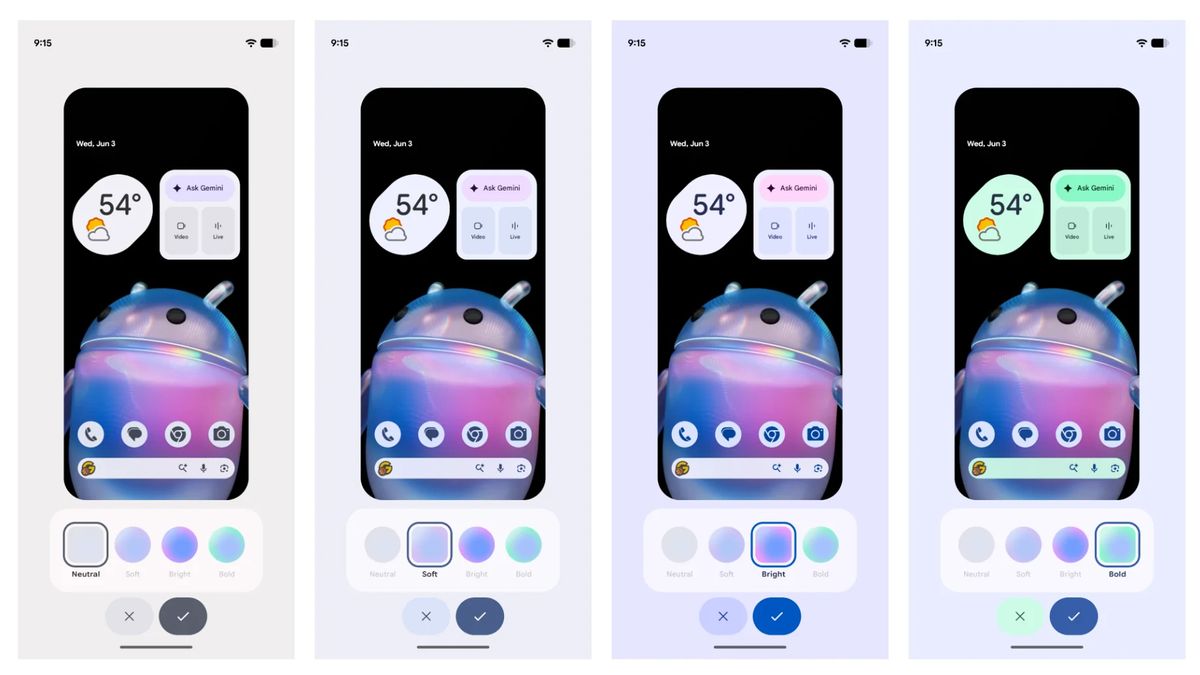
At the forefront of the user-facing changes in Android 17 QPR2 is a significantly expanded aesthetic control suite. Material You, Google’s dynamic theming engine, has received its most robust upgrade since its inception, moving away from rigid, pre-determined color palettes toward a truly bespoke tuning environment.
Under the updated display and wallpaper settings, users are no longer confined to the automated color extraction derived solely from their active background image. Instead, Android 17 QPR2 introduces an interactive chromatic hue slider. This allows individuals to pinpoint precise spectrums for their system accent colors, tailoring everything from notification shades and toggle backgrounds to integrated widget elements. Furthermore, Google has implemented four distinct intensity profiles: Neutral, Soft, Bright, and Bold. These profiles dictate how aggressively the chosen system colors saturate across compatible user interfaces, including native applications, the Google Gemini assistant widgets, and lock screen typography.
Complementing these color controls is the introduction of native adaptive light and dark wallpaper support. Curated wallpaper collections can now dynamically switch between corresponding light and dark variants based on the system-wide theme schedule. This ensures that transitioning from day to night modes does not result in glaring brightness mismatches between the desktop backdrop and the underlying user interface.
Status Bar Refinements and Granular Quick Settings Control
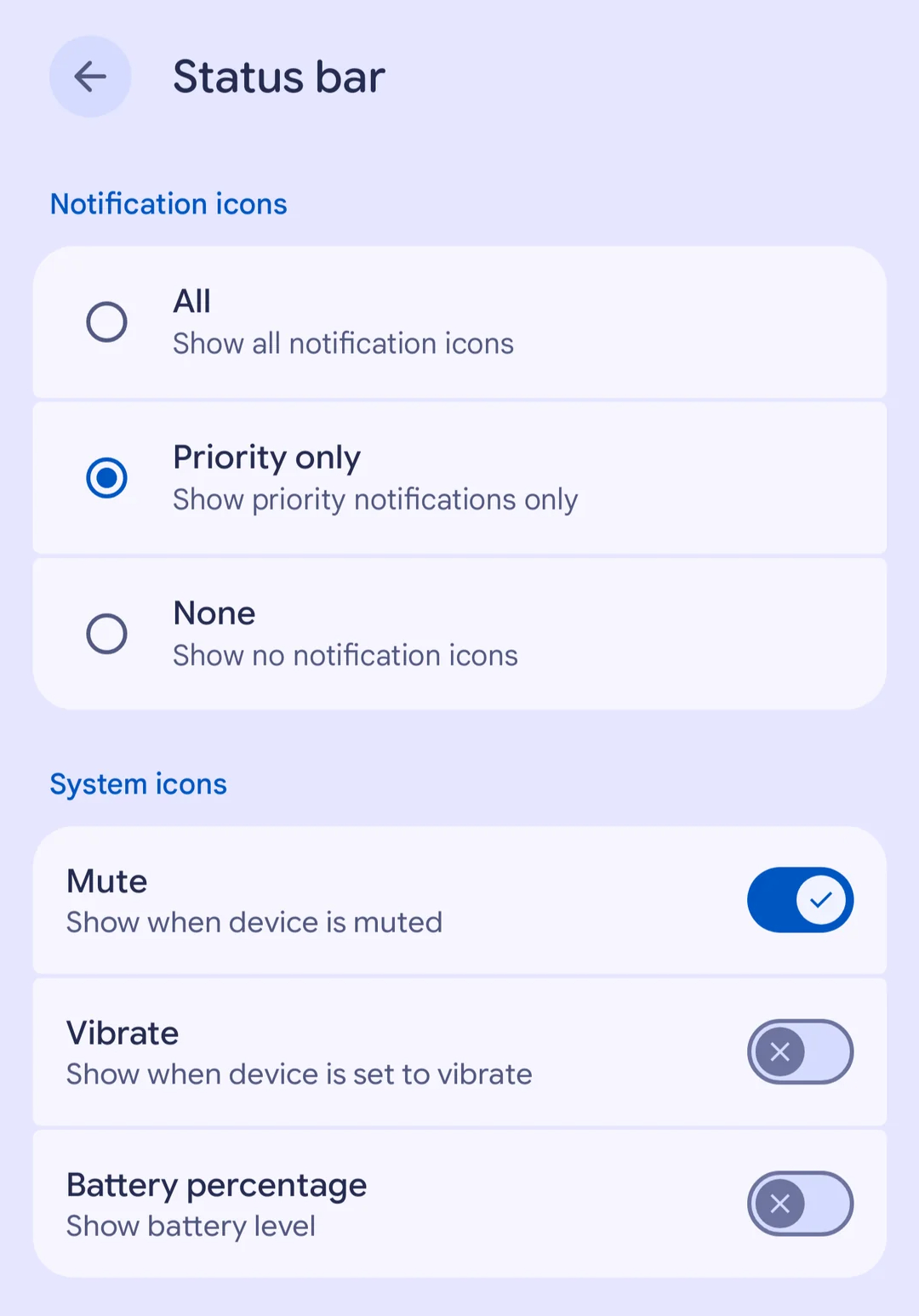
For years, Android power users have advocated for greater administrative control over the status bar—the prime real estate at the top of the display housing connection indicators, system statuses, and incoming application notifications. Android 17 QPR2 directly answers these requests by introducing a dedicated status bar customization menu.
Users can now designate precisely how notification icons behave in the status bar, with selectable options for displaying all incoming alerts, restricting visibility strictly to priority notifications, or suppressing visual icons altogether while retaining the drop-down notification shade functionality. Additionally, the update provides toggles to hide individual system indicators, such as persistent battery percentage readouts, mute states, and vibration alerts, granting a cleaner, more minimalist aesthetic to devices with punch-hole or under-display camera cutouts.
Quick Settings has also received a long-overdue functional safety measure. Historically, certain third-party applications possessed the capability to override system constraints and lock screen brightness at maximum levels, leaving users temporarily blinded or unable to dim their displays manually under high-glare conditions or while using specific navigation software. QPR2 permanently removes this limitation, ensuring that the system brightness slider within the Quick Settings panel maintains absolute priority over individual application overrides.
Auracast Voice Broadcast and Multitasking Enhancements for Foldables
Bluetooth audio architecture undergoes a generational leap forward with the integration of a new Voice Broadcast feature built atop Bluetooth LE Audio and Auracast standards. This functionality transforms a user’s smartphone into a localized broadcasting station. Using either the device’s internal microphone or a connected wired headset, an individual can stream their voice directly to nearby listeners equipped with compatible Auracast-enabled headphones, hearing aids, or supplementary Android devices.
To maintain security in public spaces, Google has integrated password-protection protocols for private broadcasts, alongside streamlined discovery mechanisms utilizing QR codes and NFC tap-to-join functionalities. Furthermore, these broadcasts integrate smoothly with system-level Live Caption and Live Translation services, bridging communication barriers in crowded or multilingual environments.
For owners of foldable hardware—such as the Pixel Fold and Pixel Pro Fold series—Android 17 QPR2 introduces interface enhancements designed to streamline multi-window navigation. A newly designed interactive handle positioned at the top of active application windows simplifies the transition between full-screen displays, split-screen multi-tasking layouts, and floating picture-in-picture bubbles, significantly reducing the friction associated with complex mobile workflows.
Enhanced Privacy Measures and Linux Terminal Interoperability
Security and data transparency remain core pillars of the Android 17 release cycle. The QPR2 update refines the application sideloading procedure by introducing a cleaner installation dialog that prompts users to explicitly define whether granted permissions are temporary or permanent.
To mitigate social engineering attacks and malicious exploitation, the operating system now restricts high-risk administrative actions while a call is active from an unknown or unverified contact. Specifically, users are barred from enabling Developer Options during unverified calls, and the system now mandates secondary user confirmation before executing underlying call-forwarding command codes.
Transparency regarding artificial intelligence features has also improved. A new Private Compute Core logging dashboard grants users granular visibility into the specific data packets shared with on-device AI models, reinforcing user trust in local machine learning operations.
For developers and power users utilizing the integrated Linux Terminal app, QPR2 introduces bidirectional guest-to-host file sharing. The native Android file manager can now directly interface with the Linux virtual machine environment, allowing users to seamlessly browse, edit, move, and manage container files without relying on cumbersome command-line transfer utilities. Additional quality-of-life adjustments include expanded accessibility controls, customizable keyboard haptic feedback intensities, advanced hearing aid profile management, and a dedicated home time zone configuration setting.
Broader Industry Implications and Future Outlook
The early release of Android 17 QPR2 underscores Google’s aggressive strategy to maintain software momentum and deliver continuous value to its Pixel hardware division. By packaging these feature-rich enhancements alongside the November Pixel Drop, Google continues to differentiate its smartphone portfolio through software longevity and responsive feature iteration.
However, the broader Android ecosystem operates on a more fragmented timeline. While Pixel owners can immediately access these features via over-the-air (OTA) updates—provided they successfully opt out of the Android Beta Program beforehand without triggering a device storage wipe—users of devices manufactured by Samsung, Motorola, OnePlus, and Xiaomi must await individual original equipment manufacturer (OEM) validation cycles. Historically, adapting AOSP (Android Open Source Project) codebases to proprietary user interfaces requires several months of quality assurance testing. Consequently, the advanced customization suites, Auracast broadcasting tools, and privacy enhancements introduced in QPR2 are expected to gradually permeate the broader Android market throughout the subsequent quarters of the year.