





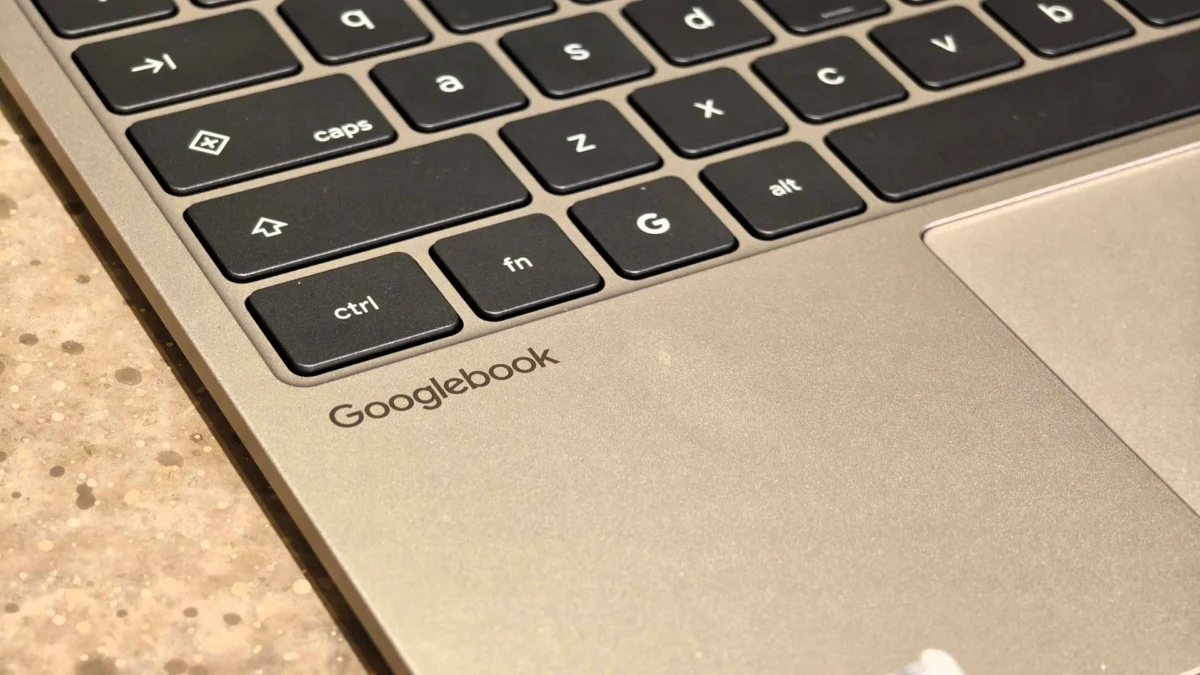
Google has officially commenced the rollout of its comprehensive November 2026 system update for the Googlebook ecosystem, addressing a spectrum of hardware inefficiencies, software instabilities, and memory management challenges that have persisted since the platform’s initial market introduction. Headlining the November release is a sophisticated overhaul of the Neural Processing Unit (NPU) driver and AICore memory management protocols. This technical optimization reclaims between 3GB and 6GB of system RAM previously locked down by on-device artificial intelligence services, providing a much-needed performance buffer for users navigating memory-intensive workflows on 16GB configurations.
The deployment of this firmware patch marks a critical milestone for Google’s flagship laptop lineup, which relies heavily on localized machine learning capabilities for productivity features, real-time transcription, and advanced assistant tools. By streamlining how background AI processes interact with core system functions, the update aims to eliminate the friction that early adopters experienced when simultaneously executing heavy web browsing and computational tasks.
Background Context and the Evolution of Googlebook
The introduction of Googlebook earlier in the product cycle represented a strategic pivot for Google, integrating the flexibility of its cloud-first ecosystem with high-performance hardware architectures, notably powered by advanced processors like the Snapdragon X Elite. Designed to bridge the gap between traditional consumer laptops and cutting-edge AI workstations, these devices positioned themselves as versatile tools for professionals, students, and developers alike.
However, the rapid integration of heavy on-device neural processing created unforeseen resource bottlenecks. Critics and early users noted that running localized large language models and complex utility frameworks placed an undue tax on available system memory. Frequently, background AI operations competed aggressively with standard browser allocations, leading to sudden tab reloads, sluggish application switching, and occasional system instability. The November 2026 update is a direct response to these architectural growing pains, signaling Google’s commitment to refining the core infrastructure of the Googlebook platform to match its ambitious performance promises.
Chronology of the November 2026 Release
The rollout follows a standard phased deployment schedule characteristic of major operating system updates within the consumer technology sector.
- Early November 2026: Initial code compilation and internal validation of build number CL3B.260622.286.R2.
- Mid-November 2026: Technical disclosures surface via developer communities and platform analysts, highlighting significant NPU driver rewrites and memory reclamation metrics.
- Late November 2026: Gradual over-the-air (OTA) distribution begins reaching consumer devices globally.
- Current Status: The update is actively propagating across supported hardware portfolios manufactured by prominent OEM partners, including Acer, ASUS, Lenovo, HP, and Dell.
Detailed Breakdown of System Improvements
Beyond the headline-grabbing RAM reclamation figures, the November release introduces a sweeping array of patches designed to stabilize everyday usability across diverse form factors.
Hardware and Display Stability
Convertible and 2-in-1 Googlebook models have historically experienced frustrating handoff issues when transitioning between traditional laptop configurations and tablet orientations. The latest patch resolves a persistent bug that caused intermittent drops in keyboard and touchpad responsiveness during physical mode switches.
Furthermore, media consumption and external peripheral connectivity have received targeted stabilization:
- DRM Streaming: External displays connected to Googlebook devices will no longer default to a black screen when attempting to play protected media content from streaming services such as Netflix.
- Audio Routing: USB microphones and complex multichannel audio interfaces now integrate natively without unexpected input dropouts.
- Bluetooth Peripherals: Audio-video synchronization delays have been substantially minimized, alongside improved reconnection reliability for wireless mice and pointing devices.
- Video Conferencing: Frequent application crashes affecting platforms like Zoom—particularly when utilizing simulated backgrounds, visual filters, background blur, and 3D avatars—have been thoroughly patched.
Development Environment and Linux Integration
Recognizing the strong adoption of Googlebook among software engineers and technical professionals, Google has dedicated substantial engineering resources to enhancing the Linux Terminal beta.
The update delivers more reliable shell sessions that maintain state and connectivity after the system wakes from sleep states. SSH port forwarding has been stabilized, and multi-window management within the Linux container environment is now significantly smoother. Additionally, Google addressed a prominent memory leak associated with closing terminal tabs. Crucially, Linux virtual machine (VM) update procedures have been re-engineered to be non-destructive, ensuring that user data storage and custom SSH configurations remain safely preserved during routine system maintenance.
Security Enhancements and Kernel Upgrades
Security remains a foundational pillar of the November 2026 distribution. The package incorporates the official Android security patch dated November 1, 2026, which successfully mitigates approximately 60 distinct platform vulnerabilities.
On the infrastructure front, Google has upgraded the underlying Linux 6.18 kernel and updated the firmware for the Ti50 security chip. These lower-level modifications directly resolve hardware-level anomalies that previously resulted in unexpected system restarts, persistent boot loops, and erratic fan noise caused by thermal management miscalculations.
Industry Implications and User Reception
Initial community responses, tracked across developer forums and enthusiast platforms such as Reddit, have skewed largely positive. Users managing heavy browser loads and multitasking workloads report a noticeable uplift in system responsiveness and fluid application transitions.
Nevertheless, technology analysts note that complex system updates frequently introduce minor regression issues. Early reports from a subset of users indicate lingering anomalies, such as intermittent hiccups in Chrome’s native spell-checking utility and minor delays in notification synchronization immediately following a system wake event. Industry observers suggest these minor friction points will likely be addressed in subsequent minor hotfixes.
Deployment and Installation Instructions
The system update is currently propagating through official channels. Eligible device owners can manually verify and initiate the download process by navigating to Settings > System > System Update. Users should look for build number CL3B.260622.286.R2 to confirm they are running the latest stable release. As rollout procedures are managed on a staged basis, availability may vary slightly depending on the specific OEM manufacturer and regional distribution queues.