








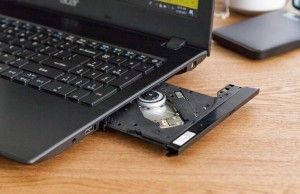
The quest for a new laptop featuring an integrated optical disc drive has become a niche but persistent challenge for consumers in 2026. While the mainstream personal computing industry has largely abandoned the CD/DVD drive in favor of thinner chassis designs, higher-capacity solid-state storage, and cloud-based media consumption, a significant demographic—including medical professionals, archivists, and enthusiasts of physical media—continues to require native hardware support for legacy discs. As of early 2026, no major manufacturer produces a standard consumer-grade laptop with an internal optical drive. Consequently, users seeking this functionality must navigate the secondary market for older, refurbished units or pivot toward high-quality external peripherals.
The Evolution and Sunset of Optical Drives in Mobile Computing
To understand the current scarcity, one must look at the historical trajectory of laptop design. In the early 2000s, the CD/DVD drive was a ubiquitous feature, serving as the primary method for installing software, burning data backups, and consuming multimedia. However, the mid-2010s marked a definitive turning point. As broadband internet speeds increased and streaming services such as Netflix and Spotify gained dominance, the utility of the optical drive began to wane.
Manufacturers faced a design imperative: to create lighter, more portable, and more energy-efficient machines. The internal volume occupied by a disc drive—which requires mechanical moving parts and a specific depth within the chassis—was seen as a significant hurdle. By 2018, nearly all major OEMs (Original Equipment Manufacturers), including Dell, HP, and Lenovo, had phased out internal drives from their consumer and professional ultrabook lines. This transition was accelerated by the widespread adoption of M.2 NVMe SSDs, which offered vastly superior speeds and required a fraction of the space.
Market Landscape: Secondary and Refurbished Options
Because mass production of these devices has ceased, the market for laptops with built-in drives is almost entirely comprised of refurbished or "new-old-stock" inventory. For users who cannot utilize an external drive, three specific models remain the most viable, albeit aging, candidates for purchase.
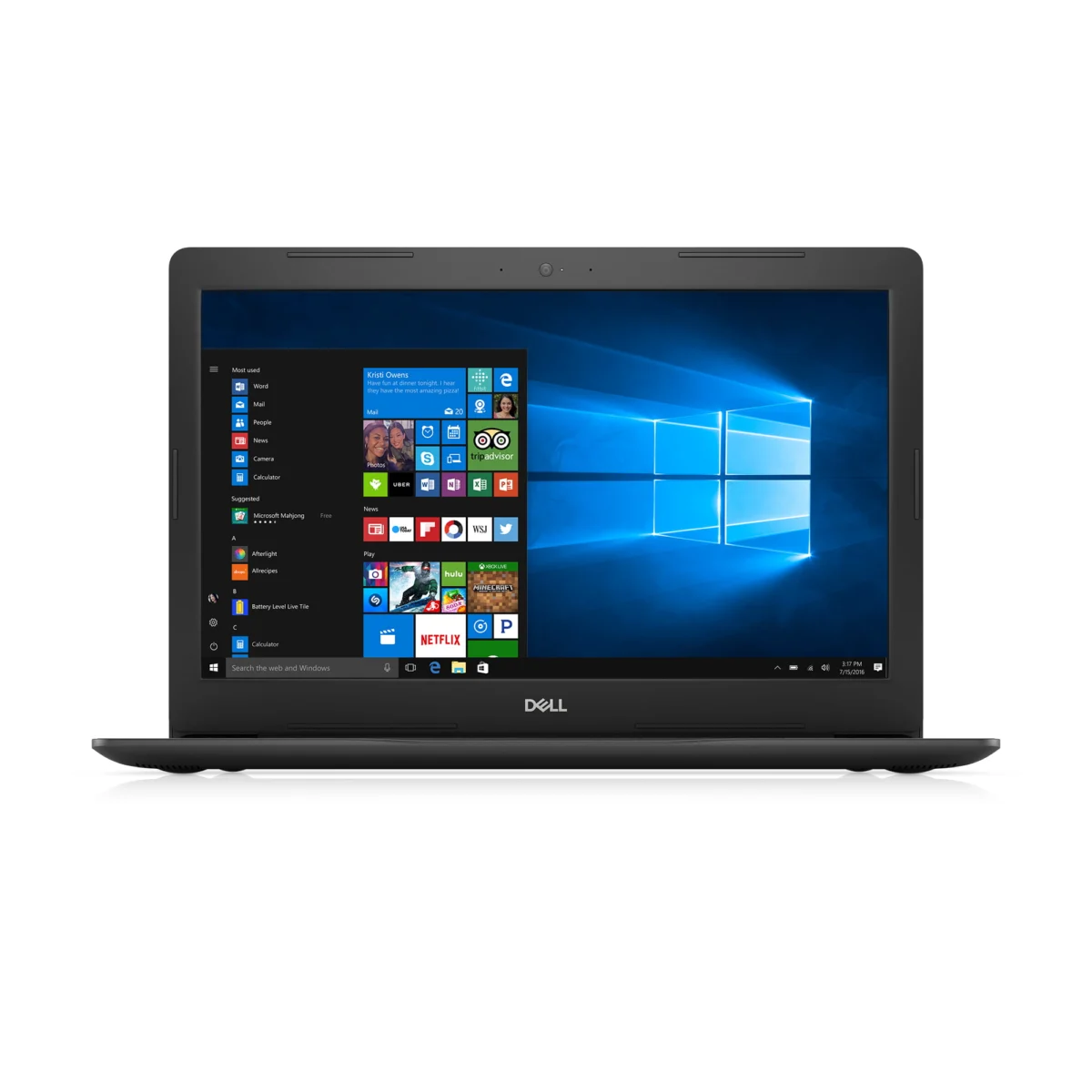
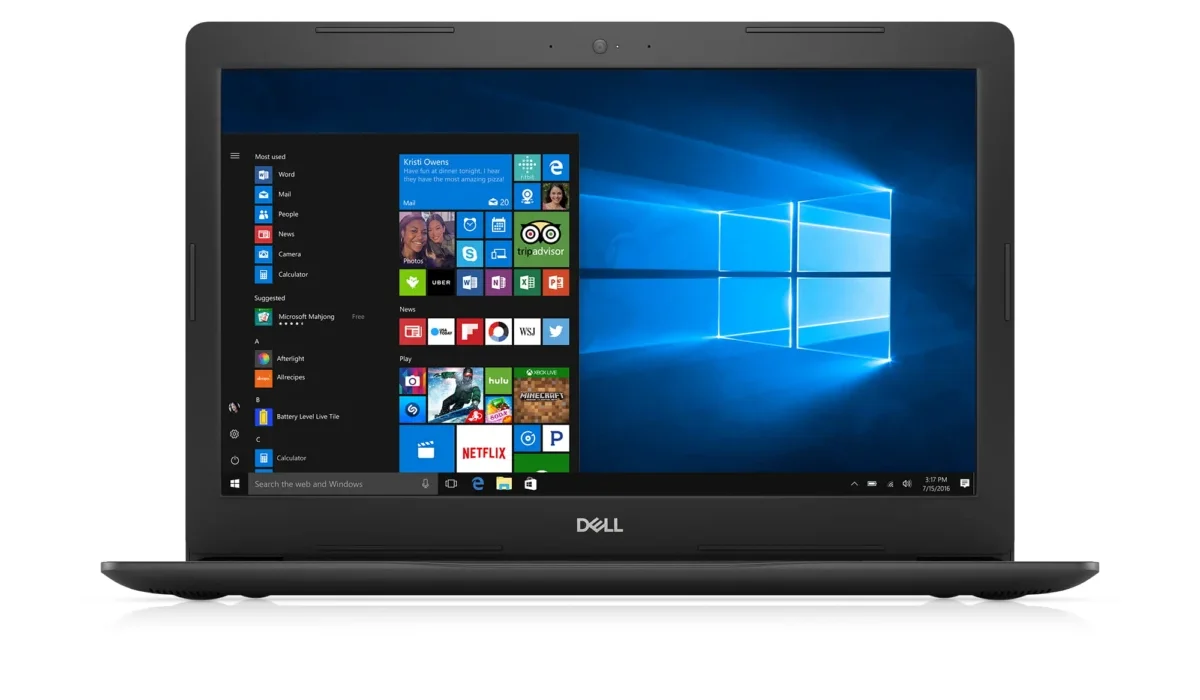
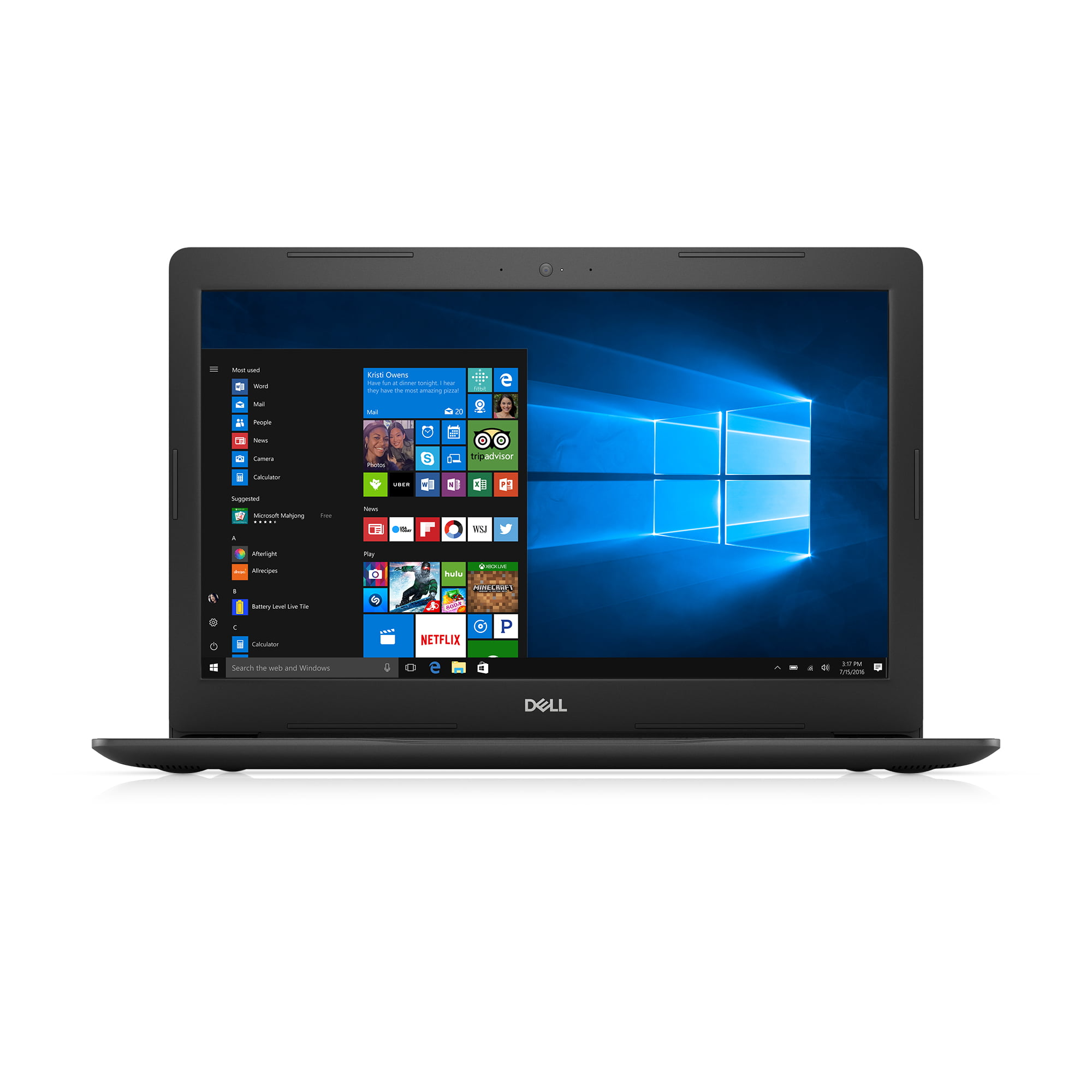
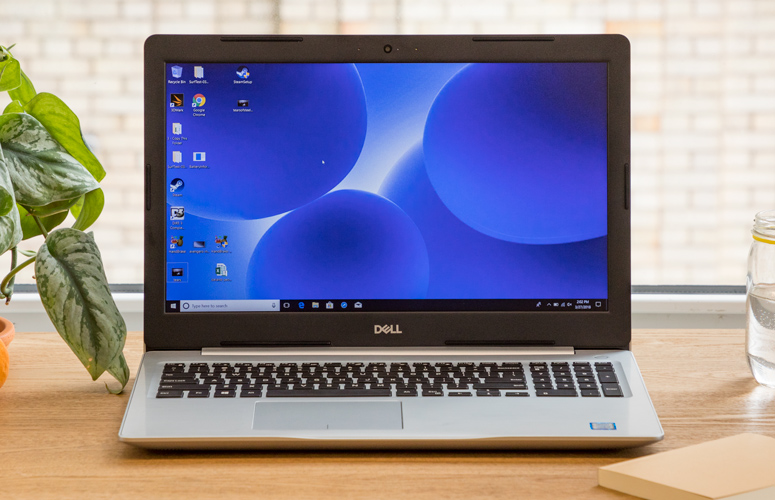
1. Dell Inspiron 15 5000 Series (2017 Model)
The Dell Inspiron 15 5000 remains the benchmark for those seeking a balance between legacy functionality and moderate usability. Typically equipped with 7th Generation Intel Core i5 or i7 processors and 8GB of RAM, this unit serves as a bridge between the era of physical media and modern computing needs. While the inclusion of a 1TB hard disk drive (HDD) provides ample storage for large, non-digitized files, it creates a performance bottleneck by modern standards. Users who opt for this device are advised that the lack of an SSD significantly increases boot times and file access latency.
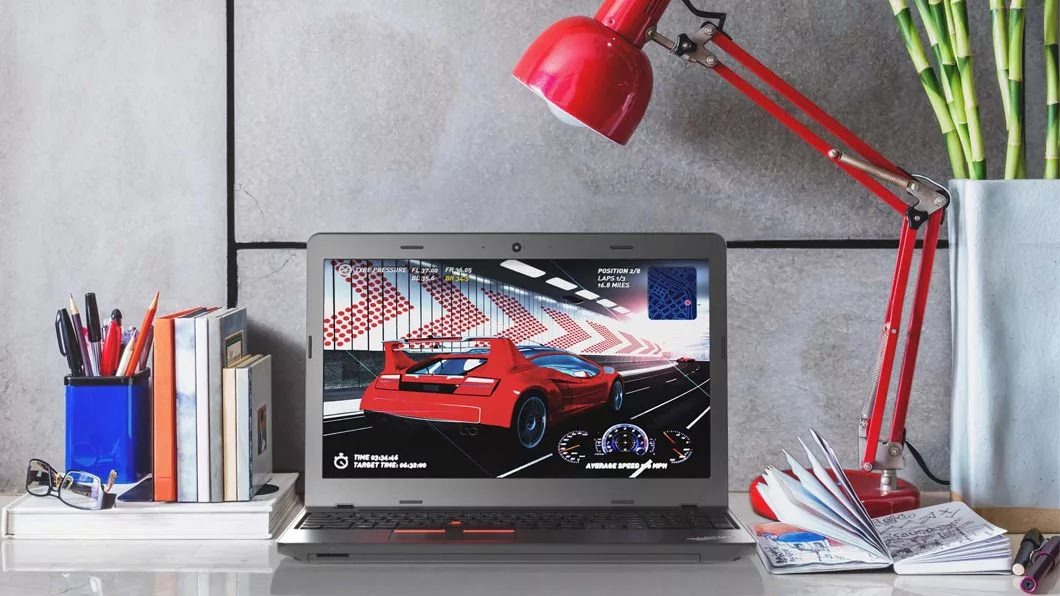
2. Lenovo ThinkPad E570 (7th Gen)
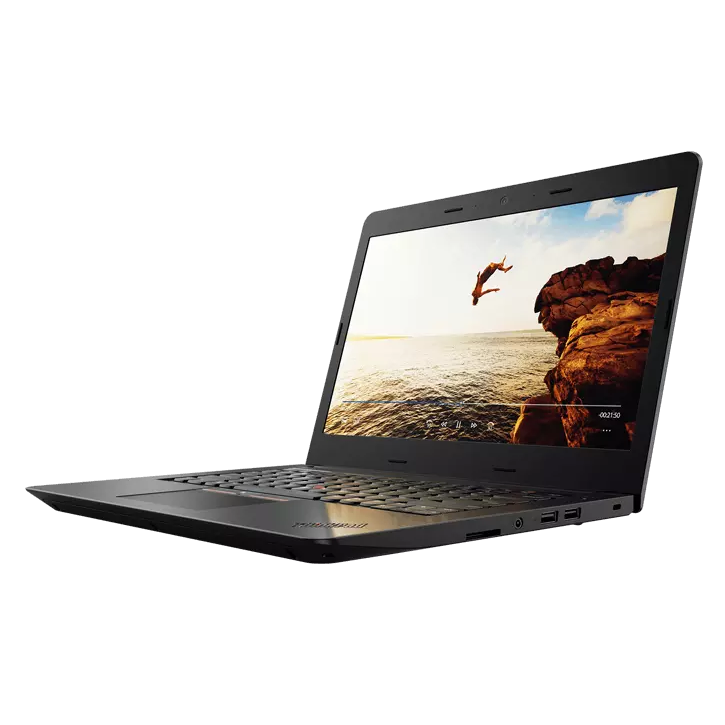
For enterprise users or those who prioritize keyboard ergonomics and build quality, the Lenovo ThinkPad E570 is a durable alternative. Often found on the secondary market for approximately $200 to $300, this machine provides a functional optical writer alongside a diverse array of legacy ports, including VGA and Ethernet, which are rarely found on contemporary devices. However, its Intel Core i3-7100U processor and limited internal storage capacity restrict it to basic word processing and light administrative tasks.
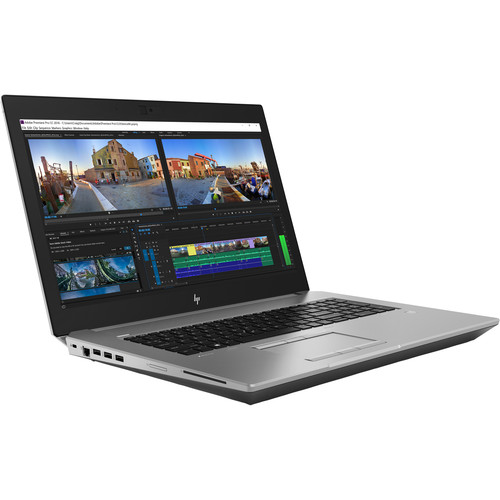
3. HP ZBook 17 G5
The HP ZBook 17 G5 represents the high-end tier of the "legacy" market. Designed as a workstation for engineers and architects, this device was built to withstand rigorous use. Unlike the consumer-grade options mentioned above, the ZBook 17 G5 often features a Blu-ray read/write drive, making it a unique asset for high-definition media consumption or data archival. With support for Intel Xeon processors and up to 32GB of RAM, this machine is the only one in the category capable of handling modern, resource-intensive professional workflows, though its weight—exceeding seven pounds—renders it less than ideal for daily commuting.
Data-Driven Risks of Legacy Hardware
Purchasing an older laptop solely for its built-in drive carries significant technical and financial implications. The primary risk is the degradation of mechanical components. Optical drives are susceptible to laser failure and belt wear over time. Because these parts are no longer being manufactured for these specific chassis, finding compatible replacement parts is increasingly difficult.
Furthermore, these laptops utilize older chipsets that are often incompatible with the latest security protocols and firmware updates required by modern operating systems like Windows 11 or the latest Linux distributions. This creates a "security gap," where the user may be exposed to vulnerabilities that are no longer being patched by the manufacturer. From a financial perspective, investing $500 to $1,000 into a machine that is six to nine years old is rarely a sound long-term strategy, as these units lack the thermal efficiency and battery life of modern hardware.

The Superior Alternative: External Peripherals
Industry experts, including analysts at major technology publications, strongly recommend that users prioritize the purchase of a modern, high-performance laptop and supplement it with a dedicated external optical drive. This "modular" approach offers several distinct advantages:
- Longevity: If an external drive fails, it can be replaced for $30 to $60 without the need to replace the entire computer.
- Performance: Modern external drives utilize USB 3.0 or USB-C interfaces, which often provide faster data transfer and more reliable burning speeds than the aging internal drives of a 2017-era laptop.
- Portability: Modern external drives, such as the ASUS ZenDrive U9M, are ultra-slim and can be carried in a laptop sleeve, ensuring the user is not tethered to a heavy, aging workstation.
- Compatibility: External drives are "plug-and-play" with virtually any modern computer, meaning the user is not locked into one specific machine to access their media.
Broader Implications for Digital Archiving
The shift away from physical media has created a "digital divide" for those who rely on historical records stored on discs. Many medical records, older government documents, and personal photo archives are still stored on CD-R or DVD-R media. The decline of the built-in drive is not merely a design trend; it is a signal of the industry’s total commitment to the cloud.
For institutions tasked with long-term data preservation, the current market situation underscores the urgency of migrating data from optical discs to redundant solid-state storage or cold-storage cloud servers. Reliance on aging, second-hand hardware is a precarious strategy for data management.
Conclusion and Expert Guidance
For the average user in 2026, the era of the integrated laptop optical drive has effectively concluded. While the Dell Inspiron 15 5000, Lenovo ThinkPad E570, and HP ZBook 17 G5 remain available through secondary markets, they are best viewed as stop-gap solutions rather than long-term investments.
Those who require regular access to physical media should prioritize purchasing a modern laptop that meets their current performance requirements and pair it with a high-quality, external USB optical drive. This approach ensures that users can access their legacy files without sacrificing the security, speed, and reliability that modern computing platforms offer. By separating the optical drive from the core computing unit, users can future-proof their setup, ensuring that their ability to read and burn physical media remains intact regardless of how their primary hardware evolves in the years to come.