











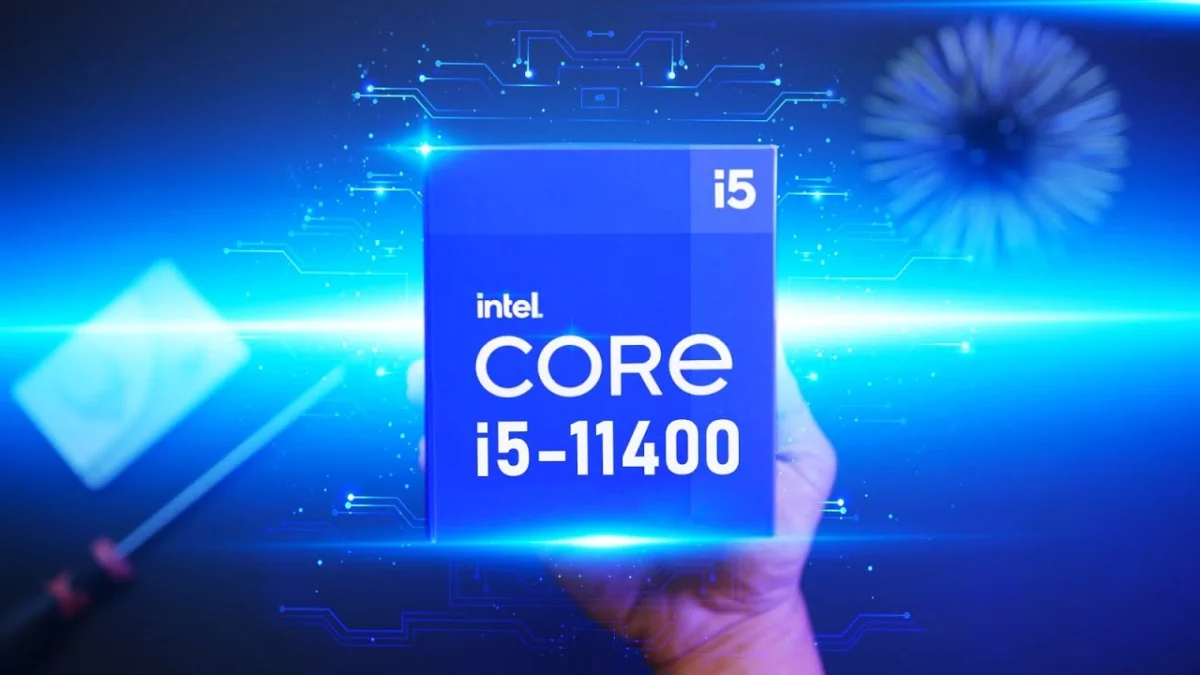
The landscape of budget desktop processors has long been defined by a delicate balance between price, power consumption, and thermal output. When Intel introduced its Rocket Lake generation, the Core i5-11400 emerged as a standout value proposition, capturing the attention of system builders and hardware reviewers alike. Positioned as an entry point into Intel’s 11th-generation architecture, this six-core, twelve-thread processor promised competitive performance at an attractive price point, frequently retailing around $185 USD. However, a deeper examination of the processor reveals a complex ecosystem of motherboard behaviors, aggressive power limits, and benchmark inflation that can catch even experienced builders off guard.
Background Context and Architecture Overview
To understand the positioning of the Core i5-11400, it is necessary to examine Intel’s strategy during the Rocket Lake product rollout. Intel bifurcated its lower-end stack, retaining the older Comet Lake architecture for Core i3 and Pentium tiers, while elevating processors starting from the Core i5-11400 upward to the new 11th-generation core design. The i5-11400 features six cores and twelve threads, identical to its higher-end siblings like the i5-11500 and i5-11600, with product differentiation primarily achieved through lower baseline clock speeds.
In the broader market, the i5-11400 found itself competing against AMD’s Ryzen 3000 series, specifically the Ryzen 5 3600 and 3600X, which utilize the older Zen 2 architecture. While AMD’s Zen 3 processors dominated the high-end segments, supply constraints and higher price points left a distinct vacuum in the affordable bracket. The Ryzen 3 3300X, a closer competitor in price, suffered from severe availability issues, leaving Intel well-positioned to capture budget-conscious consumers. Yet, the real-world operational reality of the i5-11400 involves several critical technical nuances that extend beyond standard marketing specifications.
The Mechanics of Power Limits: PL1, PL2, and TAU
A central factor governing the behavior of modern desktop processors is power management, defined by Intel through Power Limit parameters. The PL1 (Power Limit 1) metric dictates the sustained power draw, which aligns with the processor’s official Thermal Design Power (TDP) specification of 65W. Conversely, PL2 permits a significantly higher short-term power draw—up to 154W for the Core i5-11400—allowing the CPU to boost clock frequencies for a designated duration known as the TAU (Time Averaged Window), which typically spans 28 seconds.
Under strict Intel specifications, the processor is engineered to drop from its high-power PL2 state down to the baseline 65W PL1 threshold once the TAU window expires. This mechanism protects cooling solutions and ensures thermal equilibrium. However, modern motherboards often deviate from these strict guidelines out of the box.
Motherboard Shenanigans and Multi-Core Enhancement
The phenomenon of motherboard manufacturers overriding Intel’s stock power limits has been a recurring theme in the hardware industry. Known variously as Multi-Core Enhancement (MCE), Enhanced Turbo, or proprietary nomenclature unique to each manufacturer, this feature allows processors to maintain their high PL2 power limits indefinitely rather than throttling back to the 65W specification after the TAU expires.
Historically, MCE was associated with enthusiast-grade platforms and overclockable "K-series" processors. With the democratization of memory overclocking on mid-range chipset motherboards—such as the B560 series—manufacturers have increasingly applied these aggressive default profiles to mainstream and budget processors like the i5-11400.
Testing across various motherboard platforms reveals a distinct pattern. Popular boards from manufacturers such as ASUS, Gigabyte, and MSI frequently ship with settings that enable enhanced power limits under their "optimized defaults" or automatic profiles. For instance, testing of boards including the ASUS ROG Strix B560-I Gaming WiFi and MSI B560 Tomahawk demonstrates that these platforms often force the i5-11400 to sustain a continuous power draw of approximately 120W during heavy multi-threaded workloads. In contrast, select budget-oriented boards, such as the ASRock B560M-ITX/ac, strictly adhere to Intel’s native 65W parameters out of the box.
Thermal Implications and Cooler Compatibility
The decision by motherboard vendors to bypass Intel’s default power constraints introduces substantial thermal challenges, particularly for users employing compact or stock cooling solutions. When operating under strict 65W Intel specifications, the i5-11400 is easily managed by standard cooling hardware, including Intel’s revised stock cooler—which features an updated all-black aesthetic and a copper core inherited from previous-generation high-end designs.
However, when MCE is active and the processor sustains a 120W draw indefinitely, thermal output escalates rapidly. Testing with the Intel stock cooler under enabled MCE conditions shows core temperatures surging to 96 degrees Celsius before plateauing near 90 degrees Celsius as thermal throttling engages to reduce clock frequencies by approximately 200MHz.
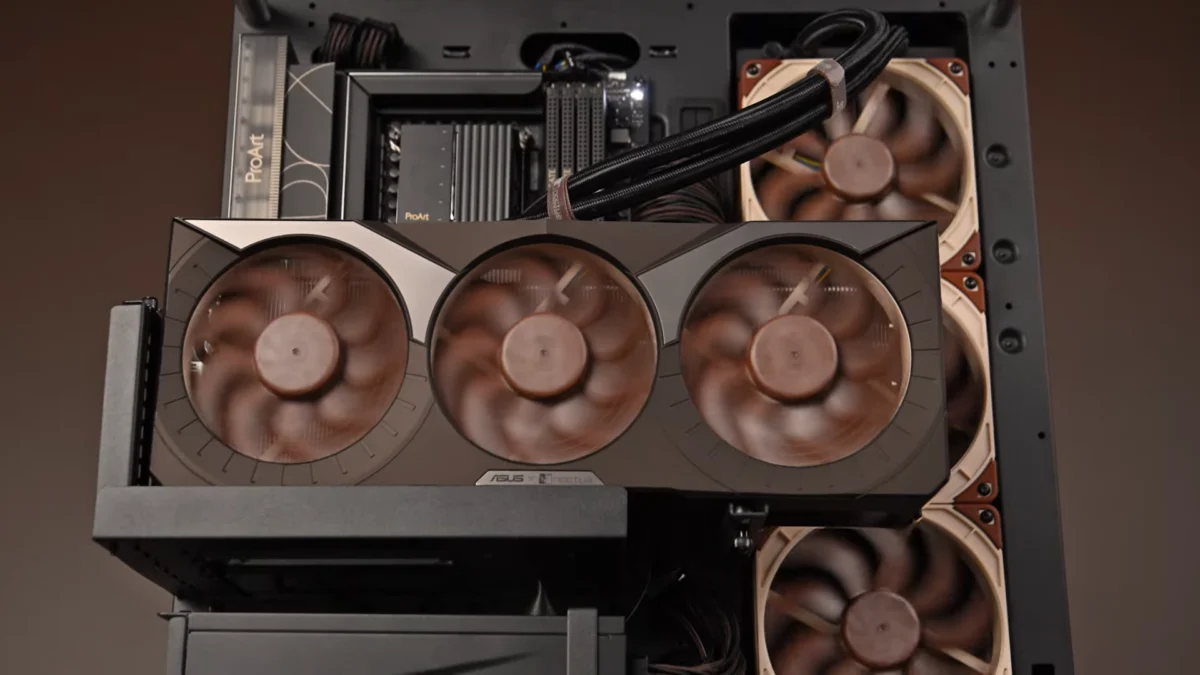
Similar thermal stress is observed with low-profile aftermarket coolers, such as the Noctua NH-L9i. Despite its high build quality, the NH-L9i is rated for a 95W thermal load, making it insufficient for an 11400 operating under unrestricted motherboard power profiles. Consequently, cooler manufacturers like Noctua have updated their product documentation to issue explicit power warnings for low-end Rocket Lake installations. Even robust tower coolers, such as the Noctua NH-U12S, experience average temperature surges of roughly 15 degrees Celsius over baseline specifications when MCE is engaged.
Benchmark Inflation and Performance Discrepancies
The prevalence of auto-enabled power enhancements directly contributes to the variance observed in performance benchmarks published across the technology sector. In synthetic multi-threaded workloads such as Cinebench R20 and R15, processors running with unrestricted power limits yield significantly higher scores compared to those adhering strictly to Intel’s 65W baseline.
For example, a system utilizing an unconstrained profile can achieve multi-threaded benchmark scores that vastly outstrip stock performance figures, creating an inflated representation of out-of-the-box capabilities. This discrepancy primarily affects heavy multi-core tasks, whereas lightly threaded applications and single-core benchmarks remain largely unaffected, as the CPU can naturally achieve and sustain maximum turbo frequencies without extended power assistance.
In productivity applications featuring mixed multi-threading—such as Adobe Premiere Pro and DaVinci Resolve—the performance delta narrows, though unconstrained power limits continue to provide an advantage. When compared directly against competing AMD Ryzen processors, a stock i5-11400 is competitive in single-threaded and lightly threaded tasks, while multi-core workloads heavily favor chips with unlocked limits or higher native core configurations.
Gaming Performance and Memory Overclocking Impact
In gaming scenarios, the benefits of Multi-Core Enhancement exhibit diminishing returns. Most modern video games do not saturate all available cores simultaneously, relying instead on high single-core or few-core frequencies. Consequently, gaming benchmarks demonstrate minimal divergence between stock 65W operation and fully unlocked power profiles, aside from minor improvements in 1% low framerates. Even in its stock configuration, the i5-11400 remains highly competitive against the AMD Ryzen 3000 series, establishing itself as a viable option for budget gaming configurations.
To investigate alternative methods for reclaiming performance without incurring the thermal penalties associated with MCE, hardware analysts have explored memory overclocking. Implementing high-speed memory kits, such as DDR4-4000 operating in Gear 2 mode, yields marginal gains in real-world application benchmarks. While memory frequency scaling provides slight performance improvements in select gaming titles, the cost associated with premium high-frequency memory kits generally outweighs the performance return, suggesting that standard memory specifications remain the most economical choice for budget builds.
Industry Implications and Consumer Takeaways
The operational profile of the Intel Core i5-11400 highlights a broader systemic issue within the personal computer hardware market: the divergence between silicon manufacturer specifications and motherboard vendor optimizations. While motherboard manufacturers implement aggressive default power profiles to enhance review metrics and deliver competitive out-of-the-box performance, this practice undermines the plug-and-play nature expected by mainstream consumers.
For system builders, the implications are clear. Operating a budget processor like the i5-11400 requires careful verification of BIOS settings to ensure thermal management aligns with the chosen cooling apparatus. Failure to account for automatic motherboard overrides can result in unexpected thermal throttling, elevated acoustic profiles, and hardware instability, particularly when utilizing stock or low-profile cooling solutions. Ultimately, while the Core i5-11400 remains a technically sound and economically viable processor at its baseline valuation, transparency regarding motherboard power limits is essential for achieving optimal system reliability.