The quest for a high-performing laptop under the $500 threshold often feels like a formidable challenge, requiring careful navigation through a market segment where compromises are inherent. While these budget-friendly machines typically forgo the premium aesthetics and cutting-edge features of their more expensive counterparts, a discerning eye can uncover models that master essential functions and even surprise with unexpected bonus capabilities. For students, children, or individuals seeking a reliable secondary device, the sub-$500 category presents viable options, with Chromebooks frequently offering superior value compared to their Windows counterparts in this price bracket.
The Evolving Landscape of Affordable Computing

The perception of budget laptops has significantly evolved over the past decade. Historically, an under-$500 laptop often implied a sluggish user experience, limited functionality, and a short lifespan. However, advancements in processor efficiency, the rise of cloud-centric operating systems like ChromeOS, and optimized hardware designs have dramatically improved the quality and capability of entry-level devices. Today’s affordable laptops are far from mere disposable tools; they are increasingly capable machines that can comfortably handle everyday computing tasks such as web browsing, document creation, video streaming, and utilizing productivity applications. This transformation is partly due to the relentless innovation in chip manufacturing, which has brought down the cost of components that once powered mid-range devices.
Setting realistic expectations remains paramount when considering laptops in this price range. Buyers should anticipate slower processors, often limited storage, and displays that, while functional, may not boast the vibrancy or resolution of premium screens. However, the most commendable budget models distinguish themselves by making intelligent compromises. A consistent standout feature across the best options is exceptional battery life, a crucial attribute for portability and extended use without constant recharging. Laptop Mag‘s rigorous testing protocols, regularly updated to reflect the latest models and technological benchmarks, ensure that recommendations for 2025 continue to highlight devices that deliver genuine value.
Key Considerations When Choosing a Budget Laptop
Selecting an optimal laptop under $500 requires a strategic approach, focusing on specific user needs and understanding inherent trade-offs. Industry analysts consistently advise consumers to prioritize battery life, operating system efficiency, and build quality within this segment.
- Operating System Choice: Chromebooks vs. Windows: For many, the decision between ChromeOS and Windows is the most critical. Chromebooks, powered by Google’s lightweight ChromeOS, are often lauded for their efficiency, security, and lower hardware demands, making them ideal for web-based tasks and cloud storage. This efficiency often translates to snappier performance on less powerful hardware and extended battery life. Windows laptops, while offering greater software compatibility and versatility, typically require more robust specifications to perform smoothly, which can be challenging to achieve within a strict budget. As such, a $500 Chromebook often feels more responsive than a similarly priced Windows machine.
- Performance Metrics: While top-tier processors are out of reach, modern budget laptops often feature Intel’s N-series, Qualcomm Snapdragon, or older-generation Intel Core i3/i5 chips. For Chromebooks, MediaTek Kompanio processors also offer competitive performance. Users should look for at least 8GB of RAM for smooth multitasking. Storage is typically eMMC (embedded MultiMediaCard) rather than faster SSDs, meaning slower boot times and file transfers, but sufficient for cloud-dependent workflows.
- Display Quality: Expect full HD (1920×1080) displays, with IPS panels being preferable for better viewing angles and color reproduction. While high brightness levels are rare, adequate visibility for indoor use is standard. The occasional presence of an OLED display, as seen in some standout models, is a significant premium feature in this category.
- Battery Life: A minimum of 10 hours of battery life is recommended for devices intended for portable use throughout a workday or school day. This is a critical area where many budget laptops, particularly Chromebooks, excel.
- Form Factor: Traditional clamshell designs offer stability and often better value. However, 2-in-1 convertibles or detachables provide added versatility, transforming into tablets for note-taking or media consumption. While 2-in-1s might be thicker in tablet mode, detachables offer a more streamlined tablet experience.
Top Picks for the Savvy Buyer
Laptop Mag‘s latest evaluations for 2025 highlight several models that consistently exceed expectations within the sub-$500 price segment. These devices strike an impressive balance between cost and functionality, proving that affordability doesn’t necessarily mean sacrificing essential features.
Best Overall: Lenovo IdeaPad Flex 5i Chromebook Plus
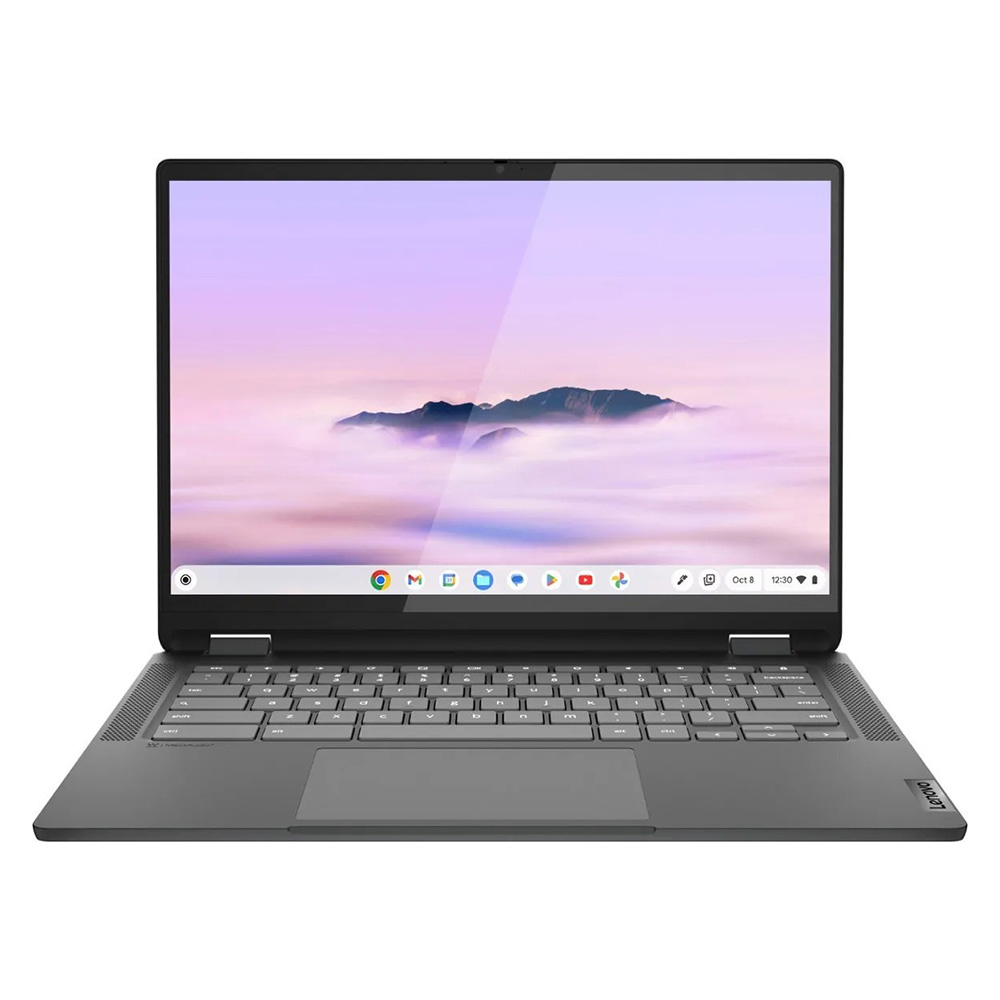
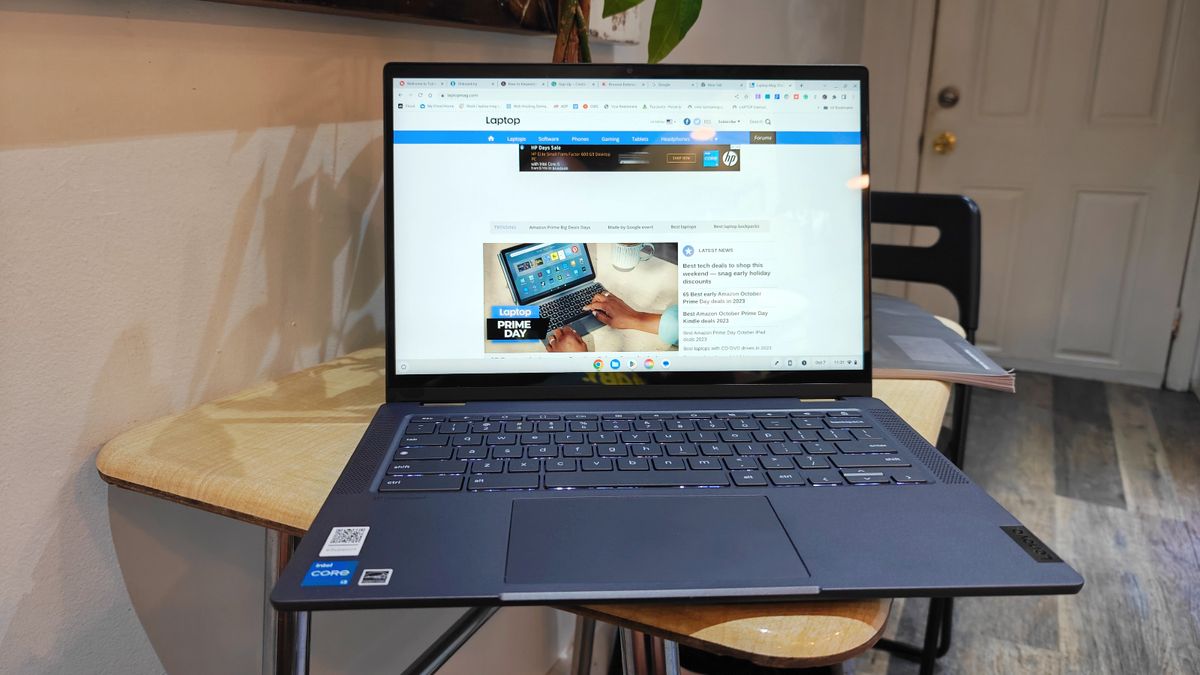
The Lenovo IdeaPad Flex 5i Chromebook Plus emerges as the top recommendation, embodying the potential of modern budget computing. This 2-in-1 convertible defies its price point with an attractive, sturdy design that belies its affordability. Powered by an Intel Core i3-1315U processor and equipped with 8GB of RAM, it delivers a remarkably speedy, AI-infused performance for a Chromebook. Its Geekbench 6 multi-core score of 5,384 significantly surpasses the Chromebook average of 5,259, demonstrating its capability to handle a multitude of tasks without lag.
Beyond raw performance, the Flex 5i boasts a comfortable keyboard, crucial for productivity, and robust hinges that ensure durability in its convertible form. Its 14-inch, 1080p IPS touch display, while not the most vibrant, benefits from a 16:10 aspect ratio, providing additional vertical screen real estate for an enhanced browsing and document-editing experience. With nearly 10 hours of battery life, it offers ample power for a full day of use. Its sleek dimensions (12.4 x 9.0 x 0.8 inches) and weight (3.57 pounds) position it as a highly portable and aesthetically pleasing option that could easily be mistaken for a more premium device.
Best Under $300: Lenovo Duet 5 Chromebook
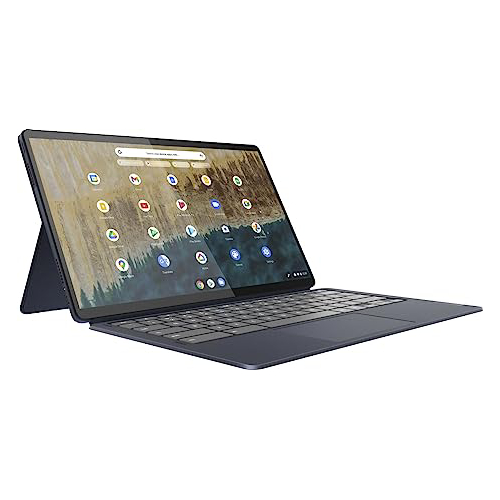
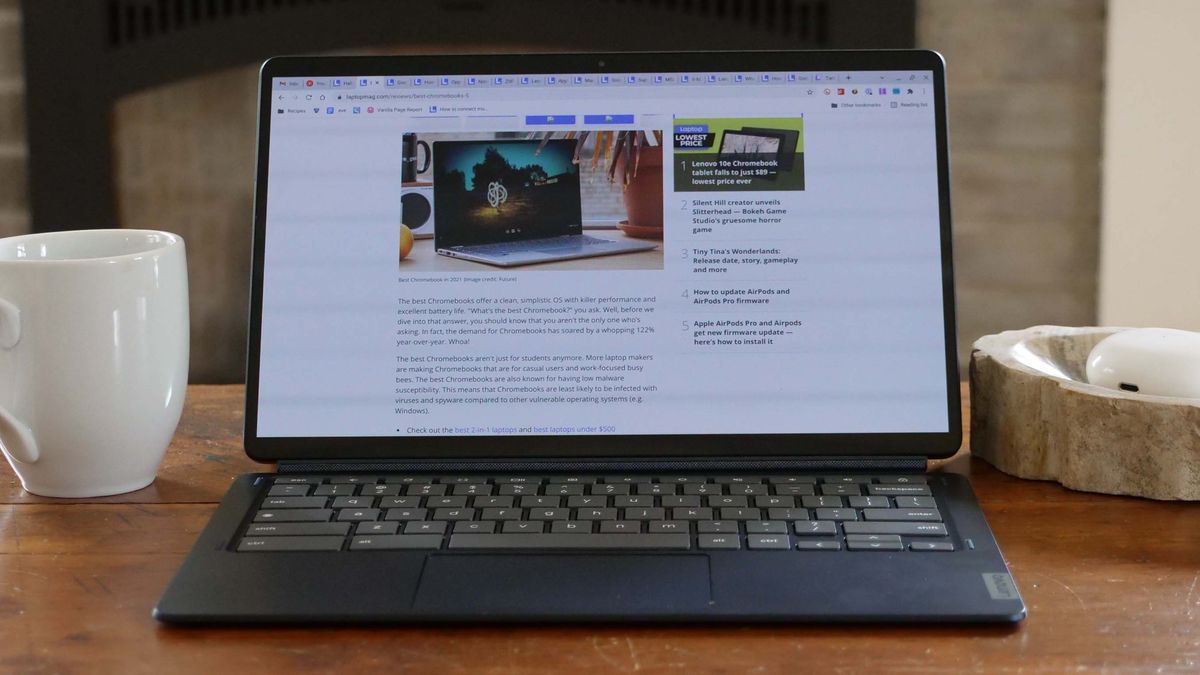
For those with an even tighter budget, the Lenovo Duet 5 Chromebook remains an absolute champion, consistently delivering exceptional features for its sub-$300 price tag. While its Qualcomm Snapdragon 7c Gen 2 processor yields modest benchmark scores (Geekbench 5 multi-core average of 1,727), its strengths lie elsewhere. The Duet 5 features a stunning 13.3-inch, 1920 x 1080 OLED display, a rarity in any budget category, which reproduces 85.2 percent of the DCI-P3 color gamut and averages 361 nits of brightness. These are figures often associated with premium laptops, providing vivid colors and deep contrasts for an immersive viewing experience.
Further enhancing its value, the Duet 5 offers an impressive 13 hours and 31 minutes of battery life, placing it among the longest-lasting devices. Its detachable 2-in-1 design means it effortlessly transitions from a productivity laptop to a portable tablet, and crucially, the keyboard and cover are included—a feature often sold separately for more expensive detachables. Despite its weak performance and the absence of a stylus, its combination of an OLED display, outstanding battery life, and versatile design makes it an unparalleled value proposition for basic use and media consumption.

Best Windows Laptop: Lenovo IdeaPad Flex 5 14 (Intel)
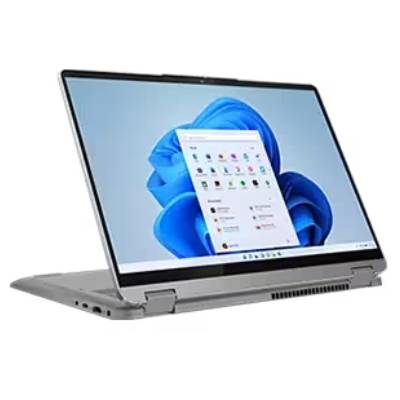
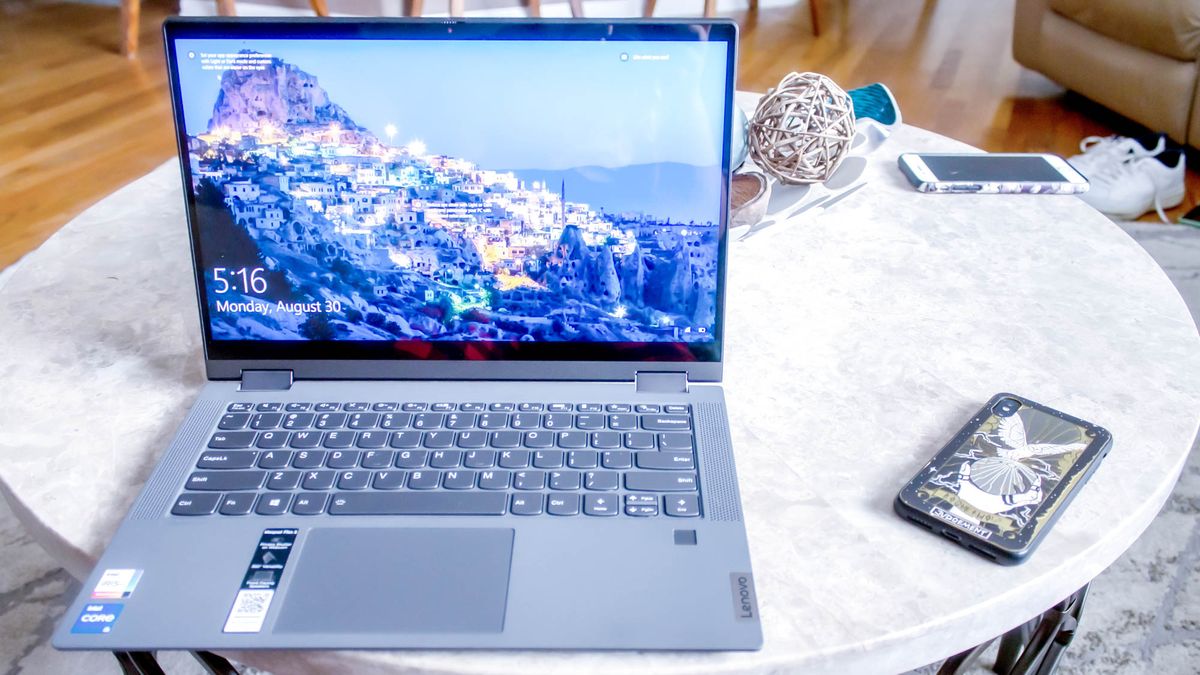
Finding a Windows laptop under $500 that offers genuine reliability and performance is a significant achievement, and the Lenovo IdeaPad Flex 5 14 (Intel) rises to this challenge. Equipped with an Intel Core i5-1135G7 processor, 16GB of RAM, and a 512GB SSD (configurations may vary within the price bracket), it provides solid performance for a Windows machine. Its Geekbench 5 multi-core score of 3,841 notably outperforms the Chromebook average and other budget options, making it suitable for more demanding applications than a typical Chromebook.
The IdeaPad Flex 5 14 boasts an incredible battery life of over 14 hours, a standout feature for any laptop, let alone a budget Windows model. The typing experience is enhanced by a comfortable and responsive keyboard, making it ideal for extended writing sessions. While its 12.3-inch, 2400 x 1600 IPS touch display is a good resolution, it can be dim and less colorful than competitors. Priced competitively, often found under $500 or even $400 for base models, it represents an excellent investment for users committed to the Windows ecosystem. While the Intel version is highly recommended, the AMD Ryzen 3 model offers a similar value proposition, though performance characteristics may differ.

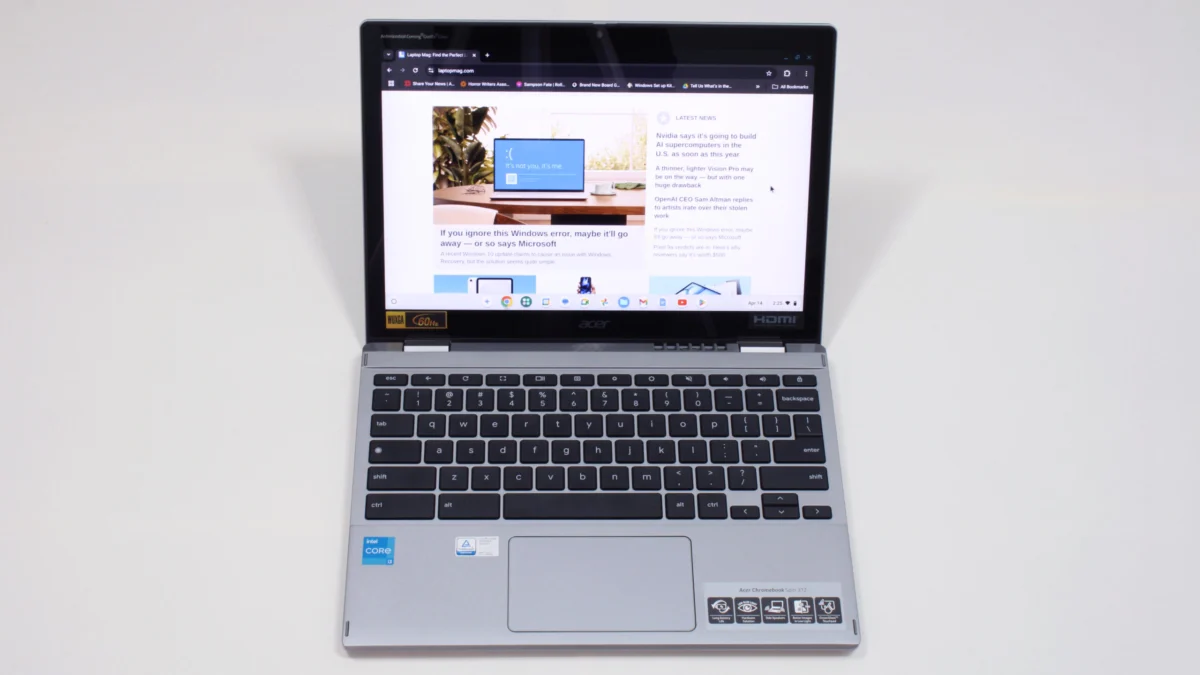
Best for Students: Acer Chromebook Spin 312
The Acer Chromebook Spin 312 is an exemplary student laptop, offering a robust and functional computing experience for an affordable price. Its Intel Core i3-N305 processor and 8GB of RAM provide reliable performance for schoolwork, achieving a Geekbench 6 multi-core score of 4,477. The device’s silver-coated chassis gives it a more premium look than its $450 price suggests, and at just under 3 pounds, it is light enough for students to carry between classes throughout the day.
A standout feature is its impressive battery life, lasting up to 10 hours and 33 minutes on a full charge. The Acer OceanGlass touchpad offers an exceptionally smooth tactile experience, surpassing many more expensive laptops. The 12.2-inch (1920 x 1200) IPS touch display, protected by Corning Gorilla Glass, enhances color vividness and contrast, even if its DCI-P3 color gamut coverage is 55%. As a 2-in-1 laptop, it supports both traditional typing and stylus input (though the stylus is not included), catering to various learning styles. While the audio can be shallow and the webcam grainy, these are common trade-offs in this price segment, overshadowed by its overall value and student-centric design.
Rigorous Testing for Reliable Recommendations
At Laptop Mag, every laptop, regardless of its price point, undergoes an extensive and methodical evaluation process to ensure our recommendations are both accurate and trustworthy. This comprehensive testing regimen combines synthetic benchmarks with real-world application scenarios, providing a holistic understanding of each device’s capabilities and limitations.
Our display analysis begins with a Klein K10 colorimeter, which precisely measures screen brightness in nits and its coverage of the DCI-P3 color gamut, crucial metrics for visual quality. Performance assessments involve a suite of industry-standard benchmarks, including Geekbench (versions 5 and 6) for CPU performance and 3DMark for graphics capabilities. To gauge real-world responsiveness, we task laptops with converting a 4K video to 1080p resolution and duplicating a substantial 4.97GB multimedia file, simulating common user activities. For graphical prowess, particularly relevant for casual gaming or creative tasks, we run the Sid Meier’s Civilization 6 Gathering Storm benchmark at medium settings and 1080p resolution.
Thermal management is also meticulously checked by playing a 15-minute full-screen video and recording temperatures across various points of the laptop chassis, ensuring sustained performance without discomfort. Finally, battery life, a critical factor for portability, is determined through continuous web surfing over Wi-Fi at a standardized brightness of 150 nits. For budget laptops, a runtime exceeding 9-10 hours is considered exceptional, indicating true all-day usability.
Following these stringent lab tests, each laptop is handed over to our team of expert reviewers for in-depth, hands-on evaluation. They integrate the device into their daily workflows—writing, editing, video conferencing, streaming, and more—for several days. This practical, lived-in experience complements the technical data, allowing us to provide a well-rounded, honest, and publication-ready perspective on every laptop reviewed at Laptop Mag. This dual approach ensures that our advice is grounded in both empirical data and genuine user experience, empowering consumers to make informed purchasing decisions with confidence.
The Broader Implications of Accessible Computing
The availability of capable laptops under $500 has significant broader implications for education, remote work, and digital inclusion. Affordable devices lower the barrier to entry for countless individuals, enabling access to online learning resources, facilitating communication for remote teams, and providing essential tools for small businesses and personal use. While the market has seen fluctuations due to factors like global tariffs and supply chain challenges, the average quality of budget laptops has steadily improved, offering more features per dollar. Consumer technology experts suggest that this trend is likely to continue, driven by ongoing component optimization and competitive market pressures.
For consumers, understanding the optimal buying periods, such as Black Friday, Cyber Monday, and back-to-school sales, can yield even greater value. However, the consistent release of strong contenders throughout the year means that good deals are not exclusive to these windows. The enduring mission of Laptop Mag, with decades of independent review experience and backed by Future Publishing, is to demystify these choices, providing trustworthy, data-driven insights to help every user find the best possible laptop for their needs, regardless of their budget.