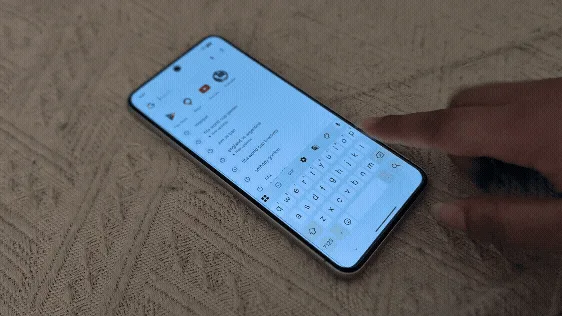
The ubiquitous nature of smartphones in modern life has elevated them from mere communication devices to indispensable tools for productivity, note-taking, and extensive text input, driving a continuous demand for faster and more efficient typing methods. While many users instinctively default to the traditional tap-typing approach, a significantly more rapid and intuitive alternative, known as swipe typing or gesture typing, has long been integrated into major Android keyboard applications like Google’s Gboard and Samsung Keyboard, promising a substantial boost in words per minute (WPM) for those who master its technique. This feature, while not new, continues to transform how individuals interact with their mobile devices, making digital communication seamless and remarkably swift.
The Evolution of Mobile Text Input
The journey to sophisticated mobile text input began far from the sleek, intelligent keyboards we use today. Early mobile phones relied heavily on numeric keypads, leading to the development of predictive text systems like T9 (Text on 9 keys). This innovation allowed users to type words by pressing each key only once, with the software attempting to predict the intended word based on common letter combinations. While revolutionary for its time, T9 was often cumbersome for entering uncommon words or proper nouns and presented a steep learning curve for speed.
The advent of smartphones with touchscreens brought the full QWERTY keyboard to mobile devices, initially mirroring desktop layouts but requiring precise individual taps. This method, while familiar, often led to slower typing speeds and higher error rates due to the smaller key sizes and the absence of tactile feedback. The necessity for a more fluid and efficient input method became apparent as mobile communication intensified, paving the way for gesture-based typing.
The concept of "swiping" to type gained prominence with the introduction of Swype Inc. in 2007, pioneering the technology that allowed users to input words by gliding a finger across the virtual keyboard, connecting the letters of a word without lifting. Swype’s innovative approach quickly garnered attention, demonstrating a significant improvement in typing speed and comfort compared to tap-typing. The company’s technology was licensed to various smartphone manufacturers, setting the stage for broader adoption. Eventually, Swype Inc. was acquired by Nuance Communications, and its core innovations profoundly influenced the development of native keyboard applications across mobile operating systems.
Google’s entry into the gesture-typing arena came with its own Google Keyboard (later rebranded as Gboard), which introduced "Glide Typing." This implementation leveraged Google’s advanced machine learning capabilities and extensive language models to offer highly accurate word prediction and correction, further refining the user experience. Similarly, Samsung, a dominant player in the Android ecosystem, integrated its own version, often referred to as "Swype mode" within the Samsung Keyboard, ensuring that users of their devices could also benefit from this efficiency.
Understanding the Mechanics of Swipe Typing
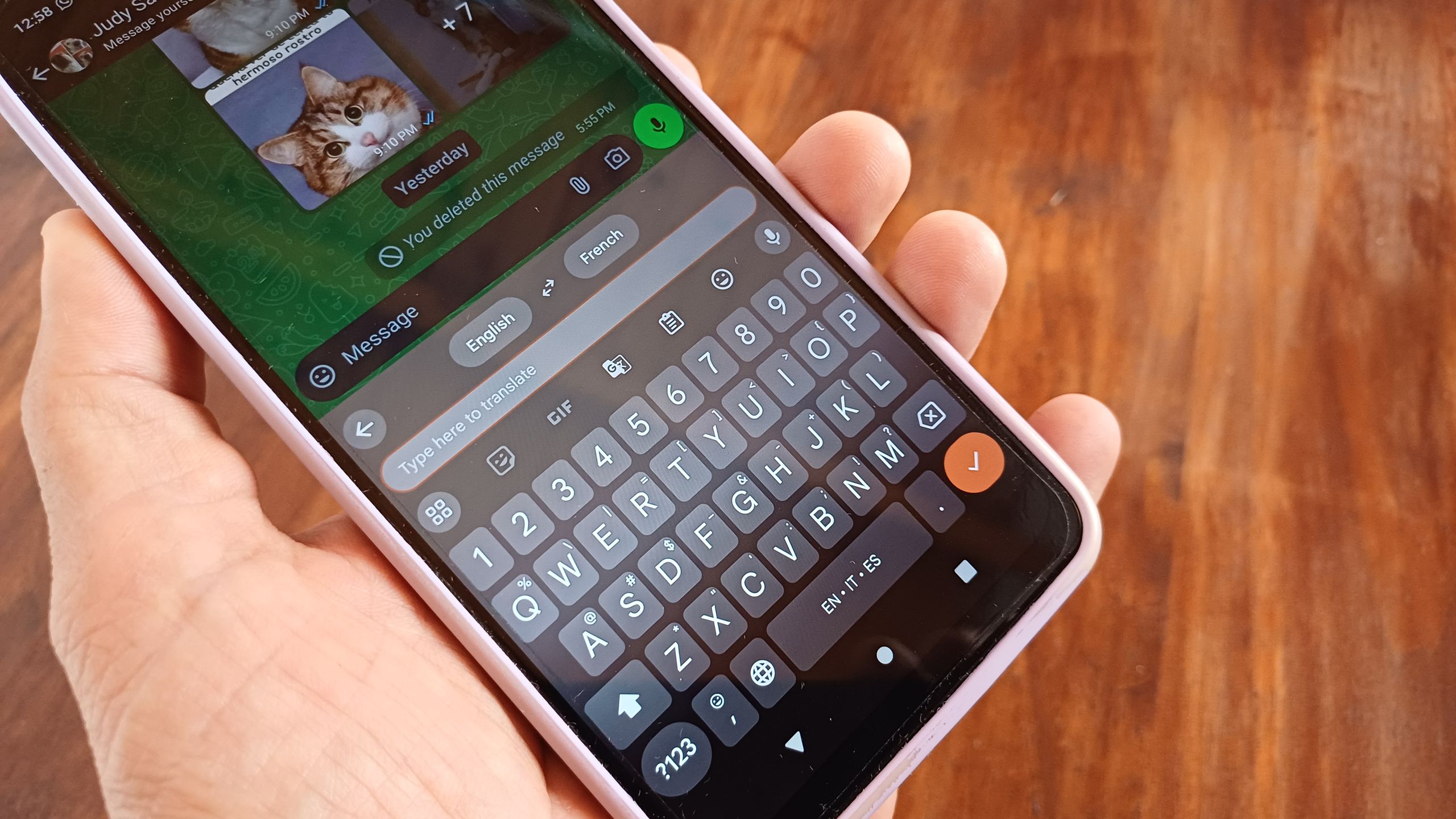
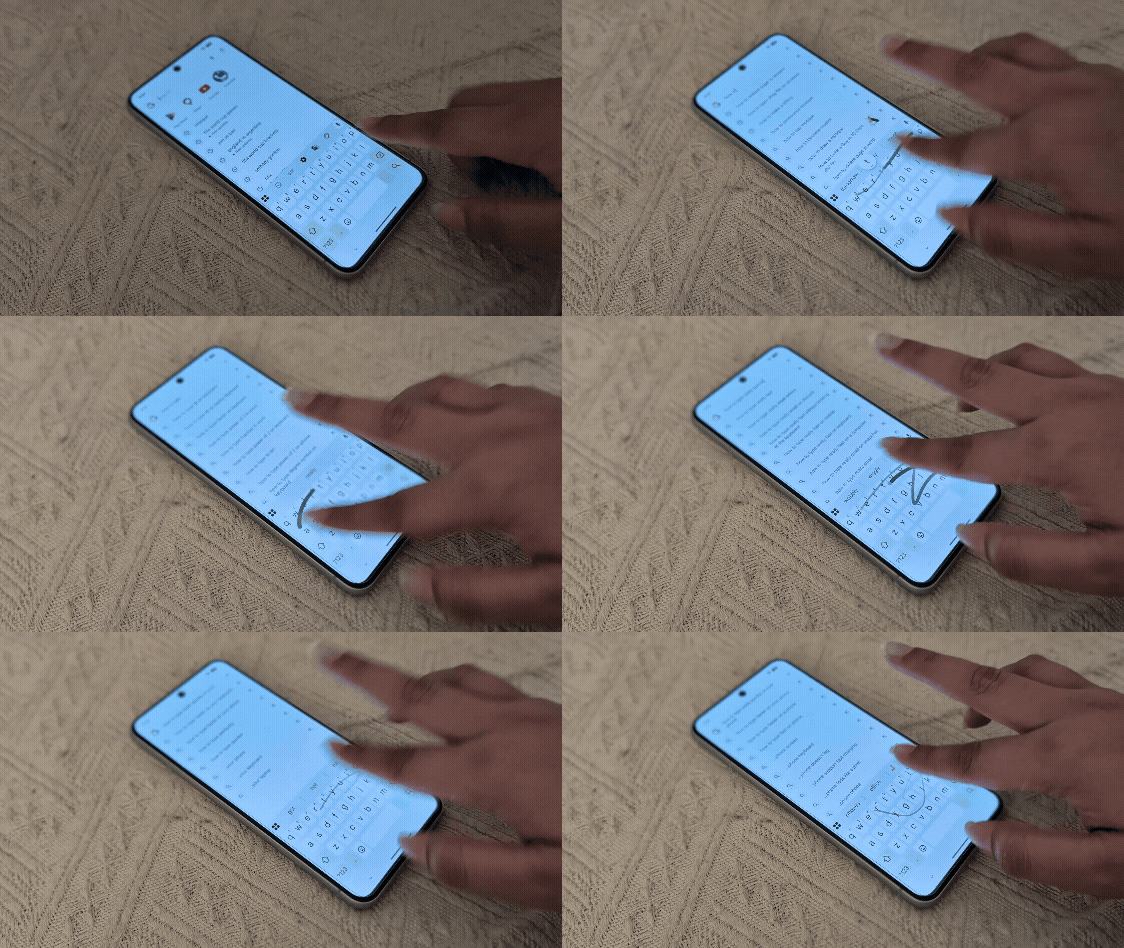
At its core, swipe typing operates on a principle of continuous motion and sophisticated algorithmic interpretation. Instead of individually tapping each letter, the user traces a path across the keyboard, connecting the letters that form a word. The system then analyzes this unique gestural trajectory, compares it against an extensive dictionary, and utilizes predictive text algorithms and natural language processing (NLP) to infer the intended word.
For instance, to type "hello," a user would place their finger on ‘h,’ slide it to ‘e,’ then ‘l,’ ‘l,’ and ‘o’ without lifting. Upon lifting the finger, the keyboard automatically registers a space and presents the predicted word. This process significantly reduces the number of distinct physical actions required per word, thereby accelerating input speed. The underlying technology is remarkably intelligent:
- Path Recognition: The keyboard’s software continuously tracks the finger’s movement and position, mapping the traversed keys.
- Predictive Algorithms: Advanced algorithms compare the traced path against a vast lexicon of words, identifying potential matches even if the path is not perfectly precise. Machine learning models, trained on extensive datasets of text and user input patterns, play a crucial role in enhancing accuracy.
- Contextual Understanding: Gboard, in particular, excels at understanding context. It considers previously typed words and the overall sentence structure to offer highly relevant suggestions, minimizing the need for manual corrections.
- Auto-Correction and Learning: The system learns from user habits. If a user consistently corrects a specific word after swipe-typing it, the keyboard adapts its predictions for future inputs. Words added to the personal dictionary (names, slang, technical terms) are also integrated into the swipe-typing vocabulary, making the experience increasingly personalized and accurate over time.
- Automatic Spacing: A key efficiency booster is the automatic insertion of a space after each word is completed and the finger is lifted, eliminating another tap.
Implementing Swipe Typing on Android Devices
For Android users, activating and utilizing swipe typing is straightforward, primarily depending on the default keyboard application.
Gboard (Google Keyboard):
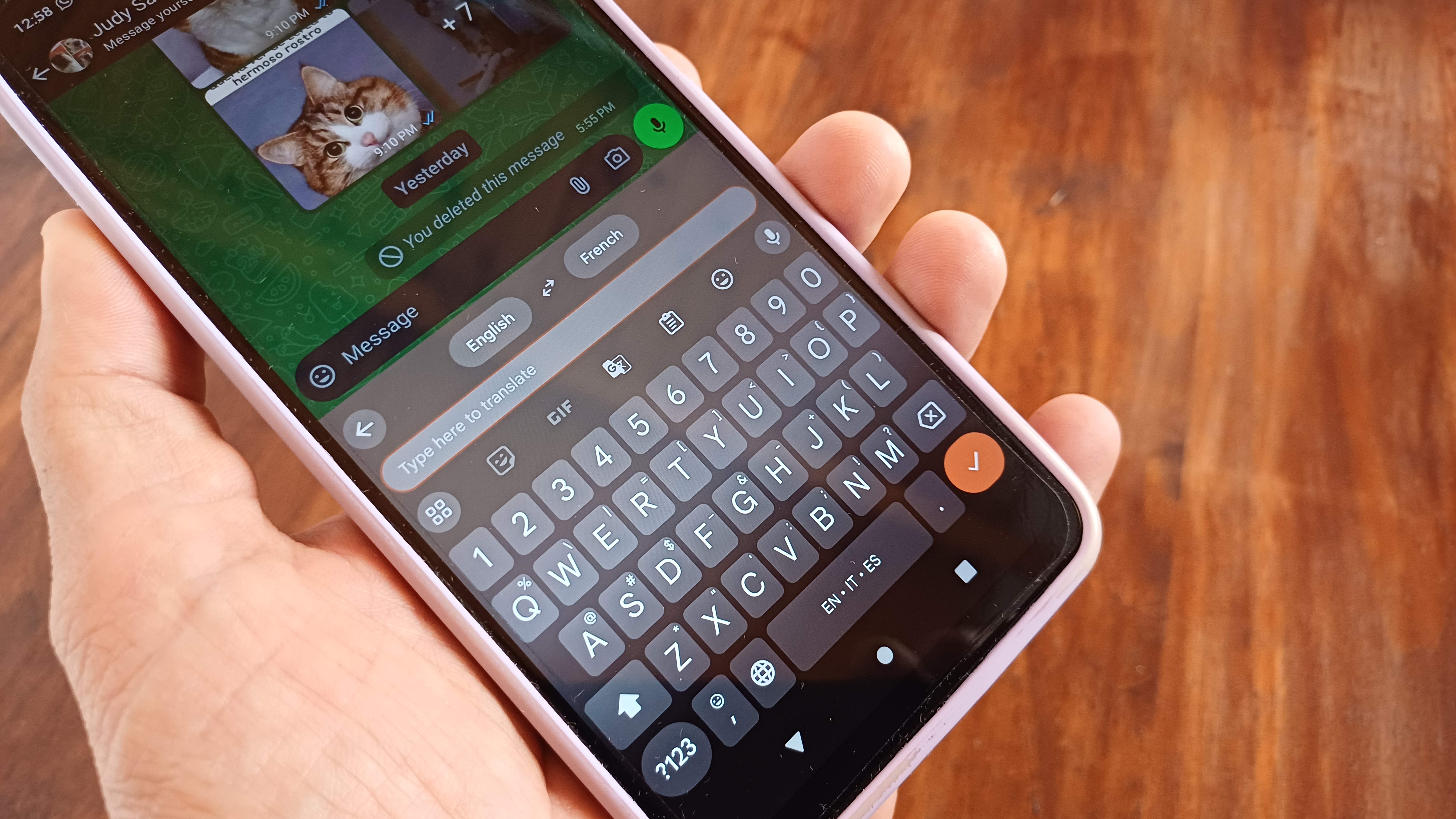
Gboard is the default keyboard for many Android devices, especially Google Pixel phones, and is widely available for download on the Google Play Store. To use Glide Typing:
- Access Text Input: Tap into any text box (e.g., in a messaging app, browser search bar, or note-taking application) to bring up the Gboard interface.
- Initiate Swipe: Instead of tapping individual letters, place a finger on the first letter of the desired word.
- Glide Across Letters: Without lifting the finger, slide it smoothly across the keyboard, touching each subsequent letter of the word.
- Complete Word: Lift the finger once the last letter of the word has been touched. Gboard will automatically input the word and add a space.
This functionality is generally available on Android phones running at least Android 8 (Oreo) or newer. Gboard’s intelligence means that even if the swipe path is slightly imprecise, its predictive text engine often correctly identifies the intended word, offering alternatives in the suggestion bar above the keyboard.
Samsung Keyboard:
For users of Samsung devices, the default Samsung Keyboard also offers a similar gesture-typing feature, often referred to as "Swype mode" or "Swipe to type." To enable and use it:
- Access Keyboard Settings: Open the "Settings" app on your Samsung phone. Navigate to "General management" > "Samsung Keyboard settings" (or similar path depending on Android version).
- Enable Swype Mode: Look for an option related to "Swipe, touch, and feedback" or "Keyboard swipe controls." Within this menu, ensure "Keyboard swipe controls" is set to "Swipe to type" or "Gesture typing."
- Begin Typing: Once enabled, return to any text input field.
- Swipe to Type: As with Gboard, trace your finger across the letters of a word without lifting it, releasing it at the end of the word.
Supporting Data and User Adoption
The impact of gesture typing on mobile productivity is quantifiable. Studies and user testimonials consistently indicate that individuals can achieve significantly higher words per minute (WPM) with swipe typing compared to traditional tap-typing. While average tap-typing speeds on smartphones typically range from 30-40 WPM, proficient swipe typists can often exceed 60-70 WPM, with some achieving speeds comparable to or even surpassing desktop keyboard typing. This efficiency gain translates directly into faster communication, quicker note-taking during meetings or lectures, and an overall more fluid digital interaction experience.
A report by the University of Aalto and ETH Zurich in 2019, which analyzed over 37,000 participants’ typing habits, highlighted that the fastest mobile typists utilized swipe input, achieving speeds of up to 85 WPM. This empirical evidence underscores the potential of gesture-based input methods to revolutionize mobile productivity.
The adoption of swipe typing continues to grow, driven by its seamless integration into major keyboard apps and the increasing demand for efficiency. With billions of Android devices in active use globally, the widespread availability of Gboard and Samsung Keyboard means that a vast user base has access to this powerful feature. Industry experts note that gesture-based typing represents a significant leap in mobile text input efficiency, aligning with the broader trend towards intuitive, gesture-driven user interfaces in modern technology.
Broader Impact and Implications
The implications of widespread swipe typing extend beyond mere speed:
- Enhanced Productivity: For professionals, students, and anyone who relies heavily on mobile communication, the ability to type faster means more efficient task completion, quicker responses, and reduced time spent on text input. This is particularly valuable in fast-paced environments where timely communication is critical.
- Improved Accessibility and Comfort: While not explicitly an accessibility feature, swipe typing can offer benefits for users with certain motor challenges who find precise individual tapping difficult or uncomfortable. The continuous motion can be less strenuous than repeated tapping. It also facilitates one-handed typing, a common preference for many smartphone users, enhancing comfort and reducing repetitive strain.
- Multilingual Support: One of the most remarkable features of modern swipe keyboards like Gboard is their robust multilingual support. Users can effortlessly switch between languages and swipe-type in each, with the keyboard intelligently adapting its predictions and dictionary. This capability is invaluable in an increasingly globalized world, fostering cross-cultural communication without linguistic barriers. The author’s personal experience of swipe-typing in Urdu exemplifies this seamless functionality.
- Showcase of AI and Machine Learning: The accuracy and adaptability of swipe typing are direct results of advancements in artificial intelligence and machine learning. These technologies enable the keyboard to learn user patterns, predict intentions, and correct errors in real-time, demonstrating how sophisticated AI can be integrated into everyday applications to enhance user experience.
- Cultural Shift in Mobile Interaction: The public fascination observed by the author—strangers asking for lessons on a train—highlights a subtle cultural shift. As more users discover and master swipe typing, it becomes a visible indicator of technological fluency and efficiency, sparking curiosity and encouraging others to explore new ways of interacting with their devices.
The Learning Curve and Future Outlook
It is important to acknowledge that adopting swipe typing comes with an initial learning curve. As mentioned in the original account, users might find themselves typing slower at first as they adapt to the new gestural patterns and muscle memory. However, consistent practice quickly leads to proficiency. The brain and fingers learn to coordinate, and the accuracy of the system improves as it learns individual typing styles. Users often report that once they achieve fluency, reverting to tap-typing feels cumbersome and inefficient.
Looking ahead, the evolution of mobile text input is likely to continue. While swipe typing has achieved significant maturity, ongoing refinements in AI and machine learning will further enhance its accuracy, predictive capabilities, and contextual understanding. Integration with other input modalities, such as voice dictation and advanced haptic feedback, could create even more seamless and versatile communication experiences. The continuous quest for efficiency and user-friendliness will undoubtedly drive further innovation in how we interact with our ever-present digital companions.
In conclusion, gesture-based typing stands as a testament to the continuous innovation in mobile technology, transforming the act of text input from a potentially laborious task into a fluid and highly efficient process. For those seeking to unlock their smartphone’s full communication potential, mastering this intelligent and intuitive method is not merely a convenience but a strategic enhancement for modern digital living.