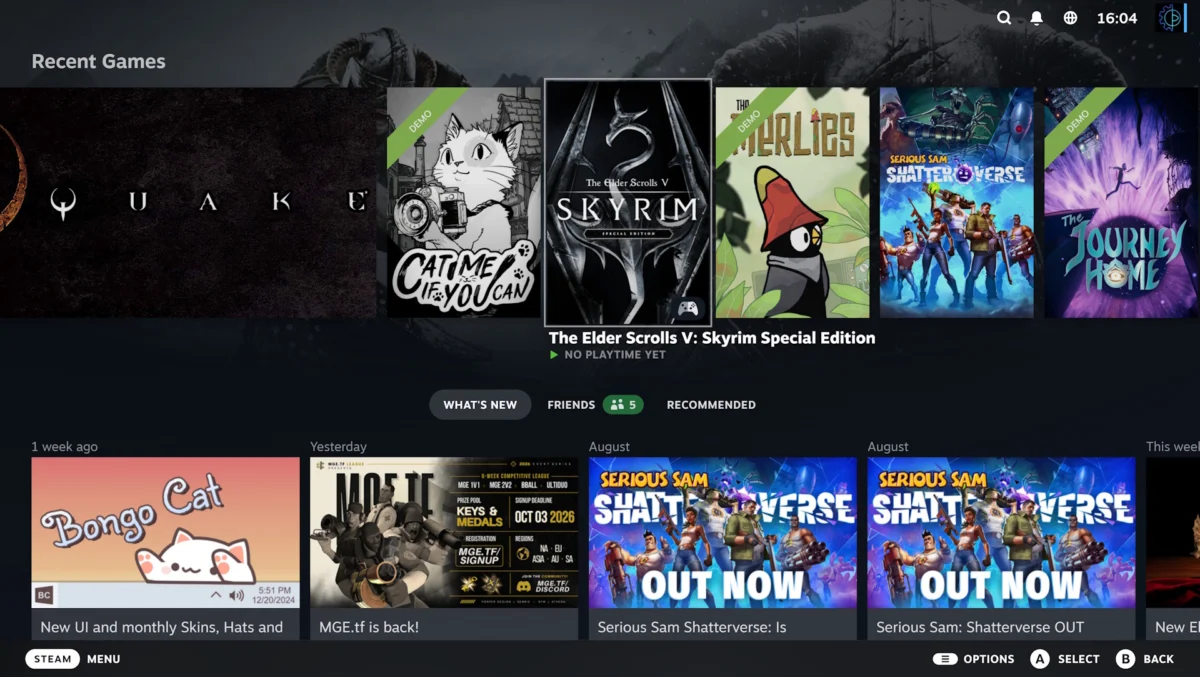
Valve has officially rolled out a significant update to its Steam client beta, introducing a suite of features designed to refine the user experience within the Big Picture Mode interface. This update, aimed primarily at users operating on Steam Deck hardware or those who prefer a console-like interface on their desktop PCs, centers on a new "Big Art Mode," a customizable screensaver system, and a variety of under-the-hood performance optimizations. These changes represent the latest step in Valve’s ongoing effort to unify the aesthetic and functional experience across its handheld and desktop gaming ecosystems.
The Evolution of Big Picture Mode
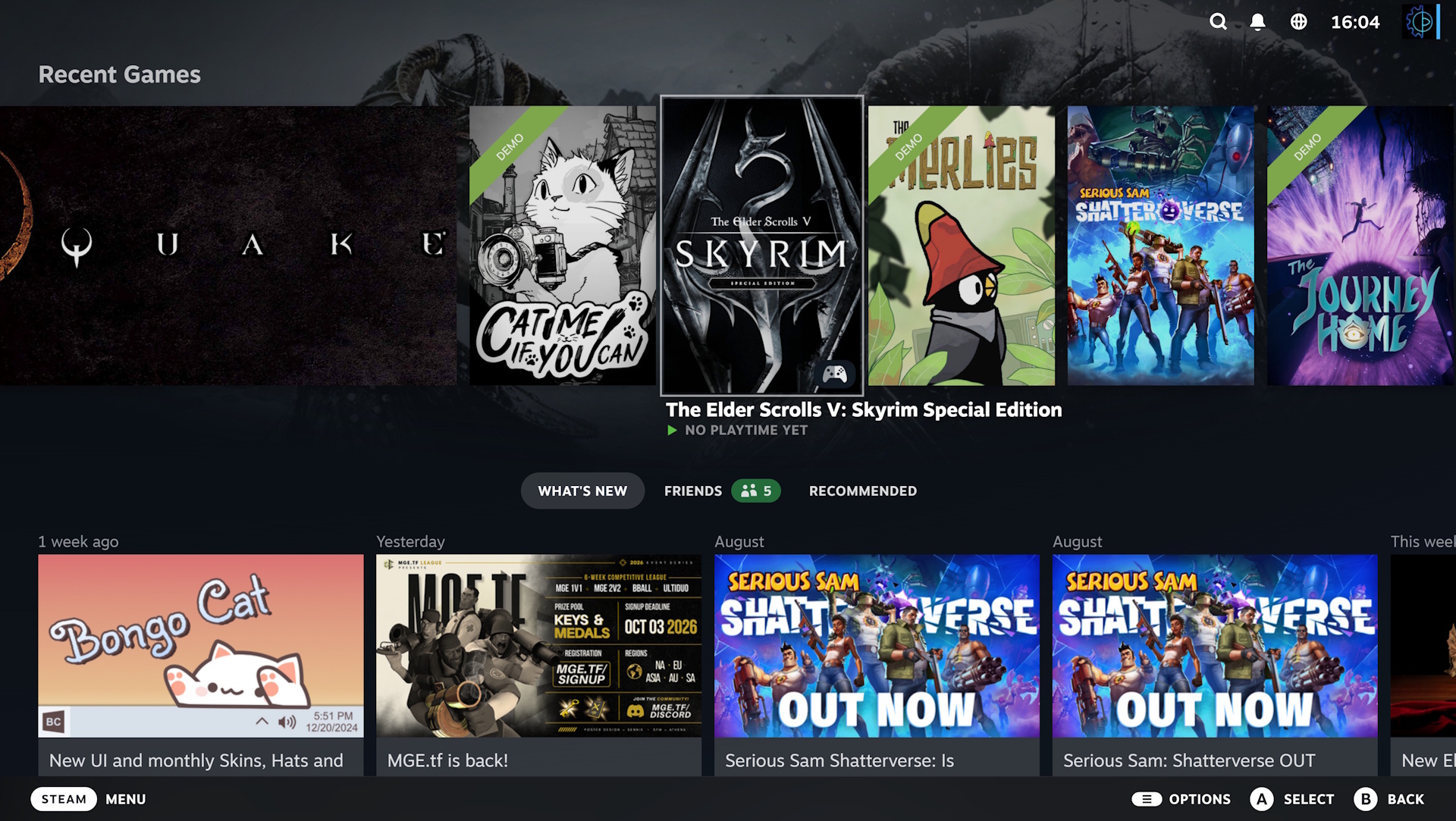
The introduction of Big Art Mode marks a departure from the traditional, list-heavy layout that has defined Steam’s secondary interface for years. Historically, the Big Picture Mode was designed as a bridge between the PC and the television, allowing users to navigate their libraries with controllers. Over the last decade, Valve has moved away from the clunky, browser-based origins of the mode toward a more fluid, modern aesthetic that aligns with the user interface of the Steam Deck.
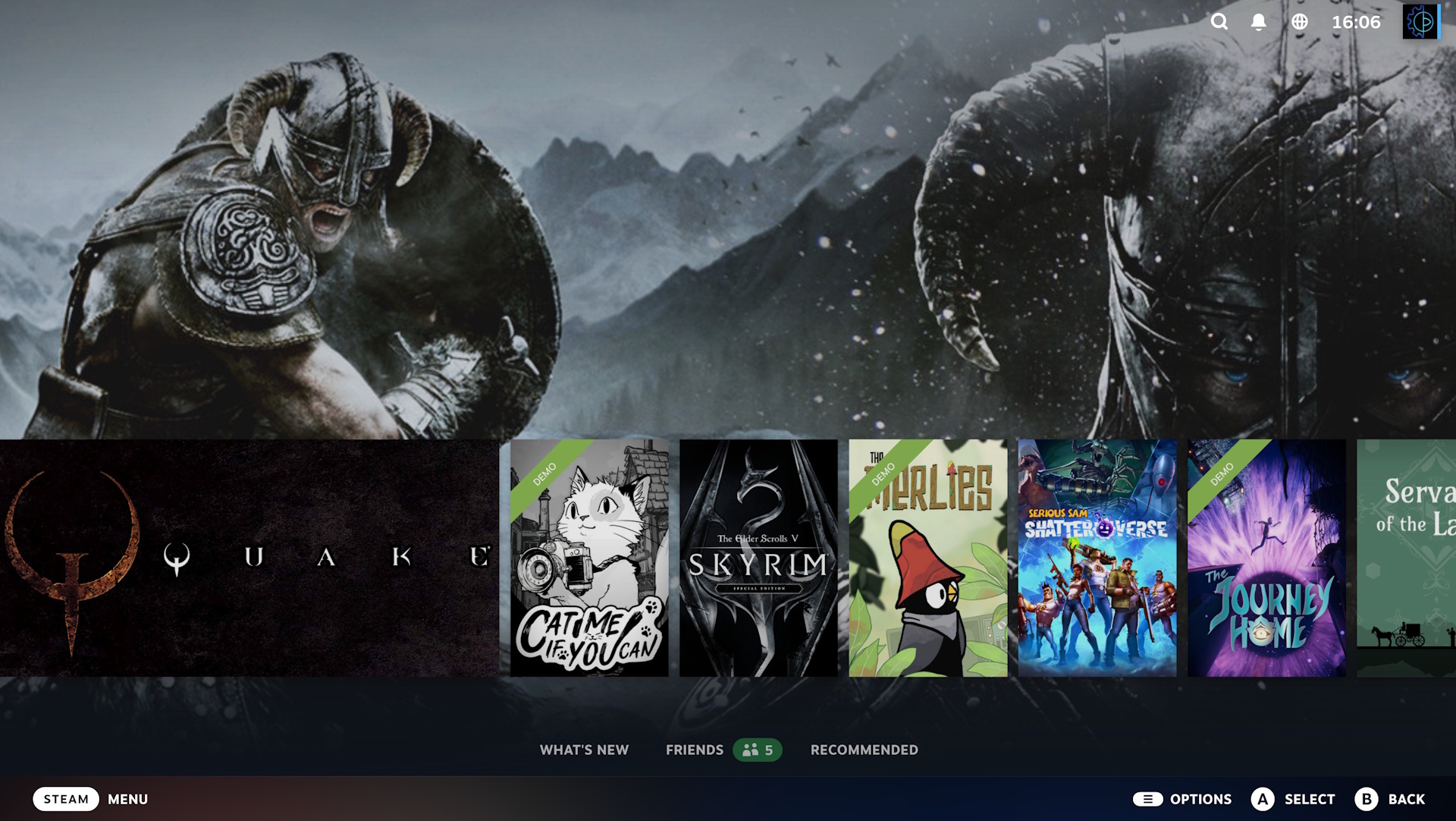
By shifting the carousel of recently played games downward, the new update allows the interface to utilize the background space for high-fidelity, game-specific artwork. When a user highlights a title, the background dynamically updates to display the game’s primary key art. This shift moves the interface from a purely functional utility to a more immersive, visually curated experience. While the update is currently confined to the beta branch, it signals a broader shift in how Valve intends to prioritize visual presentation as the Steam library continues to grow in size and complexity for the average user.
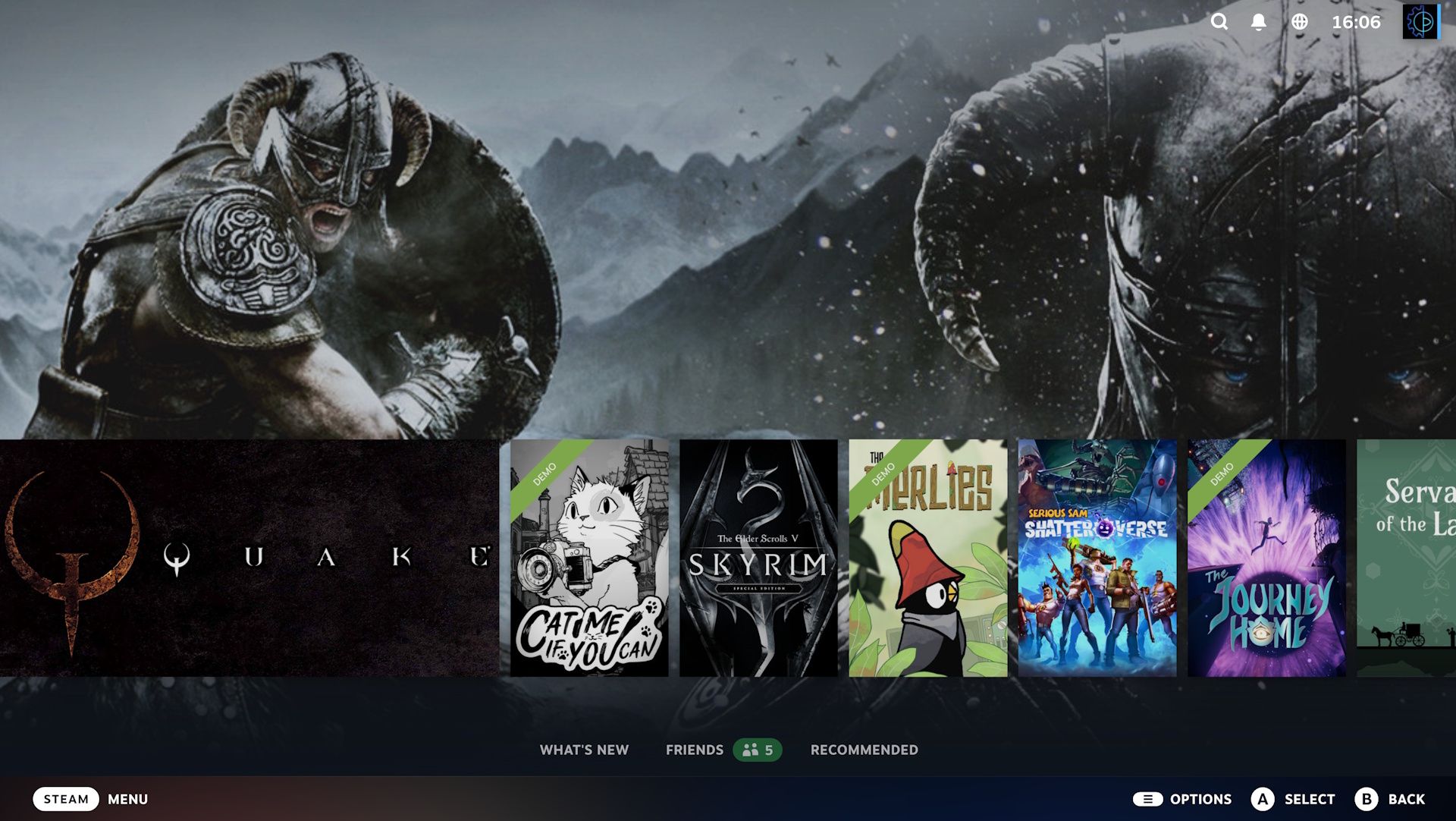
New Cosmetic Features: The Screensaver Update
Alongside the visual overhaul, Valve has implemented a new, highly requested feature: native screensavers. In a nod to the nostalgic aesthetics of early home entertainment systems, users can now choose from several display options that activate during periods of inactivity.
One notable option is the "bouncing logo" screensaver, which mimics the behavior of legacy DVD player interfaces by having the Steam logo drift across the screen and bounce off the edges. For users who prefer a more personalized aesthetic, the update also includes a slideshow mode that cycles through screenshots and promotional artwork from the user’s recently played game library. This move is largely viewed as a response to community feedback, where users have long sought ways to make their PC setups feel more like a dedicated home console. Developers have also been granted tools to allow for custom screensavers, which could lead to an influx of community-created content in the coming months.
Performance Enhancements and Technical Stability
While the visual changes are the most apparent aspect of the update, the underlying technical improvements are arguably the most significant for long-term platform stability. The patch notes for the beta client indicate a focus on "startup performance," a metric that has been a point of contention for users with massive libraries containing thousands of titles.
Furthermore, the update addresses specific performance bottlenecks related to Direct3D 12 (DX12) game recording on the Windows operating system. As more titles transition to the DX12 API, the overhead required for background recording and overlay features has increased. By optimizing how the Steam client interacts with these resources, Valve is aiming to reduce frame-time stutters and input latency, particularly for users playing on hardware that is close to the minimum system requirements. Linux users, a critical demographic for the Steam Deck, also receive updated support to ensure better compatibility with the latest kernel versions and graphics drivers.
Context and Industry Implications
Valve’s strategy with these updates is clear: to ensure that the Steam Deck remains the gold standard for handheld gaming while maintaining the dominance of the Steam storefront on Windows. By updating the Big Picture Mode, Valve is ensuring that the transition from a portable device to a desktop "docked" experience remains seamless.
The industry at large has been watching these developments closely. Since the release of the Steam Deck in early 2022, Valve has shifted from a company that primarily manages a storefront to one that manages a hardware ecosystem. This requires a higher standard of software stability and a more cohesive user interface. The introduction of Big Art Mode is a subtle but effective way to improve the "prestige" of the gaming library, effectively turning a list of digital files into a collection of visual media.
Deployment and Testing Procedures
As this is currently part of the Steam client beta, the software is undergoing a rigorous testing phase before it reaches the stable release branch. Historically, Valve utilizes the beta branch to catch bugs that may only appear on specific hardware configurations.
Users interested in testing these features can opt into the program by navigating to the "Interface" menu within the Steam settings and selecting the "Steam Beta Update" option. Once the client restarts and updates, the new features will be available for use. However, experts warn that beta software carries inherent risks. While Valve’s internal quality assurance is generally high, users should be prepared for potential UI glitches, particularly with titles that may not yet support the new artwork-scaling parameters of Big Art Mode.
A Look at Future Developments
The shift toward a more art-centric UI raises questions about how Valve will handle future updates to its storefront. With the rise of AI-generated assets and the increasing popularity of "retro-aesthetic" interfaces, the capacity for users to customize their Steam experience is becoming a key competitive advantage.
Looking ahead, the community expects further integration of user-generated content, potentially allowing for more robust themes or dynamic UI skins. Furthermore, the performance improvements in this patch suggest that Valve is preparing the platform for more resource-intensive features in the future, such as advanced video recording capabilities or more complex library management tools that could leverage the cloud to offload processing tasks from the local machine.
Final Analysis
The recent update to Steam’s Big Picture Mode is a testament to the company’s commitment to iterating on its core software. By balancing cosmetic upgrades with substantive performance patches, Valve continues to satisfy both the casual user looking for a clean, modern interface and the power user demanding system stability. While the "Big Art" aesthetic may not be to every user’s taste, the ability to toggle these features and the inclusion of customizable screensavers provide the flexibility that has made Steam the industry leader for two decades.
As the beta cycle progresses, the focus will likely shift from implementation to refinement—addressing edge cases where game art may not scale correctly and ensuring that the new screensaver features do not negatively impact system resources during high-intensity gaming sessions. For now, the update serves as a strong reminder that for Valve, the user experience is as much about the polish of the library as it is about the games themselves.