






The transition from a rigid, isolated camera interface to an integrated, overlay-style design reflects a broader shift in how Google approaches multimodal AI. For users who rely on Gemini to interpret their surroundings—whether for identifying objects, transcribing text, or analyzing complex visual information—the friction caused by switching between app modes can be a significant barrier. This update seeks to remove that friction, ensuring that capturing a visual prompt feels like a natural extension of the chat interface rather than a separate, disruptive task.
The Evolution of the Gemini Camera Interface
For many months, the Gemini app for Android utilized a utilitarian camera interface that functioned independently of the conversation thread. When a user tapped the "plus" icon to initiate a camera capture, the app would trigger a full-screen transition, obscuring the ongoing chat and forcing the user into a generic viewfinder experience. This approach, while functional, lacked the aesthetic polish and fluid navigation expected in modern flagship applications.
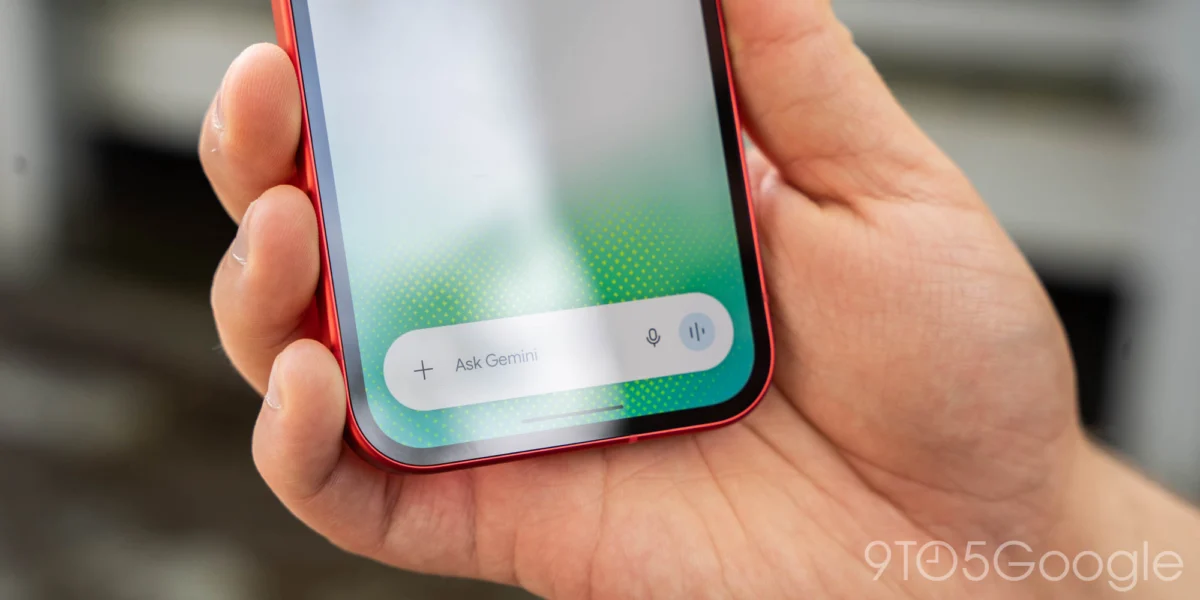
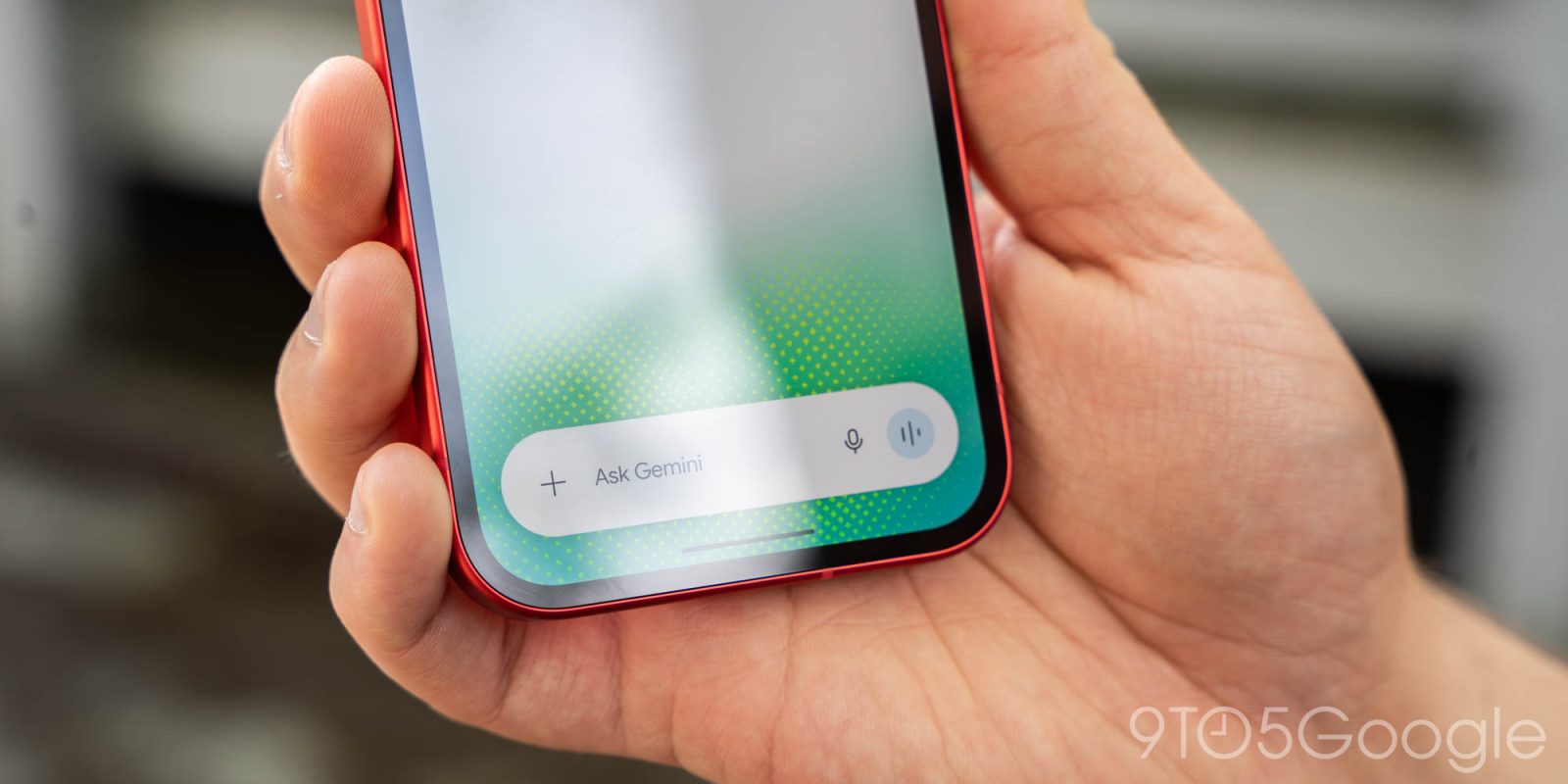
The new design, which has now rolled out widely across both beta and stable channels (version 17.76 and higher), utilizes a bottom-sheet mechanism. This allows the camera to slide up from the bottom of the display with a refined animation, providing a semi-transparent view that keeps the context of the current conversation visible. Users can drag the interface to occupy the majority of the screen, providing a balance between screen real estate and contextual awareness.
Beyond the aesthetics, the functionality has seen a notable upgrade. The interface now features a discreet three-dot overflow menu located to the right of the capture button. This menu provides intuitive access to essential settings, including flash control and front-camera toggling, which animate smoothly upon activation. A dedicated back button is positioned on the left, though users can also dismiss the interface with a simple downward swipe, a gesture that aligns with standard Material Design principles for Android navigation.
Chronology and Deployment Strategy
The deployment of this feature follows a distinct pattern often seen in Google’s cross-platform software development. Initially, the refined camera interface was tested and deployed within the Gemini for iOS environment. This "iOS-first" or "concurrent" release strategy for design elements is increasingly common as Google strives for feature parity across the two major mobile operating systems.
The Android rollout began appearing in late 2026, targeting users across various release channels. By mid-November 2026, the feature reached stable status. For users who have not yet observed the change, Google’s support documentation and standard troubleshooting protocols recommend performing a "Force stop" on the Google app to clear cached states and trigger the updated UI elements.
This camera redesign is not an isolated development but rather part of a rapid-fire release cycle for the Gemini mobile suite. Just one day prior to the wide confirmation of the camera UI update, Google introduced a significant feature for content creators and casual users alike: native GIF creation within the Gemini app.
Integrating Gemini Omni 1.2 Flash
The integration of GIF creation is perhaps the most significant functional leap for the app this quarter. By leveraging the Gemini Omni 1.2 Flash model, Google has enabled users to generate looping visual content directly from text prompts. This feature is accessed via the "Format" menu in the prompt box, or by explicitly requesting the AI to "Create a GIF."
Technically, the use of the Gemini Omni 1.2 Flash model is a strategic choice. As a "Flash" variant of their multimodal model, it is optimized for high-speed inference and lower latency, which is essential for video-based generation. Generating a GIF requires the model to maintain temporal consistency—ensuring that the subject of the animation remains stable across multiple frames while the movement appears natural. Google’s internal data suggests that this tool is intended to replace the traditional search-and-select workflow, where users would typically browse third-party GIF libraries to find an appropriate reaction. By generating custom GIFs, users can achieve a level of specificity that static libraries cannot match.

Broader Implications of Multimodal AI on Mobile
The refinement of the camera interface and the introduction of generative GIF capabilities are indicative of a larger industry trend: the "Multimodal Mobile Pivot." For the past decade, smartphones have been primarily driven by input-output loops (typing or voice-to-text). Now, as Google and its competitors (such as OpenAI and Microsoft) integrate LLMs (Large Language Models) directly into the OS, the "eyes" of the phone—the camera—have become the primary data input port.
Analysts point out that these updates are not merely cosmetic. They are foundational changes meant to increase "DAU" (Daily Active Users) and "stickiness" within the Gemini app. By reducing the time it takes to capture an image and analyze it, Google lowers the "cognitive cost" for the user. When a user can snap a picture and ask a question in under three seconds, they are significantly more likely to use the AI for real-world tasks, such as translating a restaurant menu or troubleshooting a technical appliance.
Official Stance and User Experience Goals
While Google has not released a formal press release regarding the specific nuances of the camera UI, the design language aligns with their "Material You" initiative. The focus is on personalization, fluid transitions, and accessibility. The decision to make the camera interface an overlay rather than a modal window is a clear response to user feedback regarding the disruptive nature of the previous UI.
From a development perspective, maintaining a single codebase that serves both the Gemini overlay and the dedicated app is a significant engineering feat. The "Gemini overlay," which appears when a user long-presses the power button or swipes from the corner of the screen, still retains a slightly more restrictive camera implementation compared to the standalone app. This suggests that Google is carefully balancing the needs of a quick, "on-the-go" interaction versus a deep-dive, content-creation session within the main app.
Fact-Based Analysis: Why These Updates Matter
The shift toward native generation—whether it be GIFs, image analysis, or text—signals that Google is moving away from being a search-and-retrieve engine toward an "agentic" platform. When a user asks for a GIF and the app generates it using the Omni 1.2 Flash model, the user is no longer consuming content from the web; they are consuming content generated in real-time. This reduces dependency on third-party media hosting sites and keeps the user within the Google ecosystem.

Furthermore, the integration of these features across both iOS and Android ensures that the "Gemini brand" remains consistent, regardless of the hardware the user holds. This is critical for Google as it faces intense competition from Apple’s "Apple Intelligence" suite and the ongoing integration of ChatGPT into various mobile platforms. By keeping its camera interface sleek, responsive, and highly integrated, Google is effectively positioning Gemini as the most capable visual-reasoning assistant on the market.
Looking Ahead: The Future of Gemini Integration
As we look toward the next stages of development, it is likely that the camera interface will gain even more sophisticated features. Predictive capture, where the camera starts processing frames before the user even taps the shutter, is the logical next step in the Gemini Omni evolution. Additionally, as the model becomes more adept at real-time video analysis, the line between "taking a photo" and "asking a question about the video feed" will continue to blur.
For the average Android user, these updates provide a more refined, professional experience that mirrors the high-end capability of the underlying AI models. The transition from the old, generic camera viewfinder to the new, interactive bottom sheet is a small but vital component of a larger strategy to make AI as accessible as the camera button itself. With the Gemini app now more capable of producing creative media and handling visual inputs with speed, the barrier to entry for high-level generative AI tasks continues to drop.
In conclusion, the update to the Gemini Android app represents a mature stage in the integration of generative AI into mobile operating systems. By prioritizing user interface fluidity and expanding the multimodal capabilities of the platform, Google is successfully evolving Gemini from a chatbot into an essential, multi-purpose tool. As users become more accustomed to these tools, the expectation for seamless, AI-native interfaces will only grow, setting the stage for even more ambitious software updates in the coming months.