









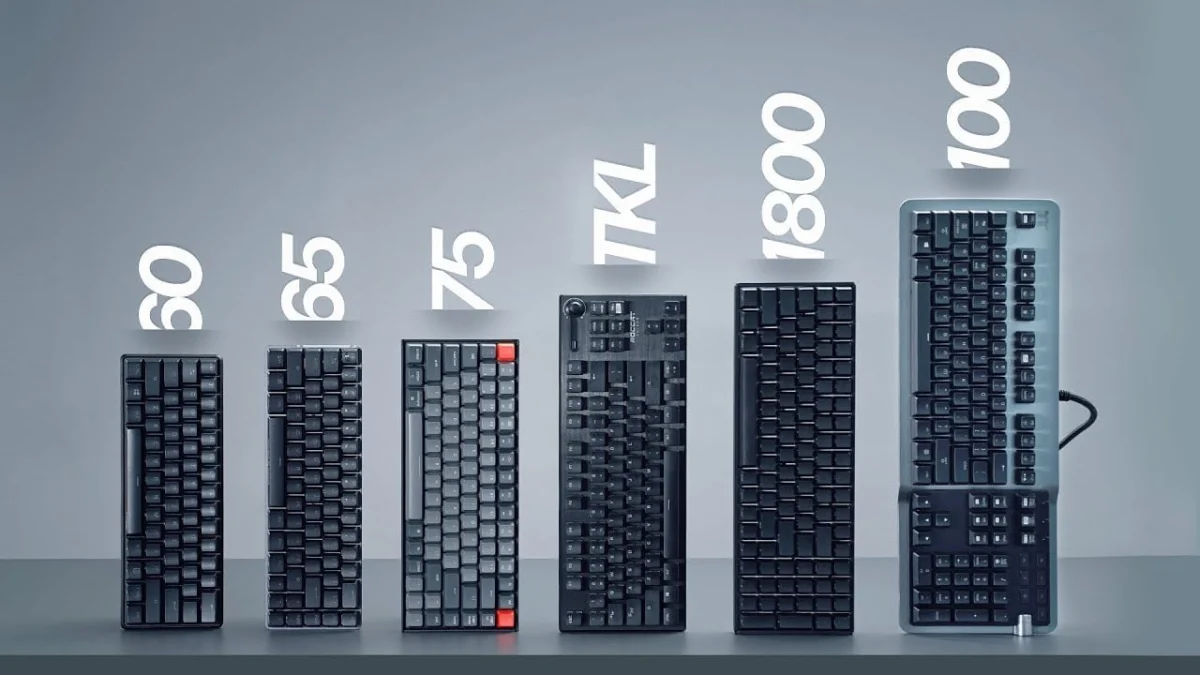
The market for mechanical keyboards has undergone a significant transformation over the past decade, shifting away from a one-size-fits-all approach toward a diverse ecosystem of specialized form factors. Historically dominated by the bulky 100% full-size layout bundled with office computers, the industry now caters to a wide spectrum of user preferences, ranging from massive battlestation centerpieces to ultra-minimalist desktop peripherals. Understanding the nuances of each keyboard size—from Full Size and 1800 Compact to Ten Key Less (TKL), 75%, 65%, 60%, and niche 40% layouts—is essential for consumers navigating a crowded market defined by ergonomic needs, desk space constraints, and specific use cases such as competitive gaming or intensive data entry.
Background Context and Evolution of Keyboard Layouts
To understand the current variety of keyboard sizes, one must examine the historical trajectory of personal computing input devices. The standard full-size layout was originally popularized by the IBM Model M in the 1980s, an era when spreadsheet processing, numeric data entry, and legacy software required dedicated physical keys for every conceivable function. For decades, this layout remained the undisputed standard. However, the rise of esports in the late 2000s and early 2010s fundamentally altered hardware priorities. Competitive gamers discovered that wide keyboards forced their arms too far apart, causing shoulder strain and restricting the lateral movement of computer mice. This realization sparked the modern enthusiast keyboard movement, driven initially by community-led custom builds on platforms like Geekhack and popularized by mainstream peripheral manufacturers seeking to optimize desk ergonomics.
An Analysis of Major Keyboard Sizes and Form Factors
Full Size (100%)
The full-size keyboard remains the most widely sold layout globally, primarily due to its ubiquity in pre-built office setups and mainstream retail channels. Featuring a dedicated numeric keypad (numpad), a complete home cluster (Insert, Delete, Home, End, Page Up, Page Down), a dedicated row of function (F) keys, and directional arrow keys, the 100% layout offers maximum out-of-the-box functionality.
- Advantages: Unmatched utility for data entry professionals, accountants, and software engineers who rely on the numpad. Full-size units frequently showcase innovative features first, including advanced digital volume dials, detachable macro keys, high polling rates, USB and audio passthrough ports, and RGB proximity sensors.
- Disadvantages: The sheer physical width creates ergonomic challenges for typing and forces mouse placement further to the right, which can cause repetitive strain injuries during extended gaming sessions. Removable USB cables are rarely found on full-size models, tethering them permanently to desk setups.
1800 Compact
The 1800 compact layout represents an early attempt by manufacturers to retain the numerical keypad of a full-size board while shrinking the overall footprint. By eliminating the dead space separating the main alphanumeric cluster from the arrow keys and numpad, the 1800 layout compresses the keys into a tighter, rectangular block.
- Advantages: Preserves 100% of the functional keys, including the numpad, while offering a slightly narrower profile on the desktop.
- Disadvantages: The lack of physical separation between key clusters can lead to an increased rate of typographical errors and accidental inputs until the user adjusts to the cramped layout.
Ten Key Less (TKL)
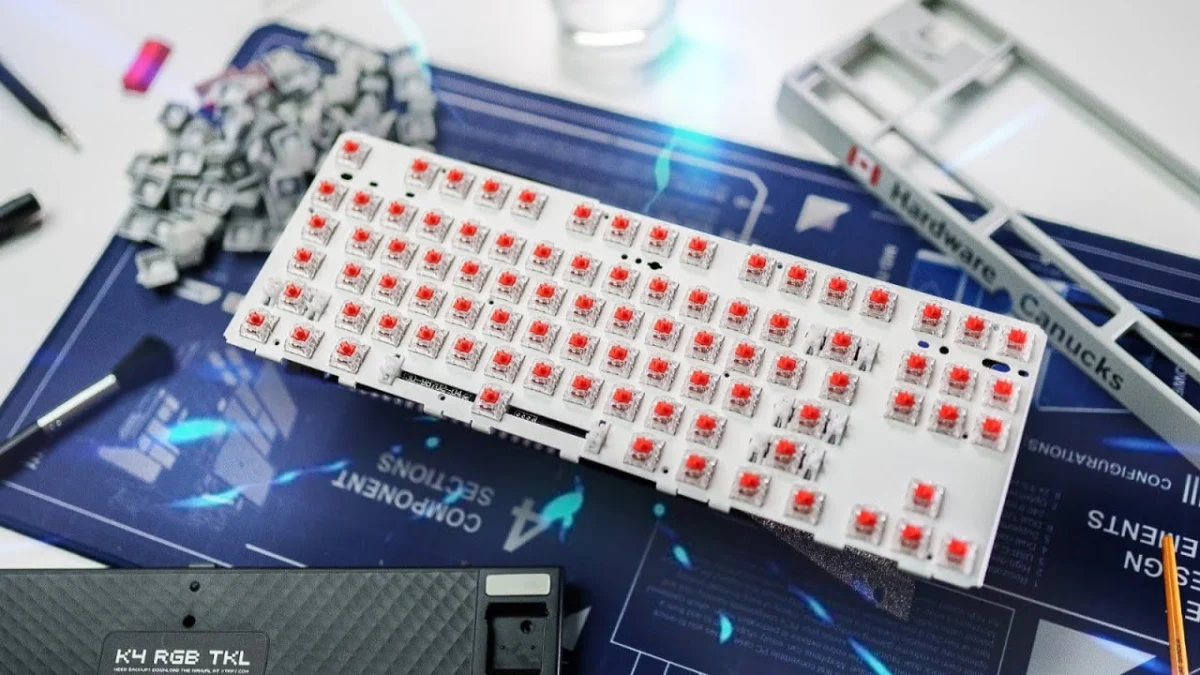
The Ten Key Less, or TKL layout, is widely regarded as the golden standard for mainstream competitive gaming. By completely excising the right-hand numeric keypad—removing roughly 17 keys—the TKL maintains the dedicated function row, arrow keys, and home navigation cluster while significantly reducing the board’s width.
- Advantages: Exceptional ergonomic balance. By centering the primary typing alphabet directly in front of the user’s body, shoulder strain is minimized. Furthermore, the reduction in width provides a larger sweep area for low-sensitivity first-person shooter (FPS) gamers who require ample mouse movement space.
- Disadvantages: Custom keycap set compatibility can be frustrating, as many standard aftermarket kits include numpad keys that go unused. Additionally, premium TKL models can sometimes command higher retail prices than their full-size counterparts due to niche enthusiast manufacturing costs.
75% and 80% Layouts
The 75% layout represents the intersection of the compact movement and enthusiast custom design, popularized heavily by community group buys and brands such as Glorious with the GMMK Pro. It packs all the functionality of a TKL keyboard—including the function row, navigation keys, and arrow keys—into a heavily condensed "squished" block with virtually zero empty space between clusters. The 80% hybrid layout maintains a nearly identical key count to the 75% but introduces a distinct physical separation between the function row and the number row, offering a unique aesthetic for productivity-focused users who dislike the uniform grid of the standard 75%.
- Advantages: Retains all essential function and arrow keys while shrinking the physical desktop footprint to a bare minimum.
- Disadvantages: Non-standard bottom rows and compressed key spacing make finding compatible aftermarket keycap sets difficult. Visually, the dense packing of keys can appear cluttered to some users.
65% Layout
The 65% keyboard is frequently cited by ergonomics experts and mobile professionals as the optimal compromise for daily productivity and portability. This layout preserves the dedicated arrow keys and a single vertical column of home cluster keys (typically including Delete, Page Up, and Page Down) while completely removing the dedicated function row. F-keys are instead accessed via a secondary function (FN) layer mapped to the standard number row.
- Advantages: It serves as an ideal companion for laptop users, fitting easily into backpacks while maintaining critical navigation and cursor controls. It provides maximum mouse clearance for gaming setups without sacrificing the arrow keys essential for text editing and navigation.
- Disadvantages: Relying on a secondary FN layer to access functions like the F-row, tilde (~), and navigation cluster requires a learning curve and can slow down specific workflows. Non-standard bottom rows on certain models also complicate keycap customization.
60% Layout
The 60% layout is an ultra-minimalist form factor that strips away the arrow keys, navigation cluster, and function row entirely, leaving only the core alphanumeric typing block and modifiers. All missing keys are embedded into secondary and tertiary software layers accessible via key combinations.
- Advantages: The compact physical dimensions provide an enormous expanse of unobstructed desk space for mouse movement, making it a favorite among competitive esports athletes. Furthermore, the standardized 60% case and plate dimensions make it the most heavily supported layout in the custom mechanical keyboard modification community, offering endless colorways and aftermarket parts.
- Disadvantages: Highly restrictive for productivity environments. Tasks requiring frequent use of the arrow keys, dedicated delete keys, or function rows become cumbersome due to constant reliance on modifier layers.
Niche Alternatives: 40% Keyboards and Gaming Keypads
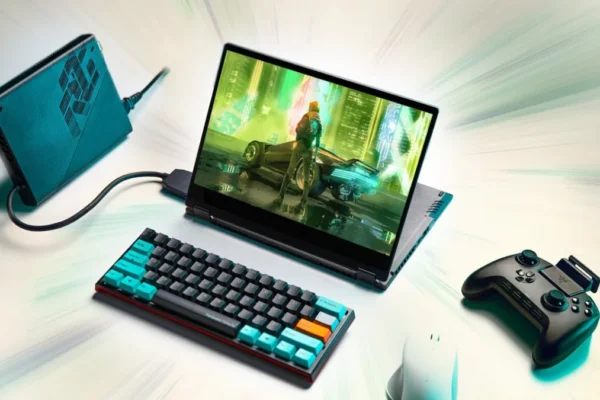
At the extreme end of the size spectrum lie 40% keyboards. These ultra-niche devices remove the number row, function row, and arrow keys entirely, leaving only the core alphabet and modifier keys. Users must program multiple software layers to input numbers, symbols, and navigation commands. While praised by minimalists and programming enthusiasts for their novelty, they require an intense adaptation period. Similarly, standalone one-handed gaming keypads produced by brands like Razer and Logitech offer ergonomic thumb-sticks and macro keys for gaming, but their high cost and single-purpose utility limit their mainstream adoption.
Industry Implications and Consumer Guidance
The proliferation of diverse keyboard sizes highlights a broader consumer shift away from homogeneous computing accessories toward highly personalized setups. Market data from peripheral manufacturers indicates that while full-size keyboards still dominate mass-market retail volume due to corporate office purchases, enthusiast and gaming segments are overwhelmingly migrating toward TKL, 75%, and 65% configurations.
When selecting a mechanical keyboard, consumers must carefully evaluate their primary use cases. Office workers and data analysts handling heavy spreadsheet workloads are best served by full-size or 1800 compact layouts. Conversely, remote professionals, students, and casual gamers will find an ideal balance of comfort and utility in TKL or 65% form factors. Ultimately, understanding these physical dimensions ensures that consumers invest in hardware that enhances both productivity and long-term musculoskeletal health.