

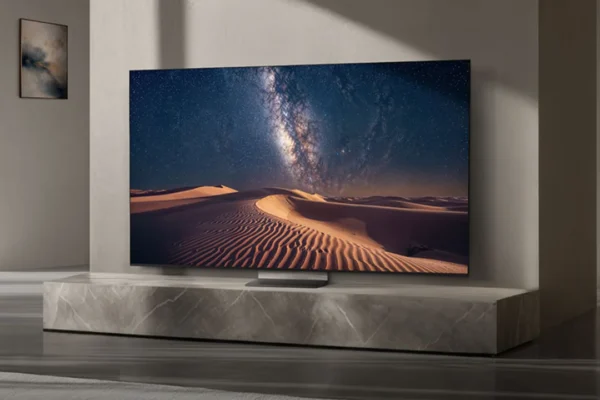






In the digital era, the visual fidelity of an image is subject to the limitations and idiosyncrasies of the hardware on which it is displayed. From high-end workstation monitors and professional tablets to ubiquitous mobile devices and living room television sets, the variance in color reproduction, contrast, and brightness is immense. For professional photographers, designers, and video editors, this disparity poses a significant challenge: how to ensure that the creative intent behind an image remains consistent across an fragmented ecosystem of viewing platforms. The solution, which remains a cornerstone of professional color management, is the systematic calibration of the primary editing display.
The Physics of Color Drift and Display Aging
At the core of the issue is the hardware itself. Displays, whether they utilize In-Plane Switching (IPS), Vertical Alignment (VA), or Organic Light-Emitting Diode (OLED) technologies, are not static. Over time, the chemical and electrical components within a screen degrade. Backlights shift in color temperature, contrast ratios diminish, and the accuracy of the color gamut—the range of colors a monitor can reproduce—inevitably drifts.

Data from display manufacturing standards suggests that an uncalibrated monitor can experience a noticeable color shift in as little as 500 to 1,000 hours of use. For a professional working an eight-hour day, this means that without regular intervention, the display’s output could be noticeably different from its factory state within months. When an artist edits on a drifting display, they are essentially compensating for errors that only exist on their specific screen. Consequently, the resulting image files often appear over-saturated, excessively dark, or color-cast when viewed on a correctly calibrated or industry-standard device.

Understanding the Mechanism of Calibration
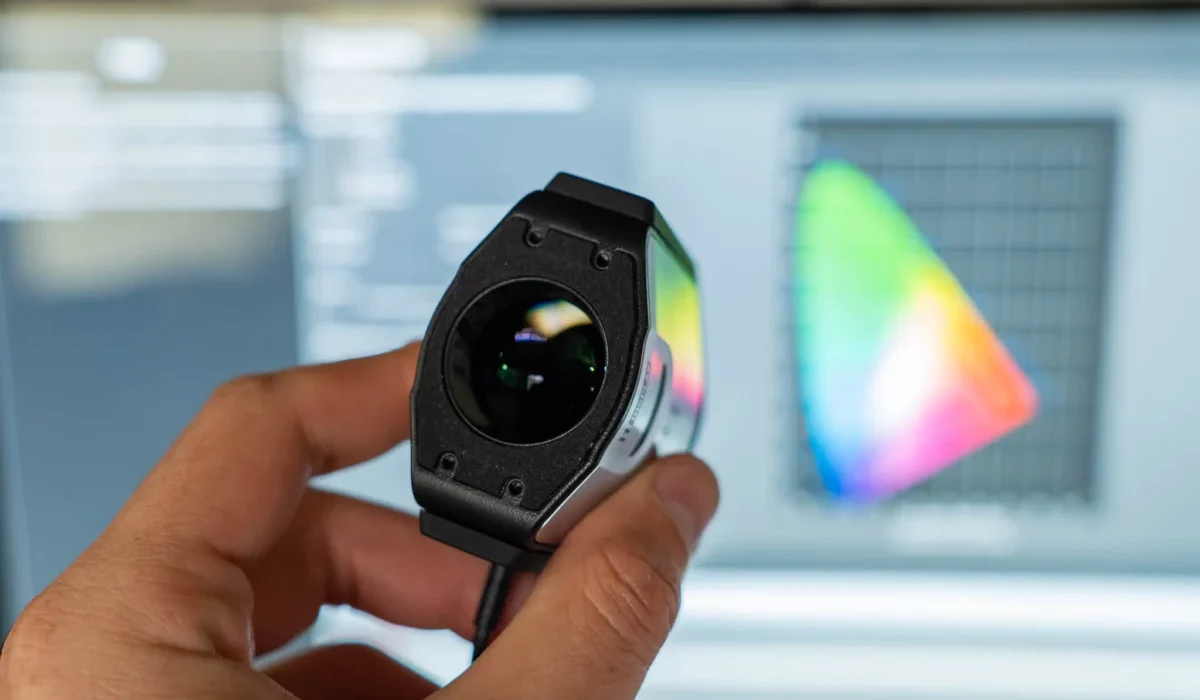
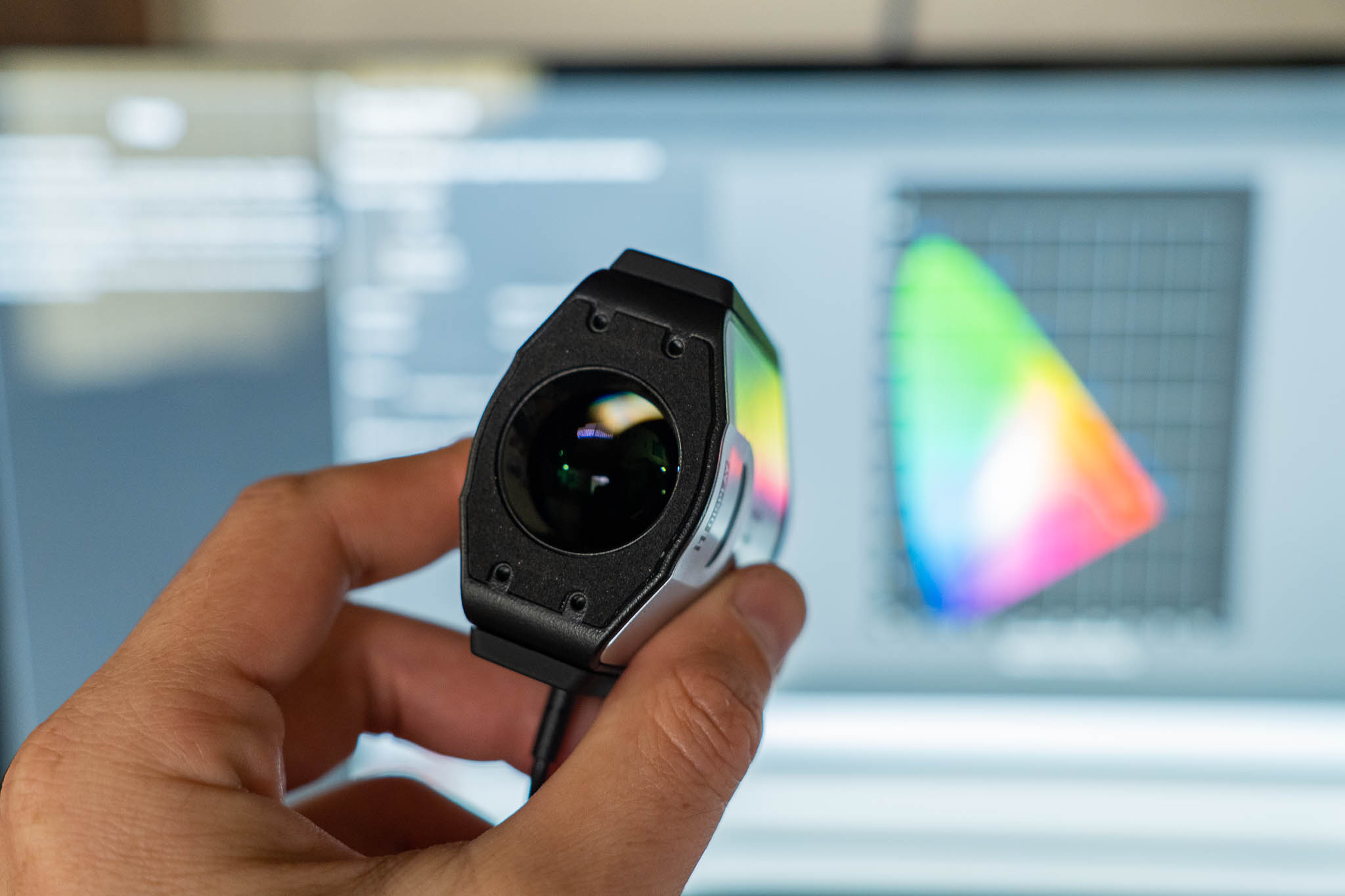
Monitor calibration is the process of normalizing the output of a display to a known, industry-standard reference point. This is achieved through the use of a colorimeter, a specialized hardware device that functions by measuring the light output of the screen.

The procedure involves hanging the colorimeter over the surface of the monitor and running software that flashes a sequence of color patches and gray scales. The device captures the light emitted from these patches and compares the measured values against target standards, such as D65 (the standard white point for color-critical work) and specific gamma curves (typically 2.2). The resulting data is then used to create an International Color Consortium (ICC) profile. This profile acts as a set of instructions for the operating system and graphics card, adjusting the signal sent to the monitor to ensure that the colors displayed are as accurate as the physical hardware allows.

While spectrophotometers—more complex devices that measure both light emission and reflective light from prints—are often used in high-end print houses, a high-quality colorimeter like the Datacolor SpyderX remains the industry standard for professional photographers. These devices have evolved to provide high-speed, precise measurements, often completing a full calibration cycle in under two minutes.

A Chronology of Color Management
The history of color management is rooted in the transition from analog film to digital workflows in the late 1990s. As Adobe Photoshop and other digital darkroom tools became the industry standard, the inability to predict how an image would look on different monitors became a bottleneck for professional creative services.

In the early 2000s, the emergence of the ICC profile standard provided a universal language for color, allowing different devices to communicate their capabilities. Despite this, the physical act of calibrating a display remained a daunting task for many, often involving expensive hardware that was difficult to configure. It was not until the mid-2010s that consumer-grade calibration tools became both affordable and user-friendly, effectively democratizing the ability to maintain color integrity. Today, the integration of these tools into professional workflows is considered a baseline requirement, similar to owning a high-resolution camera or a professional-grade lens.

Economic and Professional Implications
The implications of failing to calibrate extend beyond mere aesthetics; there are tangible financial and reputational costs for the visual creative. In a professional setting, a client may request a print or a web-ready asset that must align with specific brand colors. If an editor provides a file that was processed on an uncalibrated screen, the resulting print may feature muddy shadows or skin tones that appear jaundice-yellow or unnaturally magenta.

Industry experts estimate that the cost of re-printing and re-editing due to color inaccuracies can account for a significant percentage of overhead for small photography studios. Furthermore, the loss of trust between a photographer and a client when a finished product fails to meet expectations can be irreparable. By implementing a monthly calibration schedule, professionals can mitigate these risks, ensuring that their work remains consistent regardless of the viewing hardware.

The Limitations of Mobile and Consumer Displays
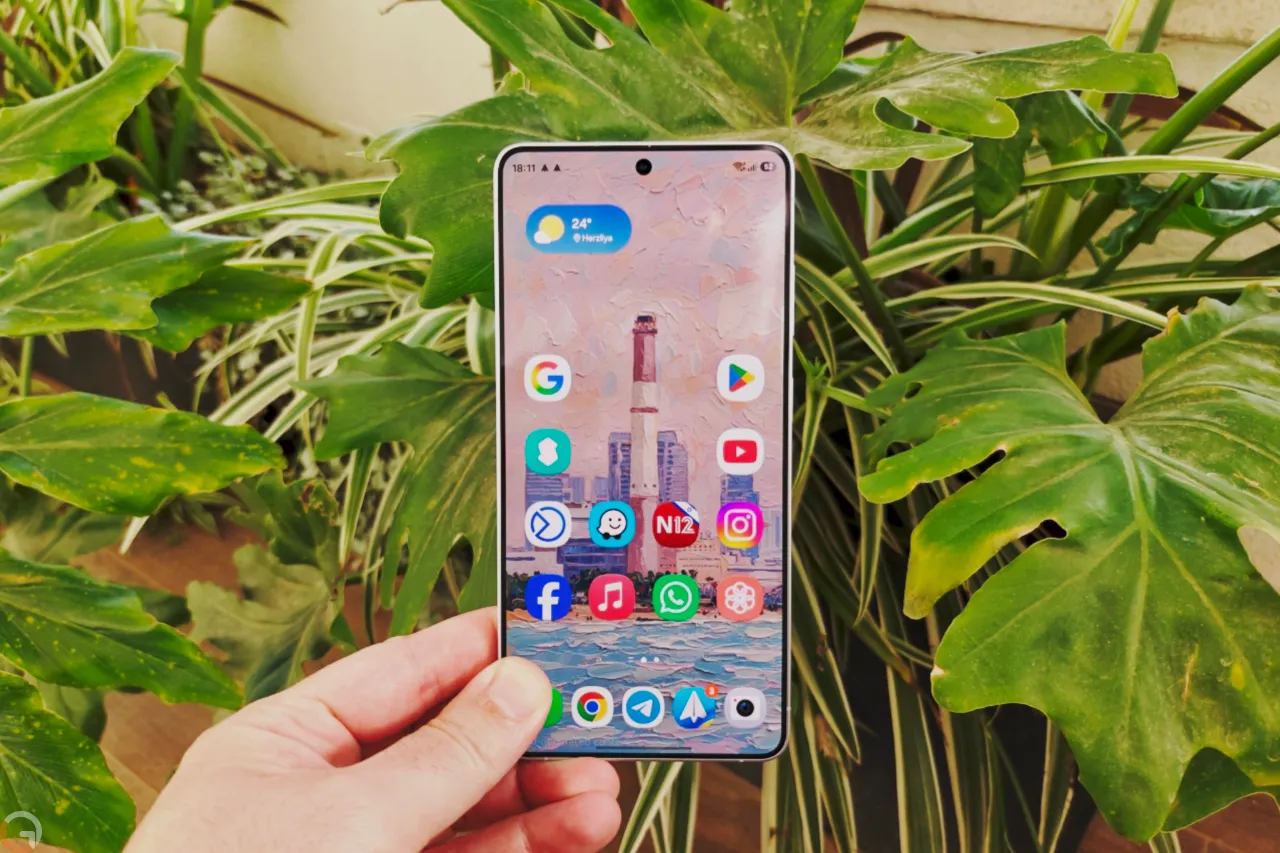
A common misconception in the digital age is that modern, high-resolution smartphone and tablet screens do not require calibration. While it is true that many high-end mobile devices now come factory-calibrated to a high degree of precision, they are not universally adjustable by the user.

For the most part, mobile devices and televisions are "closed" systems. Unlike desktop monitors, which can be profiled via an ICC file, most consumer mobile displays do not allow for the deep-level adjustments required to correct for panel aging. Consequently, the photographer must accept that they cannot control how their work appears on every end-user device. However, by editing on a properly calibrated master display, the photographer ensures that the file is authored to an objective standard. This maximizes the probability that the image will look "correct" on the widest possible range of screens, as it adheres to industry-standard color spaces like sRGB or AdobeRGB.

Best Practices for the Modern Workflow
To maintain a high standard of color fidelity, professionals should adhere to a strict set of protocols:

- Environment Control: Calibration should be performed in a room with controlled lighting. Ambient light significantly affects how the human eye perceives color. Using a monitor hood can help prevent glare and light spill from skewing the calibration results.
- Regular Maintenance: For heavy users, a monthly calibration is recommended. For those who use their equipment less frequently, a quarterly cycle is sufficient to catch the gradual shift caused by hardware degradation.
- Hardware Investment: While some high-end monitors feature built-in calibration sensors, investing in a reliable, external colorimeter ensures that the calibration process remains consistent even if the display is upgraded.
- Verification: After calibration, it is standard practice to compare the new profile against a known reference image or a physical proof. Many calibration software suites provide "before and after" views, which serve as an effective diagnostic tool to gauge the extent of the correction.
Conclusion: The Professional Standard
In the current creative landscape, where images are consumed instantly across a global network of disparate devices, the importance of display accuracy cannot be overstated. Calibration is not a luxury; it is the fundamental bridge between the artist’s vision and the final output.

By removing the guesswork from the editing process, professionals can ensure that their work is presented with the intended saturation, contrast, and tonal balance. Whether the final destination is a gallery print or a social media feed, the confidence provided by a calibrated workflow is essential. As the technology behind displays continues to evolve, the tools to manage them have become faster, more accessible, and more effective. For any visual professional, the commitment to regular monitor calibration is a clear hallmark of technical discipline and a dedication to the integrity of their craft.