The landscape of professional video production is shifting, demanding portable hardware that can handle increasingly complex workflows, from 4K raw footage transcoding to real-time 3D rendering. For visual creatives, the "best" laptop is defined by a precise intersection of high-fidelity color accuracy, sustained processing power, and efficient thermal management. As of mid-2025, the market has stabilized around several key architectures, with Apple’s M4 series and high-end Windows-based mobile workstations leading the charge. Choosing the right machine involves balancing these technical requirements against the practicalities of battery life and portability.
The Evolution of Creative Hardware: A 2025 Perspective
Historically, video editors were tethered to powerful desktop towers. However, the introduction of high-bandwidth unified memory architectures and advanced discrete GPUs has revolutionized the mobile creative space. The current generation of laptops reflects this maturity. In May 2025, industry standards for performance have been recalibrated. For instance, the transition to the M4 Pro architecture has set a new benchmark for power efficiency, allowing editors to perform tasks that once required a wall outlet while maintaining battery life that exceeds 20 hours.
Conversely, the Windows ecosystem has leaned into high-performance hybrid systems. The integration of AMD’s Ryzen AI 9 HX 370 processors alongside Nvidia’s RTX 40-series and 50-series graphics cards has allowed Windows laptops to reclaim ground in high-demand rendering environments. This evolution is driven by the need for "Hardware Acceleration," a critical feature in software suites like Adobe Premiere Pro and DaVinci Resolve, which offloads intensive mathematical tasks from the CPU to the GPU.
Critical Specifications for Modern Workflows
Professional editors typically prioritize three pillars of hardware performance:
- Multicore Processing: Rendering and transcoding rely on the ability to process multiple data threads simultaneously. Benchmarks such as Geekbench 6 indicate that current top-tier silicon, such as the M4 Pro, achieves multicore scores exceeding 22,000, significantly outperforming the industry averages of 10,000 to 12,000 seen in previous years.
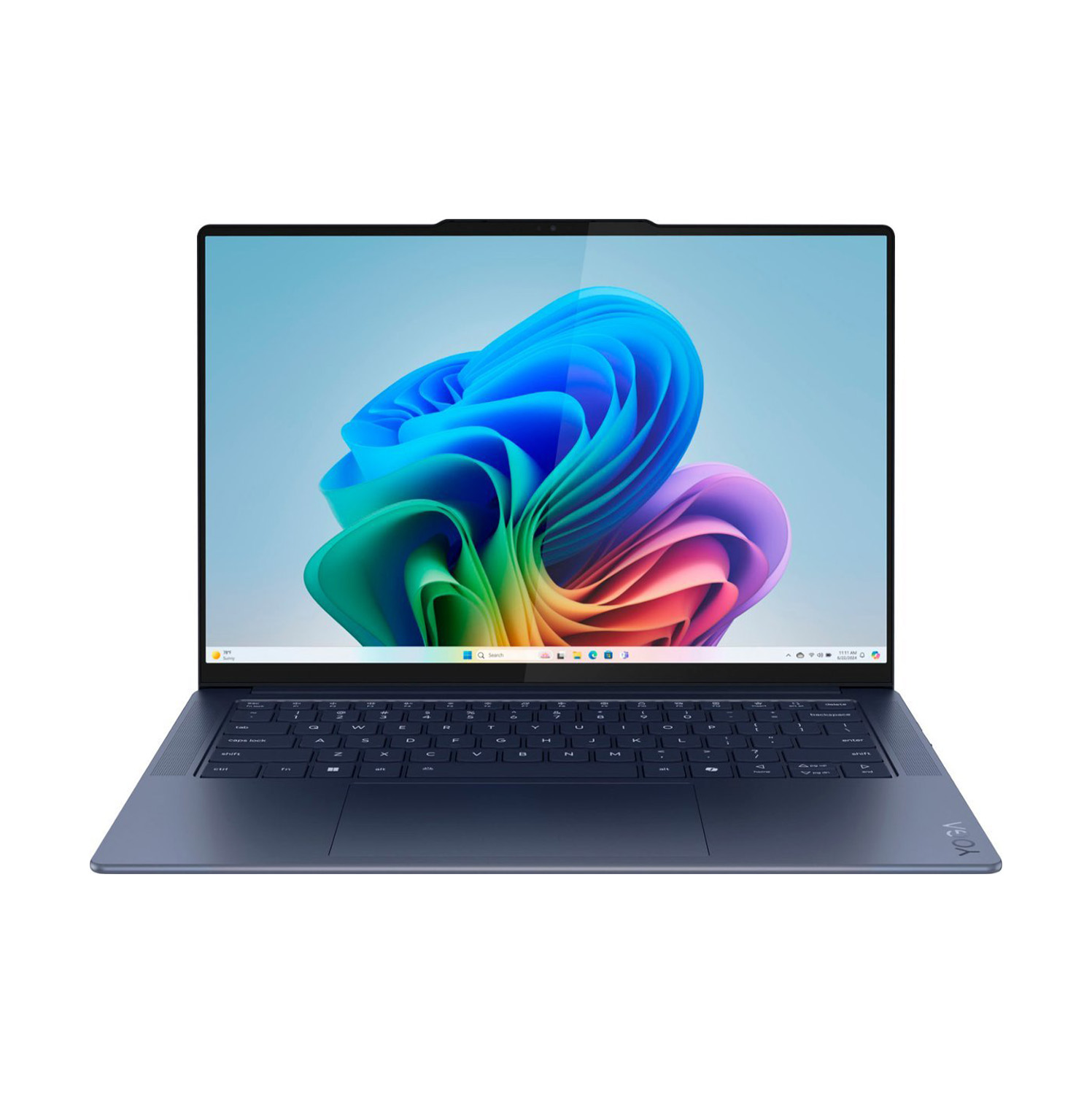
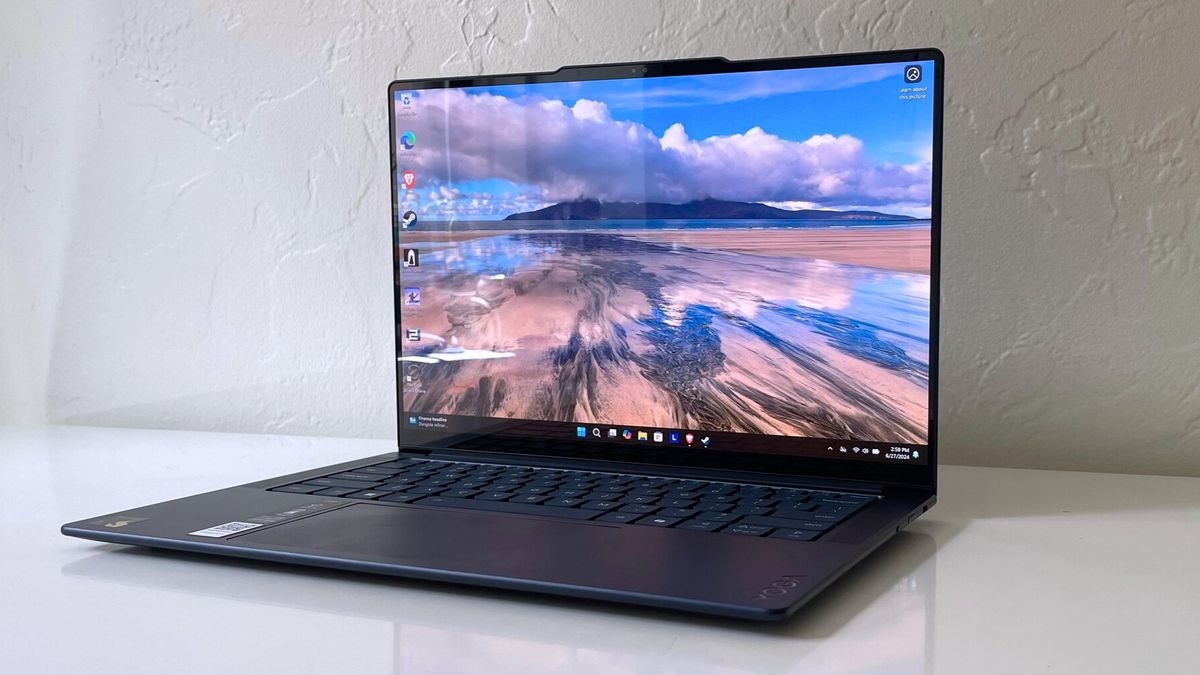
- Display Fidelity: The DCI-P3 color gamut, the standard for digital cinema, is the industry benchmark for accuracy. Professionals should seek displays covering at least 85% of this gamut. While some premium OLED panels, such as those found in the Lenovo Yoga Slim 7x, reach 155% coverage, the priority remains consistent color reproduction across the entire luminance range.
- Memory and Storage: The "floor" for professional work has moved from 16GB to 32GB of RAM. In unified memory systems, where RAM is shared between the CPU and GPU, 32GB is now considered the functional minimum to prevent system bottlenecks during complex pre-rendering.
Top-Tier Selections for 2025
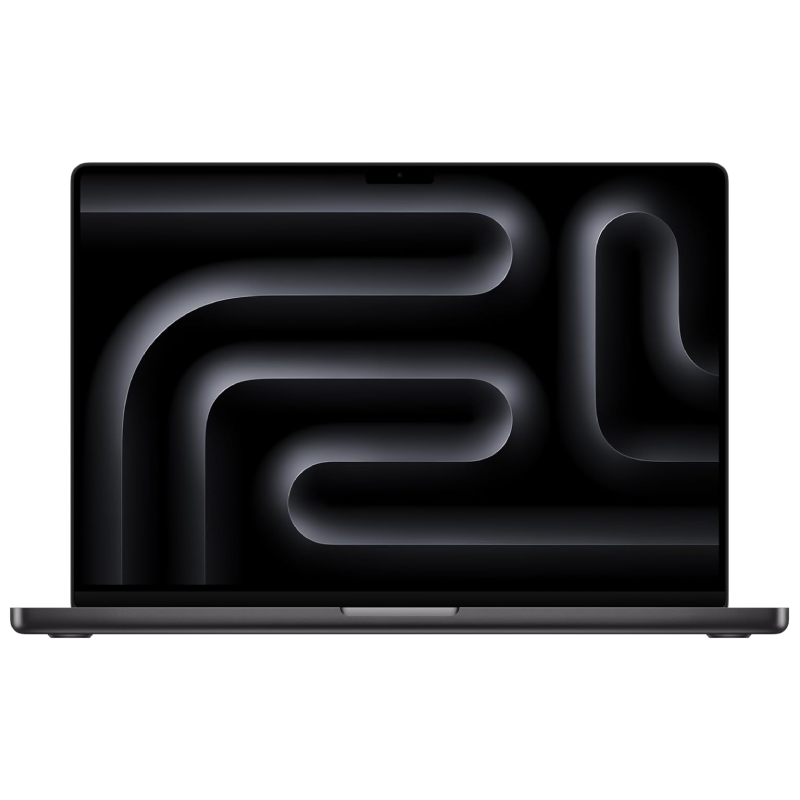
The Industry Benchmark: Apple MacBook Pro 16 M4 Pro
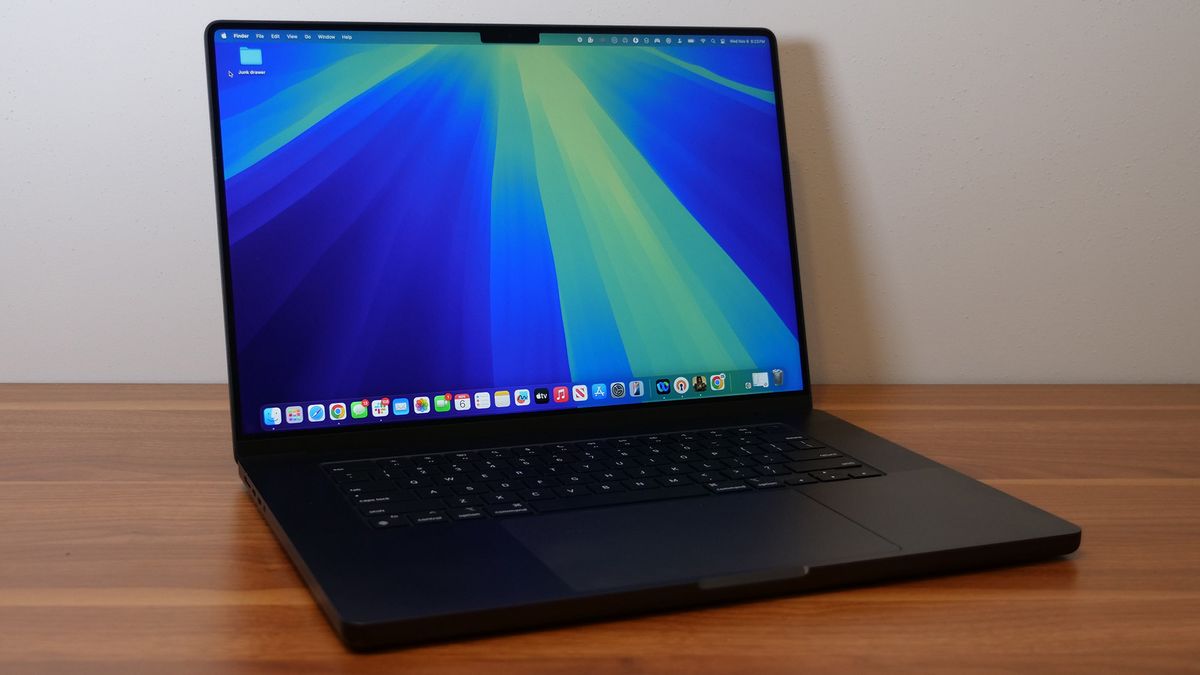
The 2024-2025 16-inch MacBook Pro remains the standard-bearer for mobile creative work. Its performance gains over the M3 Max, combined with a battery life that approaches 21 hours in controlled tests, make it a logistical powerhouse for location-based editors. Its success lies in the M4 Pro’s efficiency, which provides workstation-grade performance without the aggressive fan noise or extreme heat output typically associated with high-end mobile workstations.
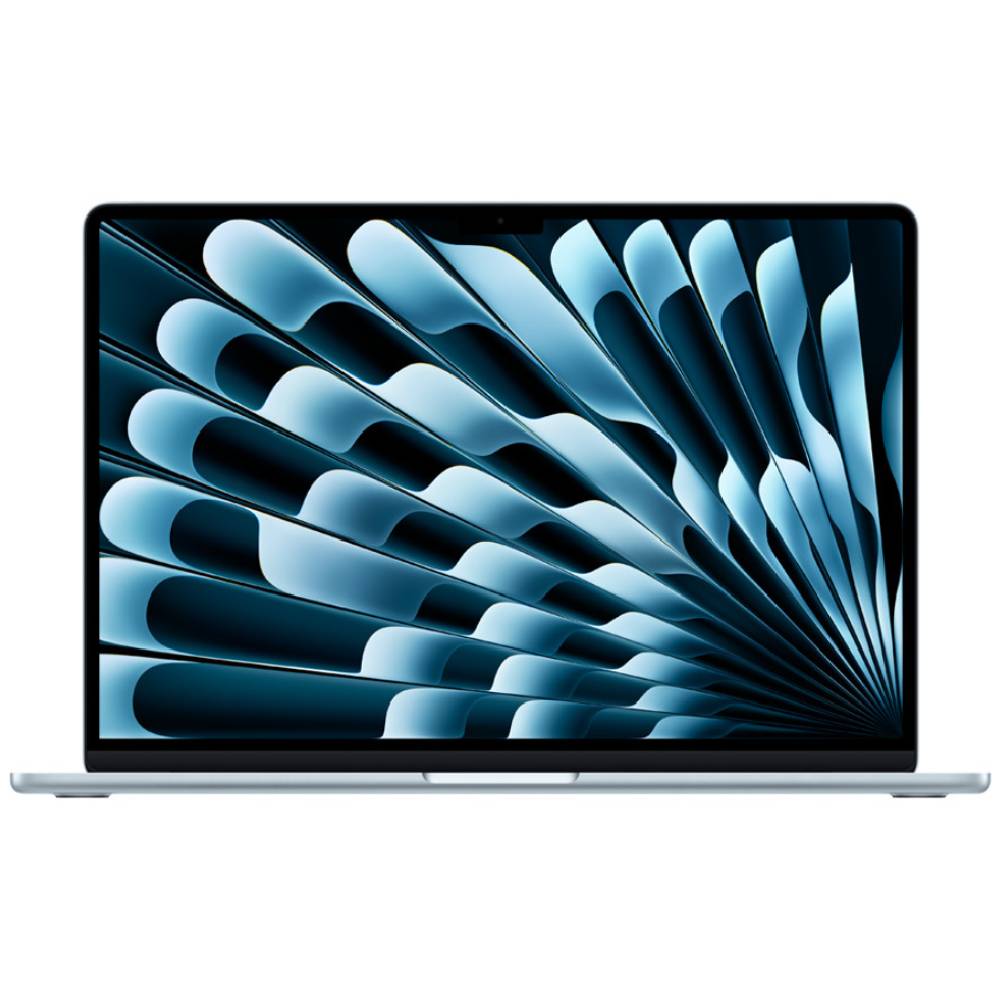
The Portability Choice: Apple MacBook Air 15 M4
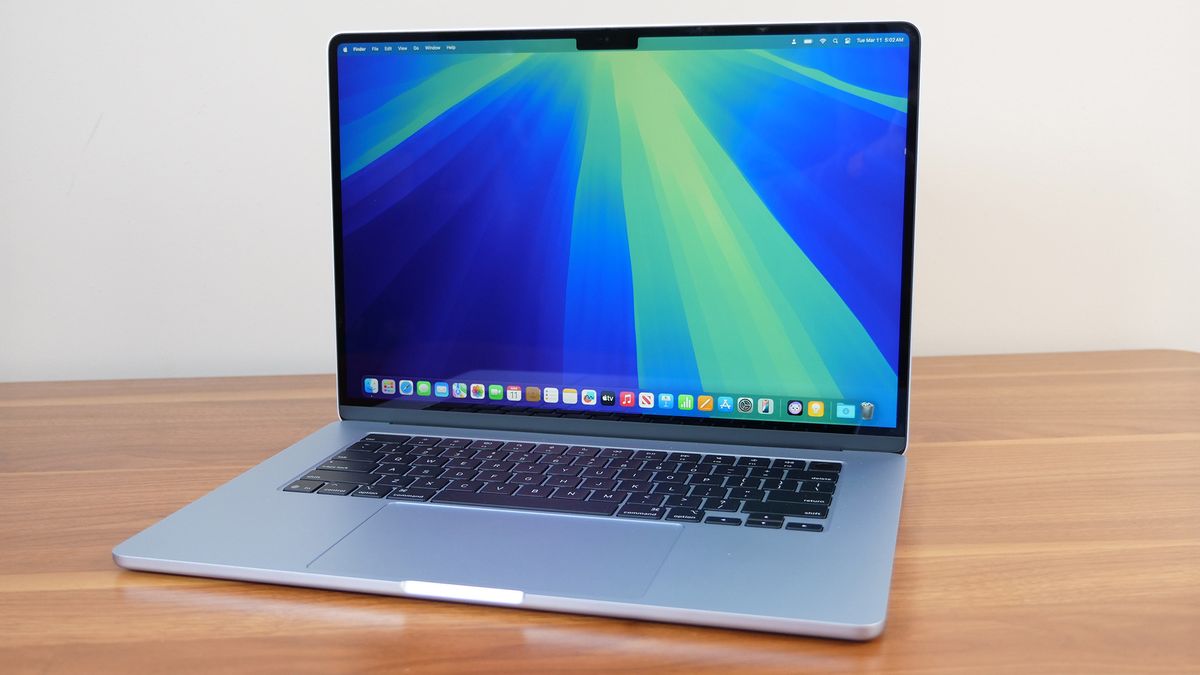
For students or editors working on lighter projects, the 15-inch MacBook Air has become an essential budget-conscious alternative. By offering a larger screen and strong multicore performance at a lower price point than the Pro series, it fills a crucial market gap. While it lacks the cooling headroom of the Pro, it remains capable of transcoding 4K footage efficiently, making it an ideal entry point for media-focused college majors.
The Windows Powerhouse: Asus ProArt P16
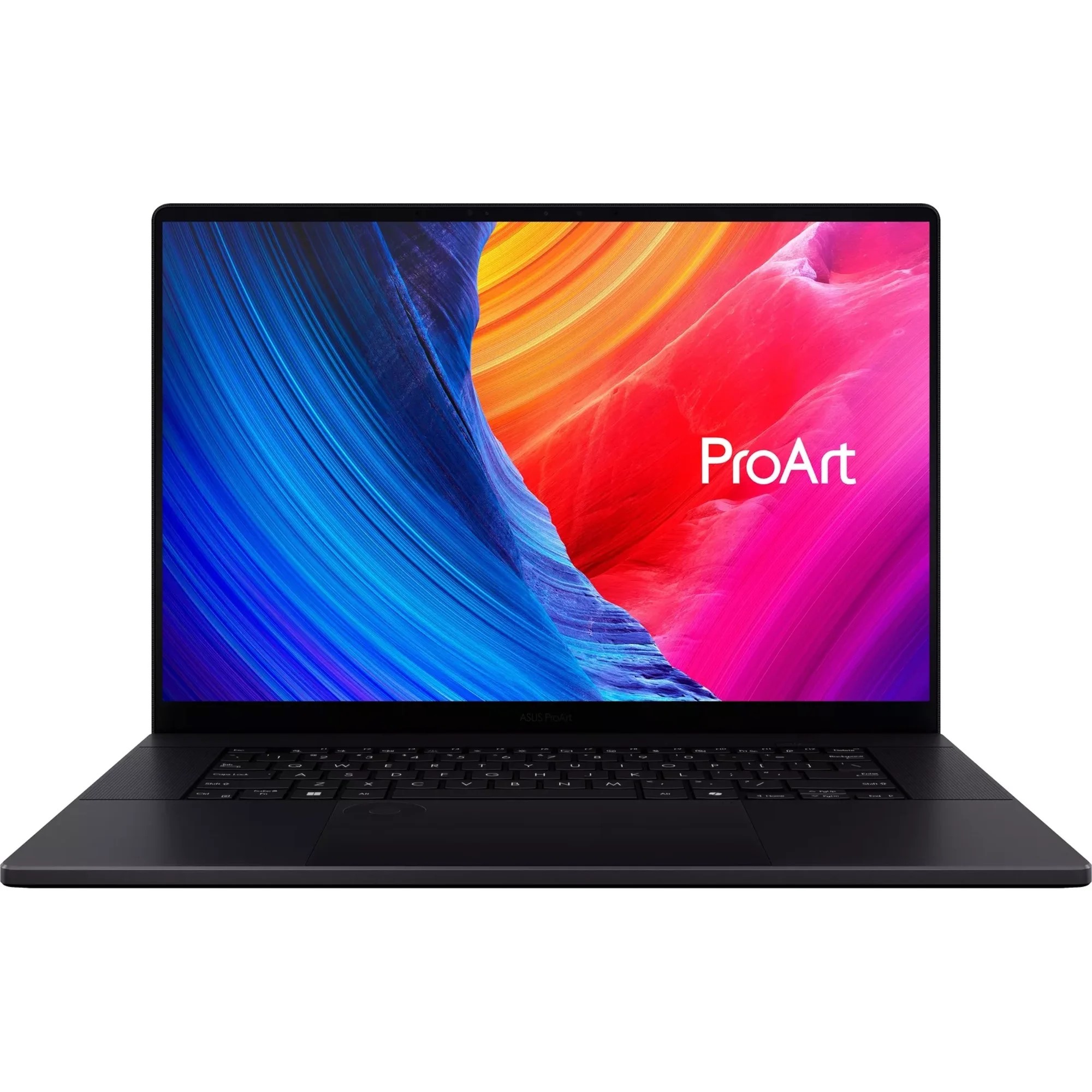
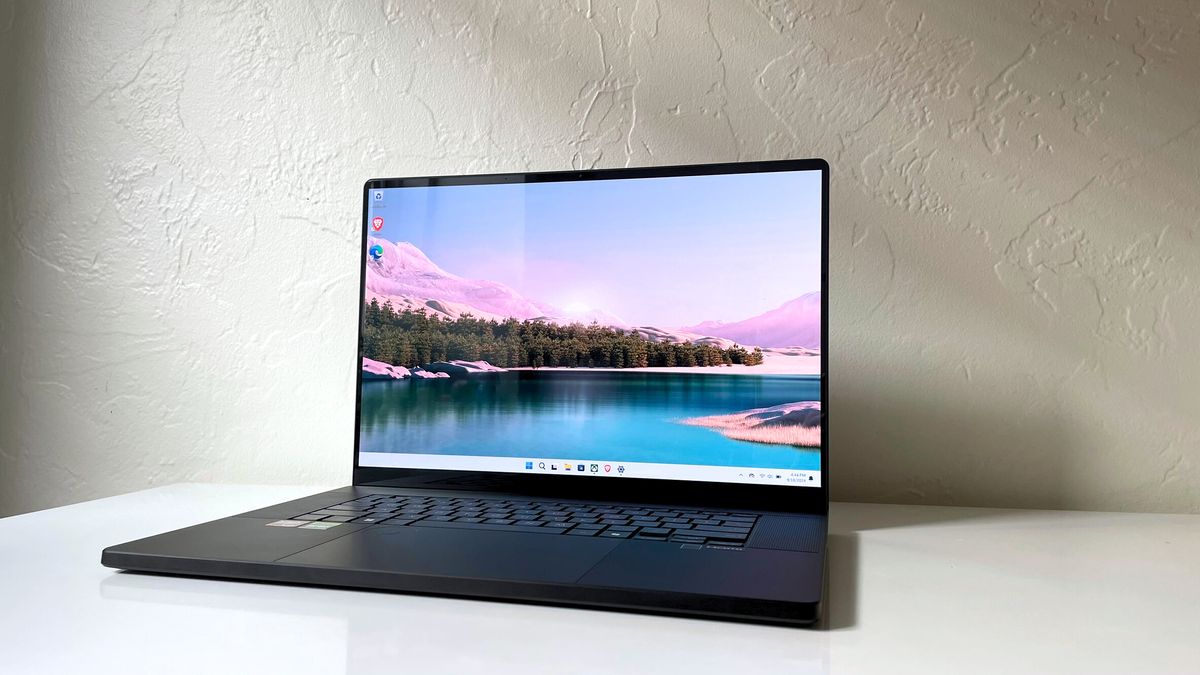
The ProArt P16 represents the current peak of Windows-based creative hardware. By pairing the AMD Ryzen AI 9 HX 370 with an Nvidia RTX 4070, Asus has created a device that rivals the MacBook Pro in rendering speed while maintaining a distinct, professional design. It is particularly effective for those who require a discrete graphics card for specific plug-in compatibility that may not be optimized for ARM64 or macOS architectures.

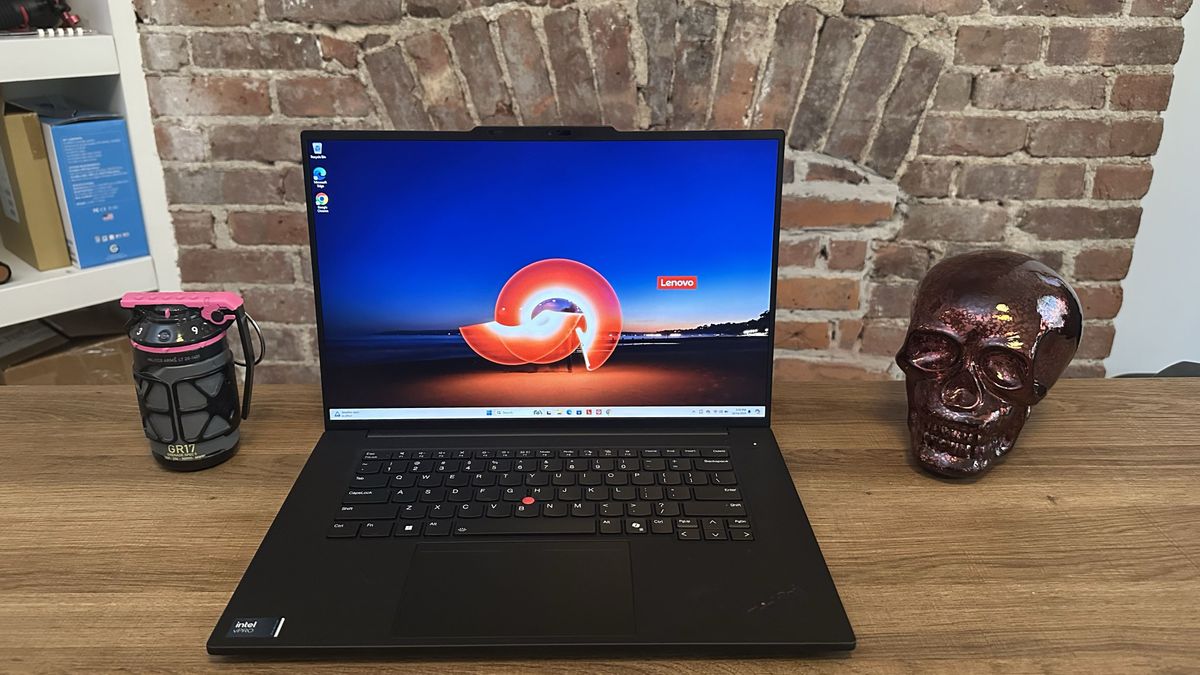
The Professional Workstation: Lenovo ThinkPad P1 Gen 7
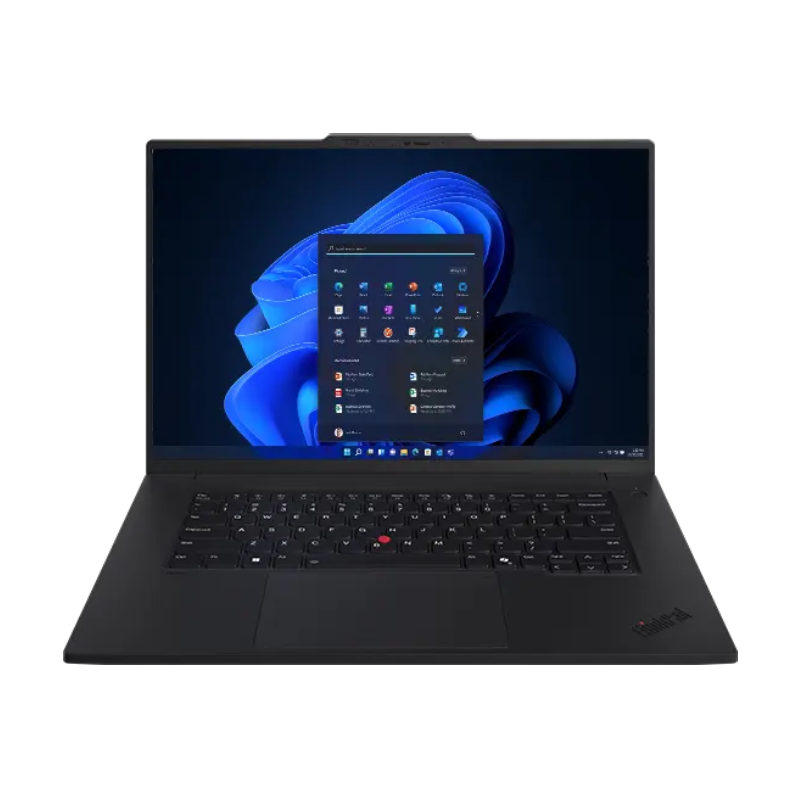
For those who prioritize data integrity and stability over pure raw speed, the ThinkPad P1 Gen 7 is the primary choice. Designed as a traditional workstation, it utilizes professional-grade components that favor reliability during long rendering sessions. Its 17-hour battery life, unusual for a device in this class, demonstrates how far workstation efficiency has progressed in the last 24 months.
Comparative Data Analysis
The following table highlights the disparity between various high-end machines based on standardized laboratory testing:
| Laptop Model | Geekbench 6 (Multi) | Handbrake 4K Transcode | Battery Life (Web) |
|---|---|---|---|
| MacBook Pro 16 M4 Pro | 20,863 | 18:05 (Slowest/Efficiency) | 18:05 |
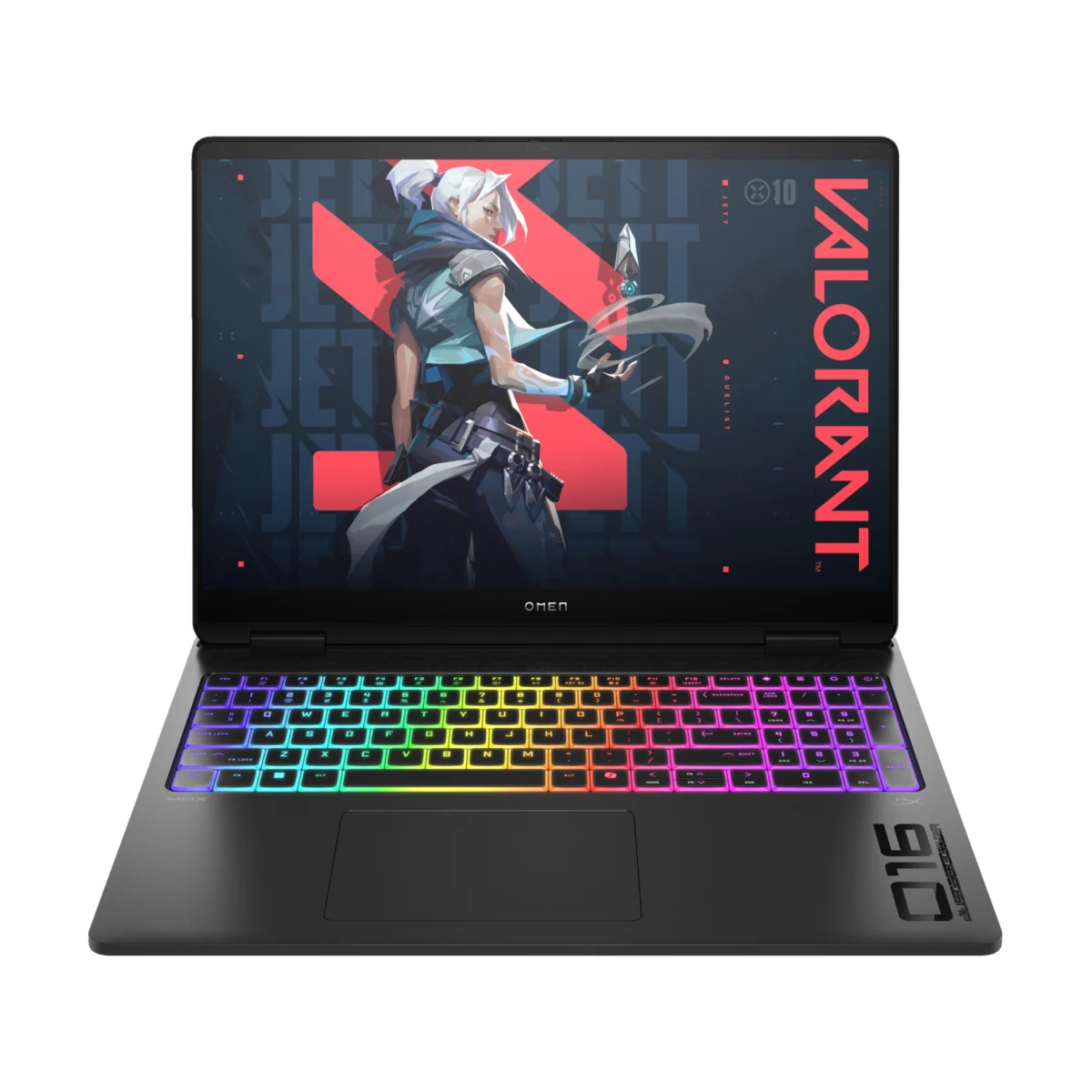
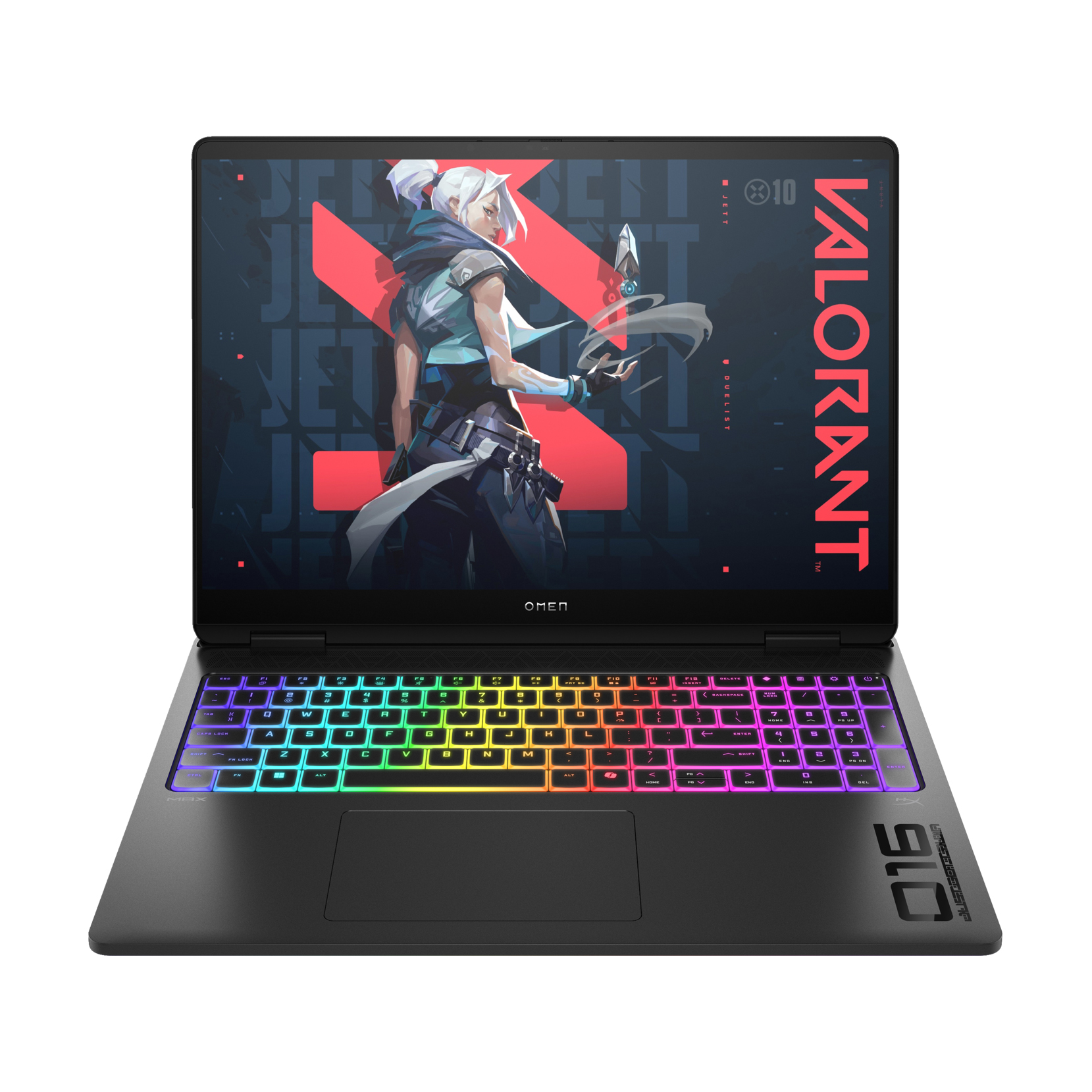
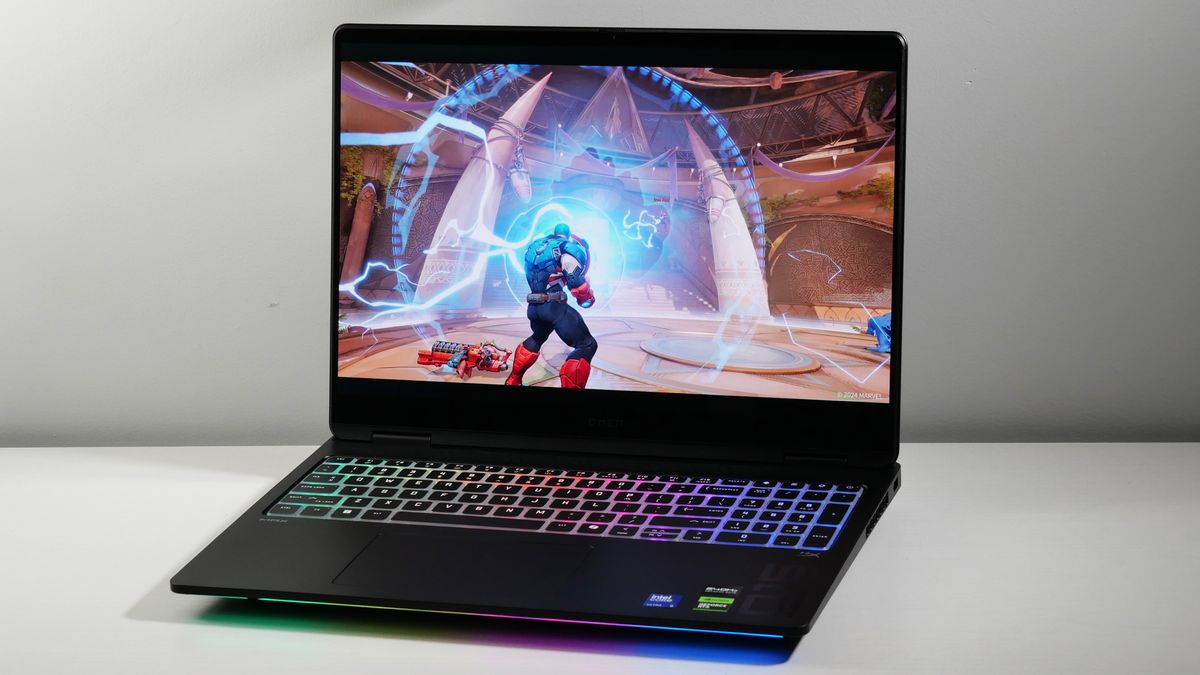
| HP Omen Max 16 | 19,822 | 02:54 | 03:20 |
| Asus ProArt P16 | 15,286 | 03:15 | 09:32 |
| ThinkPad P1 Gen 7 | 12,974 | 04:22 | 17:23 |
(Note: Handbrake time represents the duration to transcode a 4K file to 1080p; lower times indicate faster processing. Battery life measured in hours:minutes.)
Broader Implications of Hardware Trends
The current shift toward "AI-ready" hardware, such as the NPU (Neural Processing Unit) integration in the latest Ryzen and M-series chips, suggests that the next generation of video editing will rely heavily on local AI-assisted workflows. Features like object removal, automatic color grading, and noise reduction are increasingly offloaded to these specialized cores.
The market impact of these advancements is significant. As laptops become more capable, the barrier to entry for high-end professional production is lowering. However, this has also created a dichotomy: while performance is becoming more accessible, the cost of top-tier memory and storage configurations remains high, effectively creating a "configuration tax" that professionals must factor into their capital expenditures.
Conclusion and Purchasing Strategy
Selecting a video editing laptop in 2025 requires a candid assessment of one’s specific workflow. If the workflow is rooted in the Adobe Creative Cloud or Final Cut Pro, the current Apple ecosystem offers the best balance of power and efficiency. Conversely, if specific proprietary software or legacy Windows-only plugins are required, the Asus ProArt P16 or Lenovo ThinkPad P1 provides the necessary stability and performance.
Prospective buyers should prioritize RAM above all else; while processors can be fast, the system will inevitably stall if the RAM is insufficient for the footage being edited. Furthermore, while manufacturers often emphasize peak brightness or high frame rates, professionals are better served by focusing on DCI-P3 coverage and the reliability of thermal management systems. By viewing these machines as long-term investments rather than temporary tools, creatives can ensure their hardware remains relevant for the duration of their production lifecycle.