










Navigating the budget laptop market has historically been a challenging endeavor for consumers, as the sub-$500 category often requires significant compromises in build quality, processing power, and display fidelity. However, as of mid-2025, the landscape for entry-level computing has shifted. Manufacturers have increasingly optimized hardware, allowing for reliable performance in essential tasks such as web browsing, academic productivity, and media consumption. This guide analyzes the current market, providing a data-driven look at the most viable options for students, casual users, and those seeking a secondary device.

The Evolution of the Budget Computing Market
The definition of a "budget" laptop has been redefined by the integration of more efficient silicon and the maturing of the ChromeOS ecosystem. In previous years, devices under the $500 threshold were frequently criticized for sluggish performance and limited longevity. Today, the rise of "Chromebook Plus" branding and improved Intel N-series processors has introduced a new standard of baseline performance.
Market analysts note that while component costs remain volatile due to global supply chain pressures and potential trade tariffs, the average price of a functional, modern laptop has remained relatively stable since 2023. This stability has allowed consumers to secure machines with 8GB of RAM and 128GB of storage—specs that were considered mid-tier just a few years ago—at entry-level prices.
Top Performers in the 2025 Budget Tier
Based on rigorous laboratory testing, including benchmarks such as Geekbench 6 and Jetstream 2, several models have emerged as the most reliable choices for price-conscious buyers.
-
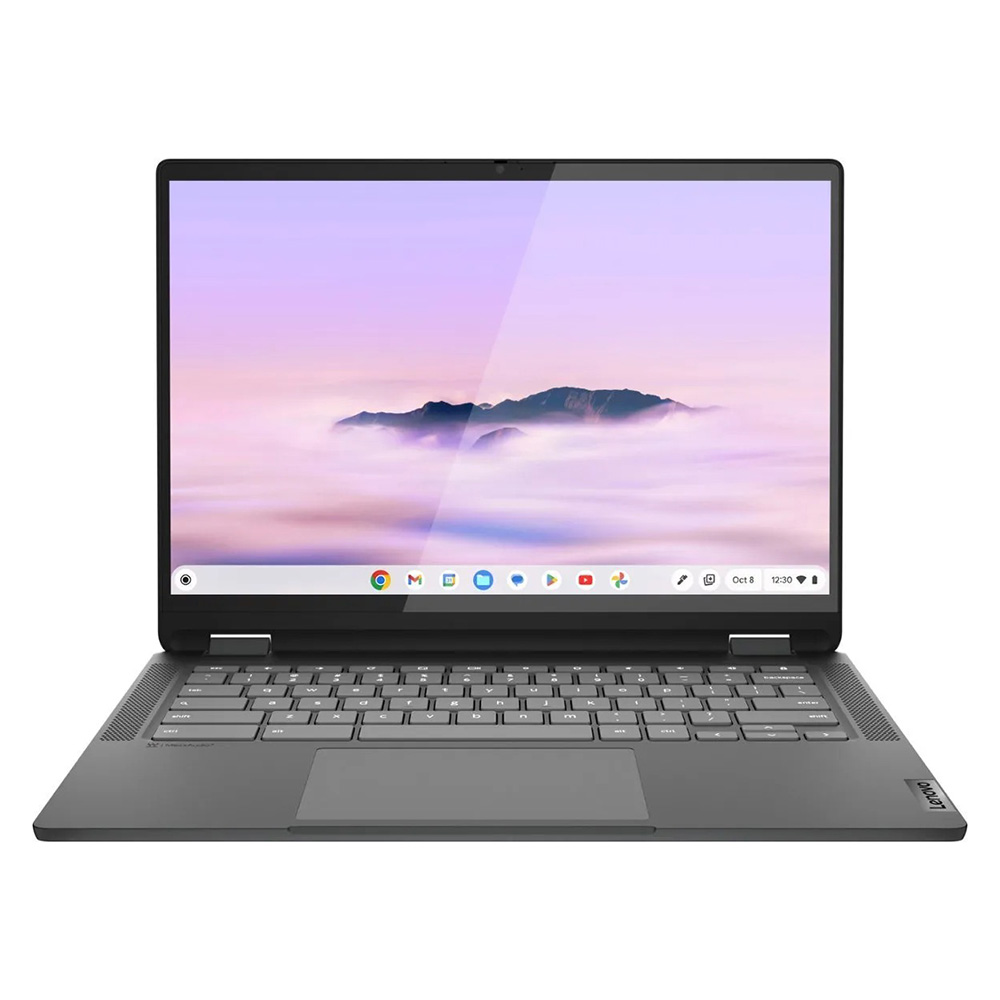
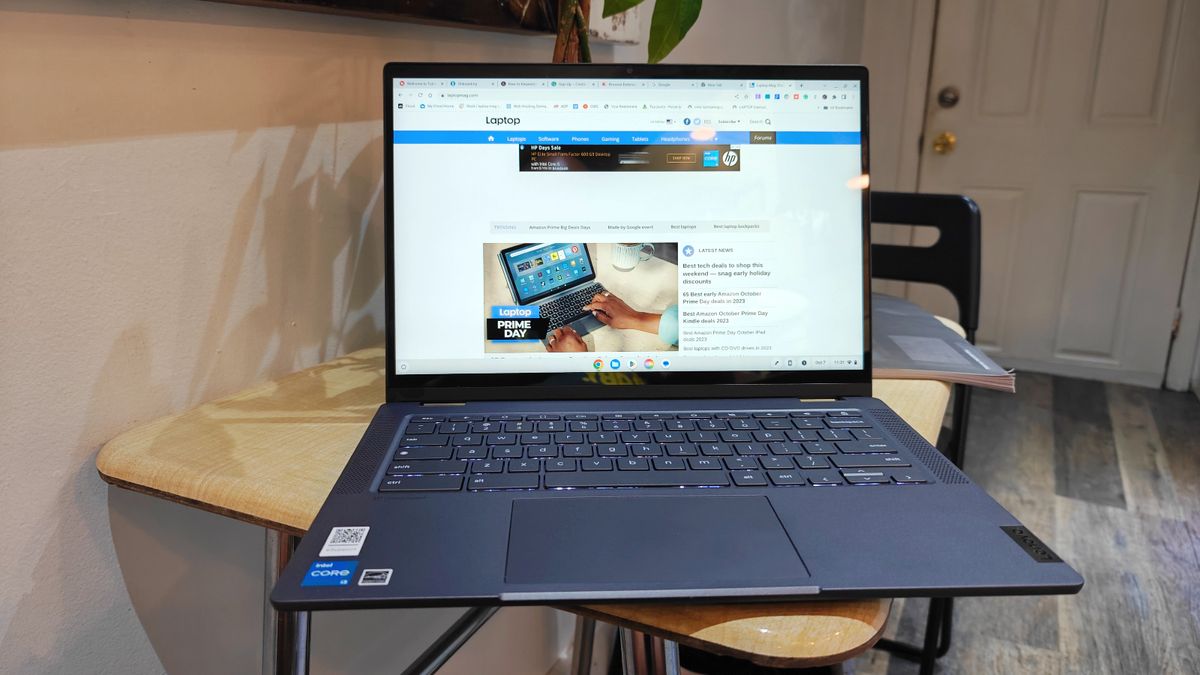
Lenovo IdeaPad Flex 5i Chromebook Plus (Best Overall):
With an Intel Core i3-1315U processor and 8GB of RAM, this device consistently outperforms the average Chromebook in multi-core processing tasks. It recorded a Geekbench 6 score of 5,384, significantly higher than the category average of 5,259. Its 14-inch 1080p IPS touch display and sturdy hinge design provide a user experience that rivals more expensive ultrabooks.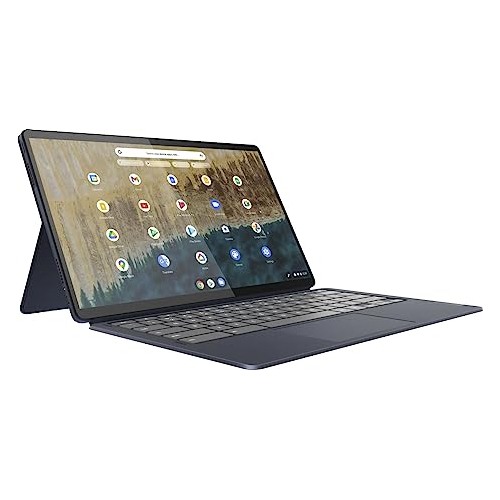
-
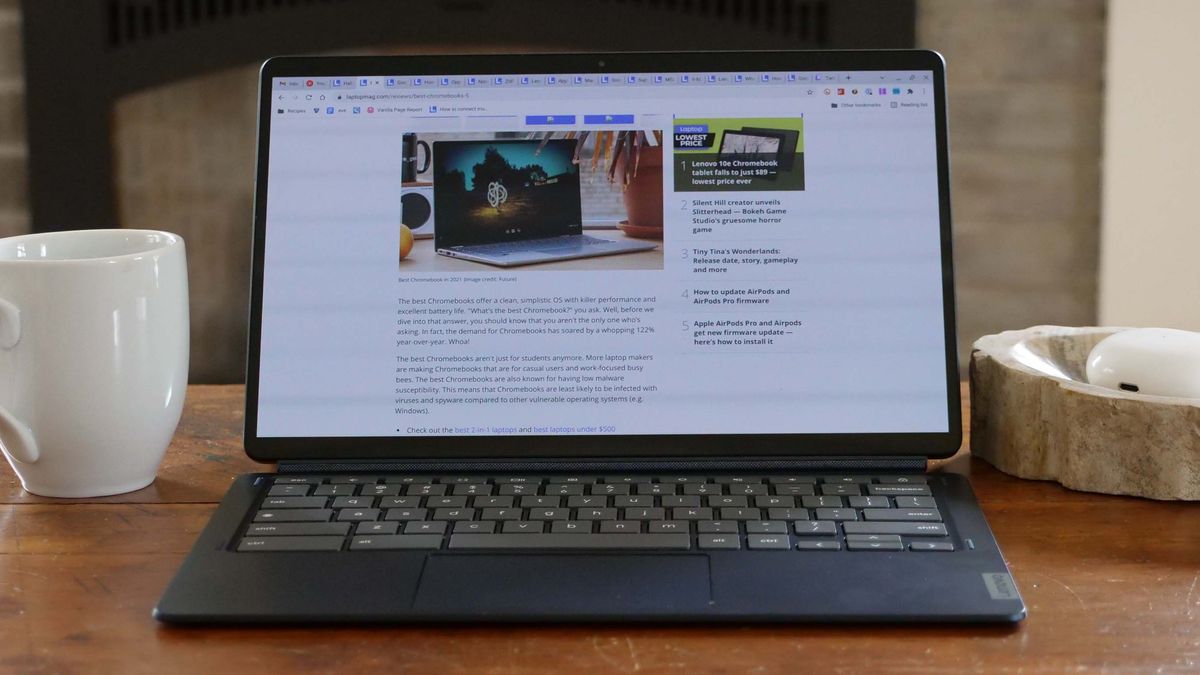
Lenovo Duet 5 Chromebook (Best Under $300):
This device remains the gold standard for versatility. Featuring a 13.3-inch OLED display, it offers color reproduction (85.2% of the DCI-P3 gamut) that is rarely seen in the sub-$300 segment. While its synthetic benchmark scores are lower than its more expensive counterparts, its portability and detachable form factor make it an ideal choice for light productivity and media streaming. -
Lenovo IdeaPad Flex 5 14 (Best Windows Option):
Finding a capable Windows laptop under $500 is difficult, as many units suffer from thermal throttling or hardware failure. The IdeaPad Flex 5 14 remains a notable exception, offering a balance of power and battery life. With over 14 hours of battery longevity in testing, it serves as a reliable workhorse for users who require the compatibility of the Windows operating system.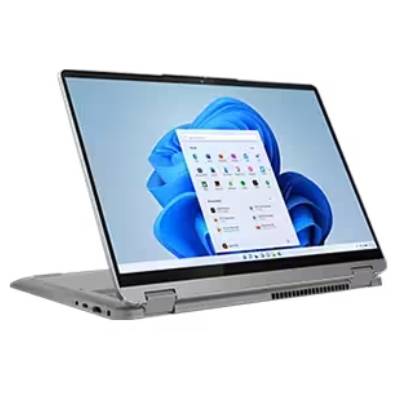
-
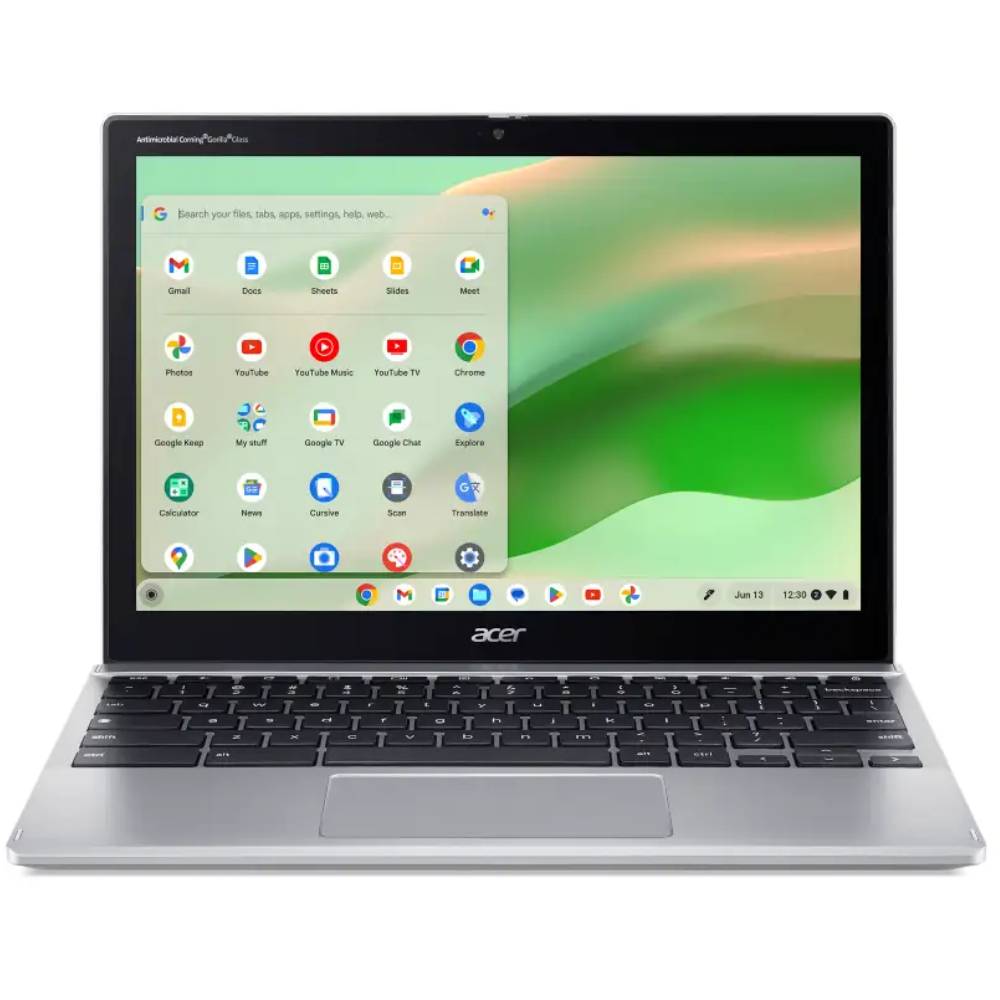
Acer Chromebook Spin 312 (Best for Students):
Specifically designed for the educational environment, this model features an OceanGlass touchpad and a durable 2-in-1 design. It provides a balanced performance-to-price ratio, making it an effective tool for long study sessions.
Chronology of Testing and Market Updates
The data presented in this report is current as of May 5, 2025. The methodology behind these selections involves a multi-stage testing process:
- Initial Lab Benchmarking: Every unit undergoes standardized tests, including Geekbench 5/6 for processing power, Jetstream 2 for web performance, and custom battery tests involving continuous web surfing at 150 nits of brightness.
- Real-World Stress Testing: Reviewers perform "day-in-the-life" simulations, which include multitasking with multiple browser tabs, video conferencing, and document editing.
- Thermal Management Analysis: Using infrared sensors, technicians measure the device’s surface temperature after 15 minutes of high-definition video playback to ensure user comfort.
This comprehensive approach ensures that the "Best Of" lists reflect not only the manufacturer’s specifications but the practical reality of daily use.
Technical Analysis: What $500 Buys You Today
When shopping for a budget device, understanding the technical tradeoffs is critical to ensuring the longevity of the purchase.

- Processor Architecture: At this price point, consumers will primarily encounter Intel N-series chips, MediaTek Kompanio processors, or older Intel Core i3 units. While these are not designed for intensive video editing or 3D gaming, they are highly optimized for efficiency.
- Storage Limitations: The majority of sub-$500 laptops utilize eMMC storage rather than traditional NVMe SSDs. While eMMC is sufficient for cloud-based tasks (like those performed on Chromebooks), it can result in slower file transfers and system boot times.
- Display Quality: The transition to 16:10 aspect ratios in budget laptops is a welcome trend, offering more vertical screen real estate for productivity. However, brightness levels often hover around 250–300 nits, which is acceptable for indoor use but may struggle in direct sunlight.
Broader Economic Implications and Consumer Strategy
The market for budget computing is currently navigating a period of uncertainty. Potential tariff hikes on electronic components could increase the cost of entry-level devices significantly, according to recent trade reports. For consumers, this reinforces the importance of timing purchases around major sales cycles.
Retail data consistently shows that the deepest discounts on sub-$500 laptops occur during Black Friday and Cyber Monday. However, seasonal "back-to-school" promotions in late summer also provide significant value. Industry experts advise that if a consumer finds a device meeting the 8GB RAM/128GB storage minimum, it is likely the best value they will find in the current fiscal climate.
Addressing Common Consumer Concerns
A frequent question among potential buyers is whether a sub-$500 laptop can actually last for several years. The answer depends heavily on the operating system. Chromebooks, which rely heavily on web-based apps, tend to retain their responsiveness longer than entry-level Windows laptops, which may struggle with OS updates over time.
Furthermore, the "hidden costs" of cheap laptops—such as poor-quality trackpads, dim screens, or lack of repairability—are real factors. By selecting from the curated models listed above, consumers can avoid these pitfalls. Each of these machines has been vetted for "deal-breaker" flaws, such as overheating or excessive keyboard flex, which are common in unbranded or ultra-cheap devices found on secondary marketplaces.
Conclusion: Final Purchasing Guidance
When selecting a laptop for under $500, users should prioritize the following criteria:
- Operating System Alignment: If your work is primarily browser-based, a Chromebook will almost always provide a smoother, faster experience than a similarly priced Windows laptop.
- Battery Longevity: Always verify the "real-world" battery test results. A device that requires a charger every four hours will significantly impact mobility and convenience.
- Portability: Since most sub-$500 laptops lack dedicated graphics cards or cooling systems, they are inherently lighter. Aim for models weighing between 2.5 and 3.5 pounds to ensure ease of transport.
The modern budget laptop is no longer a compromise; it is a specialized tool that, when chosen with research and data-backed guidance, offers immense utility. As the tech landscape continues to evolve through 2025, the focus on performance-per-dollar will remain the primary driver for both manufacturers and consumers alike.