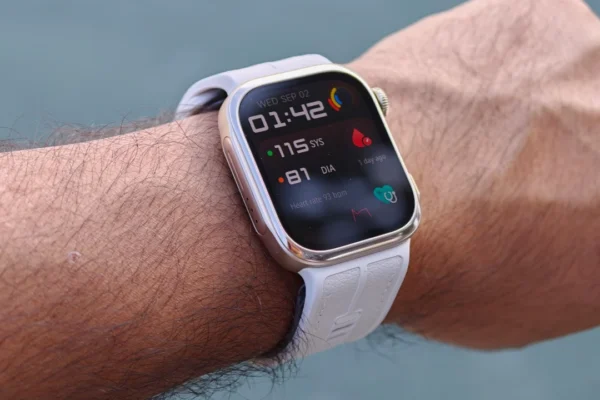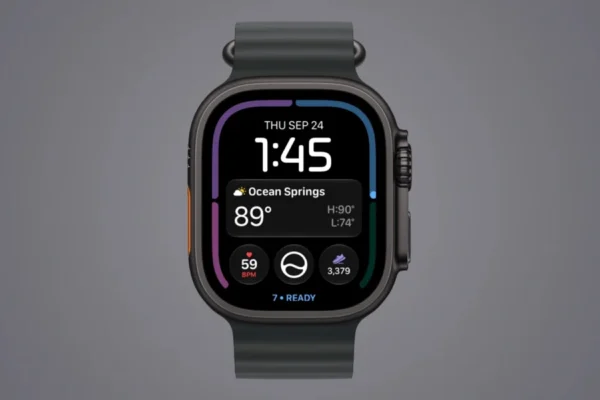










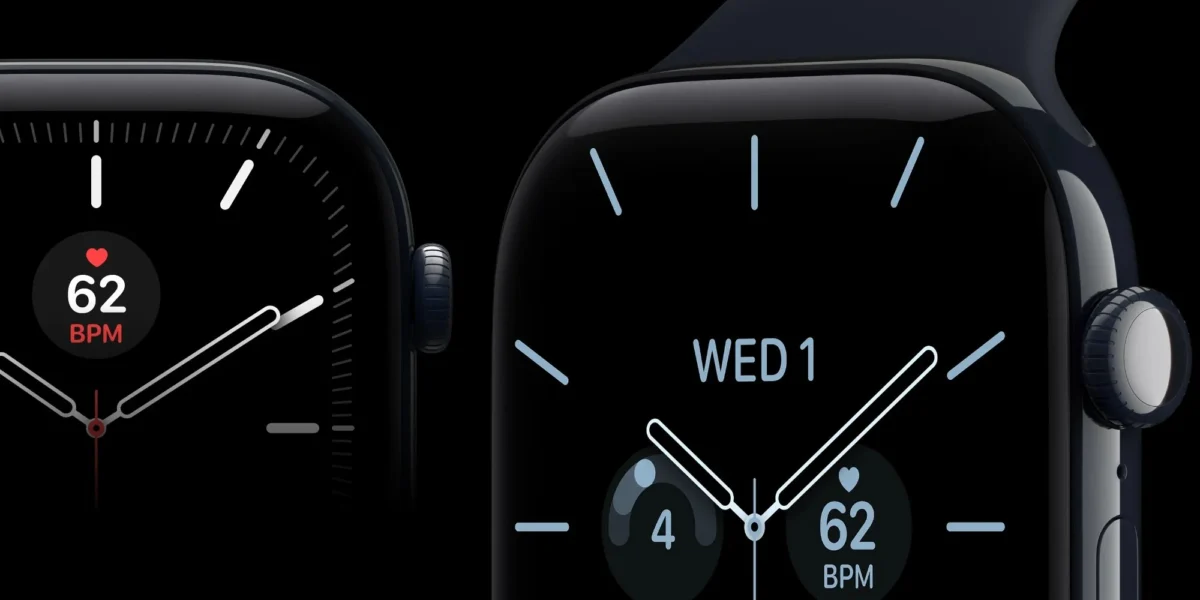
The transition between Daylight Saving Time (DST) and Standard Time has long served as a seasonal stress test for digital infrastructure, and this year, Apple Watch users are once again grappling with a persistent software glitch. While the primary system clock on devices has successfully transitioned to the correct time, a specific software anomaly is causing the Always-On Display (AOD) to lag behind, displaying the incorrect time while the watch is in a resting or dimmed state.
This recurring technical hurdle highlights the ongoing difficulty of managing localized time-keeping logic within the complex architecture of watchOS. As users move between active and idle modes, the discrepancy between the live watch face and the AOD has led to widespread frustration, prompting discussions across social media platforms including Reddit and X.
A History of Temporal Friction: Chronology of the Bug
The current issue is not an isolated incident but rather the latest in a series of daylight-saving-related complications that have plagued Apple devices for years. The relationship between Apple’s hardware and global time standards has been rocky since at least 2018.
- October 2018 (Apple Watch Series 4): The initial major disruption occurred during the transition from Daylight Saving Time to Standard Time in the Northern Hemisphere. A bug in the Infograph face caused a massive crash loop for many Series 4 users, as the watch attempted to reconcile the “extra” hour gained overnight.
- November 2021 (iOS/watchOS sync): A separate but related issue affected users in Canada and parts of Europe, where the synchronization between the iPhone and the Apple Watch failed to trigger the automatic time adjustment, leaving many users an hour off schedule during their morning commutes.
- October 2026 (The Current AOD Glitch): European countries, which observed the end of Daylight Saving Time earlier than the United States, were the first to report the current issue. Users noted that while the primary operating system recognized the change, the Always-On Display—which is designed to refresh at a lower frequency to conserve battery—failed to update its cached data.
The discrepancy typically manifests when the watch is in "rest mode." When a user raises their wrist or taps the screen to wake the device, the watch face immediately corrects itself to the accurate time. However, as soon as the watch dims back to the Always-On state, the display reverts to the previous hour, creating a confusing and unreliable experience for those who rely on a quick glance to check the time.
Technical Implications and System Architecture
At the heart of the issue is the way watchOS manages power consumption for the Always-On Display. To maintain battery efficiency, the AOD operates at a variable refresh rate, sometimes dropping to as low as 1Hz. The software responsible for rendering the AOD must pull time data from the system clock without triggering a full wake cycle of the processor.
The evidence suggests that the caching mechanism used for the AOD is not receiving the interrupt signal required to purge and update its time data when the system clock shifts. This is an architectural challenge common in distributed systems where local cache updates are decoupled from the primary system clock update.

From a software engineering perspective, the failure points to a lack of synchronization between the system’s "Time Zone Change" broadcast and the display controller’s background update loop. While Apple has previously implemented patches to handle the "extra hour" created by the fall-back transition, this specific failure indicates that the logic for the Always-On mode may have been overlooked during recent quality assurance testing cycles.
User Impact and Community Response
The reaction from the user base has been swift and critical. On various forums, users have shared video evidence of the bug, demonstrating the "time jump" that occurs as the display transitions from ambient to active mode.
One user on Reddit captured the sentiment of many, stating, "It appears that the testing protocols for Daylight Saving transitions might have missed the interaction between the low-power display driver and the system time service. It is a minor inconvenience, but for a premium device marketed on its ability to provide ‘at-a-glance’ information, it undermines the product’s primary utility."
The impact is particularly notable for users in regions where the transition occurred last week. Because there is a week-long offset between the European and American DST switches, the bug was allowed to propagate without a immediate hotfix, as the scale of the issue was not initially categorized as a global critical failure.
Recommended Troubleshooting Steps
While a permanent fix likely requires a future version of watchOS, Apple’s support documentation suggests several manual workarounds that can force the display to resynchronize with the system clock. If your Apple Watch is currently displaying the wrong time on its Always-On face, the following procedures are recommended:
- Manual Time Toggle: Navigate to the Settings app on your Apple Watch, tap on "General," select "Date & Time," and toggle the "Set Automatically" switch off. Wait for a few seconds before toggling it back on. This forces the device to re-query the time server (NTP) and synchronize all display layers.
- Force Restart: A hard reboot of the Apple Watch can clear the cache for the display controller. Press and hold both the Digital Crown and the side button simultaneously until the Apple logo appears. This process does not result in data loss but effectively clears temporary system glitches.
- Unpair and Re-pair: In extreme cases where the software remains stuck in the previous time zone, unpairing the watch from the iPhone and setting it up as a new device—or restoring from a recent backup—is the final recommended solution. This resets the communication bridge between the iPhone’s time data and the watch’s display drivers.
Broader Context: The Complexity of Global Timekeeping
The fact that these bugs continue to appear underscores the inherent complexity of time zones. While global time seems constant, the legislative changes to DST—which vary significantly by country, province, and state—create a "moving target" for software developers.
Every year, thousands of lines of code must account for disparate switch dates, legislative repeals of DST, and regional exemptions. For a company like Apple, which ships millions of devices globally, the challenge is to ensure that the time-keeping service is robust enough to handle these regional variations without requiring a manual update from the end user.

Industry experts note that as smart devices become more deeply integrated into daily life, the expectations for "invisible" reliability increase. When a basic feature like a clock fails to perform its primary function, it creates a disproportionate amount of friction for the user.
Looking Ahead
As of this writing, Apple has not issued a formal statement regarding a dedicated watchOS update to address this specific AOD bug. However, given the recurring nature of these issues, it is highly probable that a minor maintenance release (such as a 12.x.x version) will be deployed to patch the synchronization logic in the coming weeks.
In the meantime, the incident serves as a reminder of the fragility of modern software. Despite the sophistication of the hardware—the high-resolution OLED panels, the efficient silicon, and the complex sensors—the underlying logic remains susceptible to the historical and political idiosyncrasies of timekeeping.
For the average consumer, the advice remains clear: if the watch does not correct itself, utilize the manual toggle in the settings menu. While the bug is an annoyance, it is ultimately a temporary state that resolves as soon as the system receives a fresh synchronization pulse. As the industry continues to move toward more automated time management, the goal remains to eliminate these seasonal glitches entirely, ensuring that the Apple Watch remains a reliable timepiece regardless of the calendar.
The incident also highlights the necessity of community-driven support. Platforms like Reddit and X have acted as a real-time diagnostic tool for users, allowing them to confirm that they are not alone in their experience. For many, this collective confirmation is the first step in finding a resolution, as it prevents unnecessary hardware troubleshooting or service center visits for what is essentially a software-level temporal misalignment.
As we move past this year’s transition, the tech community will be watching to see if Apple implements more rigorous automated testing for DST changes. With the global trend moving toward the potential abolition of DST in various jurisdictions, the software burden may eventually decrease. Until then, users of the Apple Watch should remain prepared for the possibility that, come autumn or spring, their device may need a gentle push to keep pace with the rest of the world.