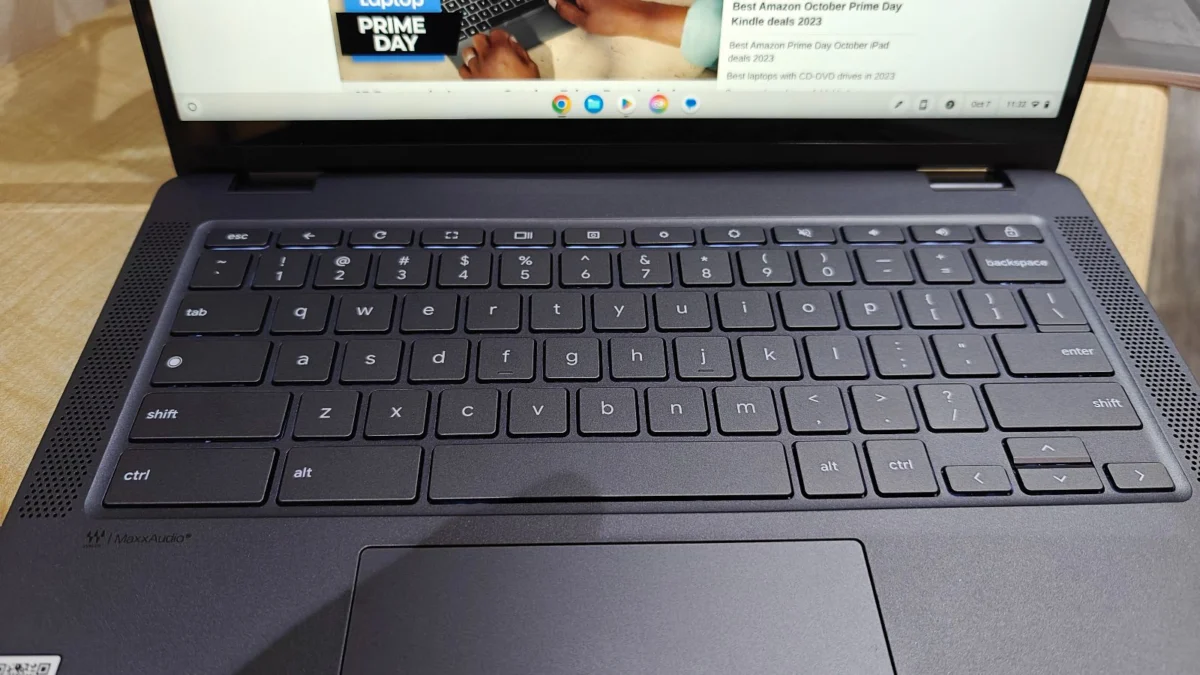
Finding a reliable laptop for under $500 in 2025 is a complex undertaking that requires consumers to balance the necessity of performance with the inherent limitations of entry-level hardware. While the market is flooded with inexpensive machines, the distinction between a device that will serve as a productive tool for years and one that will become obsolete within months lies in understanding component limitations and software efficiency. For students, remote workers, and casual users, the sub-$500 category is no longer a graveyard of unusable tech; rather, it has become a competitive segment dominated by Chromebooks and budget-tier Windows portables that prioritize essential functionality.

The Evolution of the Budget Laptop Market
Historically, the sub-$500 price point was associated with sluggish processors, low-resolution displays, and flimsy build quality. However, the rise of Google’s ChromeOS has fundamentally shifted this narrative. Because ChromeOS is significantly less resource-intensive than Windows 11, manufacturers can equip Chromebooks with modest internal components—such as Intel N-series or MediaTek processors—and still achieve a fluid user experience.
As of early 2025, the industry has seen a push toward "Chromebook Plus" branding, which mandates higher performance standards, including better internal storage, improved webcam quality, and more robust RAM configurations. This has created a bifurcated market: budget Windows laptops, which require careful selection to avoid hardware bottlenecks, and Chromebooks, which have become the industry standard for value-oriented computing.
Top Performers in the Sub-$500 Tier
Our testing and analysis for the 2025 fiscal year identify four models that represent the pinnacle of current budget engineering.
-
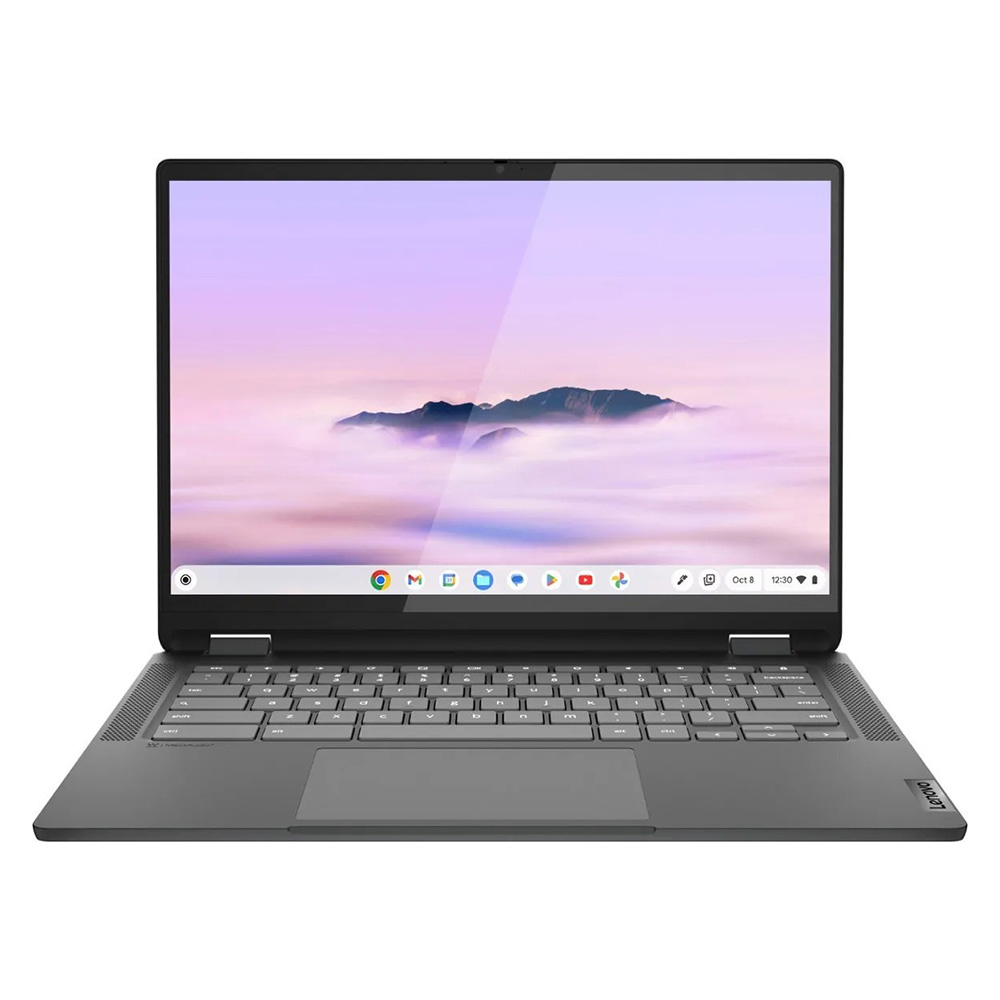
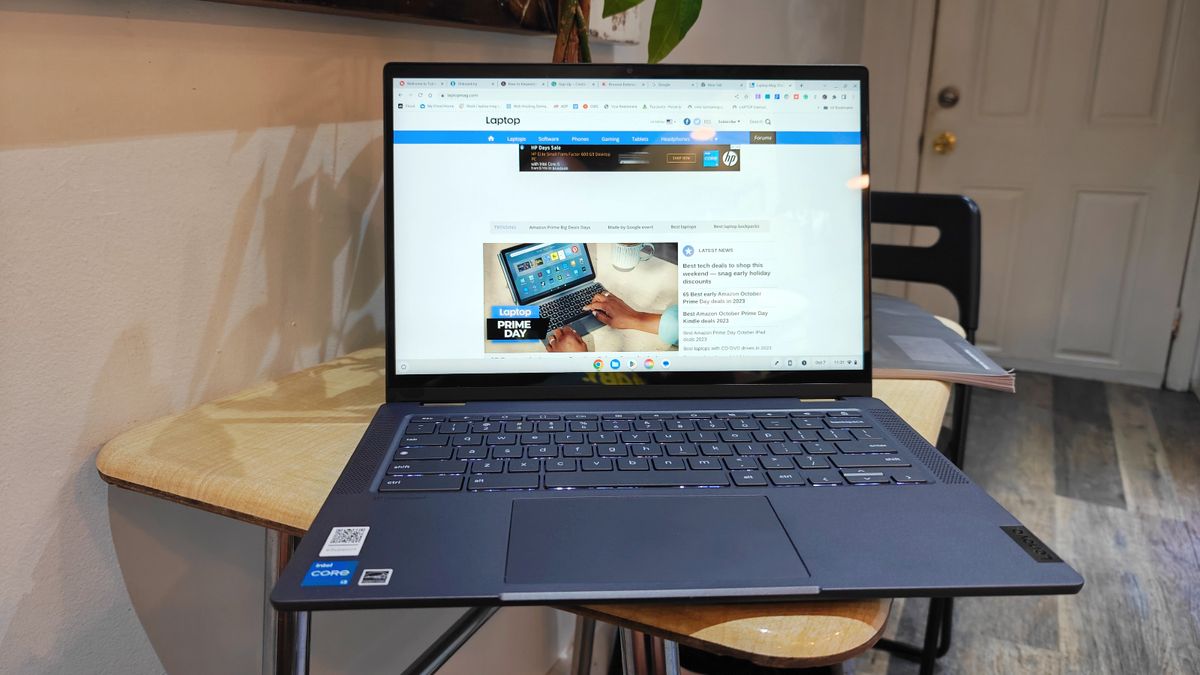
Lenovo IdeaPad Flex 5i Chromebook Plus (Best Overall):
This device represents a significant leap in budget performance. Equipped with an Intel Core i3-1315U processor and 8GB of RAM, it manages to surpass the average performance metrics of its class. Its AI-integrated features and 16:10 aspect ratio display make it a versatile tool for productivity. In synthetic benchmarks, it recorded a multi-core score of 5,384, far outpacing the standard budget average of approximately 2,253.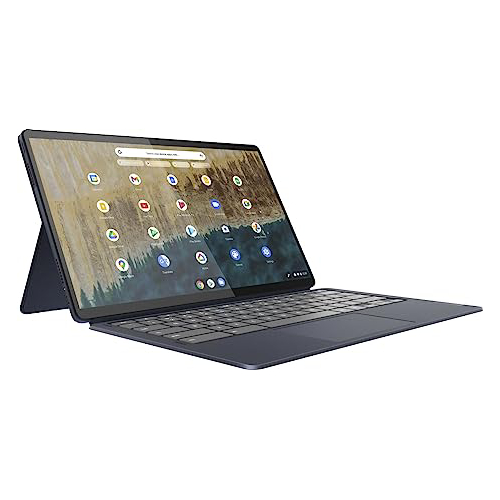
-
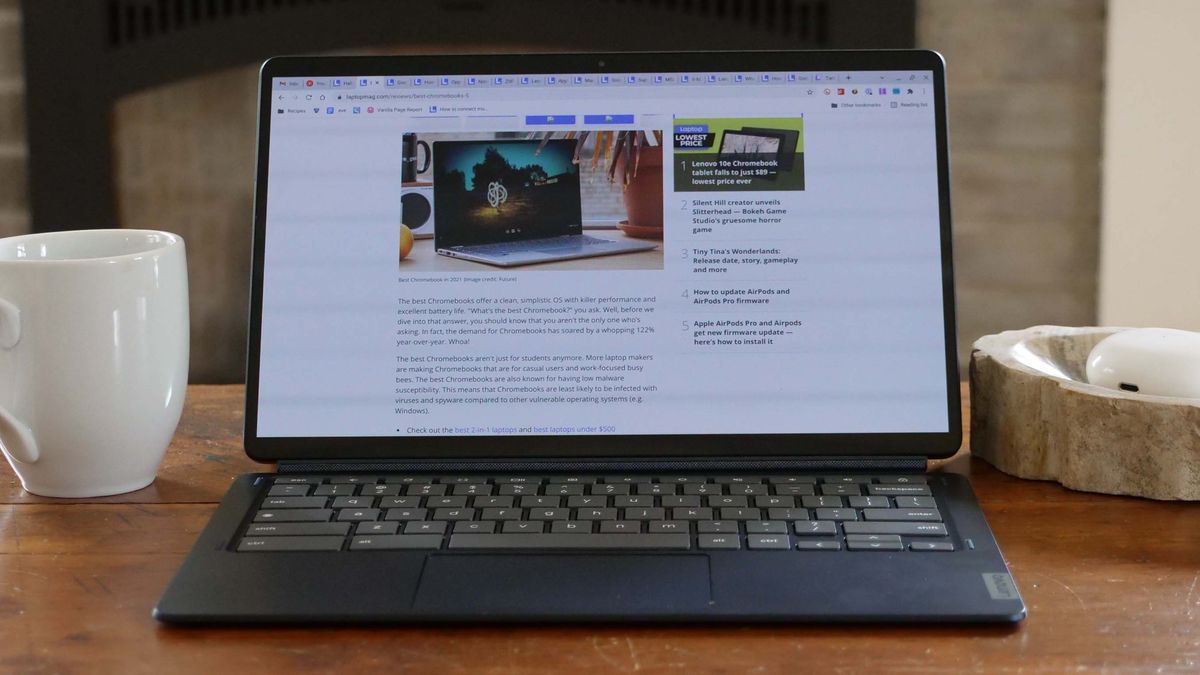
Lenovo Duet 5 Chromebook (Best Under $300):
This model remains a standout for those who prioritize portability and media consumption. The inclusion of an OLED display at this price point is a rarity. Despite its modest Qualcomm Snapdragon 7c Gen 2 processor, its 13.5-hour battery life and 2-in-1 detachable design provide a premium experience at an entry-level cost. -
Lenovo IdeaPad Flex 5 14 (Best Windows Option):
For users tethered to the Windows ecosystem, this machine serves as a rare example of a functional budget laptop. It avoids the common pitfall of being "dead on arrival" due to poor hardware, offering 16GB of RAM and a 512GB SSD in some configurations. Its 14-hour battery life is a notable achievement for a sub-$500 Windows device.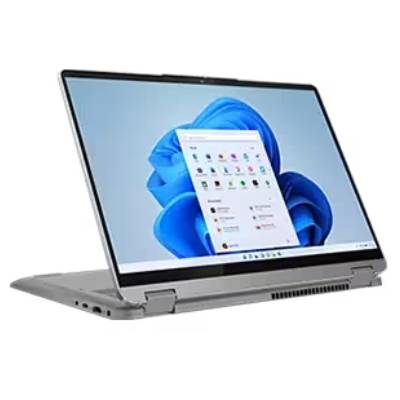
-
Acer Chromebook Spin 312 (Best for Students):
Designed with the educational sector in mind, the Spin 312 offers a durable chassis and a highly responsive OceanGlass trackpad. It has become a preferred alternative to aging school-issued hardware, providing a reliable bridge between tablet-style note-taking and traditional laptop essay writing.
Comparative Benchmark Data
To understand the performance gap between these devices, one must look at objective laboratory testing. The following table highlights the performance disparities across key metrics:

| Metric | Lenovo Flex 5i Plus | Lenovo Duet 5 | Lenovo IdeaPad Flex 5 (Win) | Acer Spin 312 |
|---|---|---|---|---|
| Geekbench 6 (Multi) | 5,384 | N/A | N/A | 4,477 |
| Battery (Web Surf) | 09:43 | 13:31 | 14:16 | 10:33 |
| Display (Nits) | 306 | 361 | 200 | 277 |
| Color (DCI-P3) | 46.5% | 85.2% | 45% | 55% |
Strategic Considerations for Consumers
When shopping in this price range, consumers should apply a "component-first" logic.
Processor and RAM Requirements:
For Windows machines, avoiding the absolute bottom-tier processor is critical. A minimum of 8GB of RAM is strongly advised; anything less will lead to system degradation within a year. For Chromebooks, the processor is less critical due to the lightweight nature of the OS, but users should still look for Intel N-series chips or better to ensure future-proofing.

Storage Limitations:
Most sub-$500 laptops utilize eMMC storage, which is slower than traditional SSDs. While sufficient for web-based tasks and cloud storage, users should be aware that local file management will be slower. If a Windows laptop includes an actual SSD, it is an immediate value-add that significantly improves boot times and file access.
The Impact of External Factors:
Market analysts have noted that global supply chain fluctuations and potential tariff adjustments on electronic components continue to influence the pricing of entry-level devices. While the average price of laptops has remained relatively stable over the past three years, increased logistical costs could force manufacturers to cut corners on displays or battery capacity in future cycles. Consequently, the current crop of budget laptops represents a "sweet spot" of quality-to-price ratio that may shift if economic conditions worsen.
Implications of Budget Computing
The existence of high-quality, low-cost hardware has significant implications for digital equity. As education and professional workflows become increasingly digitized, the availability of these devices ensures that students and low-income workers are not excluded from the digital economy. However, there is an inherent risk: the "hidden cost" of cheap laptops. A device that costs $300 but fails within 18 months may be more expensive in the long run than a $600 device that lasts five years.
Furthermore, the rise of AI-assisted features in budget Chromebooks indicates that the "dumb terminal" era of cheap laptops is ending. Manufacturers are now integrating AI to handle tasks that were previously reserved for higher-end hardware, such as image processing and voice-to-text accuracy.
Methodology and Trust
The recommendations provided are the result of a rigorous, three-decade-old testing methodology employed by our labs. Every device featured on this list undergoes a series of standardized tests, including:
- Synthetic Benchmarks: Using Geekbench 6 and 3DMark to measure raw processing and graphics capabilities.
- Real-World Simulations: Tasking machines with 4K video transcoding and large file duplication to assess real-world thermal throttling and bottlenecking.
- Display Accuracy: Utilizing a Klein K10 colorimeter to verify nits (brightness) and DCI-P3 color gamut coverage.
- Thermal Management: Measuring surface temperatures during 15-minute high-load video playback to ensure comfort and hardware longevity.
By combining this quantitative data with qualitative, long-term daily usage, we aim to provide a transparent look at which budget devices are genuine tools and which are mere compromises. As the industry moves toward 2026, the priority for the consumer remains the same: identify the primary use case, verify the memory and storage, and prioritize battery longevity over aesthetic appeal. While these laptops may not possess the chassis materials or screen resolution of professional-grade workstations, they have proven themselves capable of handling the essential workloads of the modern, connected world.