






In the modern era of professional communication, the transition toward hybrid and remote work models has fundamentally altered the standards for digital presence. While contemporary laptops—including high-end iterations like the 16-inch MacBook Pro M4 Pro with its 12MP Center Stage integration—have made significant strides in internal imaging, a persistent gap remains between integrated hardware and the requirements of high-fidelity video conferencing. For professionals, content creators, and educators, an external webcam is no longer a luxury peripheral; it is a critical instrument for maintaining a professional image and ensuring effective visual communication.
The Technical Evolution of Video Conferencing
The necessity for high-quality peripherals emerged rapidly during the global shift toward telepresence between 2020 and 2022. During this period, organizations faced a sudden, unprecedented demand for video infrastructure. As virtual meetings became the primary venue for corporate operations, the limitations of standard 720p and 1080p laptop sensors—often restricted by thin-chassis thermals and limited space—became a significant bottleneck.
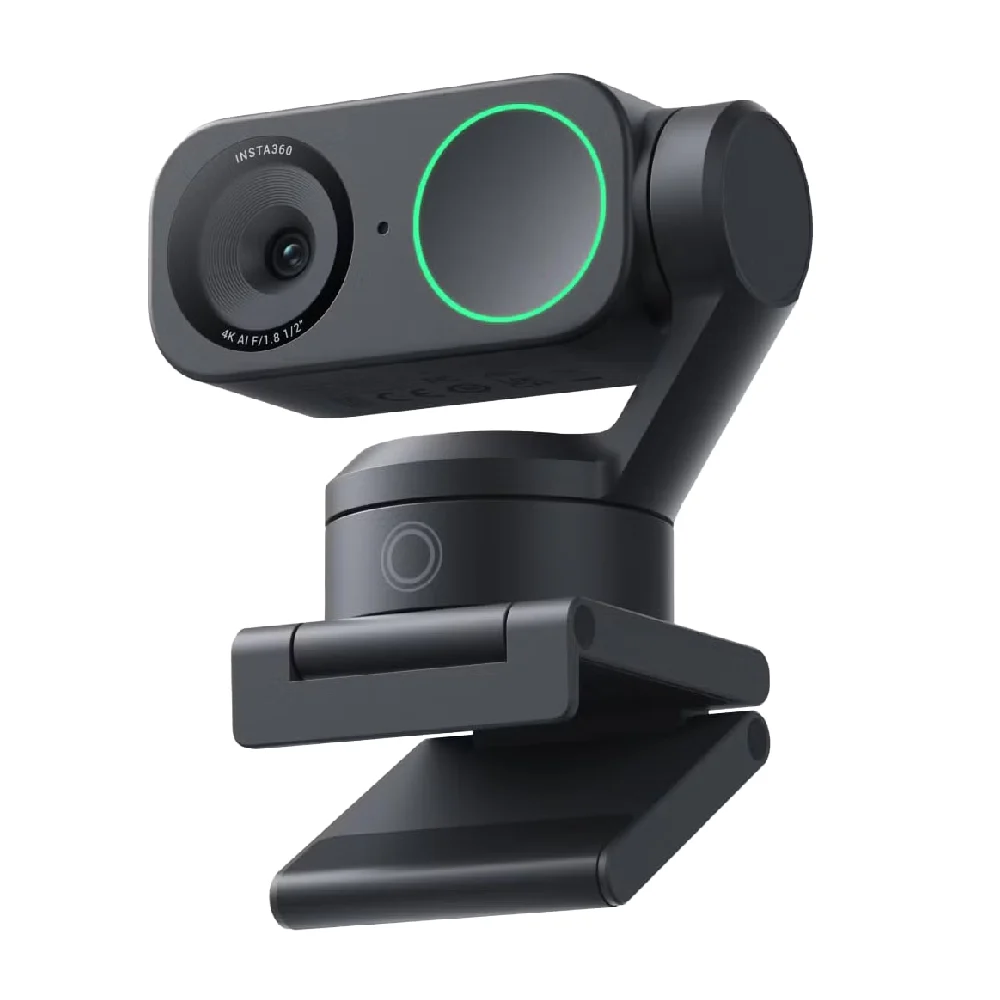
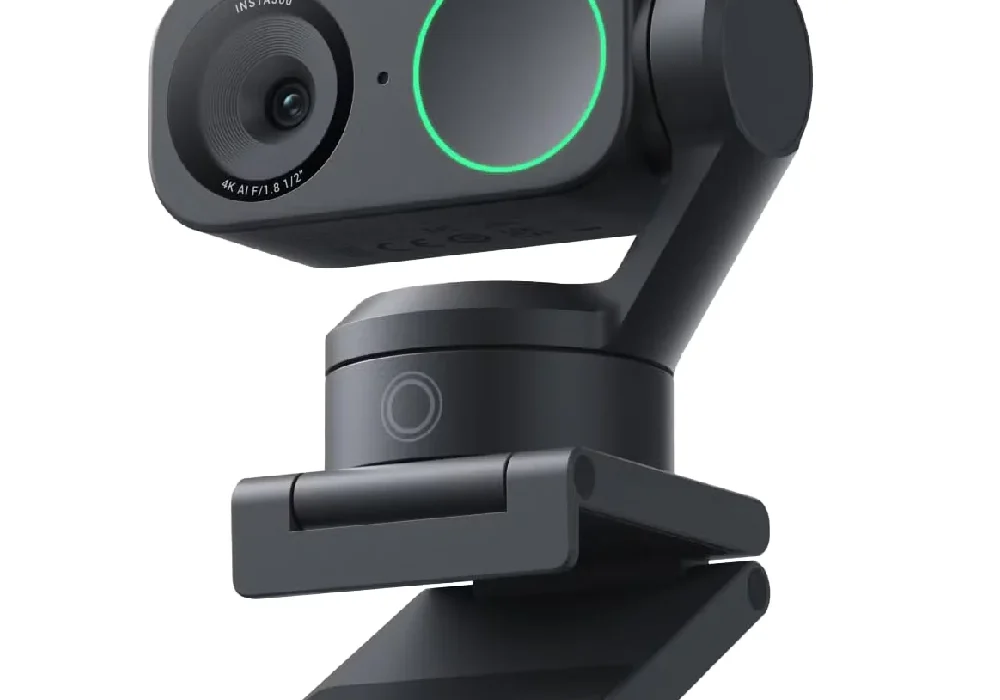
A standard laptop webcam typically utilizes a small sensor size, which struggles in low-light environments, leading to digital noise, motion blur, and color inaccuracy. By contrast, dedicated external webcams utilize larger CMOS sensors, advanced optics, and sophisticated image signal processors (ISP) that provide improved dynamic range and depth of field. The evolution from basic plug-and-play devices to AI-driven hardware, such as the Insta360 Link 2, marks a shift toward "production-level" home office setups where intelligent software compensates for environmental variables.
Strategic Selection: Market Leaders and Use Cases
Choosing the right device requires an evaluation of specific professional requirements. The market is currently segmented into four primary categories: the reliable workhorse, the premium performance device, the ultra-portable travel solution, and the high-resolution 4K powerhouse.
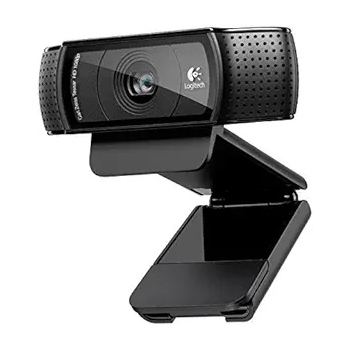
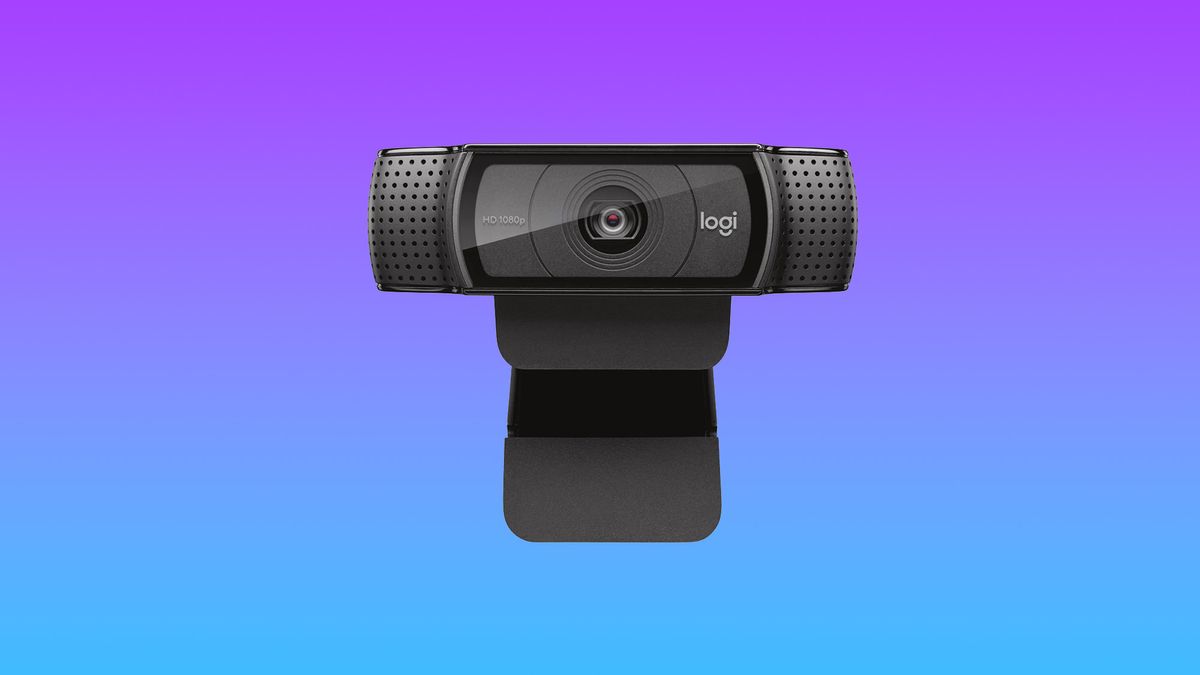
The Logitech HD Webcam C920 remains the industry benchmark for general business applications. With its 1080p resolution and consistent color reproduction, it serves as the baseline for reliability. Priced under $100, it offers a cost-effective solution for enterprises looking to standardize their remote workforce’s hardware. Its 78-degree field of view is optimized for individual presenters, minimizing the "fish-eye" distortion often found in ultra-wide lenses.
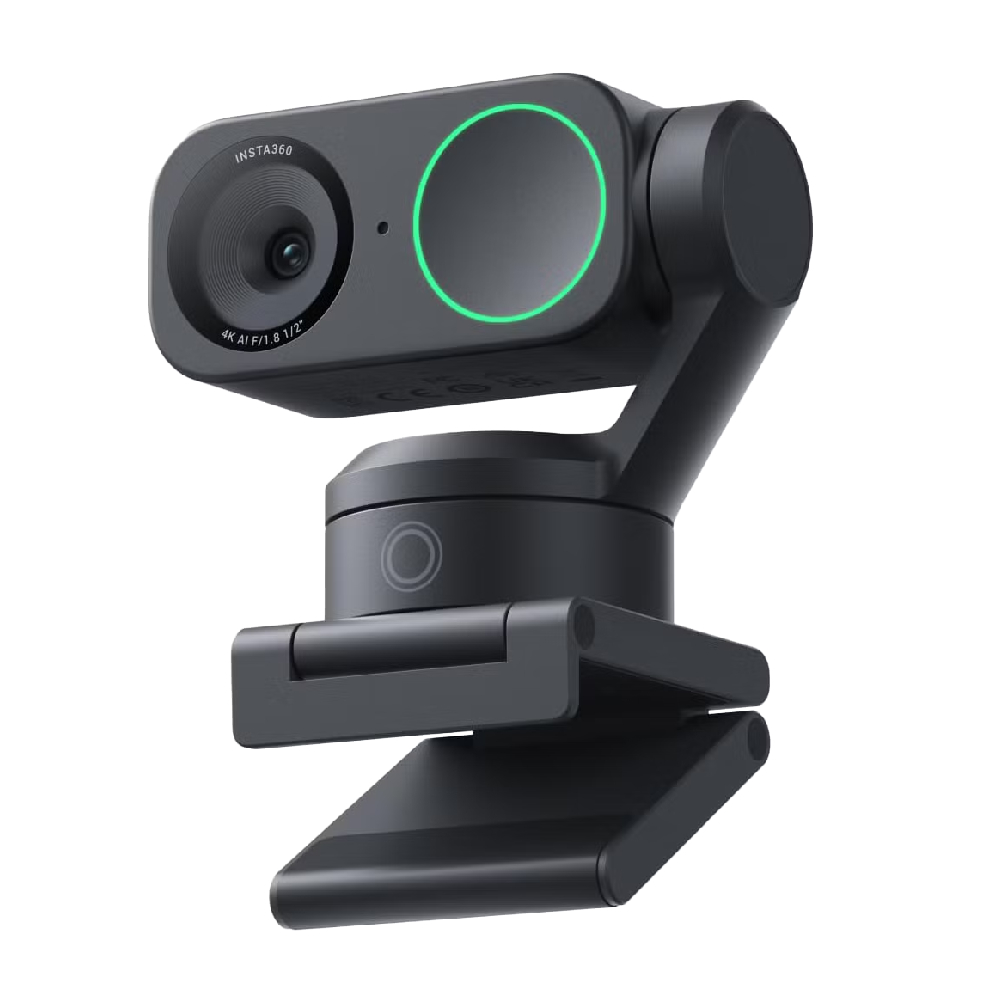
For those requiring more advanced functionality, the premium segment—led by the Insta360 Link 2—introduces dual-axis gimbal technology. This innovation allows for real-time AI tracking, ensuring the subject remains centered even during active movement. This capability is particularly vital for presenters who move between whiteboards or workstations. The integration of "DeskView" modes and whiteboard-cropping algorithms reflects a broader trend of integrating cinematography-adjacent features into consumer-grade hardware.
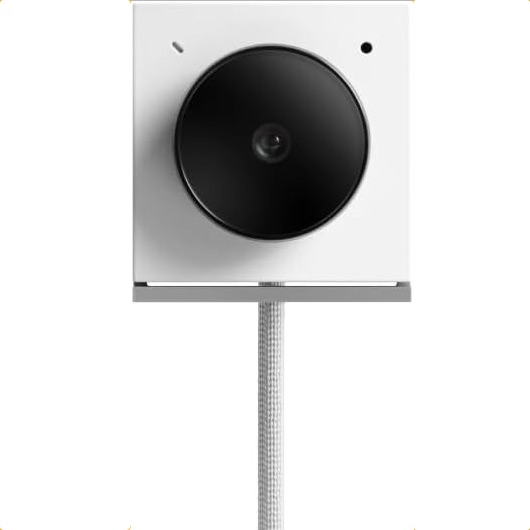
For the frequent traveler, the form factor is as critical as image quality. The Opal Tadpole represents a departure from traditional mounting systems. Its minimalist, clip-on design, reminiscent of legacy portable audio devices, provides a high-fidelity 4K image while maintaining a footprint that fits easily into any laptop sleeve. This addresses the common professional frustration of having to choose between the convenience of a laptop and the necessity of quality optics.
Comparative Analysis of Current Hardware
When evaluating these devices, industry standards dictate that users prioritize resolution, frame rate, and sensor performance. The following breakdown illustrates the technical variance among current market-leading options:
- Resolution and Clarity: 4K capture, as seen in the Logitech MX Brio 4K and Insta360 Link 2, provides superior detail that is particularly beneficial for high-stakes presentations where text on screens must be legible.
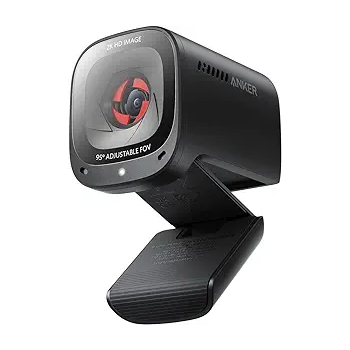
- Frame Rates: While 30fps is the standard for most video calls, 60fps at 1080p or 2K—offered by the Anker PowerConf C200—provides a smoother, more fluid visual experience that is highly valued in high-motion streaming environments.
- Low-Light Performance: The adoption of Sony STARVIS CMOS sensors has drastically improved performance in dim office environments. The MX Brio 4K, for example, uses its 8.5MP sensor to maintain image integrity where traditional cameras would falter.
Broader Implications for the Future of Work
The rise of the "prosumer" webcam market signals a long-term commitment to remote and hybrid work environments. Organizations are increasingly recognizing that the "optics" of a meeting impact the perception of professional competence. A blurred, grainy, or poorly lit feed can subtly diminish the authority of a speaker, whereas a crisp, well-lit feed enhances engagement and trust.
Furthermore, the integration of AI into these devices—ranging from background noise suppression to automatic framing—suggests that the webcam will soon become a central hub for data capture. As software platforms like Microsoft Teams, Zoom, and Cisco Webex continue to refine their internal AI features, the hardware layer must keep pace to avoid latency and processing errors.
Practical Implementation and Setup
To maximize the efficacy of these devices, users must consider the environmental context. Even the most advanced 4K webcam cannot compensate for poor lighting. Professional standards recommend a primary light source positioned in front of the subject to minimize shadows and reduce sensor strain.
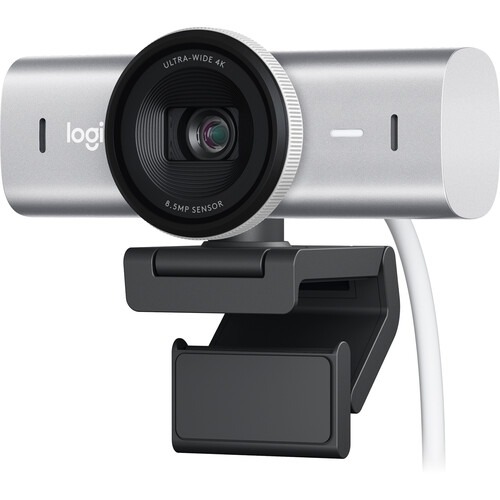
When configuring these devices, it is essential to manage the accompanying software drivers. Manufacturers like Logitech and Insta360 provide companion applications that allow for fine-tuning exposure, white balance, and autofocus settings. Neglecting these configurations often leads to a "flat" image, regardless of the camera’s raw capability. For security-conscious users, physical privacy shutters—a feature now standard on the Anker PowerConf C200 and the MX Brio—provide a necessary physical safeguard against unauthorized access.
Conclusion and Recommendations
The selection of a webcam should be predicated on the specific nature of the user’s workflow. For the average office professional, the Logitech C920 provides an unparalleled price-to-performance ratio. For those involved in high-end streaming, technical demonstrations, or client-facing presentations, the investment in a 4K, gimbal-stabilized device like the Insta360 Link 2 or the high-sensitivity Logitech MX Brio 4K is justified by the significant increase in production value.
As the industry continues to iterate, we can expect future developments to focus on tighter integration between hardware and AI-based virtual backgrounds, further blurring the line between a home office and a professional studio. The era of the "grainy laptop camera" is rapidly coming to a close; in its place, a new standard of digital clarity is emerging, redefining how we connect, collaborate, and communicate across the digital divide. By investing in the right hardware now, professionals can ensure that their visual presence remains a strength rather than a distraction in an increasingly virtual world.