Finding a reliable laptop for under $500 has long been considered a precarious balancing act between affordability and functionality. In 2025, the budget segment has matured significantly, shifting away from the "disposable" hardware stigma that plagued earlier generations of low-cost computing. While these machines do not offer the high-end materials or extreme processing power of premium $2,000 ultrabooks, they have reached a threshold where they can capably handle web browsing, academic research, productivity suites, and streaming media without constant performance bottlenecks.

The Evolution of the Budget Laptop Market
Historically, the sub-$500 market was dominated by low-quality plastic chassis and screens with poor color accuracy. However, a shift toward refined ARM-based architecture and the maturity of the ChromeOS ecosystem have altered the landscape. Today, manufacturers like Lenovo and Acer are leveraging higher-efficiency components that prioritize battery longevity and thermal management over sheer computational brute force. This shift is particularly vital for students and remote workers who require a secondary device that maintains reliability throughout an entire workday.
The current market is bifurcated between Windows-based machines, which offer broader compatibility with legacy software, and Chromebooks, which have become the gold standard for value due to their lightweight operating system and integration with cloud-based productivity tools.
Top Performers in the Sub-$500 Category
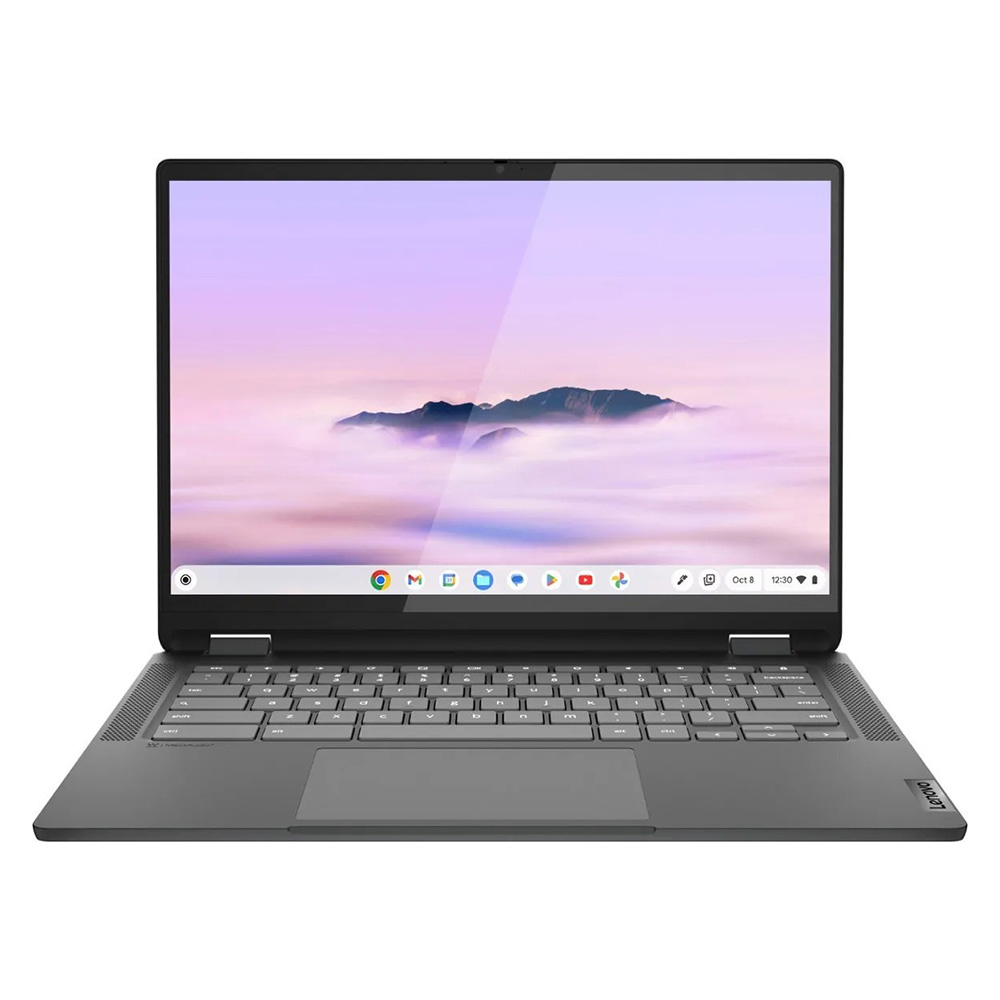
1. Lenovo IdeaPad Flex 5i Chromebook Plus
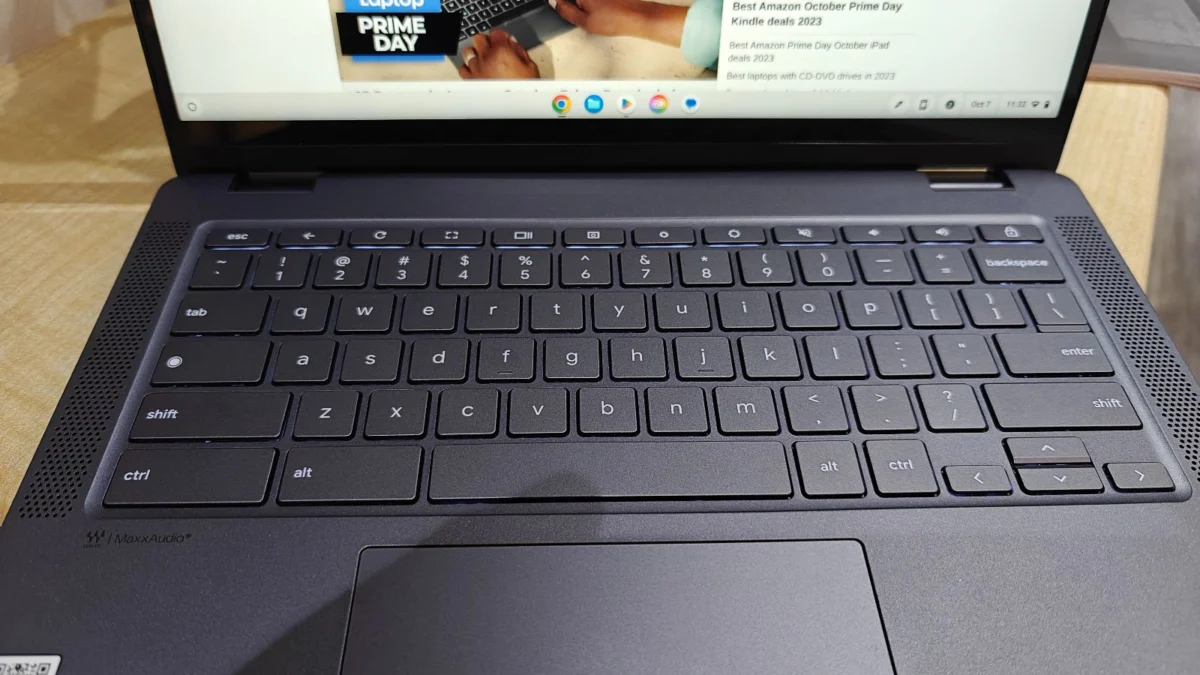
The Lenovo IdeaPad Flex 5i Chromebook Plus represents the current apex of affordable, high-utility computing. Priced competitively under $500, it utilizes the Intel Core i3-1315U processor, which offers a surprising level of efficiency for multitasking. In synthetic benchmarks, such as Geekbench 6, the device achieves a multi-core score of approximately 5,384—a figure that comfortably exceeds the average for its class. The 16:10 aspect ratio display provides added vertical real estate, which is a practical necessity for document editing and web navigation. Its construction is remarkably sturdy, dispelling the myth that budget-tier devices must feel flimsy.
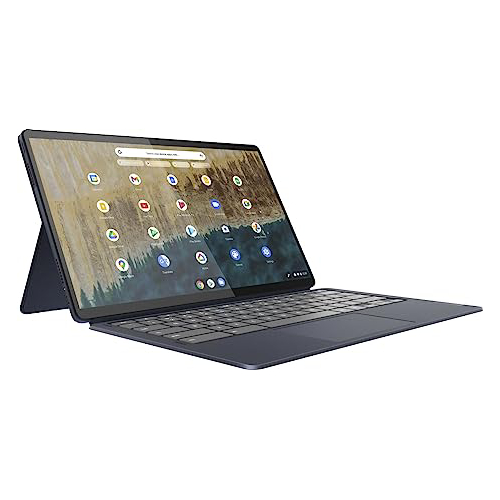
2. Lenovo Duet 5 Chromebook
For users prioritizing mobility, the Lenovo Duet 5 Chromebook remains a top recommendation. This detachable 2-in-1 device distinguishes itself with a vibrant 13.3-inch OLED display, a feature typically reserved for premium, high-cost laptops. Despite its modest performance metrics, the device excels in battery efficiency, frequently reaching over 13 hours of runtime on a single charge. Its versatility as both a tablet and a laptop makes it an ideal companion for travelers and students who need a lightweight form factor.
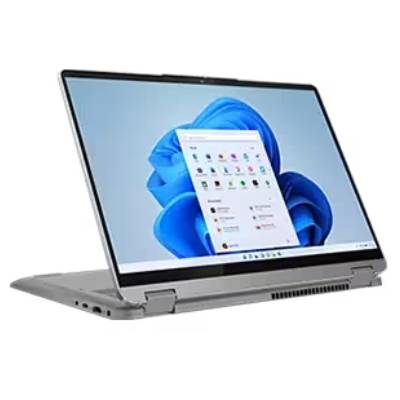
3. Lenovo IdeaPad Flex 5 14 (Intel)
For those who strictly require the Windows operating system, the Lenovo IdeaPad Flex 5 14 remains the most viable option in this price bracket. It avoids the performance pitfalls often associated with low-cost Windows laptops by pairing a capable processor with a responsive keyboard. With over 14 hours of battery life in standardized testing, it serves as a rare example of a budget Windows machine that can withstand a full day of activity without requiring a power outlet.
4. Acer Chromebook Spin 312
The Acer Chromebook Spin 312 is specifically optimized for the educational sector. Its standout feature is the inclusion of "OceanGlass" trackpad technology, which provides a level of tactile feedback rarely seen in devices priced near $450. The chassis is robust, and the hinge design allows for 2-in-1 functionality, which is essential for students who need to transition between typing and interactive digital tasks.
Comparative Benchmark Data
To understand the performance gap between these models, it is helpful to look at standardized lab data. While the IdeaPad Flex 5i Chromebook Plus leads in processing power with a Geekbench 6 score of 5,384, the Windows-based Lenovo IdeaPad Flex 5 14 demonstrates superior capability in handling complex, multi-threaded tasks with a Geekbench 5 score of 3,841. Battery life metrics remain the most consistent differentiator, with the Flex 5 14 achieving 14 hours and 16 minutes of continuous web surfing, compared to the 9 hours and 43 minutes seen on the IdeaPad Flex 5i Chromebook Plus.
Strategic Considerations for Consumers
When selecting a device in this price range, consumers must weigh specific trade-offs. The most common compromise involves storage capacity, as most sub-$500 laptops utilize eMMC drives rather than faster NVMe SSDs. Furthermore, while displays have improved, users should be prepared for lower peak brightness levels, usually hovering between 250 and 300 nits.

Prospective buyers are advised to prioritize three specific hardware attributes:
- Processor Generation: Always look for the latest generation available, even if it is an entry-level i3 or N-series chip. Older hardware will struggle with modern web standards.
- RAM Capacity: 8GB is the recommended baseline for 2025. Machines with 4GB of RAM should generally be avoided, as they will struggle to keep multiple browser tabs open simultaneously.
- Build Quality: Research the hinge mechanism. Since many budget laptops are 2-in-1 designs, the durability of the screen-to-keyboard connection is the most common point of failure.
Broader Economic and Industry Implications
The sustainability of the sub-$500 laptop market is currently subject to global economic pressures. Analysts have noted that rising logistics costs and the threat of new tariffs on imported electronic components could limit the availability of high-quality budget machines in the near future. Manufacturers are currently attempting to mitigate these costs by standardizing components across product lines, which has ironically led to better baseline performance for the consumer.

Industry experts observe that the "cheap laptop" is no longer a stopgap solution but a permanent fixture in the digital economy. As education systems globally shift toward digital-first curricula, the demand for affordable, durable hardware is expected to grow. This has forced major tech firms to invest in better quality control for their entry-level tiers, resulting in a market where a $500 investment yields significantly more value today than it did five years ago.
Conclusion and Future Outlook
For those seeking to maximize their budget, the strategy remains clear: prioritize Chromebooks for pure productivity and battery life, and choose Windows-based models only if specific software requirements necessitate it. While the allure of "too good to be true" discounts on older, clearance-model laptops is strong, consumers are generally better served by choosing the most recent, entry-level models from reputable manufacturers. These devices are designed to meet modern security and performance standards, ensuring a longevity that justifies the initial expenditure. As we look toward the remainder of 2025, the market is expected to remain competitive, offering consumers a range of options that effectively bridge the gap between necessary utility and modern performance.