Finding a reliable laptop for under $500 in 2025 is a complex endeavor that requires navigating a market defined by significant performance compromises. While the premium segment of the industry often highlights high-end silicon and advanced AI capabilities, the budget sector remains a critical battleground for students, families, and casual users seeking functional technology without a four-figure price tag. Successfully purchasing a budget device requires a recalibration of expectations, focusing on essential productivity tasks—such as web browsing, word processing, and media streaming—rather than demanding computational workloads.

The Evolution of Budget Computing
The budget laptop market has shifted significantly over the past five years. Traditionally, low-cost machines were plagued by sluggish mechanical hard drives, poor build quality, and inadequate battery life. Today, the landscape is dominated by two primary categories: Windows-based budget notebooks and Chromebooks.
Chromebooks have emerged as the dominant force in the sub-$500 bracket. By utilizing Google’s lightweight ChromeOS, these devices can extract superior performance from modest hardware, such as Intel N-series processors or MediaTek chips, compared to the overhead required by Windows 11. Consequently, consumers are increasingly turning to Chromebooks for educational and secondary professional use, as the value proposition—often including longer battery life and faster boot times—frequently outstrips that of similarly priced Windows alternatives.
Top Performers in the 2025 Budget Tier
Based on recent lab evaluations conducted by industry experts, four models currently define the standards for value, performance, and durability in the budget category.
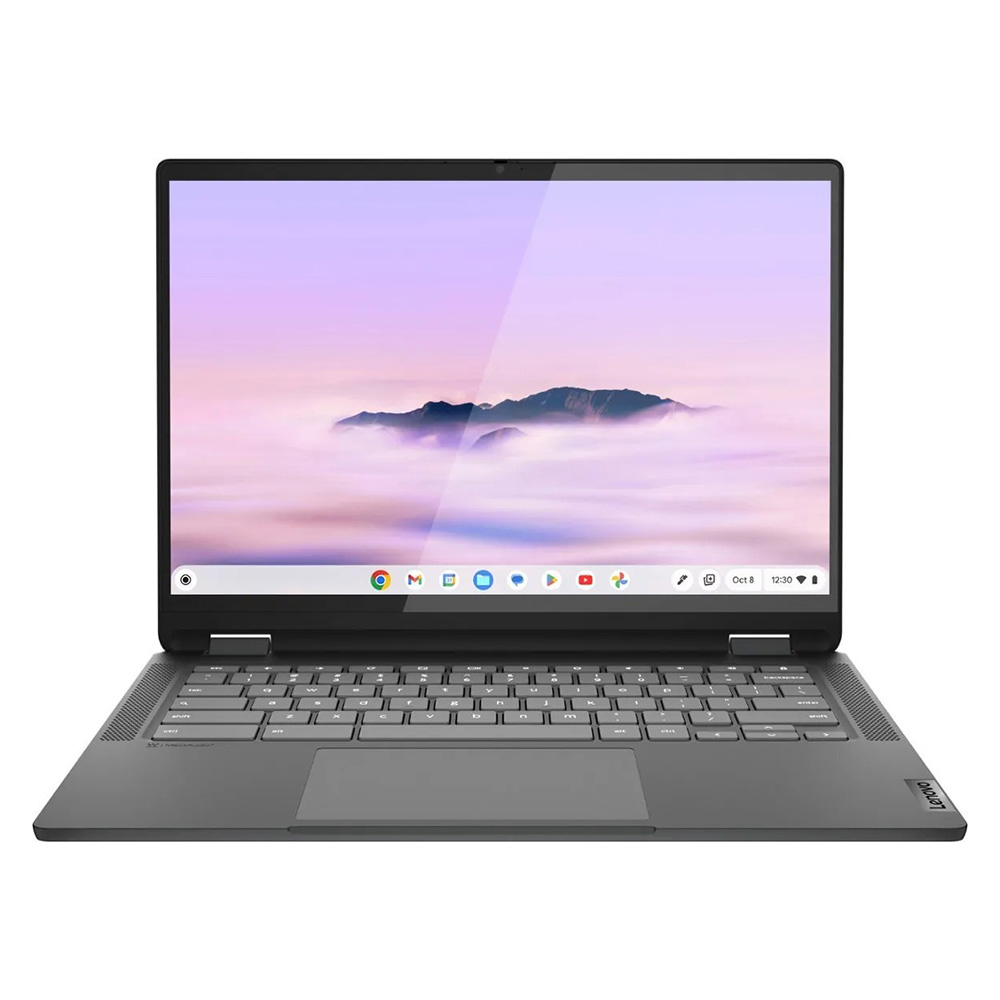
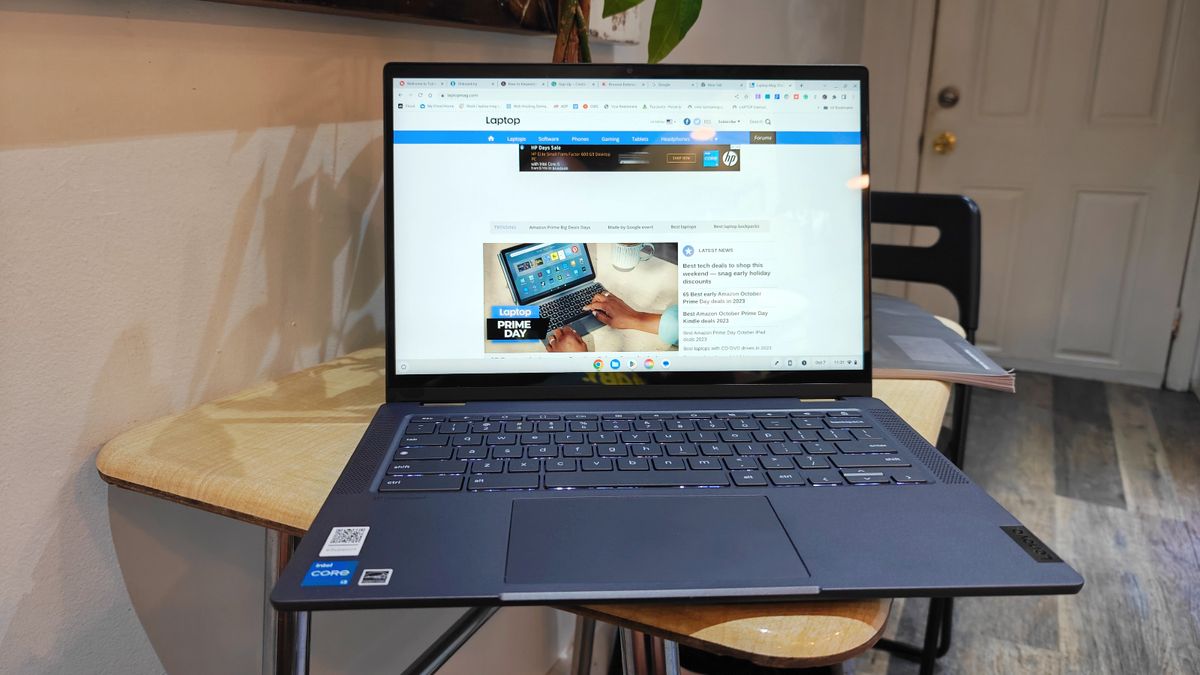
Lenovo IdeaPad Flex 5i Chromebook Plus
Holding the title for the best overall budget device, this 2-in-1 machine integrates Intel Core i3-1315U processing power with 8GB of RAM. It represents a significant step up from standard entry-level laptops, achieving a Geekbench 6 multi-core score of 5,384. Its standout features include a versatile 360-degree hinge, a tactile keyboard, and an AI-enhanced interface that streamlines common tasks. It is an ideal choice for users who require more than basic web browsing but wish to remain under the $500 ceiling.
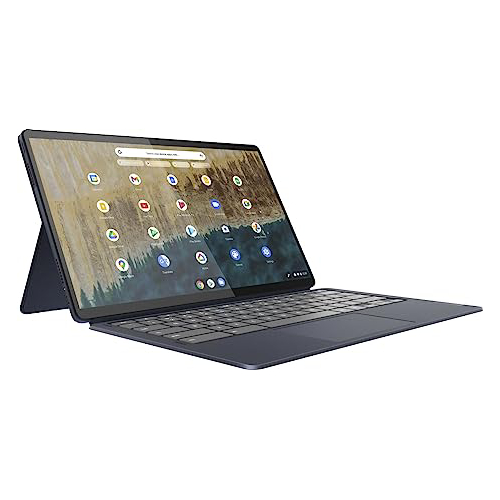
Lenovo Duet 5 Chromebook
For those prioritizing portability and display quality, the Duet 5 remains an industry favorite. As a detachable 2-in-1, it offers an OLED display that is rarely seen at its sub-$300 price point. With a color gamut reproduction of 85.2% of the DCI-P3 spectrum and a peak brightness of 361 nits, the device provides a visual experience comparable to premium laptops. While its processing performance is lower than the Flex 5i, its portability and 13-hour battery life make it a premier choice for mobile users.
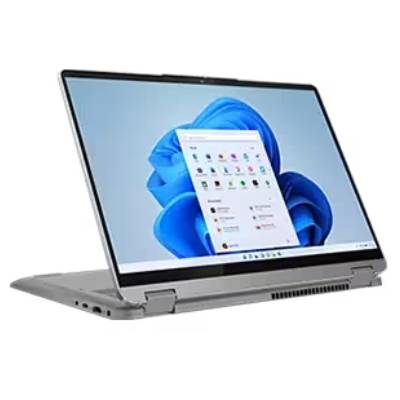
Lenovo IdeaPad Flex 5 14 (Intel)
Finding a capable Windows machine under $500 is historically difficult due to the high resource requirements of the operating system. The IdeaPad Flex 5 14 serves as a functional exception. With an Intel Core i5-1135G7 processor and 16GB of RAM, it manages productivity tasks effectively. Its primary strength lies in its build quality and keyboard responsiveness, providing a typing experience that facilitates sustained work periods.
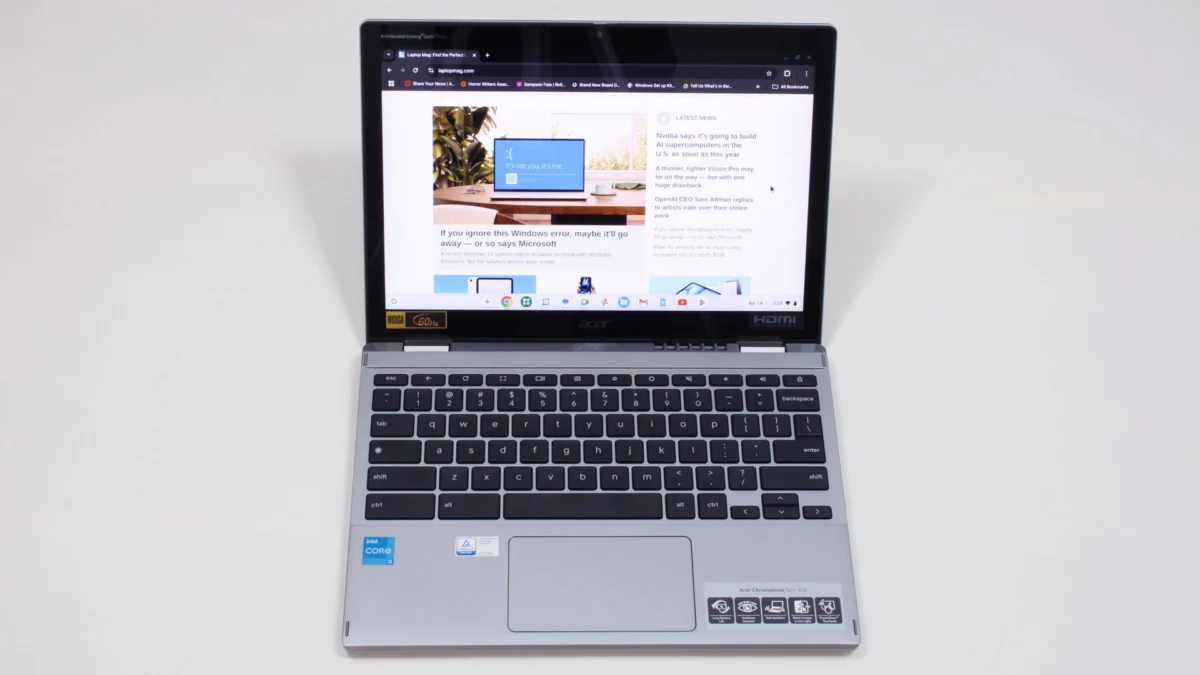
Acer Chromebook Spin 312
Designed specifically for the student demographic, the Spin 312 balances durability with a competitive $450 price point. Featuring a 12.2-inch display coated in Corning Gorilla Glass, it offers a level of resilience necessary for the classroom environment. Its standout feature is the "OceanGlass" trackpad, which offers a tactile smoothness rarely found in budget hardware.
Comparative Benchmark Data
To understand the performance delta between these devices, one must analyze synthetic benchmark results. The following table summarizes key performance indicators across the top models:

| Metric | Lenovo Flex 5i (CB+) | Lenovo Duet 5 (CB) | Lenovo Flex 5 (Win) | Acer Spin 312 |
|---|---|---|---|---|
| Geekbench 6 (Multi) | 5,384 | N/A | N/A | 4,477 |
| Geekbench 5 (Multi) | N/A | 1,727 | 3,841 | N/A |
| Battery Life (Hours) | 09:43 | 13:31 | 14:16 | 10:33 |
| Brightness (Nits) | 306 | 361 | 200 | 277 |
These figures demonstrate that while the Windows-based Flex 5 offers higher computational overhead for local files, the Chromebooks consistently provide better battery longevity and display brightness relative to their costs.
Economic and Market Implications
The current market pricing for these devices is influenced by global supply chains and economic policy. As analysts note, laptop pricing remains sensitive to potential tariff adjustments on electronic components. While the average price of a laptop has remained relatively stable over the last several years, there is persistent concern that trade policy shifts could force manufacturers to increase costs or reduce the quality of base-level components.

For the consumer, this creates a volatile environment where "budget" designations may fluctuate. Industry experts advise that when shopping in this tier, buyers should look for specific hardware thresholds: 8GB of RAM should be considered the absolute minimum, and consumers should prioritize SSD storage over slower eMMC drives whenever possible.
Guidance for Informed Purchasing
Choosing a laptop under $500 requires a strategic approach. Before finalizing a purchase, consider the following criteria:
- Operating System Compatibility: Determine if your workflow relies on Windows-specific software (like full versions of Adobe Creative Cloud or legacy desktop apps). If it does not, a Chromebook will almost always offer better performance for your dollar.
- Form Factor Requirements: If the device will be used for digital art or frequent note-taking, prioritize a 2-in-1 convertible. However, be aware that 360-degree hinges add weight and thickness to the chassis.
- Longevity Expectations: Battery degradation is a leading cause of laptop replacement. Prioritize models that have been reviewed with at least 10 hours of real-world battery life, ensuring the device remains useful for a full workday as the battery ages.
- Vendor Reputation: In the budget sector, support and build quality vary wildly. Sticking to established manufacturers like Lenovo, Acer, or Dell ensures better access to replacement parts and driver updates.
Conclusion and Future Outlook
The "monumental task" of finding an affordable, reliable laptop is becoming easier as manufacturers refine the integration of low-power processors with efficient software. While the devices listed above represent the current pinnacle of sub-$500 engineering, the market is subject to constant iteration.
As of May 2025, the addition of the Acer Chromebook Spin 312 to the recommended roster highlights a growing trend of "premium-lite" features—such as enhanced glass coatings and improved trackpads—trickling down into entry-level hardware. For the average user, the takeaway is clear: the gap between budget and professional hardware is narrowing, and for most everyday tasks, the best value is currently found not in the latest flagship, but in the thoughtfully compromised designs of the sub-$500 category. Whether for a student’s first semester or a professional’s secondary device, these machines provide a bridge to digital connectivity that avoids the premium tax of the high-end market.