The open-source smart home ecosystem has officially rolled out its latest major monthly update, Home Assistant 2026.9, bringing substantial upgrades to device connectivity, local voice processing, data visualization, and accessibility. Spearheaded by the Open Home Foundation and the core developer community, this release addresses long-standing bottlenecks in industrial and household protocol integration while refining user interface capabilities across dashboards, security panels, and storage management.
Main Facts and Core Feature Additions
The centerpiece of the 2026.9 update is the modernization of Modbus. Historically, integrating Modbus-enabled hardware—such as solar inverters, commercial heat pumps, and high-capacity energy meters—required users to manually draft intricate register maps in YAML configuration files. This technical barrier isolated a vast category of hardware from mainstream adoption. The 2026.9 release introduces UI-native Modbus integration via the new modbus-connection library and the fully typed tmodbus protocol backend. Devices from manufacturers like Fronius, Sofar, and Flexit can now be selected directly through the user interface, sharing connection pools without protocol collisions.
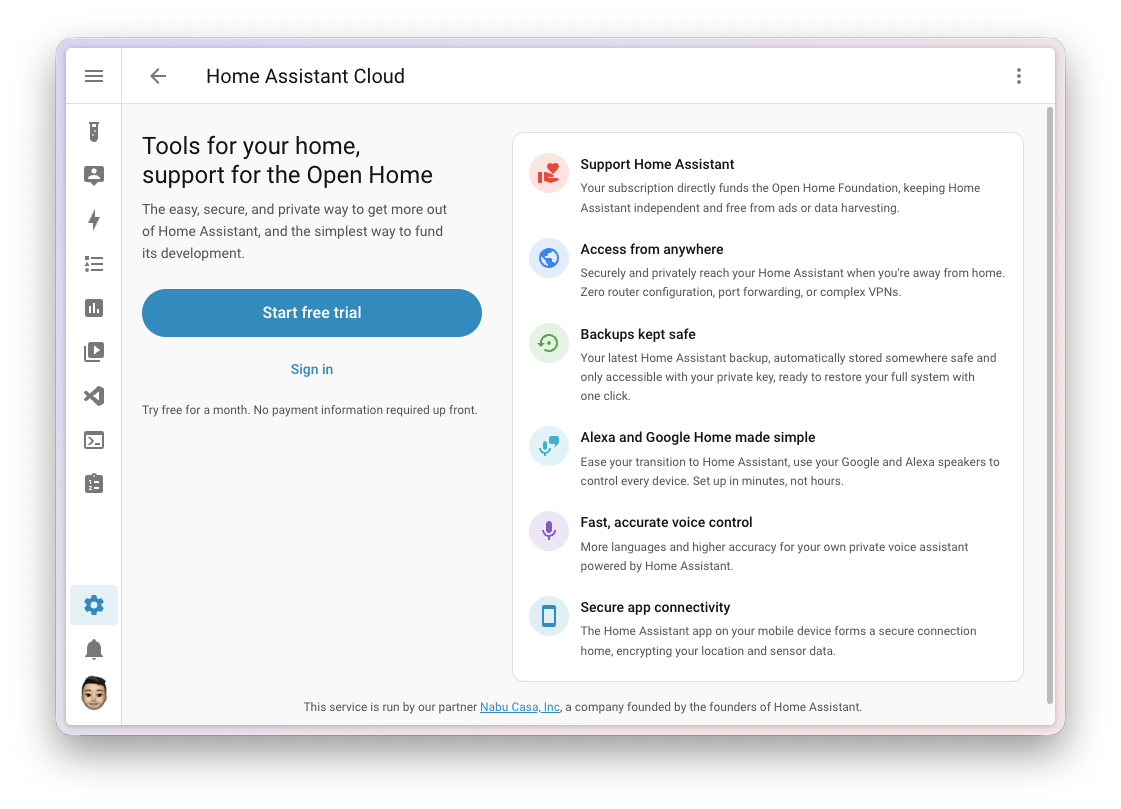
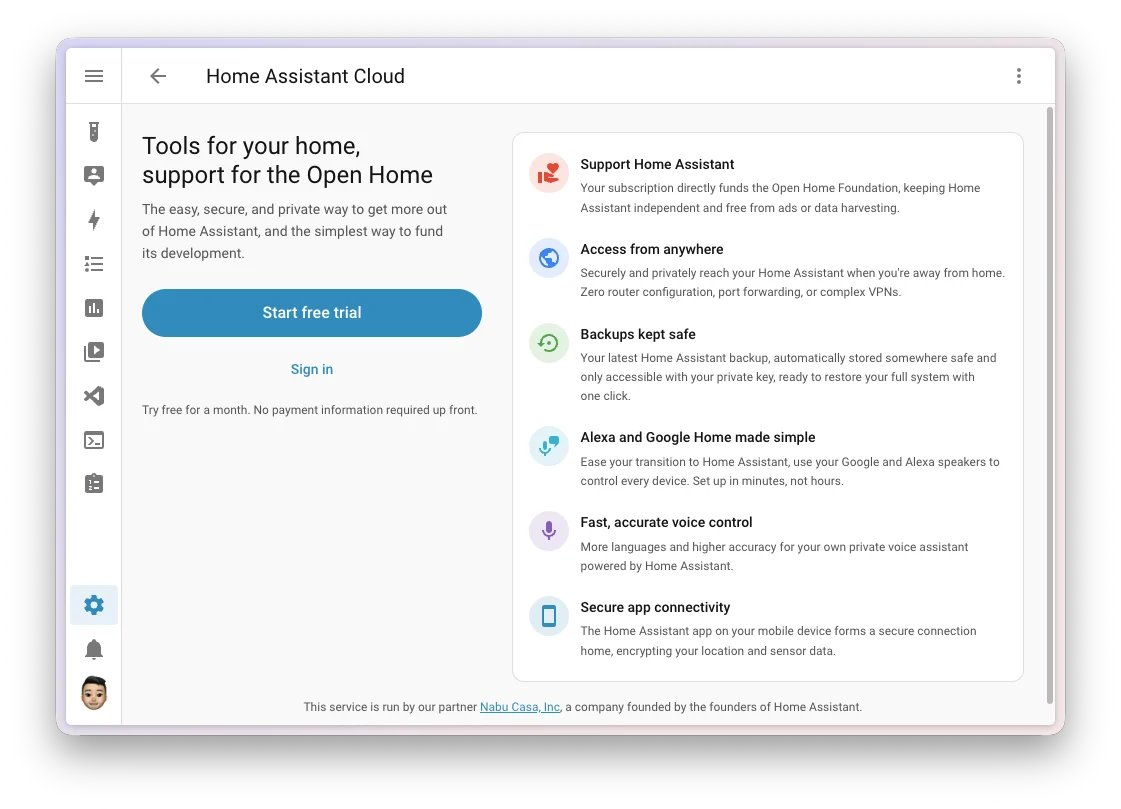
Concurrently, Home Assistant Cloud subscribers gain access to an advanced speech-to-text processing engine developed in partnership with Soniox via the platform’s experimental Labs section. Designed specifically to mitigate historical pain points in private local voice assistants, the new engine improves recognition accuracy for non-native English speakers, regional accents, and noisy domestic environments while retaining strict zero-logging privacy guarantees.
Chronology and Development Background
The release of version 2026.9 follows a structured, aggressive monthly release cadence maintained by the Home Assistant project. Development of this cycle heavily incorporated community-driven design roadmaps established by the Open Home Foundation throughout mid-2026.
The timeline leading up to this deployment included major foundational updates in preceding months:
- July 2026 (Version 2026.7): Overhauled solar and sun-based automation triggers and introduced first-class support for infrared connectivity.
- August 2026 (Version 2026.8): Added time-based offsets to sun triggers and integrated IP-banning capabilities into the core user interface to combat unauthorized bot traffic.
- September 2026: The current deployment of version 2026.9, arriving alongside the Open Home Foundation’s physical exhibition presence at the IFA Berlin consumer electronics expo from September 4 to September 8, 2026.
Security and Dashboard Enhancements
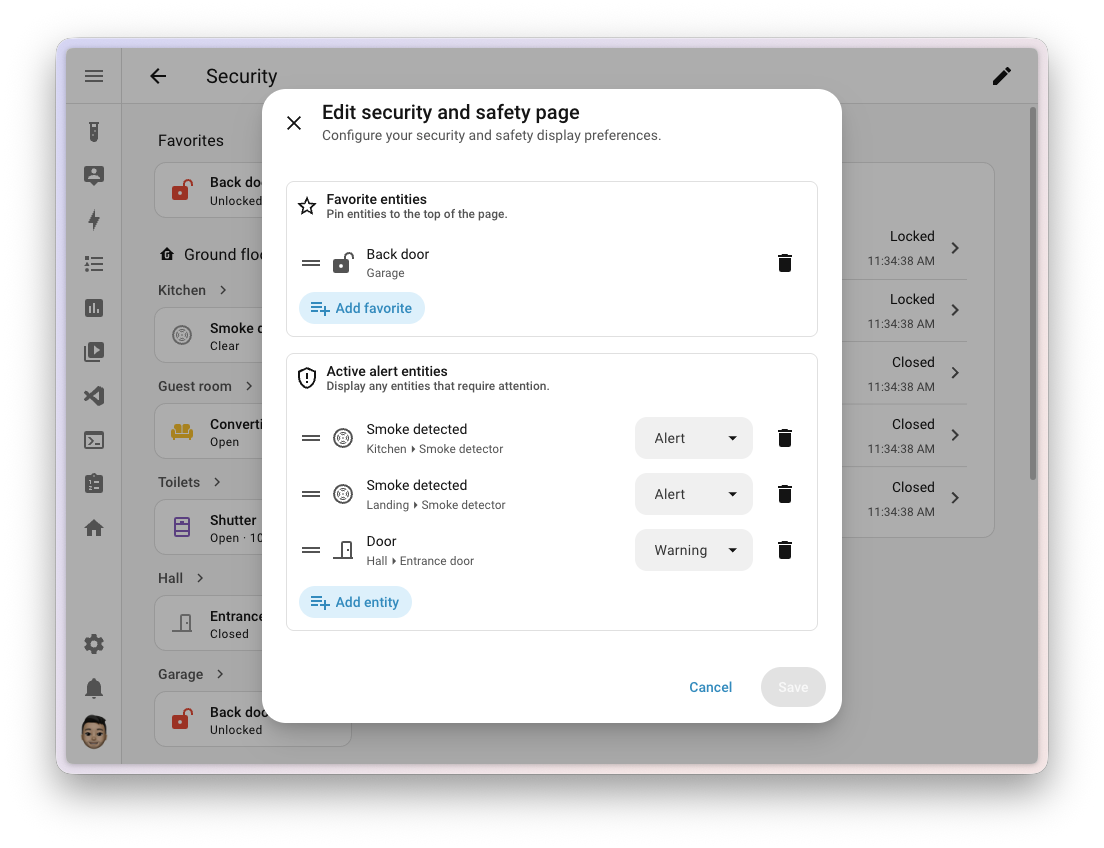
Security monitoring within Home Assistant receives a major functional expansion in this release. The built-in Security dashboard now incorporates a community-designed "Active alerts" section that dynamically surfaces critical domestic warnings—such as unlatched perimeter doors or activated smoke detectors—complete with visual severity levels and pulsing animations. A parallel "Favorites" widget allows users to pin frequently monitored entities to the top of the interface.
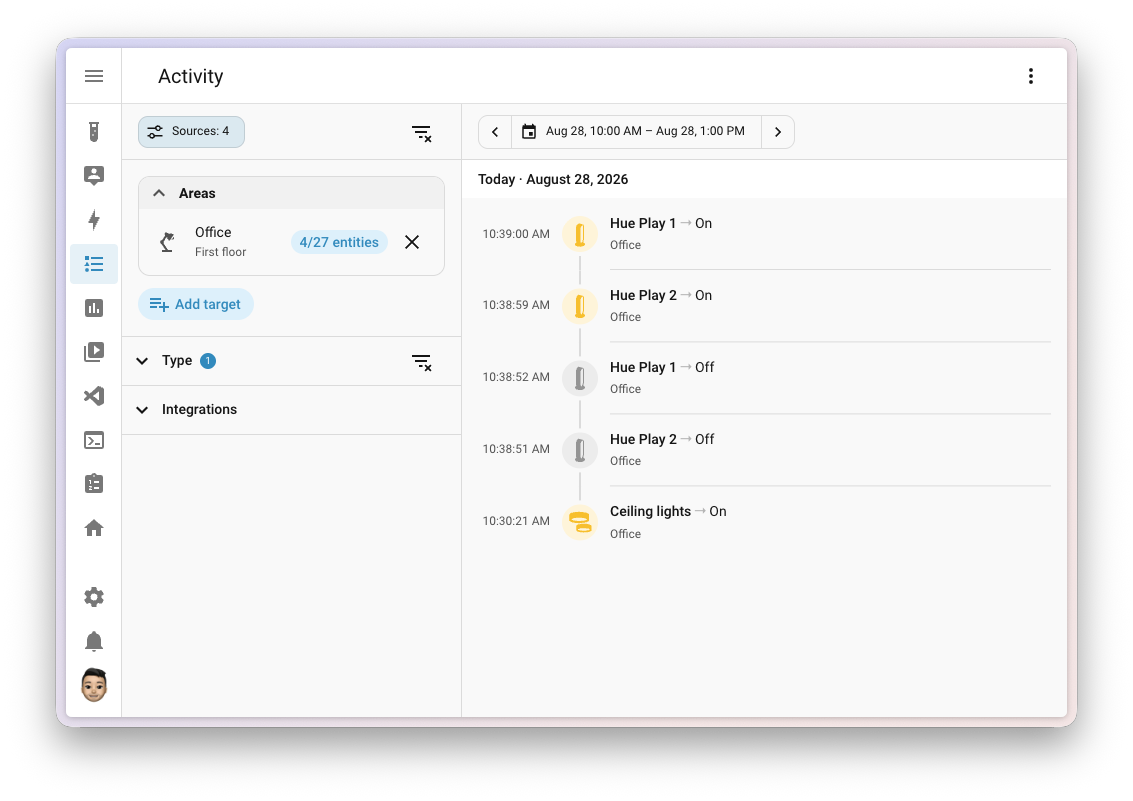
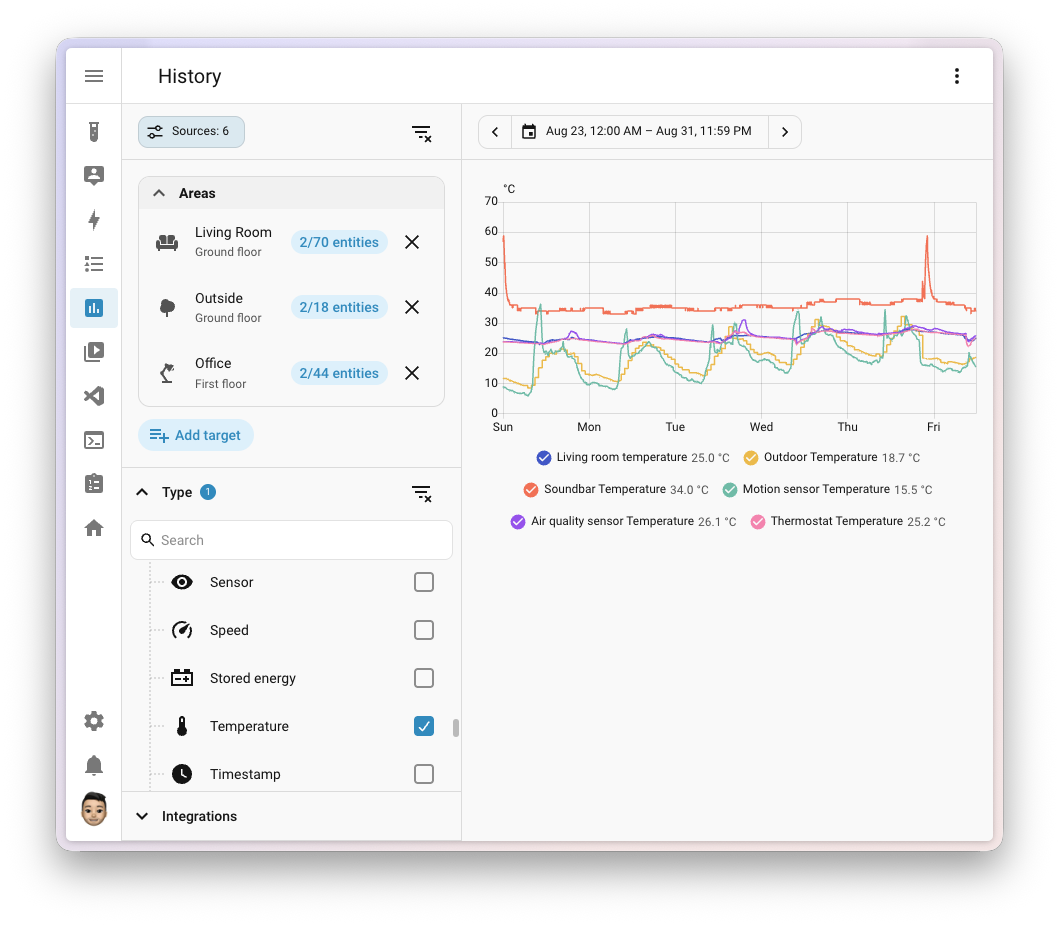
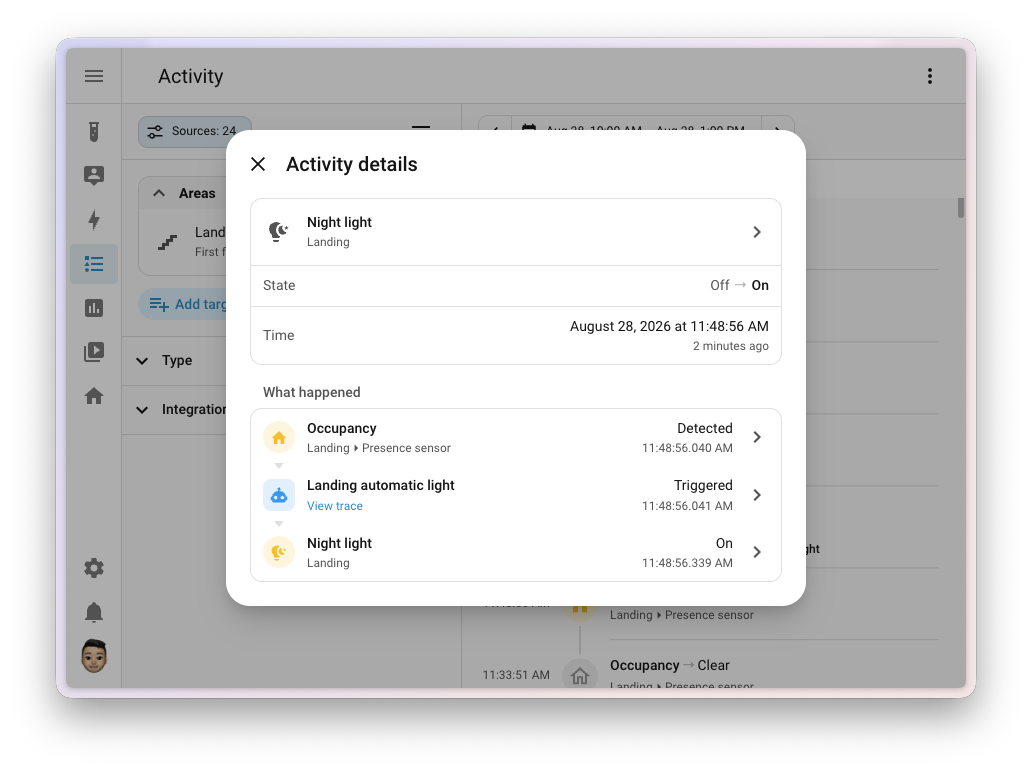
Data exploration has also been streamlined. The History and Activity views now share a unified "Sources" panel docked to the left margin. This panel consolidates filtering by floor, area, device, integration, and domain. Furthermore, the Activity log has transitioned from merely reporting what changed to explaining why it changed. Selecting any log entry opens a comprehensive trace dialog detailing the triggering entity, automation chain, or user action down to the millisecond.
Protocol Mapping and Network Visibility
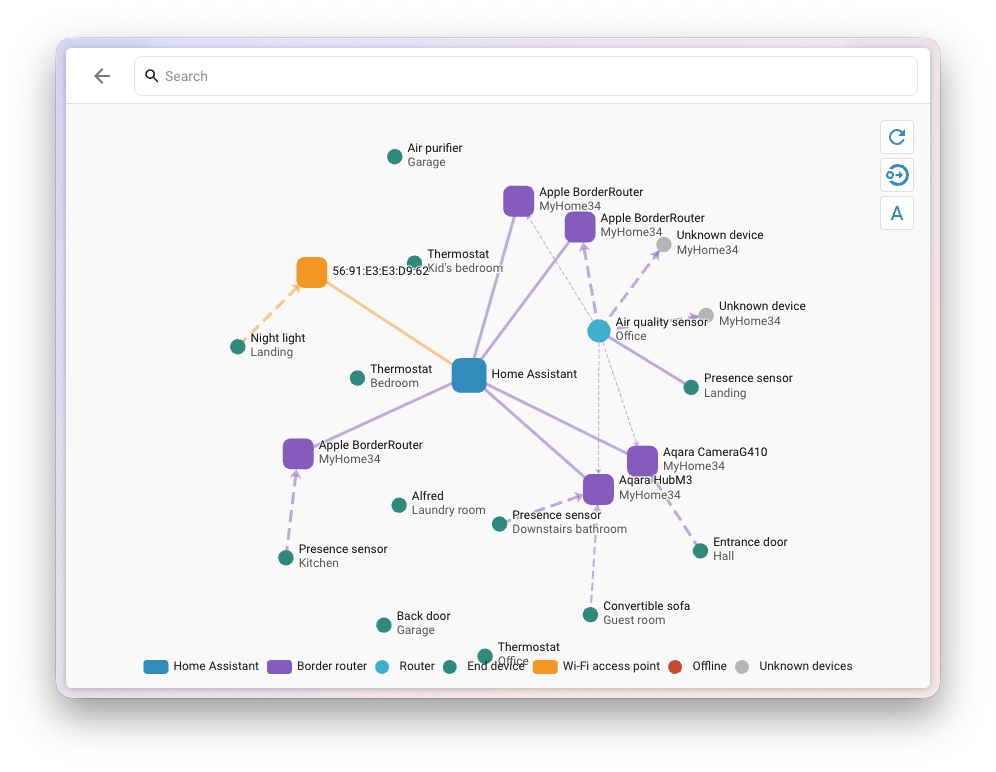
Protocol mapping reaches feature parity across the platform with the introduction of a native Matter network graph. Expanding on established visualization tools for Zigbee (ZHA), Z-Wave, and Bluetooth, the Matter panel now features a "Show map" utility. This maps all Thread and Wi-Fi interconnected devices, distinguishing border routers from battery-powered endpoints and illustrating signal strengths via dynamic link coloring.
In parallel, the physical connectivity architecture receives dedicated dashboard representation. Following the integration of infrared and radio frequency panels earlier in the year, a new "Serial" panel under the Connectivity settings catalogs all USB dongles, serial ports, and associated application dependencies. The MQTT settings page has similarly been elevated to a dedicated control panel, featuring direct packet publishing and improved topic subscription management.
Accessibility and Data Auditing
Demonstrating a continued commitment to inclusive design following prior color contrast and status indicator upgrades, Home Assistant 2026.9 introduces comprehensive accessibility features for data charts. Line and bar graphs are now fully navigable via keyboard commands. Screen readers can dynamically announce time and value data points, while a novel auditory feedback system generates rising and falling tones corresponding to numerical data trends, allowing users to perceive data shapes aurally.
Storage management tools have also been expanded. The system settings storage page now displays real-time capacity usage bars for all connected network storage mounts (such as NAS units used for backups and media). Visual warnings automatically escalate from standard indicators to amber (at 85% utilization) and red (at 95% utilization) to prevent unexpected out-of-space failures.
Official Responses and Community Collaboration
Core maintainers and project leaders expressed appreciation for the collaborative effort behind the release. Frenck, writing in the official release notes, highlighted the Modbus modernization as a vital leap forward for energy monitoring integration. Special acknowledgments were directed toward core contributors and code reviewers, including @googanhiem, @piitaya, @balloob, and @puddly, whose work on the serial and protocol panels streamlined the architectural rollout.
Concurrently, Nabu Casa representatives emphasized that revenue generated through Home Assistant Cloud subscriptions continues to directly subsidize full-time core development and fund the Open Home Foundation’s broader mission of preserving local-first, privacy-respecting smart home infrastructure.
Broader Impact and Technical Implications
The architectural shift toward native UI support for complex industrial protocols like Modbus signals a broader industry trend: bridging the gap between professional-grade building automation and consumer-friendly smart home platforms. By abstracting register maps into standardized integration layers, Home Assistant lowers the technical barrier for residential renewable energy setups, including solar inverters and heat pump arrays.
However, the release also introduces several backward-incompatible changes that require administrative attention during the upgrade cycle. Notably:
- Flexit Nordic (BACnet) integrations have deprecated the old fireplace mode switch in favor of standardized climate preset actions.
- KNX device exposes no longer broadcast initial values to the bus automatically upon startup unless explicitly configured via
send_on_init: true. - LLM tool names are now strictly prefixed with their originating integration domains (e.g.,
homeassistant__orintent__), requiring updates to custom AI prompts. - Administrative permission checks have been tightened; executing updates, skipping versions, and managing Z-Wave lock credentials now strictly require an administrator account context.
Users operating custom components or automated script sequences dependent on these modified behaviors are advised to review the official changelog and documentation prior to initiating the update to ensure a seamless transition.