The Evolution of Optical Media and Laptop Design
The decline of the optical disc drive in portable computing follows a clear chronological trajectory. During the early 2000s, the CD and DVD drive was a critical component, enabling users to install software from physical discs, burn personal backups, and watch films. However, the rise of high-speed broadband internet, cloud storage services like Dropbox and Google Drive, and streaming platforms such as Netflix and Spotify effectively rendered the optical drive obsolete for most users.
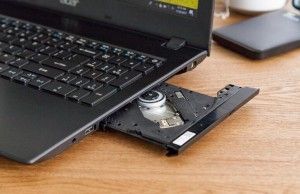
The industry turning point arrived around 2012, when companies like Apple began removing optical drives from the MacBook Pro line to favor the "Ultrabook" form factor. By 2018, nearly all consumer-grade manufacturers—including Dell, HP, and Lenovo—had phased out internal drives from their consumer laptops. This transition was driven by consumer demand for portability and the logistical necessity of maximizing internal space for components that provide higher performance, such as solid-state drives (SSDs) and higher-capacity lithium-ion batteries.
Why Legacy Hardware Remains in Demand
Despite the industry’s shift, a significant niche of users continues to seek out laptops with integrated optical drives. Medical professionals, for example, often receive diagnostic imaging—such as X-rays or MRIs—on physical discs. Archivists, researchers, and hobbyists who maintain extensive physical media libraries also require the hardware to digitize legacy content. Furthermore, in regions with limited high-speed internet infrastructure, physical discs remain a primary, reliable method for software installation and data transfer.
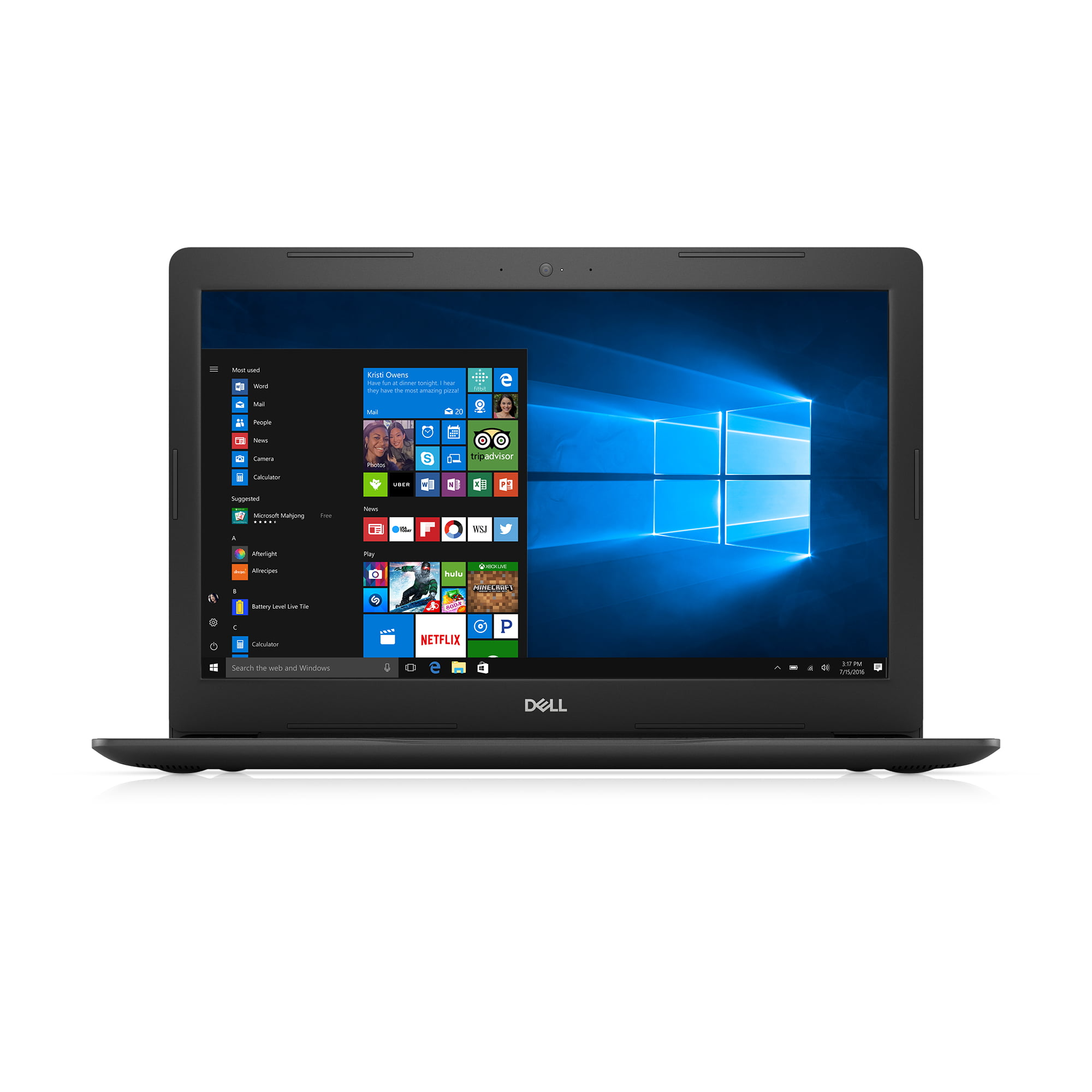
For these users, the current market presents a challenge: purchasing a laptop with a built-in drive requires settling for refurbished or "new-old-stock" machines that feature outdated processors, slower hard disk drives (HDDs), and displays that fall short of modern resolution standards.
Evaluating the Best Available Options
For those who determine that an internal drive is a mission-critical requirement, there are specific models that remain available on the secondary market. These machines represent the final generation of optical-equipped hardware.
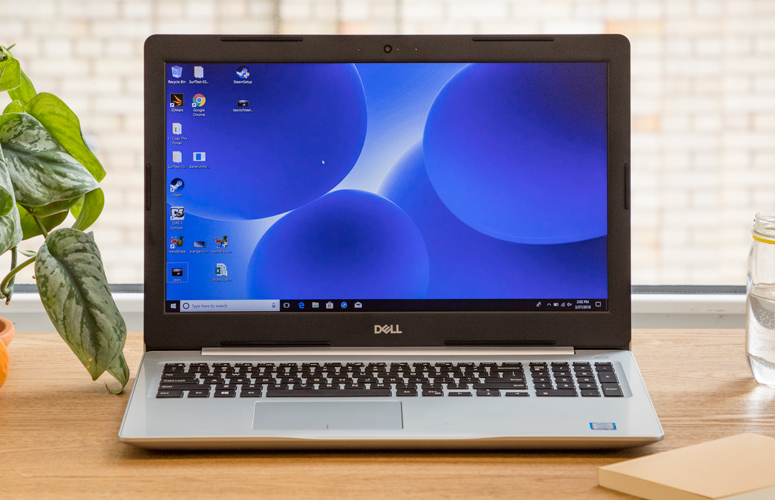
The Dell Inspiron 15 5000 Series
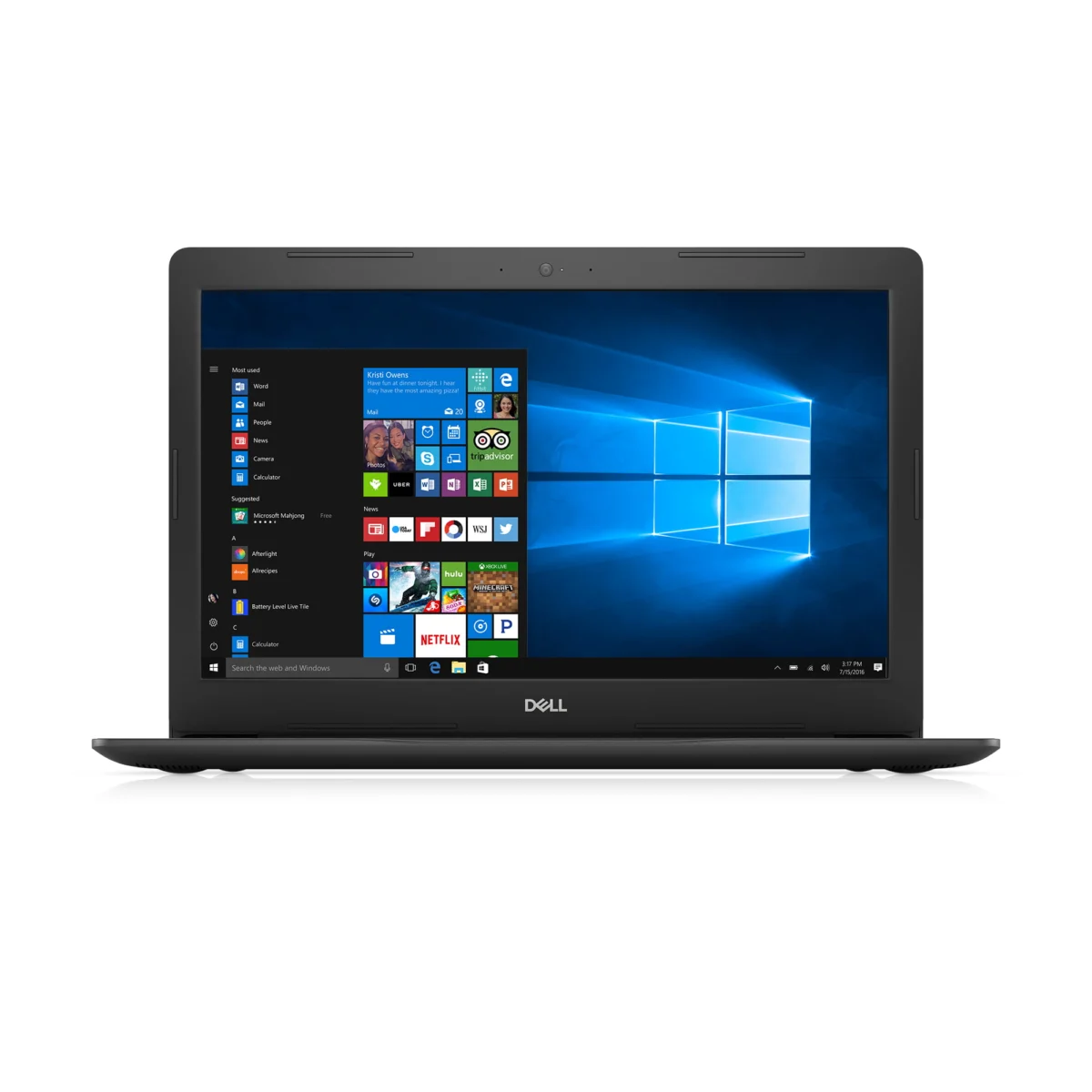
The Dell Inspiron 15 5000 remains a top choice for those requiring a budget-friendly, all-in-one solution. These units typically feature Intel Core i5 or i7 processors from the seventh generation, paired with 8GB of RAM and 1TB HDDs. While these specs are sufficient for word processing and light multimedia tasks, the reliance on older HDD technology results in slower boot times and file transfers compared to modern SSD-equipped laptops. Its primary advantage is the presence of an integrated DVD R/W drive, allowing for direct media playback without external hardware.
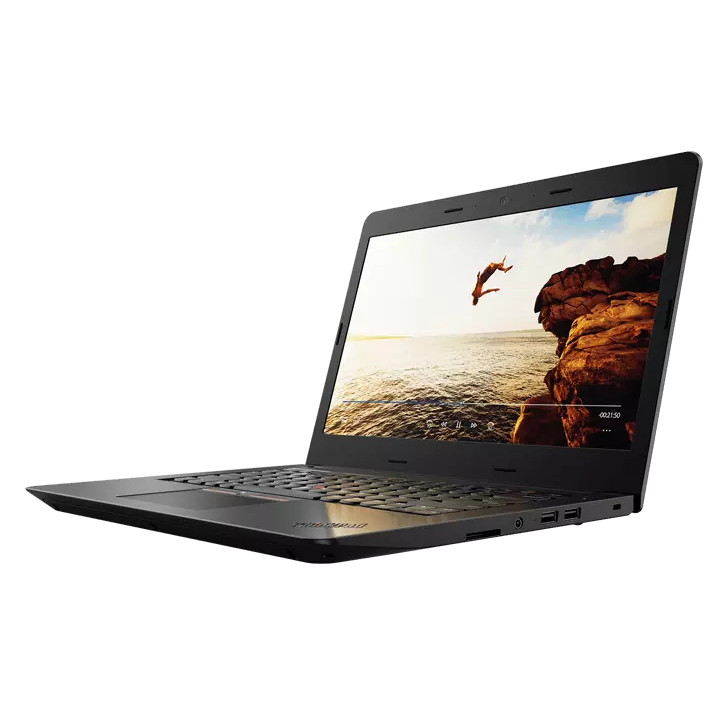
The Lenovo ThinkPad E570
The Lenovo ThinkPad E570 is widely regarded as a workhorse for business users who have not yet transitioned to a cloud-first workflow. With its 15.6-inch display and robust port selection, the E570 provides a familiar experience. However, its Intel Core i3-7100U configuration limits its utility to basic productivity applications. Its build quality is standard for the era, and it offers a reliable, if aging, solution for users who need to burn or read discs while on the move.
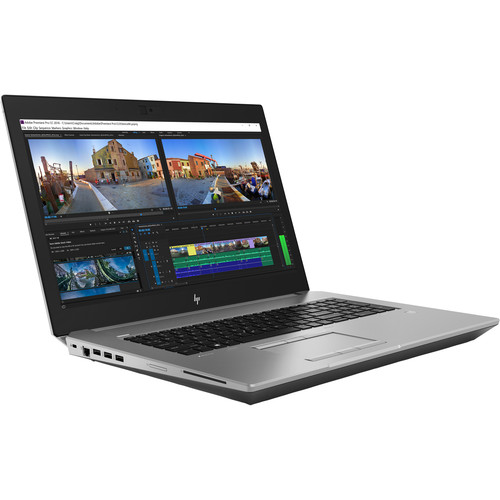
The HP ZBook 17 G5
For power users requiring higher performance, the HP ZBook 17 G5 serves as a workstation-grade exception. This machine is significantly more capable than the consumer-grade laptops listed above, often featuring Intel Xeon processors, 32GB of RAM, and dedicated graphics hardware. Most notably, some configurations of the ZBook 17 G5 include a Blu-ray read/write drive, making it one of the few portable devices capable of handling high-definition physical media. However, these machines are heavy—often exceeding 7 pounds—and are expensive to maintain due to their age and the complexity of their internal components.
The Superior Alternative: External Optical Drives
Technological analysts and industry experts consistently advise that for the vast majority of users, purchasing a modern, high-performance laptop paired with an external USB-based optical drive is the superior long-term strategy. This approach allows users to benefit from the speed, battery efficiency, and reliability of 2026-era hardware while maintaining the ability to access legacy media when necessary.

External drives, such as the ASUS ZenDrive U9M, offer universal compatibility across modern operating systems and connect via USB-C or USB-A ports. They are compact, lightweight, and can be easily stored when not in use. Furthermore, modern external drives often provide faster read and write speeds than the integrated laptop drives of the mid-2010s, and they eliminate the risk of the laptop becoming unusable due to the failure of the optical drive mechanism.
Industry Implications and Future Outlook
The total disappearance of the optical drive from mainstream laptops serves as a case study in the rapid obsolescence of physical media. The shift to a digital-only paradigm has allowed for the development of computers that are thinner, lighter, and more powerful than previously imaginable. However, it also highlights the "digital divide" where users with specific, legacy-driven needs are forced into the secondary market or required to invest in peripheral hardware.
Manufacturers have largely ignored the demand for internal drives because the cost-to-benefit ratio does not support their inclusion in modern designs. The internal space occupied by a DVD drive is now better utilized by larger thermal management systems or increased battery capacity, which are higher priorities for the vast majority of consumers.
For those who must procure a device with an internal drive, it is essential to factor in the hidden costs of aging hardware. Older laptops often lack support for the latest security updates, have limited compatibility with modern peripheral drivers, and possess batteries that have likely exceeded their optimal life cycles.
Final Recommendation
If you are currently in the market for a new computer, the recommendation from the technical community is clear: prioritize the purchase of a modern laptop with a high-quality display, a modern processor, and an NVMe SSD. For the occasional need to access a CD or DVD, invest in a dedicated external optical drive. This combination provides the best of both worlds: the cutting-edge performance required for modern computing and the backward compatibility necessary to bridge the gap to older technologies. By choosing this path, users avoid the performance bottlenecks and reliability risks inherent in purchasing decade-old hardware, ensuring a more stable and efficient computing experience in the years to come.