Google is deploying a significant user interface and gesture update for its flagship Google Messages application, modernizing how Android users interact with everyday text conversations. The rolling update introduces a redesigned context menu, fractional text-selection capabilities, and revamped directional swipe gestures designed to align the messaging platform with contemporary mobile software standards. While the foundational elements of text messaging remain intact, these structural refinements alter actions that Android users have relied on for years.
Main Facts and UI Redesign Details
The most prominent visual departure from previous versions of Google Messages is the abandonment of the traditional top toolbar for message management. Historically, pressing and holding a message bubble would pin a row of utility icons—such as copy, delete, and forward—to the top of the display. Under the new update, Google has transitioned to a floating contextual menu that materializes directly adjacent to the selected message bubble.
Concurrently, the background of the active conversation dims slightly to draw visual focus to the floating window. This contextual menu houses quick-access options including Reply, Forward, Copy, Star, Delete, Select More, and Info. For multimedia items, such as photographs and graphic files, additional options like Save and Remix are dynamically appended to the menu. According to Google documentation, these touch-and-hold actions apply uniformly across a wide variety of content formats, including standard text, images, videos, hyperlinks, files, location pins, and digital contact cards.
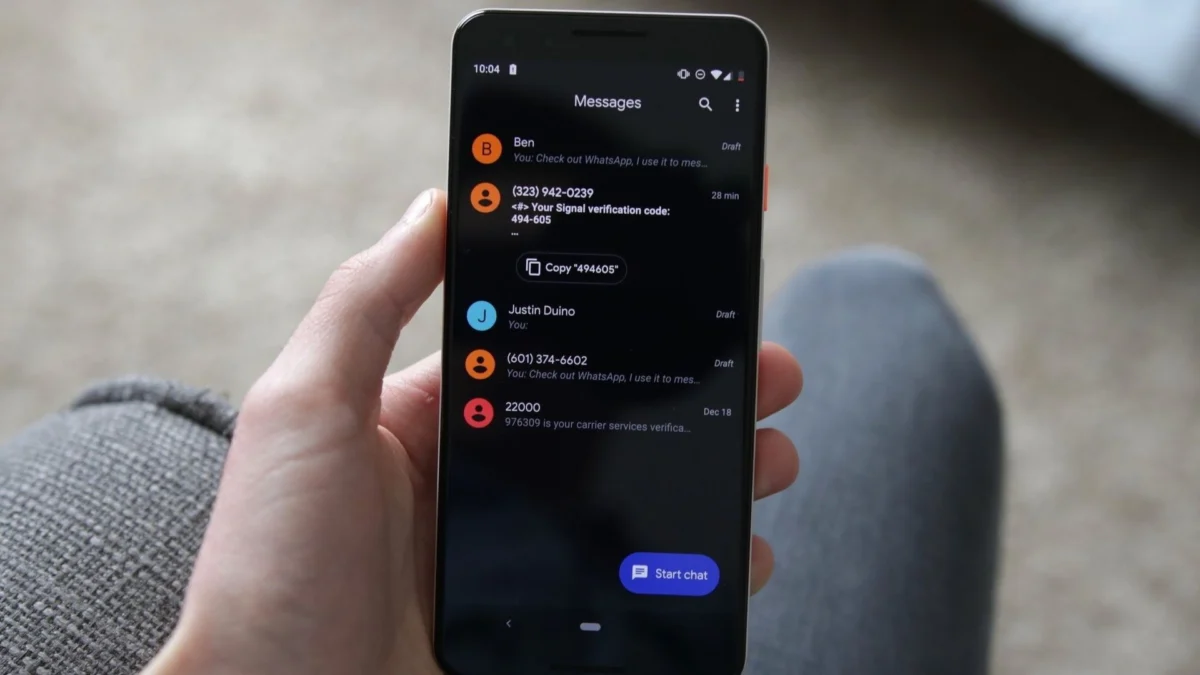
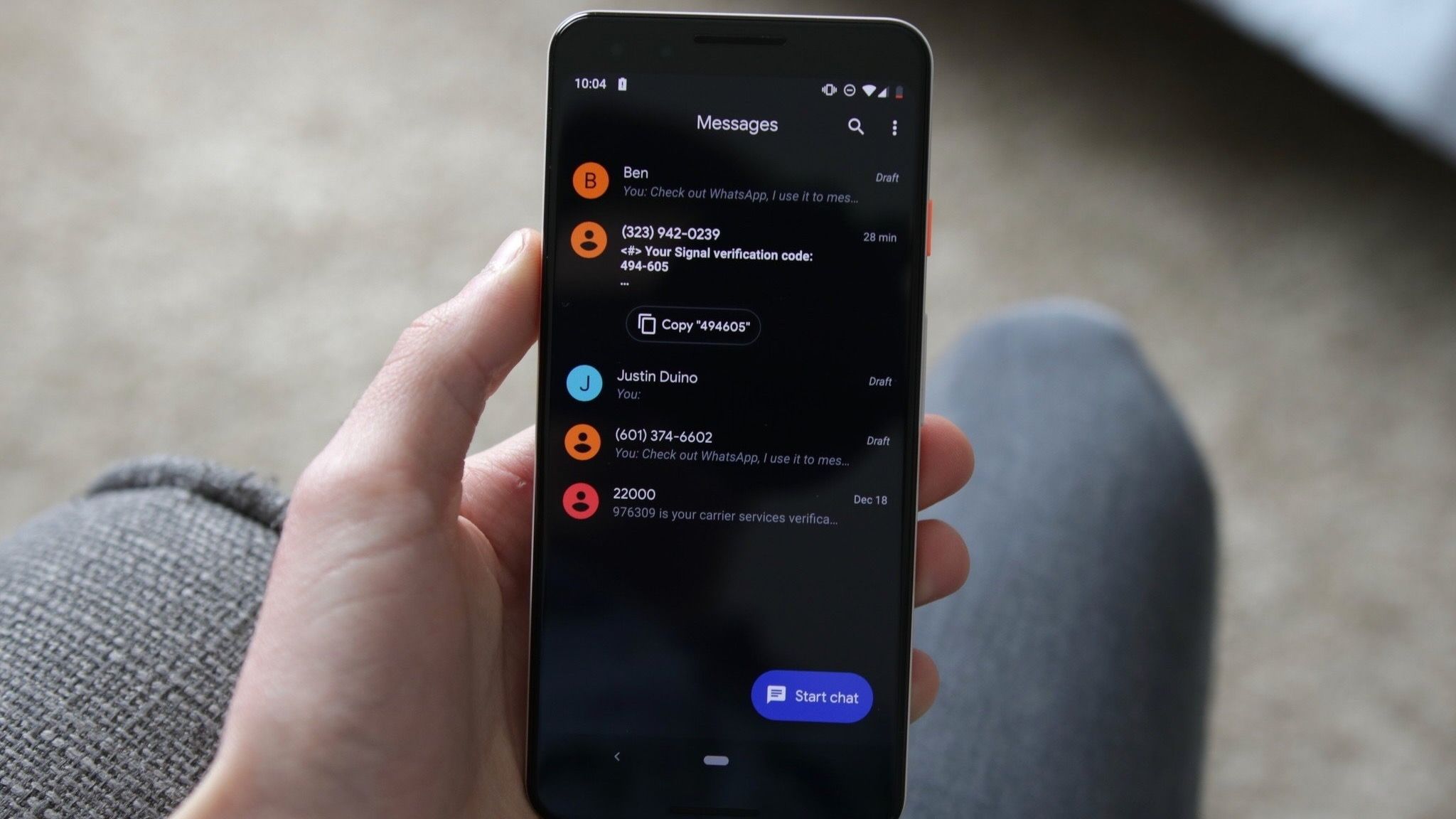
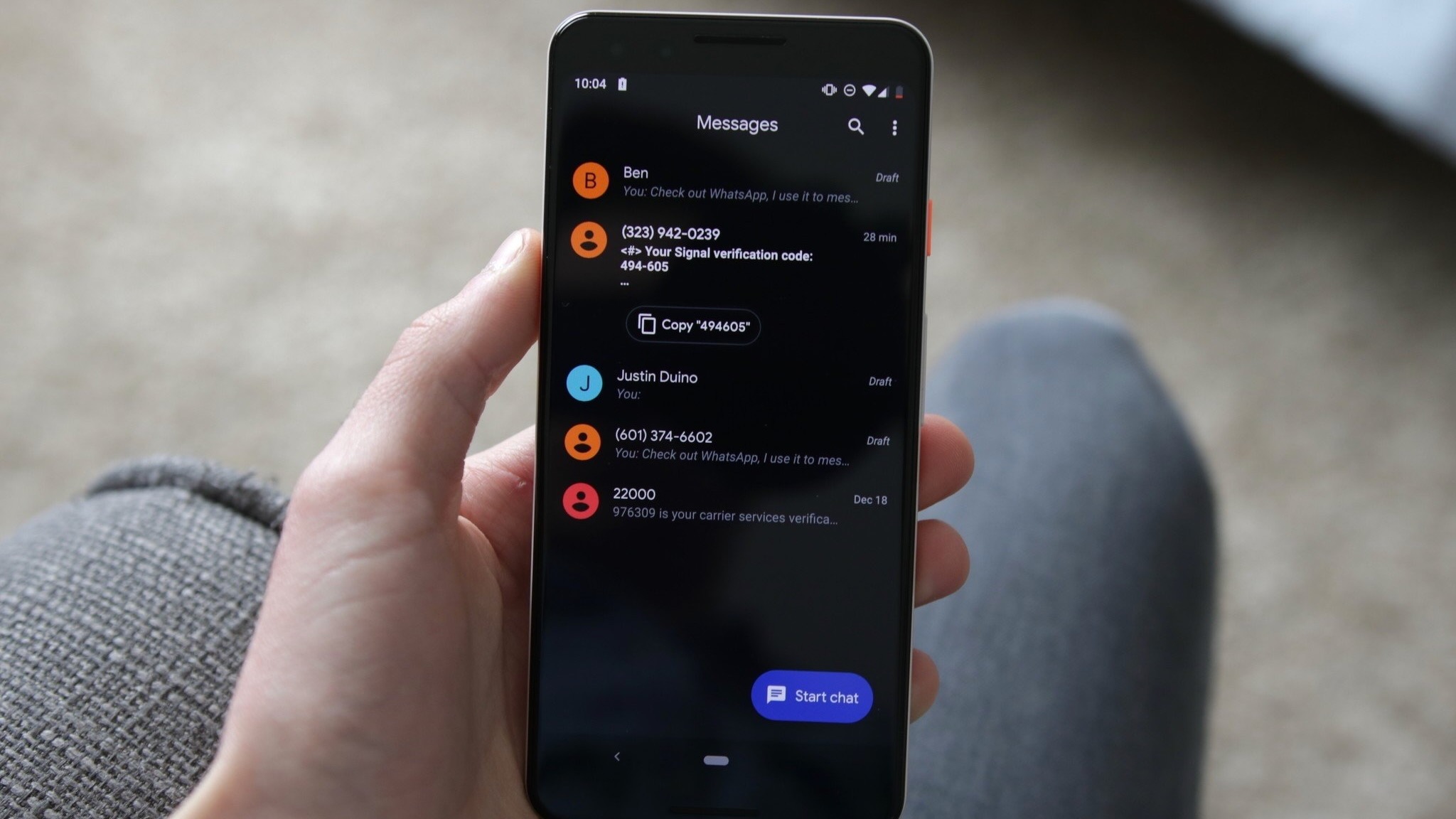
Beyond the menu placement, text manipulation has received a long-awaited functionality boost. Previously, selecting a message copied its entirety to the clipboard, requiring users to paste the entire block and manually delete unwanted information if they only needed a specific segment, such as a street address, phone number, or tracking code. The updated architecture permits users to tap a second time within the highlighted text block to isolate and copy specific fragments, minimizing friction during everyday communication workflows.
Chronology and Rollout Mechanics
The evolution of these features has been tracked closely by the Android developer and enthusiast community through sequential software updates and code inspections.
- Early APK Discoveries: Clues regarding granular text selection first surfaced months prior via APK teardowns—methodical analyses of unreleased software packages that reveal hidden developer flags and experimental user interfaces.
- Developer Previews and Beta Phases: Throughout subsequent testing builds, developers observed Google experimenting with isolated interface elements, such as blurring backgrounds and localized floating menus.
- Stable Deployment: The full feature set began appearing in stable production builds—specifically starting around release build 20260910_03_RC02.
- Server-Side Activation: Google is executing this rollout via server-side switches. Consequently, even users who have updated their applications to the latest version via the Google Play Store may not see the changes immediately, as Google activates the features gradually across regional server clusters and device cohorts.
Gesture Modifications and Navigation Adjustments
Perhaps the most disruptive change for established users involves directional swipe gestures. Muscle memory developed over years of Android usage will require intentional readjustment as Google recalibrates the navigational layout within chat threads.
Historically, swiping across a message bubble served specific functions depending on custom configurations or app versions. Under the new standard system:
- Right Swipe: Swiping directly on an individual message bubble now initiates a reply to that specific message, bringing up the targeted reply box within the text entry field.
- Left Swipe: Swiping left anywhere across the conversation view reveals message timestamps and confirms the end-to-end RCS (Rich Communication Services) encryption status of the transmission.
- Read Receipts and Timestamps: Tapping a message once continues to display precise read receipts, while a brief flash of timestamps appears automatically upon initial interaction to cue the user into the updated timing layout.
This timestamp behavior addresses a long-standing critique of modern mobile messaging applications: the difficulty of assessing the exact chronological spacing of messages within long, fast-moving conversational threads without manually opening individual metadata info panels.
Official Statements and Platform Evolution
Google has updated its official support documentation to reflect the expanded capabilities of the touch-and-hold menus, highlighting the cross-media compatibility of the new interface. While Google’s product teams often introduce such UX shifts without high-profile keynote announcements, the adjustments underscore a broader corporate strategy to unify user experience paradigms across Google’s ecosystem of Android productivity and communication apps.
The push toward contextual, floating UI elements mirrors design languages seen across modern operating systems, where contextual proximity is prioritized over fixed header bars to accommodate increasingly larger smartphone display sizes. By moving controls closer to the user’s thumb—the thumb zone—Google aims to improve one-handed usability on large-screen foldable devices and standard smartphones alike.
Broader Impact and Implications for Android Users
From a usability standpoint, the transition represents a classic trade-off between long-term efficiency and short-term friction.
The Positives:
- Ergonomics: The floating menu reduces the physical distance a user’s thumb must travel from the bottom or middle of the screen to the top header, enhancing one-handed operation.
- Granular Copying: The ability to isolate specific snippets of text within a message bubble eliminates tedious copy-paste workarounds.
- Comprehensive Scanning: The left-swipe timestamp feature allows for rapid forensic reading of conversation timelines, which is particularly beneficial in professional or logistical group chats.
The Challenges:
- Muscle Memory Disruption: Millions of users accustomed to top-toolbar controls and traditional swipe behaviors will experience a transitional adaptation period, which may temporarily increase misclicks or user frustration.
- Inconsistent Availability: Because the rollout is managed via server-side updates, users communicating within the same ecosystems may experience entirely different UI behaviors depending on their specific account activation status, complicating cross-user troubleshooting or collaborative tutorials.
Ultimately, Google Messages continues to evolve from a basic SMS carrier fallback into a feature-rich, RCS-driven communication suite capable of competing directly with proprietary messaging ecosystems like Apple’s iMessage and Meta’s WhatsApp. As these gesture and menu updates complete their global rollout, they establish a more cohesive, modern foundation for future software enhancements on the Android platform.