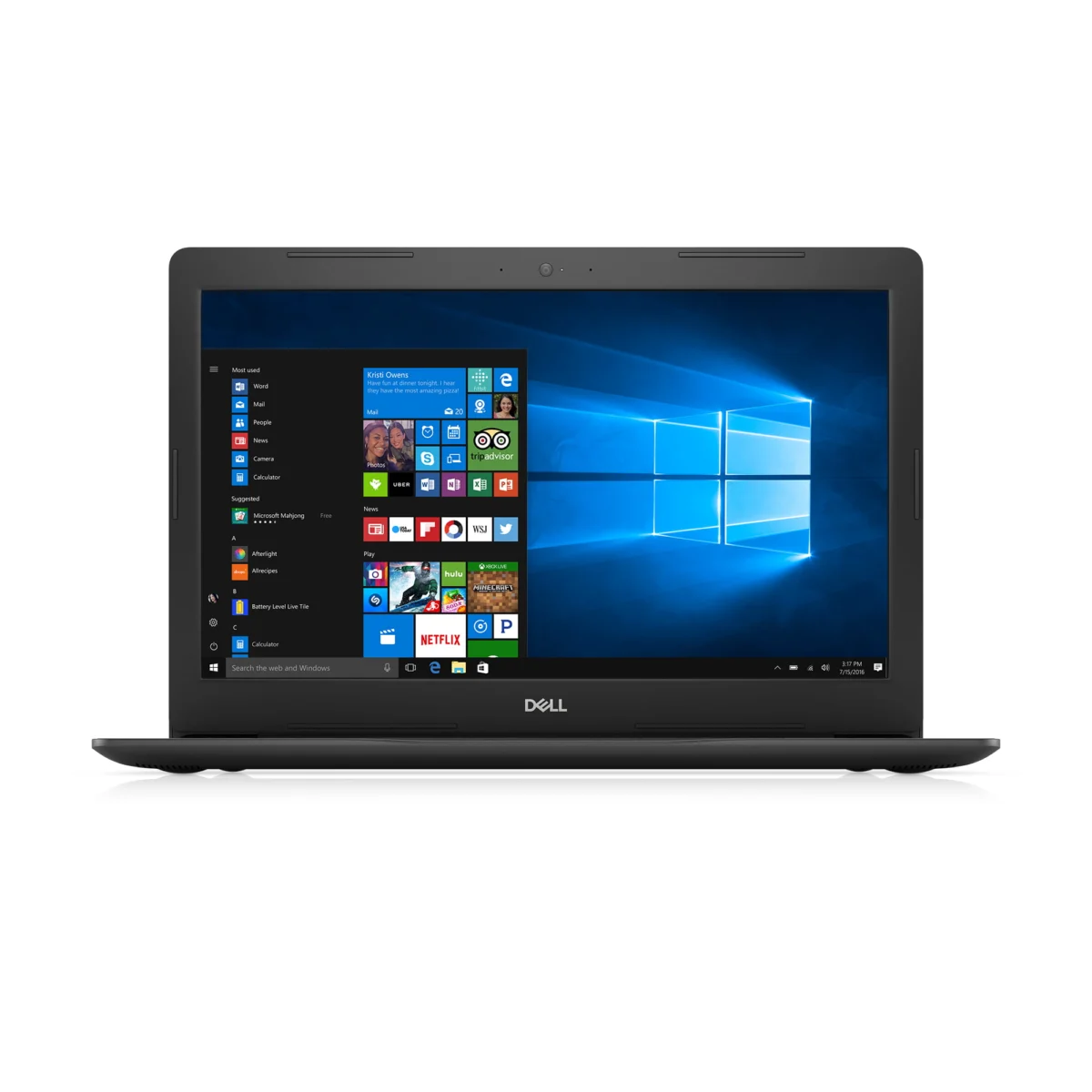
The market for laptops with integrated CD/DVD drives has significantly contracted, reflecting a broader industry shift away from physical media. While the demand for these machines persists among a specific segment of users, finding a brand-new, mainstream laptop equipped with an optical drive in 2025 is virtually impossible. This article delves into the reasons behind this decline, explores the remaining options for consumers, and provides a comprehensive guide for those navigating the challenge of accessing physical media in an increasingly digital world.
The Retreat of Optical Drives: A Market Evolution
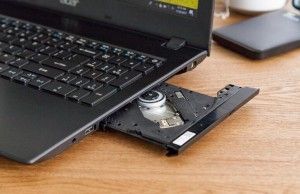
The inclusion of CD/DVD drives, once a standard feature in laptops, began its decline in the late 2000s and accelerated throughout the 2010s. This technological evolution was driven by several interconnected factors. First, the advent of high-speed internet and the rise of digital distribution platforms for software, music, and movies rendered physical media less essential. Streaming services like Netflix and Spotify replaced DVD and CD collections, while digital game stores and cloud-based software subscriptions negated the need for installation discs.
Secondly, advancements in storage technology played a crucial role. USB flash drives and external hard drives offered more convenient, capacious, and often faster alternatives for data transfer and backup. The increasing affordability and speed of solid-state drives (SSDs) also contributed, as manufacturers prioritized thinner, lighter, and more power-efficient designs. Optical drives, with their moving parts and relatively bulky form factor, conflicted with the industry’s push towards ultrabooks and sleek, portable devices. Removing the drive allowed for larger batteries, more efficient cooling, or simply a more compact chassis, which became key selling points for modern laptops.
By the mid-2010s, most major manufacturers had ceased incorporating internal optical drives into their new laptop lines, a trend that solidified by 2020. The few models that retained them were typically entry-level, budget-oriented machines or specialized workstations catering to a very niche professional market. As of 2025, the landscape is clear: if you seek a laptop with a built-in optical drive, you are looking at older, refurbished, or specialized legacy models.
Why the Demand Endures: Niche Use Cases in a Digital World
Despite the overwhelming shift to digital, a significant user base continues to search for laptops with CD/DVD drives. Their reasons are varied and often critical to specific workflows or personal needs:
- Medical Professionals: Accessing patient medical scans (X-rays, MRIs, CT scans) provided on CD or DVD remains a common practice in many healthcare settings. Compatibility with legacy systems is paramount.
- Archivists and Researchers: For those working with historical data, legacy software, or extensive personal media collections, optical discs are still a vital storage medium. Preserving access to these physical archives is crucial.
- Creative Professionals: Musicians, photographers, and videographers might have older project files or client deliveries on optical media that they need to access or transfer.
- Software Installation: While most software is now downloaded, some specialized or older applications, particularly in industrial or academic fields, still come on physical discs.
- Offline Entertainment: For users in areas with unreliable internet access or those who prefer physical media, a built-in drive allows for watching movies and listening to music without streaming.
- Data Backup and Recovery: Some users prefer the tactile security of burning data to discs for long-term, offline backup, especially for sensitive information.
- Nostalgia and Legacy Gaming: Many classic PC games and older software titles are only available on CD-ROM.
For these users, the convenience of an integrated drive outweighs the compromises associated with older hardware.
The Current Landscape: Older Models and Significant Compromises
Given that no brand-new, mainstream laptops are manufactured with integrated optical drives, the search for such a device in 2025 inevitably leads to older models, typically from 2017 or earlier, available through refurbished markets or second-hand retailers. These machines come with inherent trade-offs that buyers must carefully consider:
- Outdated Processors: The CPUs in these laptops will be several generations behind current models, leading to significantly lower performance for demanding tasks, slower multitasking, and reduced overall responsiveness.
- Slower Storage: Many older laptops feature traditional Hard Disk Drives (HDDs) instead of faster Solid-State Drives (SSDs). This translates to longer boot times, slower application loading, and generally sluggish file operations. While some might offer an SSD option, it’s often with much lower capacity than modern standards.
- Reduced Battery Life: Older battery technology and less power-efficient components mean these laptops will offer considerably shorter battery life compared to contemporary models.
- Lack of Modern Features: You’ll miss out on advancements like faster Wi-Fi standards (Wi-Fi 6/6E), Thunderbolt ports, USB-C Power Delivery, higher-resolution displays, improved webcams, and enhanced security features (e.g., Windows Hello facial recognition).
- Operating System Support: Very old models might be stuck on older operating systems (e.g., Windows 7, 8.1) that are no longer supported, posing significant security risks and compatibility issues with modern software. Even models running Windows 10 might struggle with future Windows updates.
- Limited Warranty/Support: Purchasing refurbished hardware often means a limited or no manufacturer warranty, and finding replacement parts or technical support can be challenging.
Despite these drawbacks, for users whose primary need is an integrated optical drive and whose usage patterns are light (e.g., basic document editing, web browsing, media playback), these older machines can still serve a purpose, often at a budget-friendly price point.
Featured Older Laptops with Built-in CD/DVD Drives (Available Today)
For those committed to a built-in solution, after extensive market research, the following models represent some of the best available options in the refurbished or second-hand market:
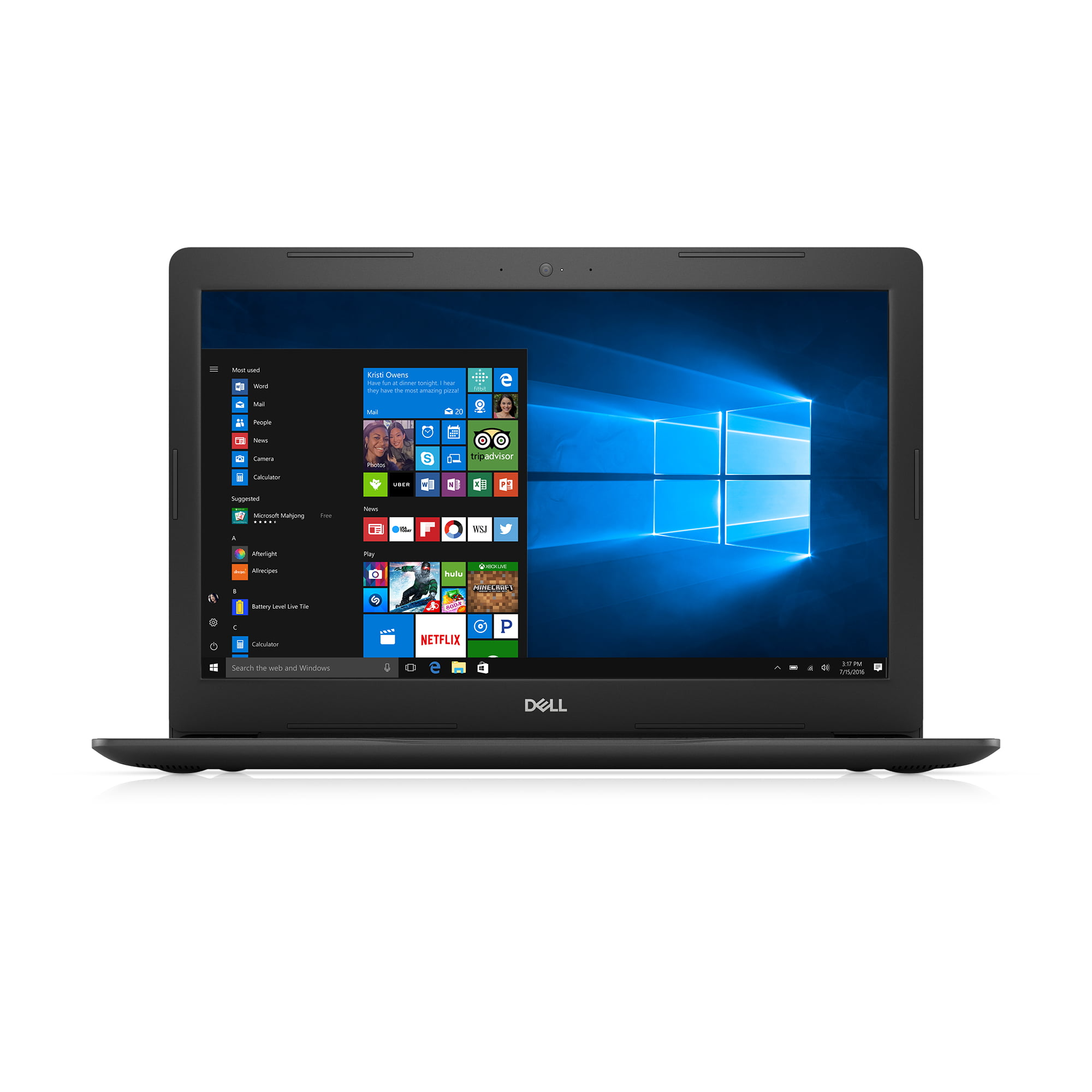
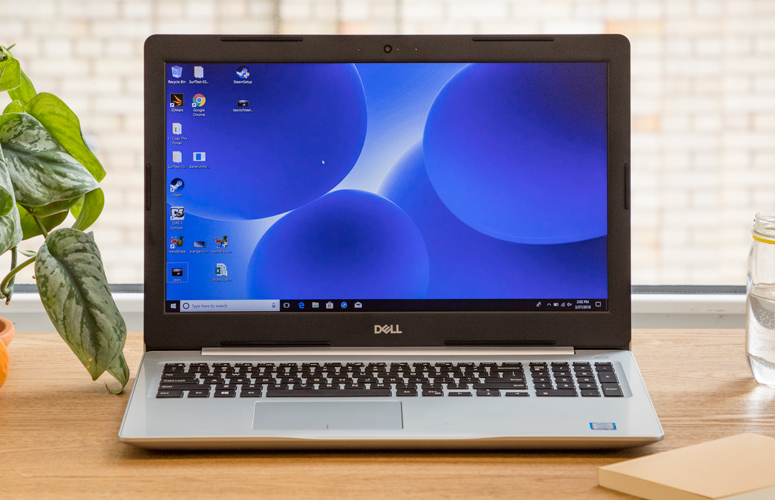
1. Dell Inspiron 15 5000 (Best Overall for Value)

The Dell Inspiron 15 5000 series, particularly models from around 2017, stands out as a balanced option for those seeking an integrated CD/DVD drive. It offers a respectable combination of features for its age and price point.
- Specifications:
- Optical Drive: DVD Drive (R/W to DVD/CD)
- Display: 15.6-inch 1366×768
- CPU: Intel Core i5-7200U (or i7 option)
- RAM: 8GB
- Storage: 1TB HDD (or 256GB SSD option)
- Weight: 4.9 pounds
- Analysis: This model often features a 7th-generation Intel Core i5 or i7 processor, 8GB of RAM, and a spacious 1TB HDD. While the HDD is slower than modern SSDs, it provides ample storage for large media libraries or archived data. An SSD variant is available, but typically with a smaller 256GB capacity, which might be restrictive for some users. The 15.6-inch display offers a standard resolution for its era. The Inspiron 15 5000 also includes a good variety of legacy ports, which can be beneficial for connecting older peripherals. Its price point, often found below $500 (and sometimes as low as $300 for the i5 version), makes it a compelling value proposition for its specific niche, provided the user understands the performance limitations compared to contemporary laptops. It’s best suited for tasks like media consumption, light office work, and accessing legacy files.
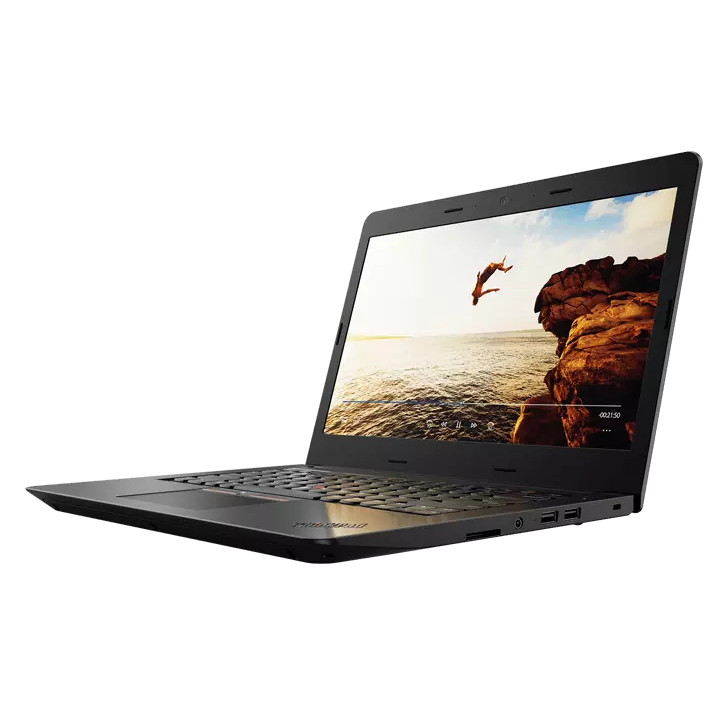
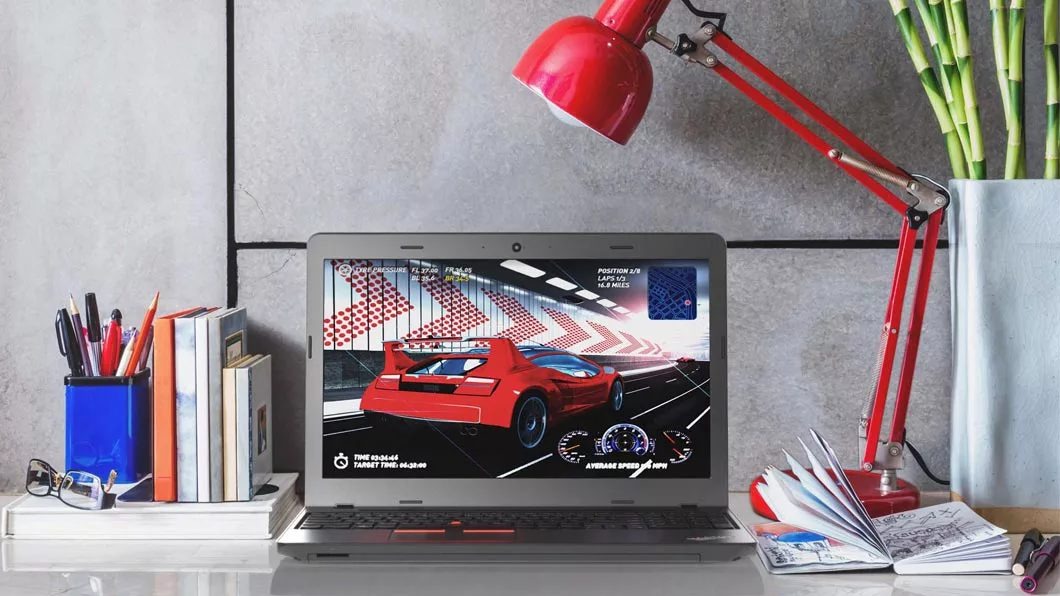
2. Lenovo ThinkPad E570 (Best Budget Option)
The Lenovo ThinkPad E570, also from around the 7th generation Intel era, offers a highly economical entry point for a laptop with a DVD writer. ThinkPads are renowned for their durable build quality and excellent keyboards, characteristics that hold true even for older models.
- Specifications:
- Optical Drive: DVD writer
- Display: 15.6 inches 1366×768
- CPU: Intel Core i3-7100U
- RAM: 8GB
- Storage: 240GB SSD
- Weight: 5 pounds
- Analysis: Equipped with an Intel Core i3-7100U CPU and 8GB of RAM, this model is firmly in the budget category. The inclusion of a 240GB SSD is a notable advantage over many HDDs found in similar older machines, offering faster boot and application load times. However, the i3 processor and limited storage mean it is best suited for basic computing tasks such as word processing, web browsing, and, of course, utilizing its optical drive. It will struggle with more intensive applications or extensive multitasking. The E570’s robust build and comfortable keyboard make it a practical choice for students or users needing a reliable, low-cost machine for specific tasks, especially if portability isn’t the absolute top priority. Prices for refurbished units can often drop to around $200-$300.
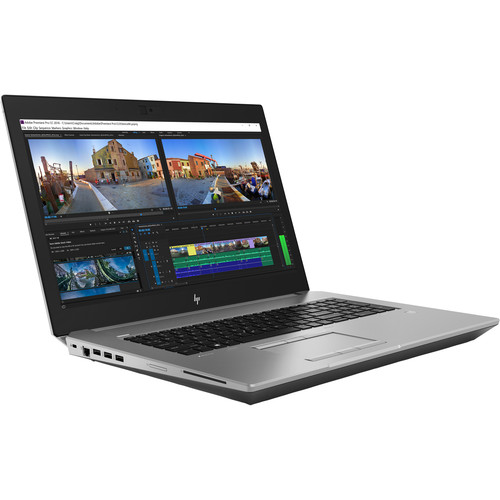
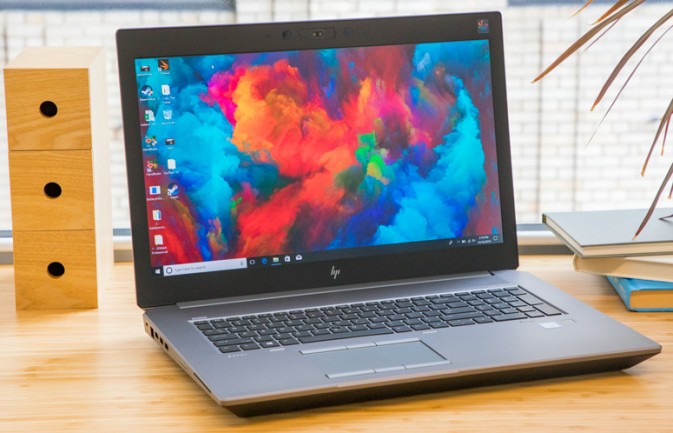
3. HP ZBook 17 G5 (Best Performance Option)
For professionals who absolutely require a built-in optical drive and demand higher performance and durability, the HP ZBook 17 G5 workstation is a compelling, albeit much heavier and pricier, option.
- Specifications:
- Optical Drive: Blu-Ray R/W
- Display: 17.3-inch 4K (configuration dependent)
- CPU: Intel Xeon E-2176M
- RAM: 32GB (or 16GB option)
- Storage: 512GB SSD
- Weight: 7.7 pounds
- Analysis: The ZBook 17 G5 stands apart by featuring a Blu-Ray R/W drive, a rarity even among older laptops with optical drives. Its Intel Xeon E-2176M processor and often substantial RAM (e.g., 32GB) provide a significant performance boost over the Inspiron and ThinkPad models, making it suitable for more demanding professional applications, even several years after its initial release. The 512GB SSD ensures fast data access and ample storage for project files. Its military-grade durability is a testament to its workstation pedigree, designed for rugged environments. However, these professional-grade features come at a cost: a hefty weight of 7.7 pounds makes it less portable, and refurbished prices typically range from $1000 to $1200. This price point puts it in competition with many new, highly capable laptops without optical drives, making it a purchase only for those with a very specific, high-performance need for a built-in Blu-ray drive.
The Recommended Alternative: Embracing External Optical Drives
For the vast majority of users, and strongly recommended by Laptop Mag, the most practical and future-proof solution is to pair a modern laptop with an external CD/DVD drive. This approach offers numerous advantages:
- Access to Modern Technology: You can purchase a brand-new laptop with the latest processors, faster SSD storage, superior battery life, modern connectivity (USB-C, Thunderbolt), and up-to-date security features. This ensures your primary computing device remains performant and supported for years to come.
- Cost-Effectiveness: External drives are relatively inexpensive, typically ranging from $20 to $60 for DVD drives, and slightly more for Blu-ray compatible units. This is a small investment compared to the significant performance and feature compromises of an older, built-in optical drive laptop.
- Portability and Flexibility: External drives are often slim, lightweight, and easily portable. They can be plugged in only when needed, maintaining the sleek profile of your modern laptop for daily use. They are also universally compatible with most operating systems (Windows, macOS, Linux).
- Enhanced Performance and Features: Many external drives offer faster read/write speeds than older internal drives. Some even support Blu-ray playback and burning, providing higher resolution for movies and greater storage capacity for data backup.
- Longevity: If the external drive fails, it’s easily replaceable without affecting your laptop.
Examples of Recommended External Drives:
- ASUS ZenDrive U9M: A popular choice for its broad compatibility across desktop platforms and reliable performance.
- OWC Mercury Pro: Offers robust performance and often supports Blu-Ray, making it suitable for high-demand users.
- Apple USB SuperDrive: Specifically designed for seamless integration with macOS, offering a sleek design that matches Apple’s aesthetic.
Broader Implications and the Future of Physical Media
The decline of built-in optical drives in laptops is indicative of a larger trend towards digital consumption and cloud-based services. This shift has profound implications for how we interact with media, software, and data. While digital convenience is undeniable, it also raises concerns about digital ownership, platform dependence, and the longevity of digital formats. Physical media, despite its diminishing role, still offers a sense of tangible ownership and a degree of independence from online services.
For specific sectors like healthcare and archival services, the continued reliance on optical media underscores the importance of maintaining backward compatibility in technology, even as consumer trends move forward. The transition period, where legacy systems coexist with modern digital solutions, highlights the need for flexible approaches like external drives.
In conclusion, while the allure of a built-in CD/DVD drive persists for a dedicated user base, the reality of the current laptop market dictates a strategic approach. Opting for a modern laptop complemented by a high-quality external optical drive offers the best balance of contemporary performance, future-proofing, and access to physical media, minimizing the compromises inherent in seeking out aging, integrated solutions.