





Navigating the entry-level laptop market has historically been a daunting exercise for consumers, often characterized by the fear of purchasing hardware that will become obsolete or unusable within months. However, the landscape for budget-friendly computing has shifted significantly in 2025. With advancements in mobile processor efficiency and the maturation of lightweight operating systems like ChromeOS, finding a machine that reliably handles web browsing, academic research, streaming, and productivity tasks for under $500 is no longer a compromise of quality, but an exercise in targeted selection.

The current market offers a clear divide between Windows-based machines and Chromebooks. While budget Windows laptops have seen improvements in build quality, Chromebooks continue to dominate the sub-$500 category by providing a more fluid user experience at lower price points. This guide serves to analyze the top contenders currently available, detailing why these specific models have earned their place as the most dependable choices for students, remote workers, and casual users.
The Evolution of the Budget Laptop Market
Over the past three years, the definition of a "budget" laptop has undergone a transformation. Prior to 2022, sub-$500 laptops were frequently criticized for sluggish eMMC storage, low-resolution displays, and battery life that rarely exceeded five hours. The arrival of the "Chromebook Plus" initiative by Google, coupled with Intel’s focus on efficient "N-series" processors, has forced manufacturers to standardize higher baseline requirements.
Today, even entry-level devices are expected to feature at least 8GB of RAM and Full HD (1920 x 1080) resolution displays. This shift is partially in response to the demands of a post-pandemic digital environment, where students and professionals require reliable video conferencing capabilities and multitasking support, even if their budget is limited.
Top Performers: A Detailed Analysis
Lenovo IdeaPad Flex 5i Chromebook Plus: The Benchmark for Value
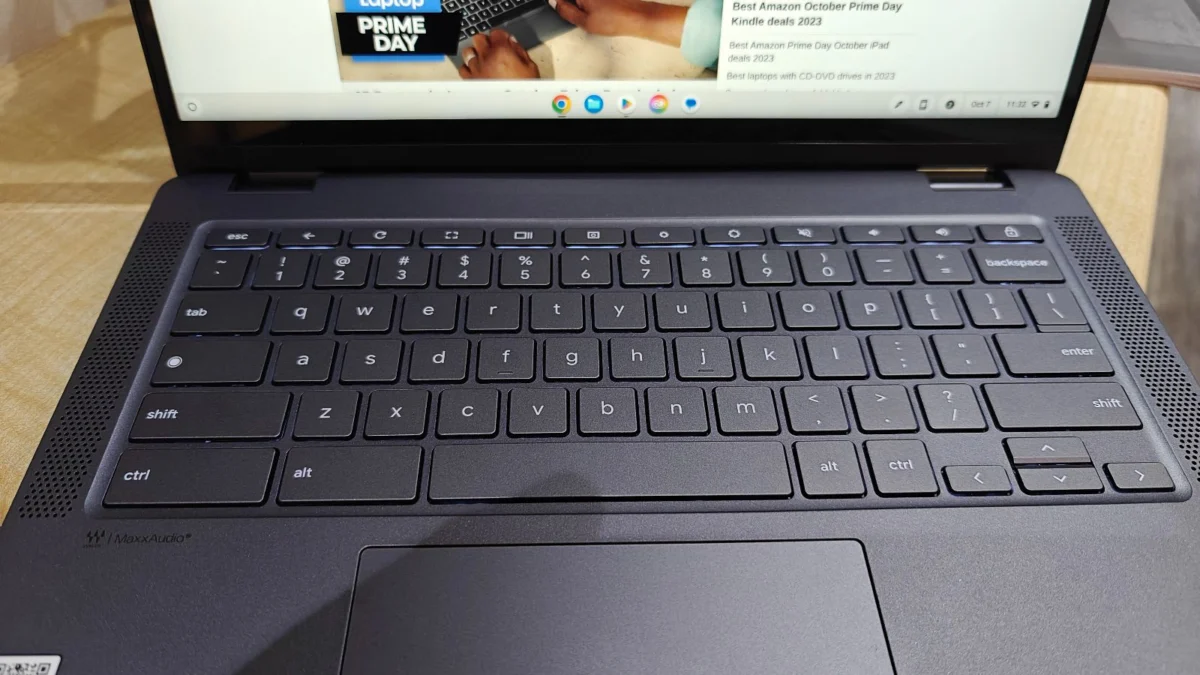
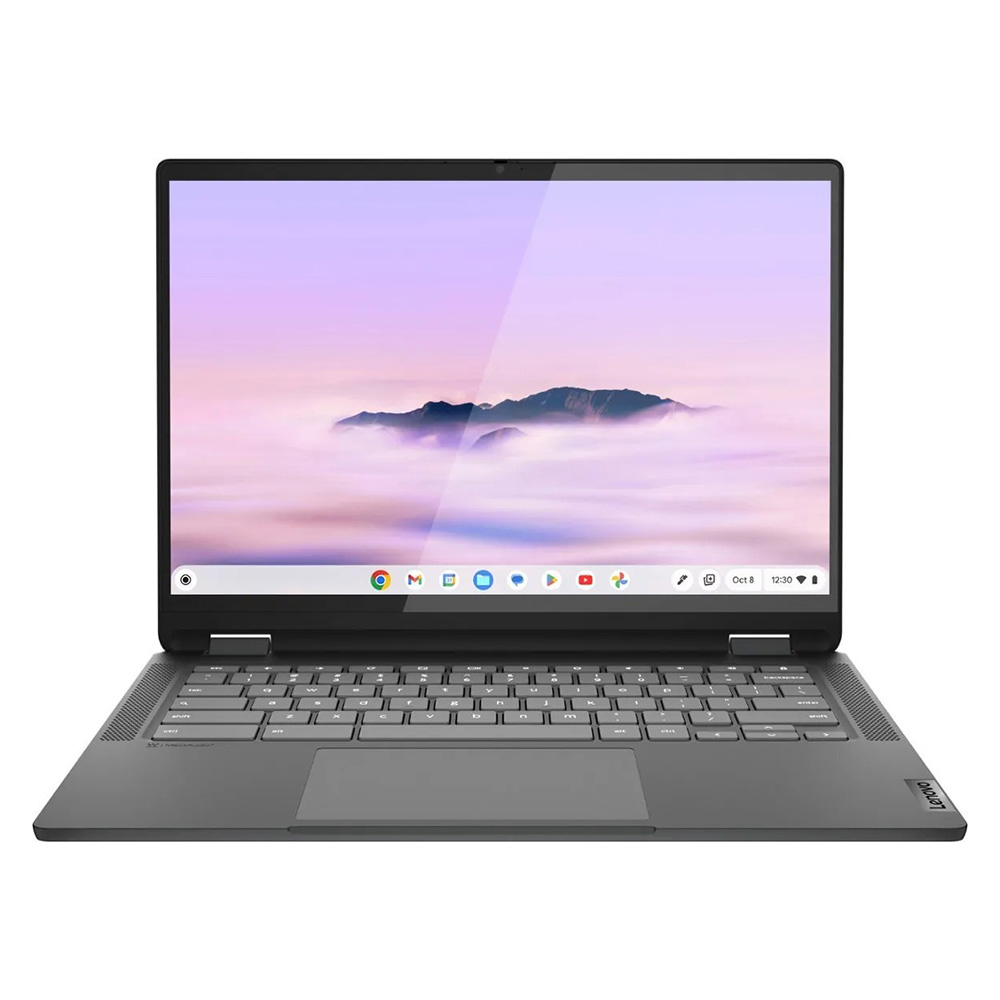
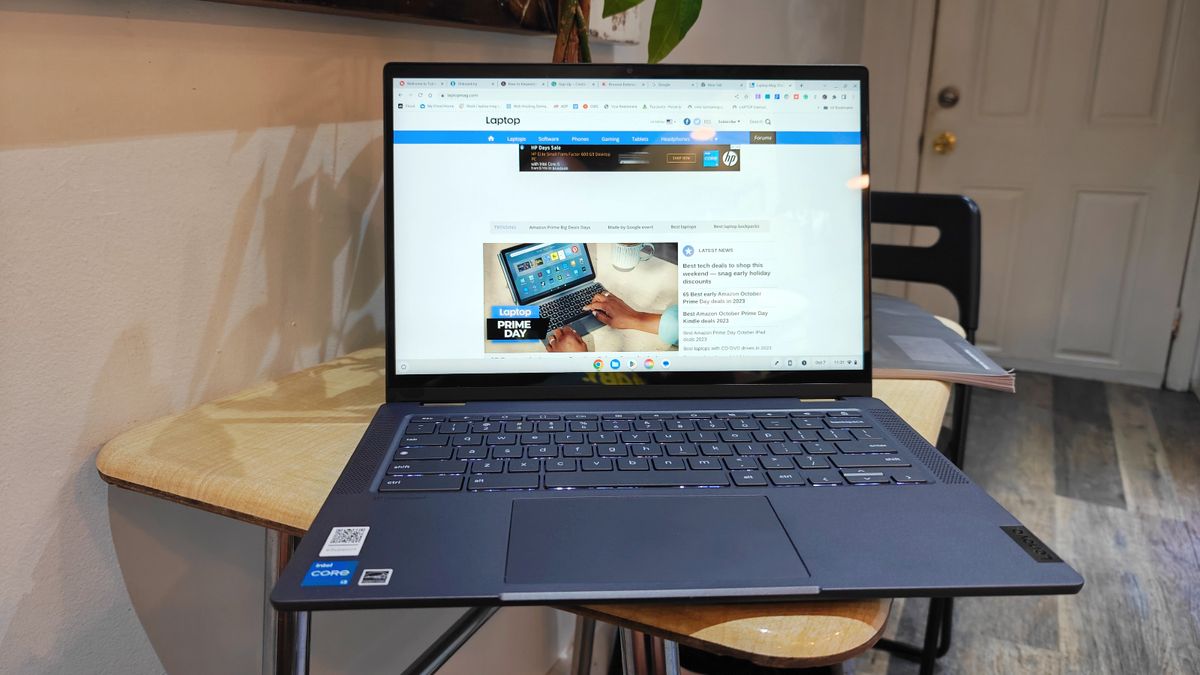
The Lenovo IdeaPad Flex 5i Chromebook Plus stands out as the premier choice for 2025. By leveraging Intel Core i3-1315U processors, it bridges the gap between high-end performance and budget accessibility. In synthetic testing, this unit achieved a Geekbench 6 multi-core score of 5,384—a figure that significantly outperforms many Windows laptops in the same price tier.
The device is designed as a 2-in-1, allowing for a versatile user experience. While the 14-inch IPS touchscreen is not as vibrant as high-end OLED panels, its 16:10 aspect ratio provides necessary vertical real estate for document editing and web navigation. With nearly 10 hours of real-world battery life, it remains a consistent performer for day-long tasks.
Lenovo Duet 5 Chromebook: The Portability Champion
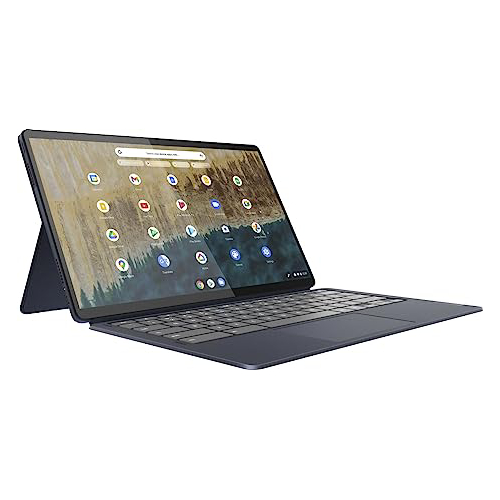
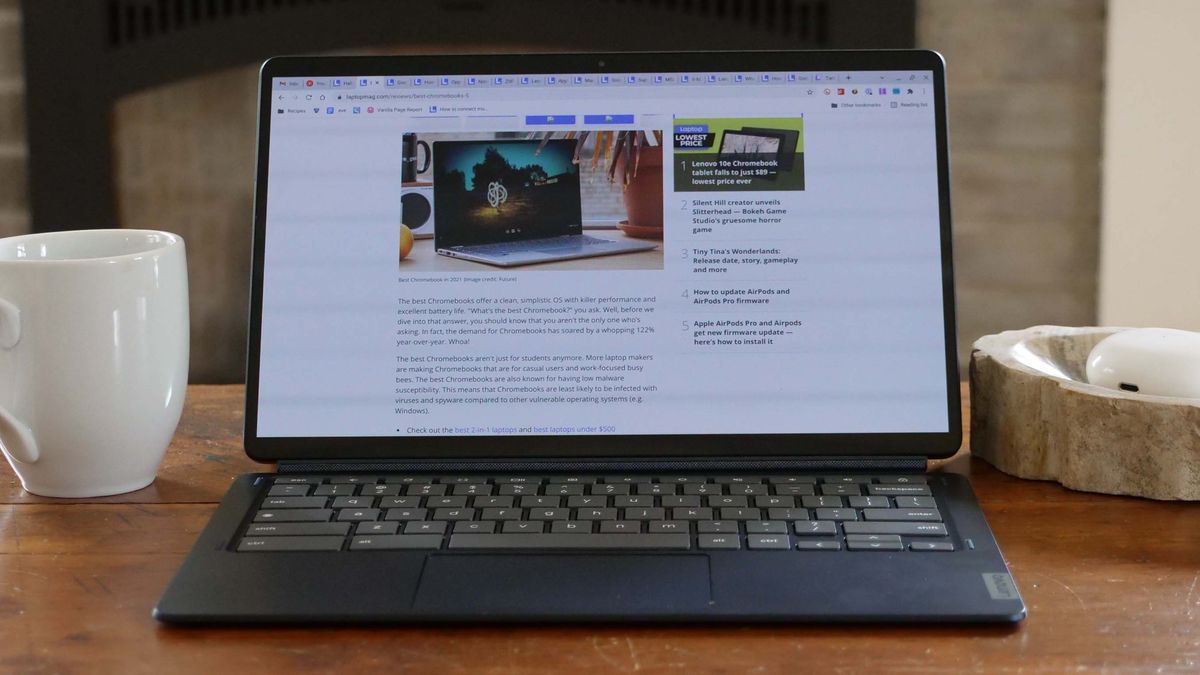
For those prioritizing mobility, the Lenovo Duet 5 Chromebook offers a compelling detachable design. Priced well under $300, it remains one of the few devices at this price point to feature a 13.3-inch OLED display. The inclusion of an OLED panel—typically reserved for premium ultrabooks—results in superior contrast and color depth compared to traditional IPS panels found in competitors.
The device is particularly suited for media consumption and light productivity. Despite having a lower performance ceiling compared to the Flex 5i, its battery efficiency is remarkable, clocking in at over 13 hours. The detachable keyboard and cover are included in the retail price, a factor that provides significant value compared to competitors that require separate peripheral purchases.
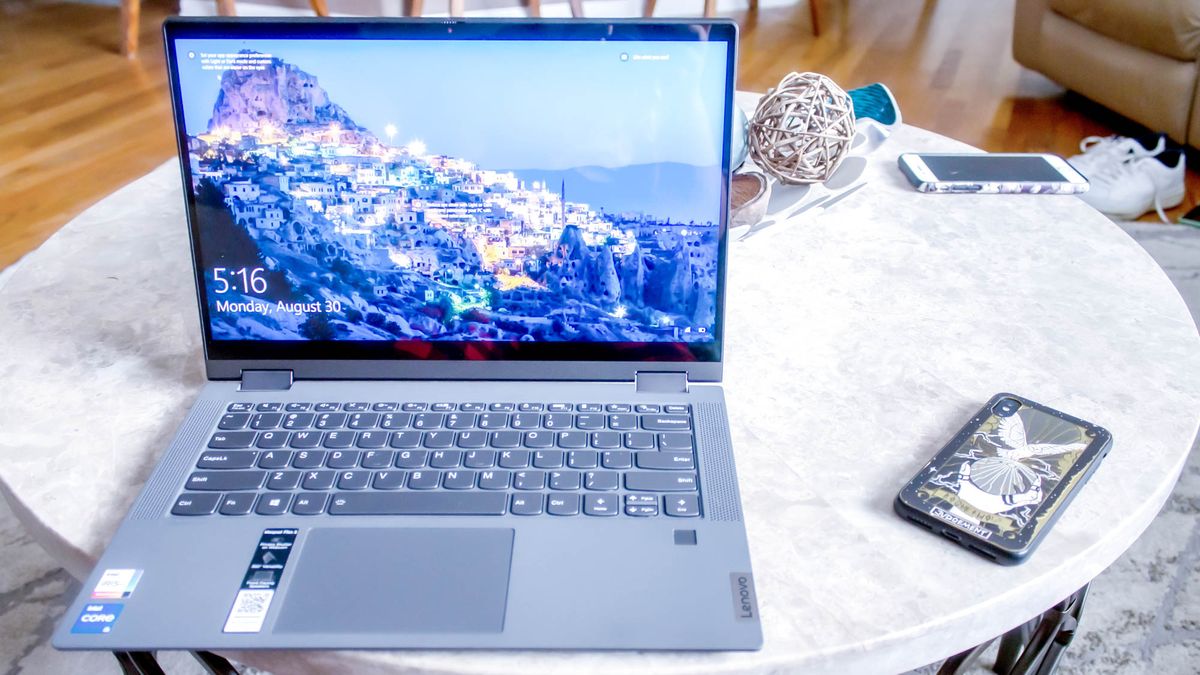
Lenovo IdeaPad Flex 5 14 (Intel): The Windows Standard
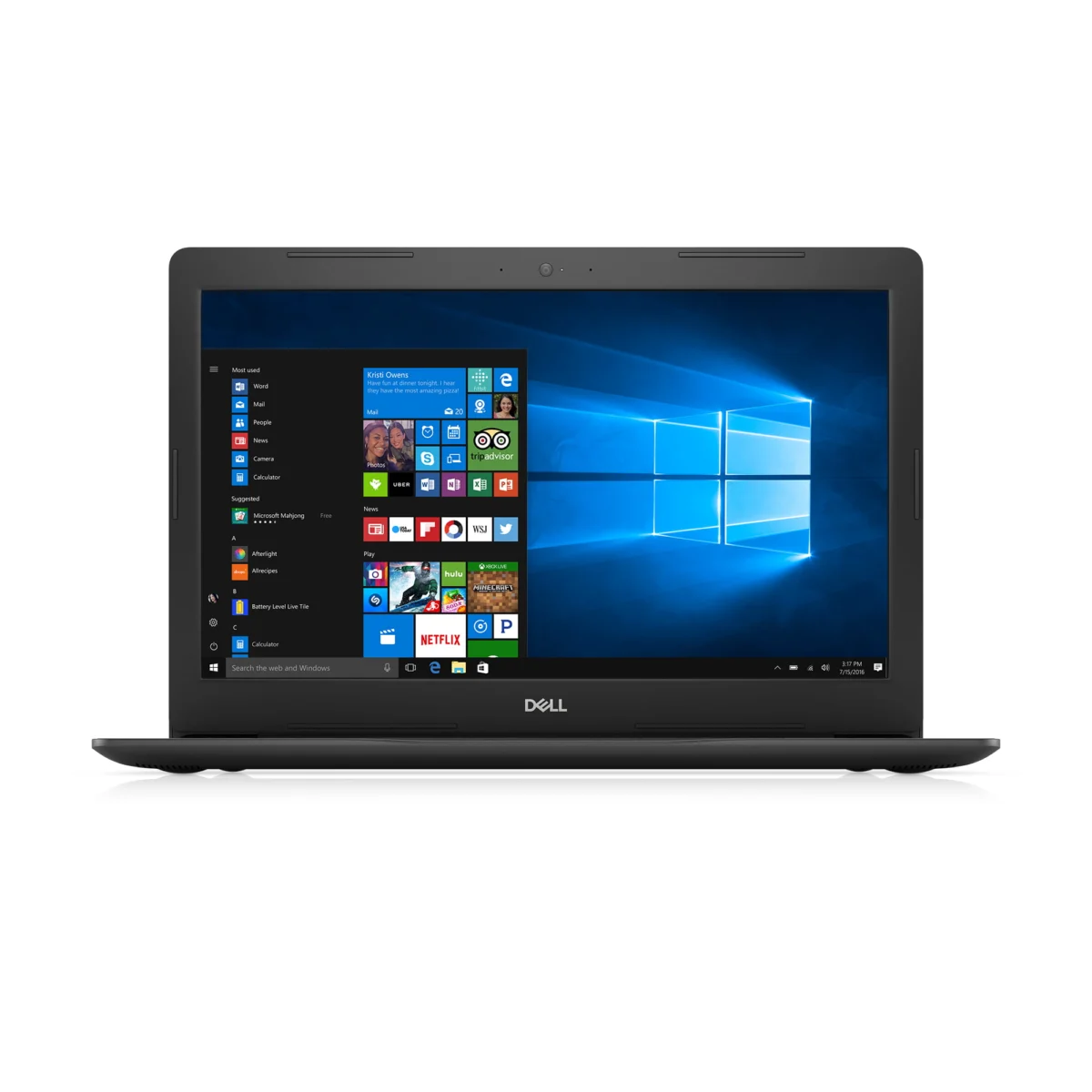
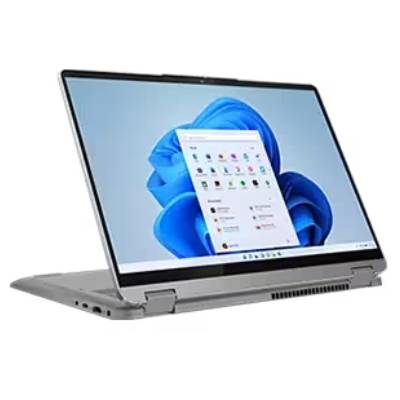
For users who require a Windows environment for legacy software or specific productivity tools, the Lenovo IdeaPad Flex 5 14 remains the most stable option under $500. It is one of the few Windows-based machines in this segment that avoids the "thermal throttling" issues common in lower-cost chassis.

Equipped with an Intel Core i5 processor and 16GB of RAM in its optimal configurations, it provides enough headroom for light multitasking. While the display brightness is modest (averaging 200 nits), the tactile quality of the keyboard and the chassis durability make it a reliable choice for professional environments where specialized Windows applications are mandatory.
Acer Chromebook Spin 312: The Student Essential
The Acer Chromebook Spin 312 has emerged as a favorite for educational institutions. Its primary strength lies in its durability and the implementation of Acer’s "OceanGlass" trackpad, which offers a tactile experience often absent in budget models. Featuring an Intel Core i3-N305 processor, it is purpose-built for the Google Workspace ecosystem, handling multiple browser tabs and educational software with minimal latency.

Technical Comparison and Performance Data
When evaluating these machines, industry experts prioritize data gathered through standardized testing protocols. The following metrics are essential for understanding the performance delta between these models:
| Model | Geekbench (Multi-core) | Battery Life (Web Surfing) | DCI-P3 Color Gamut |
|---|---|---|---|
| Lenovo Flex 5i Plus | 5,384 | 09:43 | 46.5% |
| Lenovo Duet 5 | 1,727 (GB5) | 13:31 | 85.2% |
| Lenovo Flex 5 14 | 3,841 (GB5) | 14:16 | 45.0% |
| Acer Spin 312 | 4,477 | 10:33 | 55.0% |
These figures demonstrate that performance is highly variable based on the intended use case. Users requiring raw computing power should gravitate toward the Flex 5i Plus, while those prioritizing screen quality and battery longevity will find better value in the Duet 5.
Strategic Considerations for Consumers
The decision-making process for a sub-$500 laptop should be guided by four primary factors:
- Operating System Compatibility: Before purchasing, users must confirm if their required software is compatible with ChromeOS. If the user relies on industry-standard software like the full Adobe Creative Cloud suite or specific proprietary engineering software, a Windows laptop is the only viable path. If the user relies on web-based applications (Google Docs, Microsoft 365, Canvas), a Chromebook is objectively the better value.
- Form Factor Requirements: The choice between a clamshell and a 2-in-1 convertible depends on the user’s need for pen input or tablet-mode usage. Convertibles offer more versatility, but the mechanical hinges can represent a point of failure over long-term, heavy usage.
- Future-Proofing: While it is difficult to future-proof a $500 device, users should look for models that support the latest Wi-Fi standards (Wi-Fi 6 or 6E) and ensure the device has a clear path for OS updates. Google typically provides eight years of security updates for Chromebooks from the platform’s release date, making them excellent long-term investments.
- Peripheral Integration: Many budget laptops limit the number of ports to save costs. Users should check for the presence of at least one USB-C port that supports Power Delivery, allowing for universal charging and docking.
Broader Economic and Market Implications
The availability of high-quality, low-cost hardware has significant implications for digital equity. As education and professional collaboration continue to move toward hybrid models, the barrier to entry for high-performance computing has been lowered. However, analysts warn that this may be a temporary state. External economic factors, including potential tariff hikes on imported electronic components and rising costs for rare-earth metals used in battery manufacturing, could place upward pressure on laptop prices.
According to recent analysis from the Federal Reserve, while the price index for personal computers has remained relatively stable over the past several years, the "quality-adjusted price" has actually declined, meaning consumers are receiving more computing power per dollar today than at any point in the last decade. Nonetheless, consumers are advised to take advantage of seasonal sales, such as those during major retail holidays, to secure the best possible specifications for their budget.
Conclusion: Making the Right Choice
The "best" laptop under $500 is fundamentally dependent on the user’s primary workflow. The Lenovo IdeaPad Flex 5i Chromebook Plus is the most well-rounded machine for those who want a blend of power and portability. The Lenovo Duet 5 provides an unparalleled display experience for media consumption, while the Lenovo IdeaPad Flex 5 14 remains the gold standard for Windows-reliant users. Finally, the Acer Chromebook Spin 312 offers a resilient, high-value solution for students.
By setting realistic expectations regarding display brightness and internal storage, and by focusing on the core essentials of battery life and processing efficiency, consumers can successfully navigate the budget laptop market. As the industry continues to innovate, the gap between "budget" and "premium" hardware will likely continue to narrow, further benefiting the everyday user.