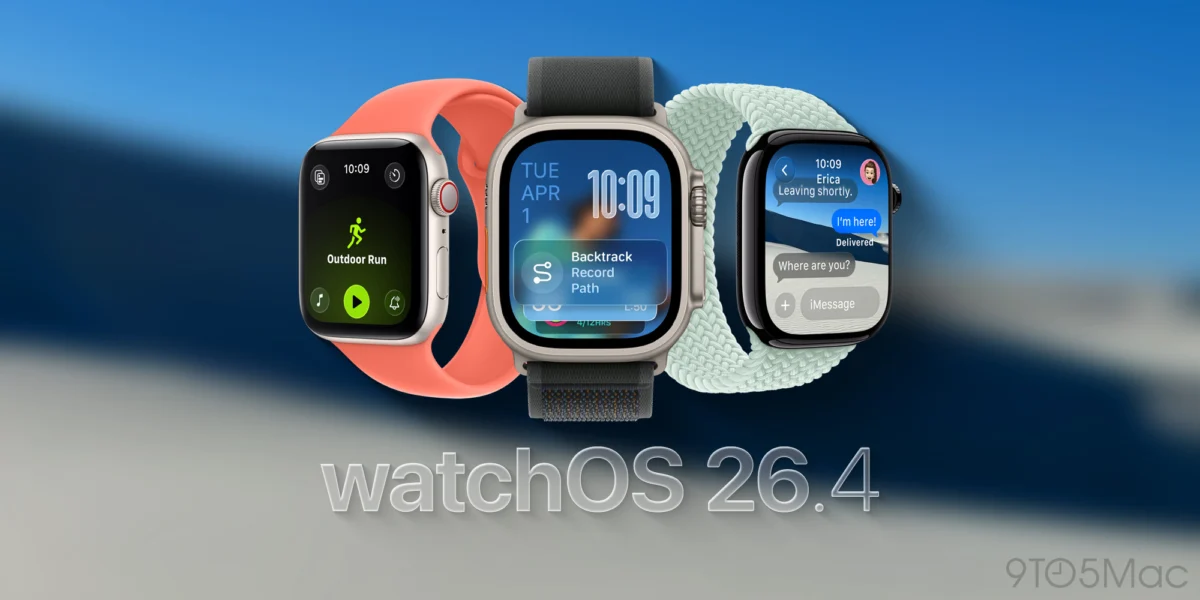
The release of watchOS 26.4 marks a significant milestone in Apple’s ongoing efforts to refine the user interface of its wearable ecosystem, specifically targeting long-standing grievances regarding the redesigned Workout application. When Apple initially launched watchOS 26 alongside the Apple Watch Series 11, it introduced a comprehensive overhaul of the fitness tracking experience. However, the update was met with a polarized reception from the fitness community. While the aesthetic changes were praised for their modern appearance, the functional implementation introduced a layer of friction that many veteran users found detrimental to their daily routines. With the deployment of watchOS 26.4, Apple has officially acknowledged and rectified the primary bottleneck in the workout initiation process, signaling a return to the "speed-of-thought" interaction model that defined the Apple Watch for over a decade.
The Evolution and Friction of the watchOS 26 Redesign
To understand the importance of the watchOS 26.4 update, it is necessary to examine the historical context of the Workout app. Since the inception of the Apple Watch in 2015, the Workout app has prioritized immediacy. For years, the interface consisted of a simple, scrollable list where a single tap on a workout type would trigger a three-second countdown and begin tracking. This established a deep-seated muscle memory for millions of users who rely on the device for high-intensity interval training (HIIT), running, and other activities where every second of data collection matters.
The introduction of watchOS 26 in late 2025 disrupted this flow. Apple’s design team sought to provide users with more granular control before a workout began. The new layout replaced the immediate-start mechanism with a detailed "pre-flight" view. When a user selected a workout type from the main list, they were presented with a centralized icon surrounded by four corner buttons. These buttons were dedicated to adjusting Workout Views, setting Goals and Targets, managing Media playback, and configuring Workout Buddy or Alert settings.

The core issue that emerged—and which watchOS 26.4 aims to solve—was the non-functional nature of the central workout icon in this new view. In versions 26.0 through 26.3, tapping the large, prominent icon of the sport (such as a runner or a swimmer) yielded no response. Instead, users were forced to locate and tap a specific, smaller "Play" icon at the bottom of the screen to commence tracking. This "dead zone" in the center of the screen became a source of significant frustration, as it defied standard UI logic where the most prominent element usually performs the primary action.
Technical Breakdown of the watchOS 26.4 Fix
The primary highlight of the watchOS 26.4 release notes is a concise but impactful statement: "Workout type icon in the Workout app lets you start a workout with a single tap." This change effectively merges the functionality of the central decorative icon with the "Play" button.
From a technical perspective, this update involves a remapping of the touch targets within the Workout app’s Swift-based architecture. By expanding the hit box of the workout initiation command to include the central glyph, Apple has eliminated the "taps that do nothing" error that plagued the initial watchOS 26 release. This ensures that whether a user taps the traditional Play button or the larger, more intuitive central icon, the software responds by initiating the workout tracking session immediately.
However, the update does not entirely revert to the old list-view behavior. The software still requires the full workout dashboard to load before the tap is registered. Technical analysis of the 26.4 build suggests that if a user attempts to tap a workout type while the list is still in its transition animation, the input may still be ignored. This indicates that while the "dead zone" issue is resolved, the underlying transition logic still prioritizes the loading of the new "pre-flight" dashboard over raw speed.
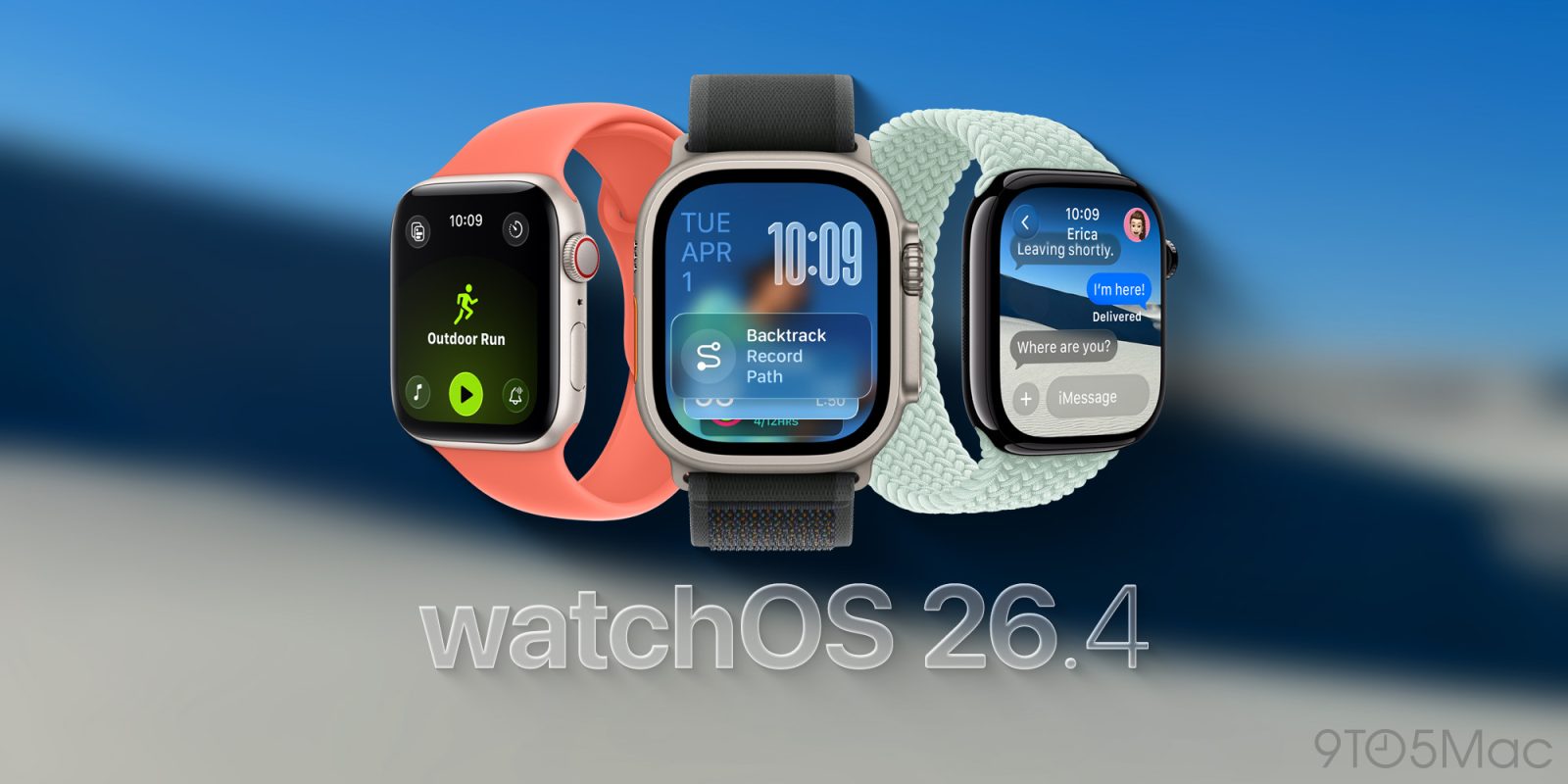
Chronology of the watchOS 26 Lifecycle
The path to watchOS 26.4 has been characterized by a rapid succession of iterative updates designed to stabilize a platform that underwent its most significant architectural shift in years.
- June 2025: Apple previews watchOS 26 at WWDC, highlighting the "intelligent workout dashboard" and advanced metrics for the Apple Watch Ultra 3 and Series 11.
- September 2025: watchOS 26.0 is released to the public. Reports immediately surface on developer forums and social media regarding the "clunky" nature of starting a workout.
- October – December 2025: watchOS 26.1 and 26.2 are deployed. These updates focus on battery life optimization and fixing a bug related to the Always-On display but do not address the Workout app UI.
- January 2026: watchOS 26.3 enters beta testing. Feedback regarding the Workout app reaches a crescendo, with prominent fitness tech reviewers calling for a "back-to-basics" approach for UI interactions.
- February 2026: Apple releases watchOS 26.4, specifically citing the Workout icon fix as a key feature.
Supporting Data and Market Reaction
The health and fitness segment remains the primary driver of Apple Watch adoption. According to market data from late 2025, approximately 78% of Apple Watch users engage with the Workout app at least three times per week. Among "Power Users"—those who own the Apple Watch Ultra series—that number rises to 92%.
Internal feedback loops and analytics likely showed a measurable increase in "failed interactions" within the Workout app following the release of watchOS 26. A "failed interaction" occurs when a user taps an element that provides no haptic or visual feedback, often leading to a second, more forceful tap or a navigation retreat. By addressing this, Apple is not just fixing a bug but is actively working to reduce the "cognitive load" required to use the device during physical exertion.
Industry analysts have noted that this move is characteristic of Apple’s "iterative perfectionism." While the company rarely admits that a design direction was flawed, the swiftness of the 26.4 fix suggests that the telemetry data provided a clear mandate for change. Fitness enthusiasts on platforms like Reddit and Strava have already begun reporting that the update makes the Apple Watch Series 11 feel "faster," even though the processor clock speeds remain unchanged from the previous version. The perception of speed is often tied directly to the responsiveness of the UI.

Broader Implications for watchOS Design Philosophy
The watchOS 26.4 update raises broader questions about the future of wearable design. As the Apple Watch screen has grown—from the original 38mm to the current 45mm and 49mm standards—Apple has felt more freedom to add complexity to the interface. However, the "workout icon" controversy proves that on a wearable device, complexity must never come at the expense of immediacy.
The "Play" icon metaphor was another point of contention addressed by the update. In standard UI language, "Play" is associated with media consumption (music, video, podcasts). For a fitness device, the act of "Recording" or "Starting" is distinct. By allowing the workout-specific icon to act as the trigger, Apple has successfully moved away from an ambiguous media metaphor and back toward a purpose-built fitness interaction.
Furthermore, this update benefits the hardware integration of the Apple Watch Series 11. With its improved S11 chip, the device is capable of handling complex UI transitions, but the software must be tuned to match that capability. The 26.4 update ensures that the hardware’s power is not wasted on a software layout that confuses the user.
Installation and Compatibility
The watchOS 26.4 update is available for all models compatible with watchOS 26, including the Apple Watch Series 7 and later, the Apple Watch SE (2nd Generation), and all versions of the Apple Watch Ultra.

To install the update, users must ensure their Apple Watch is placed on its charger and is within range of their iPhone connected to Wi-Fi. The update can be initiated via the Apple Watch app on the iPhone by navigating to General > Software Update. Given the critical nature of this fix for fitness-focused users, it is recommended that all eligible users perform the update immediately to restore the streamlined workout experience they have come to expect from the platform.
As Apple moves toward the inevitable announcement of watchOS 27, the lessons learned from the 26.4 patch will likely influence the next generation of interface design. The balance between providing deep data insights and maintaining a frictionless "start" button remains the central challenge for the world’s most popular smartwatch. For now, the watchOS 26.4 update stands as a successful pivot, proving that even a decade into the product’s life, user feedback remains a vital component of the development cycle.