








For creative professionals, engineers, and data scientists, the modern workstation laptop is no longer merely a portable computer; it is the central hub of a high-stakes professional ecosystem. Whether the task involves rendering complex 3D environments, editing 8K video streams, or running large-scale machine learning simulations, the hardware requirements have evolved significantly in 2025. As professional workflows move toward increasingly demanding software environments, the distinction between a high-end consumer laptop and a dedicated mobile workstation has become more critical than ever.
The industry landscape has shifted over the past twelve months. With the integration of advanced AI-accelerated processors—such as the Intel Core Ultra series, AMD’s Ryzen AI 9 chips, and Apple’s latest M4 architecture—workstations now offer unprecedented efficiency. However, raw power is only one component of the equation. Professionals must now balance thermals, display color accuracy, and, increasingly, battery efficiency, as hybrid work models demand that these machines perform as well in the field as they do at a studio desk.
The Evolution of Mobile Computing Power
The historical trajectory of the mobile workstation began with heavy, chassis-thick "luggables" that prioritized cooling above all else. Today, however, the industry has reached a point of convergence where slim, lightweight chassis are capable of housing hardware that previously required desktop towers.
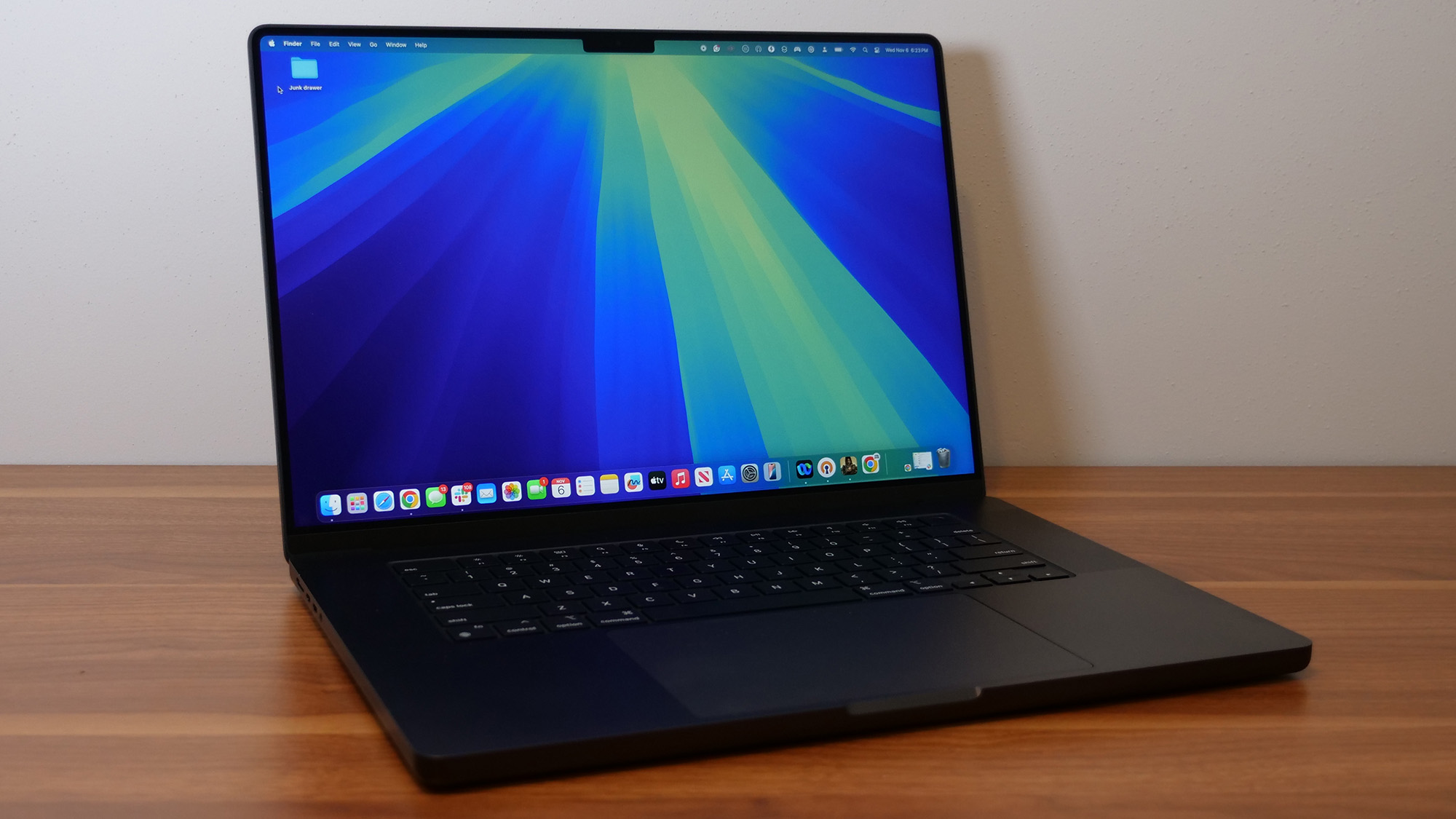
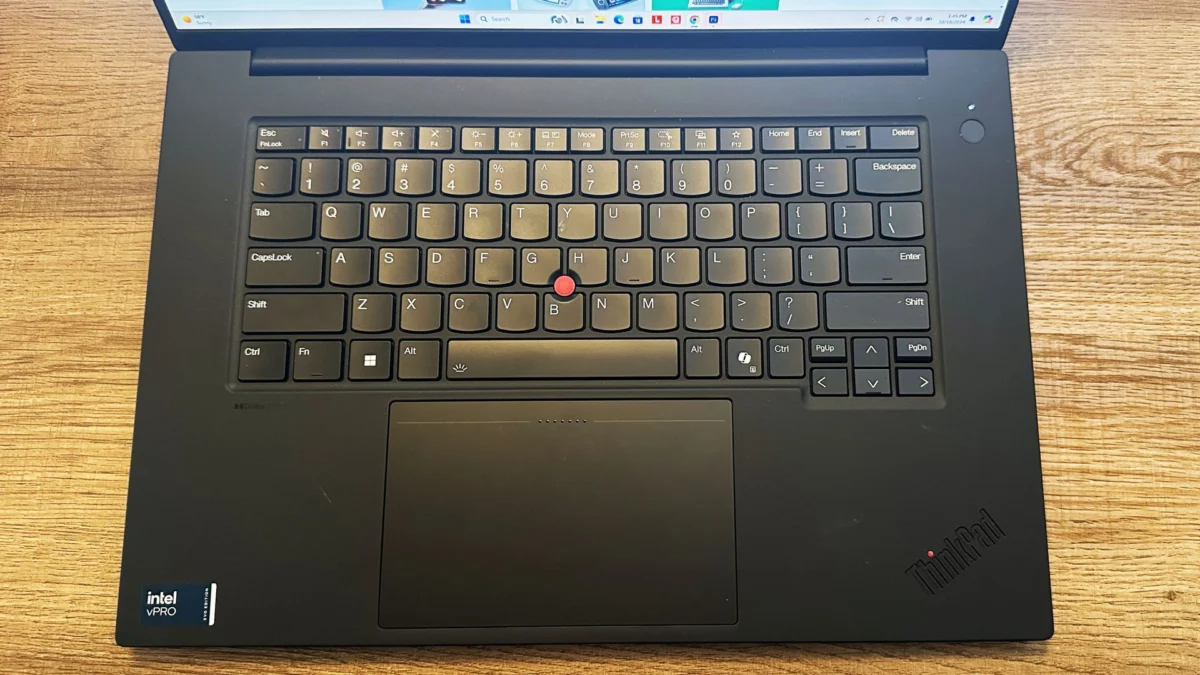
In early 2024, the arrival of Nvidia’s Ada Generation laptop GPUs marked a major turning point for the sector. By offloading specific ray-tracing and AI-denoising tasks to dedicated hardware, these GPUs allowed laptops like the Lenovo ThinkPad P1 Gen 7 to handle heavy visualization tasks that were previously restricted to stationary workstations. Following this, the late 2024 and early 2025 releases of the Apple M4 Pro and Max chipsets demonstrated that unified memory architecture could rival, and in some cases surpass, traditional discrete graphics performance in specific creative suites like Adobe Premiere Pro and DaVinci Resolve.
Top-Tier Performance: Analysis of the Current Market
When evaluating the current market, performance benchmarks provide the most objective look at how these machines handle stress. According to internal testing, the performance delta between a standard consumer gaming laptop and a professional workstation lies not just in the GPU, but in the thermal management and driver optimization.
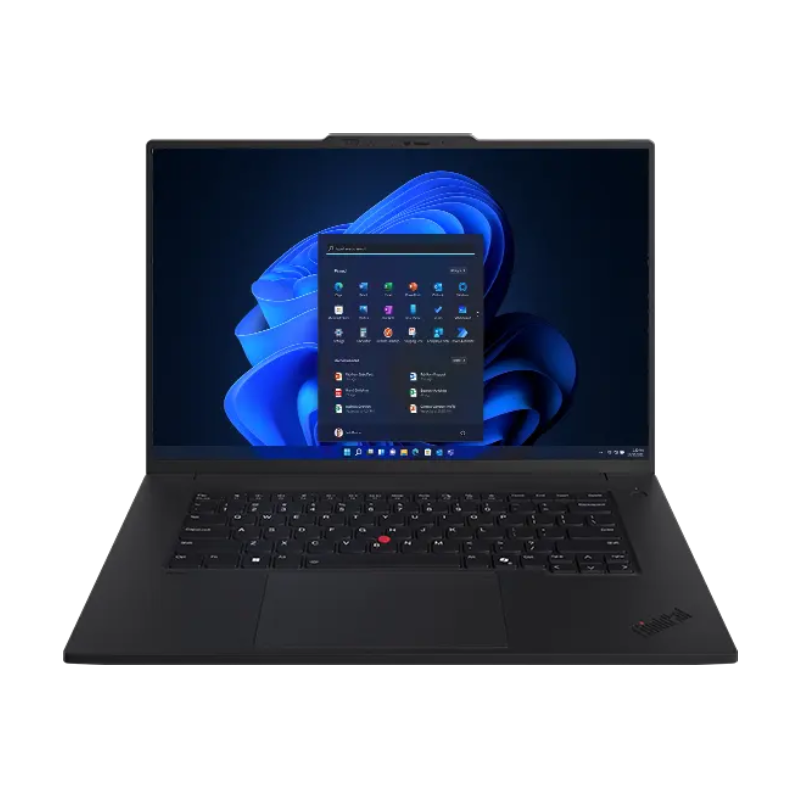
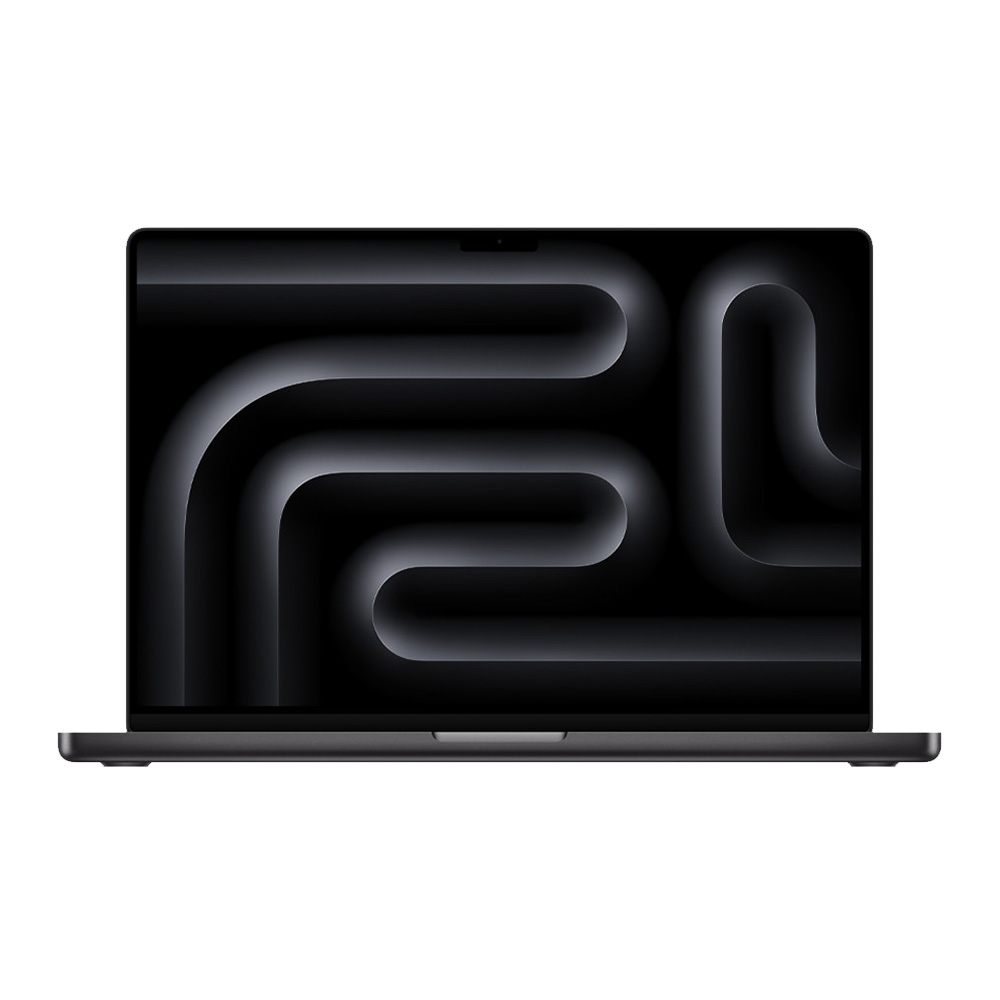
For instance, the Lenovo ThinkPad P1 Gen 7 serves as the current industry benchmark for "overall" utility. With a multicore Geekbench 6 score of approximately 12,974, it maintains a balance between portability and sustained power. In contrast, the Apple MacBook Pro 16-inch, equipped with the M4 Pro chip, hits a significantly higher ceiling, with multicore averages reaching 22,822. This disparity underscores the trend toward custom silicon; Apple’s integration of CPU, GPU, and Neural Engine into a single package allows for rapid data transfer that traditional Windows architectures—often reliant on distinct components—sometimes struggle to match without significant thermal overhead.
Addressing the Budget and Portability Paradox
Not every professional requires the extreme power of a top-of-the-line workstation. For those in fields like graphic design or software development, the priority is often a machine that can sustain a high workload without the physical burden of a 5-pound laptop.
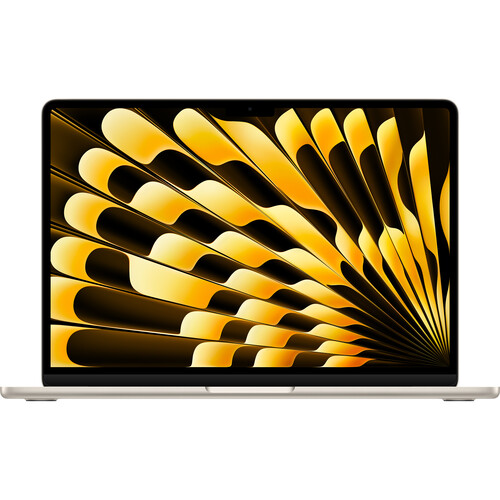
The Apple MacBook Air 13-inch (M4, 2025) has become a staple for mobile professionals on a budget. Despite being classified as an ultraportable, its ability to handle intensive creative applications is a testament to the efficiency of the M4 chip. However, industry analysts note a critical limitation: the lack of a discrete GPU. While the integrated graphics are impressive for standard creative tasks, the machine reaches a hard wall when faced with high-polygon 3D modeling or massive data sets.
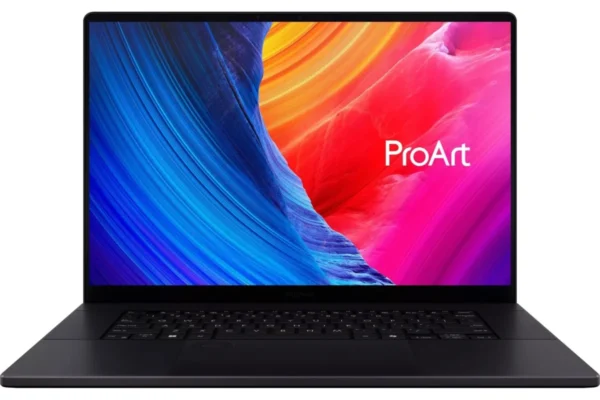
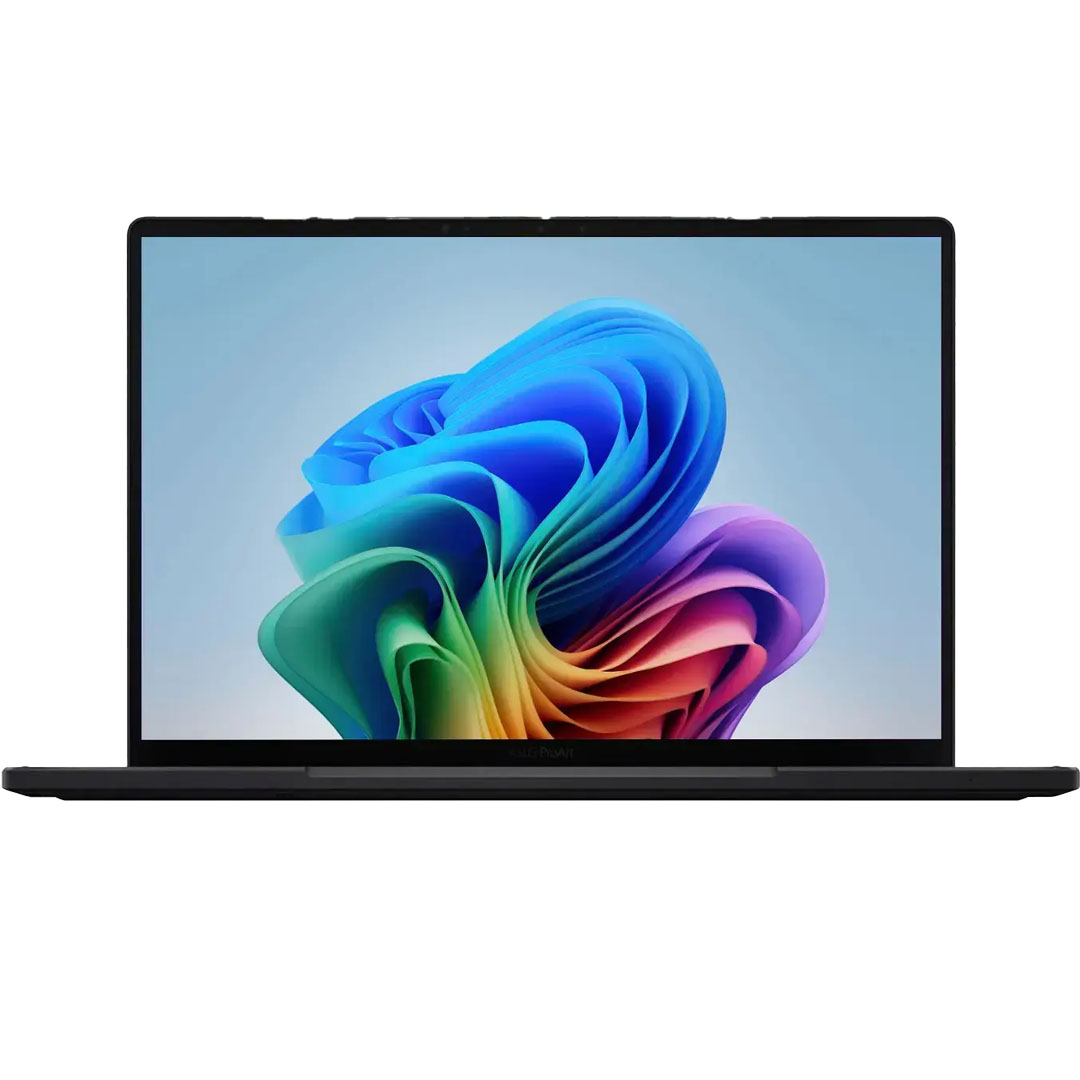
For Windows-based users needing that discrete GPU without the $3,000+ price tag, the Asus ProArt PX13 has emerged as a disruptive choice. By utilizing the Nvidia RTX 4050, it bridges the gap between a gaming laptop and a professional workstation, offering a 2-in-1 form factor that is increasingly popular among digital illustrators who require both touch input and raw rendering power.
Technical Specifications and Selection Criteria
Selecting a workstation is a significant capital investment. Experts advise that for 2025, the baseline specifications for a viable workstation include:
- Processor: At minimum, an Intel Core Ultra 7 or equivalent. For high-demand tasks, an Intel Core Ultra 9 or Apple M4 Max is recommended to avoid bottlenecking during complex rendering.
- Graphics: Dedicated workstation-class GPUs (such as the Nvidia RTX 3000/4000/5000 Ada series) are essential for software optimized for CUDA, such as Blender or AutoCAD.
- Memory: 32GB is the functional minimum. Because many modern high-performance laptops use soldered RAM, professionals are cautioned against "future-proofing" on a budget. If the project scale is expected to grow, starting at 64GB is the industry standard for firms that intend to keep hardware for 3–5 years.
- Storage: Speed is as important as capacity. NVMe PCIe 4.0 SSDs are mandatory. In testing, slower SATA-based storage consistently causes "stutter" during large-file video editing, regardless of how powerful the CPU is.
The Role of Display Fidelity
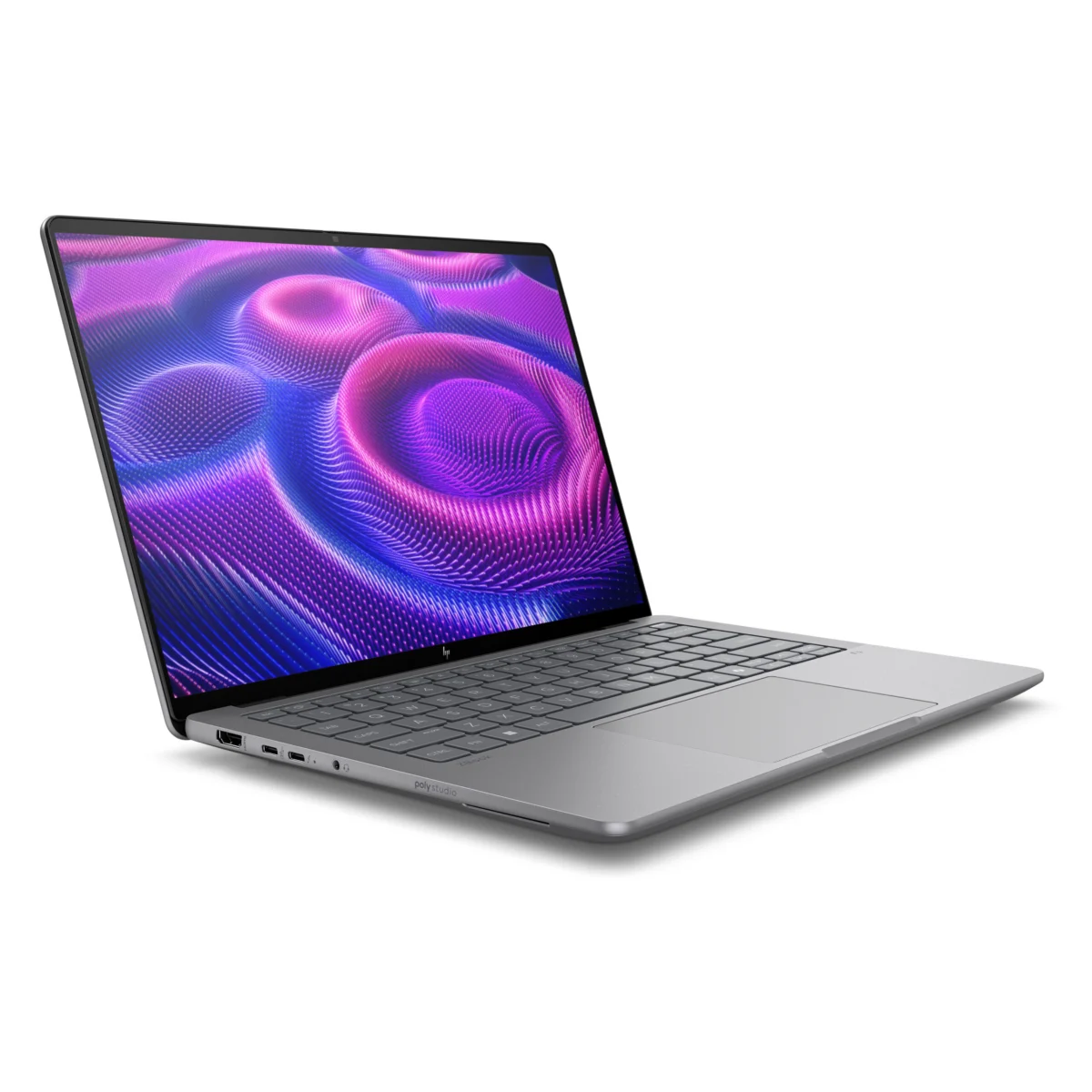
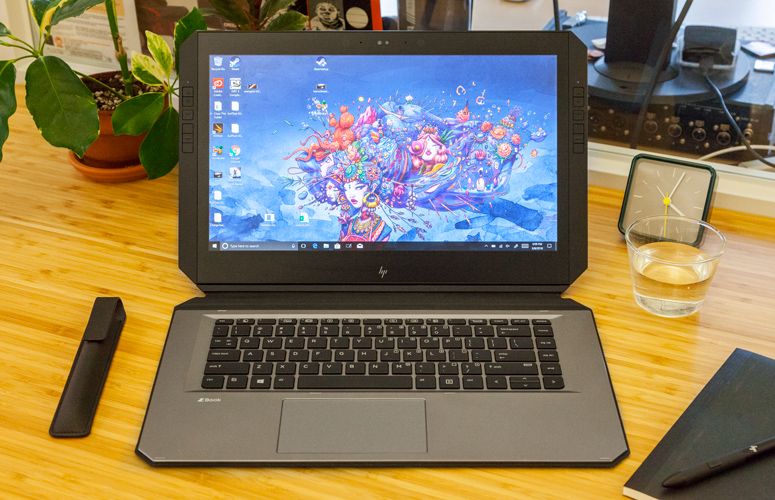
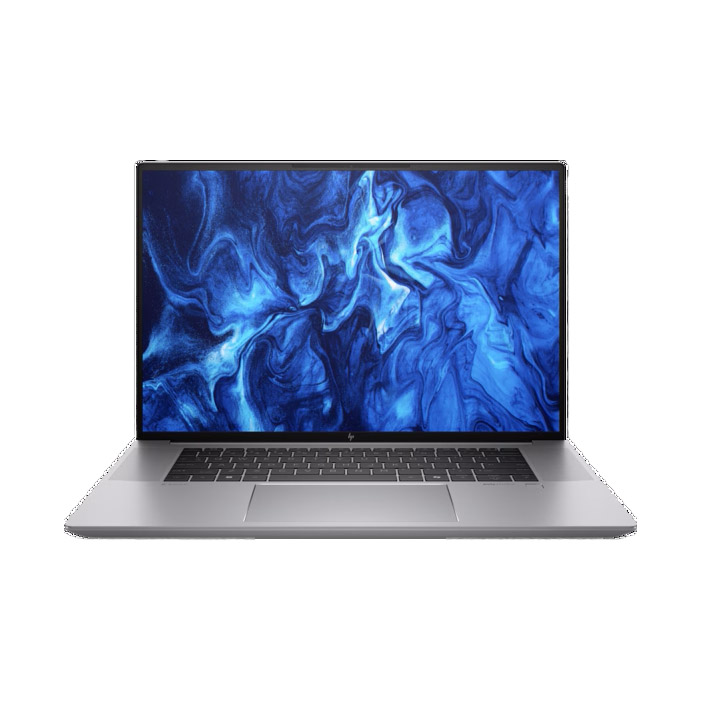
The display is arguably the most neglected component by those transitioning from gaming laptops to workstations. A gaming display prioritizes refresh rates (often 144Hz or higher), which is beneficial for motion, but not for static color grading. A professional workstation, such as the HP ZBook Studio 16 G11, prioritizes color gamut coverage—often hitting over 100% of the DCI-P3 spectrum. For photographers and film editors, this level of accuracy is non-negotiable. Without a high-fidelity display, even the most powerful processor is useless, as the user cannot accurately judge the final output of their work.
Broader Implications and Future Trends
The move toward AI-integrated workflows is reshaping the workstation market. Manufacturers are now highlighting "TOPS" (Trillions of Operations Per Second) as a primary metric for their Neural Processing Units (NPUs). While this is currently a secondary concern compared to raw CPU/GPU power, analysts expect this to become the primary differentiator by 2026.
Furthermore, the industry is seeing a shift in how these machines are procured. Large design firms are moving away from proprietary, locked-down hardware, instead opting for fleets of high-performance laptops that can be serviced in-house. This shift has forced manufacturers like Lenovo and HP to improve the modularity and reparability of their P-series and ZBook lines.
Conclusion: Making the Right Investment
The decision to purchase a workstation should be dictated by the specific software in the professional’s stack. If the workflow is rooted in Adobe Creative Cloud, the Apple Silicon ecosystem offers a level of power-to-efficiency that remains difficult for Windows OEMs to match in terms of battery life. However, for engineers requiring specific Windows-only CAD environments or complex simulations that demand the raw power of an Nvidia RTX 5000 Ada GPU, the HP ZBook and Lenovo ThinkPad series remain the gold standard.
Ultimately, the best workstation is one that disappears into the background of a workflow. It should provide enough overhead that the hardware is never the limiting factor in the creative process. As mobile architecture continues to evolve, the gap between "desktop power" and "portable convenience" will continue to shrink, providing professionals with even greater freedom to execute complex projects from anywhere in the world. As we look toward the remainder of 2025, the focus will remain on cooling, color accuracy, and the ability of these machines to sustain peak performance for hours on end—a challenge that, for the first time, all major manufacturers are successfully meeting.