Navigating the entry-level laptop market has historically been a perilous endeavor, often characterized by sluggish performance, subpar build quality, and unreliable hardware. However, as of mid-2025, the landscape for affordable computing has shifted. Manufacturers have increasingly refined their low-cost offerings, ensuring that consumers no longer need to sacrifice basic functionality to stay within a sub-500-dollar budget. By focusing on essential tasks such as web-based productivity, document creation, and multimedia streaming, current budget models have become viable tools for students, educators, and casual users alike.

The Evolution of the Budget Computing Market
The market for sub-500-dollar devices is currently dominated by two distinct categories: Windows-based laptops and Chromebooks. While Windows laptops often provide a more traditional desktop experience, Chromebooks—powered by Google’s ChromeOS—frequently offer superior value in this price bracket. This is largely because ChromeOS is less resource-intensive, allowing hardware with modest specifications to perform with a degree of fluidity that would otherwise strain a Windows 11 installation.
Data from the past year indicates that while the average price of consumer electronics has fluctuated due to global supply chain adjustments and potential tariff implementations, the quality-to-price ratio of entry-level machines has steadily improved. Industry analysts note that components such as 8GB of RAM and 128GB of eMMC storage, once considered luxuries at this price point, are now becoming standard, allowing for a more stable multitasking experience.
Top Performers in the Sub-500 Dollar Category
As of May 2025, several models have emerged as industry benchmarks for cost-efficiency.
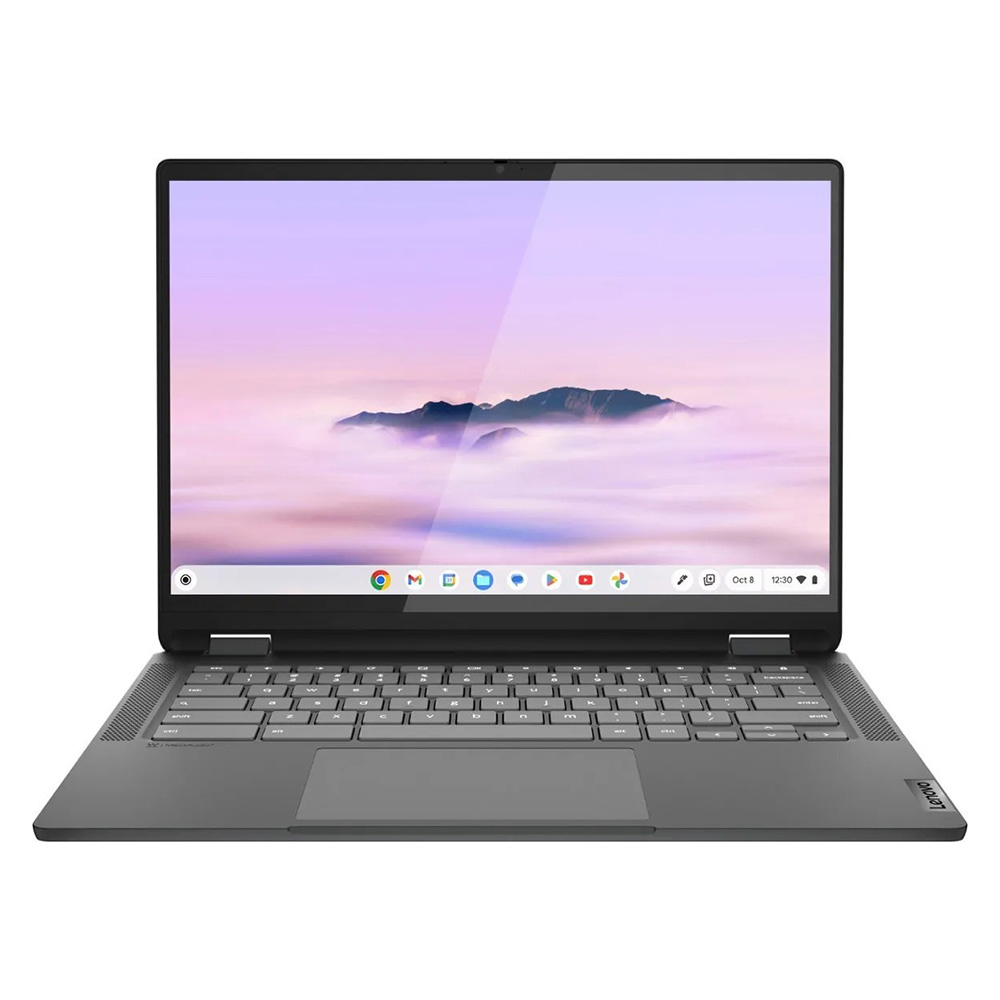
1. Lenovo IdeaPad Flex 5i Chromebook Plus
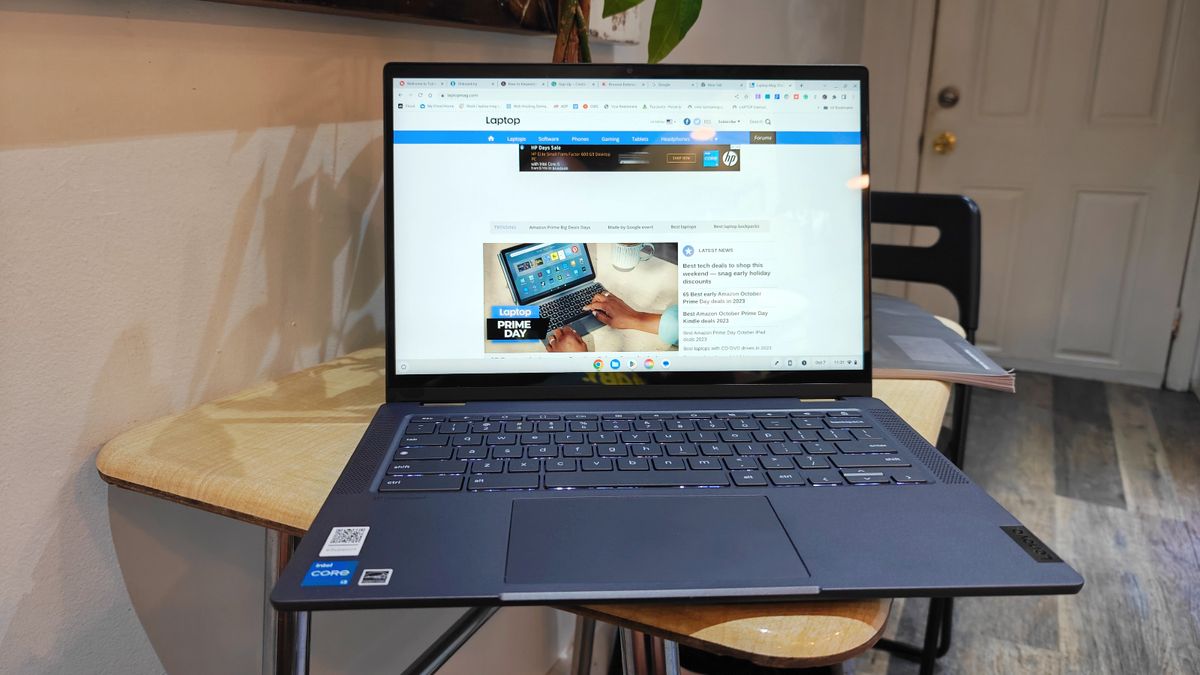
The Flex 5i stands out as the premier option for those requiring a balance of performance and versatility. Equipped with an Intel Core i3-1315U processor and 8GB of RAM, this 2-in-1 device has demonstrated a Geekbench 6 multi-core score of 5,384, significantly outpacing the category average. Its AI-infused performance capabilities allow it to handle more demanding web applications, while its 14-inch IPS touch display provides a crisp 1080p resolution.
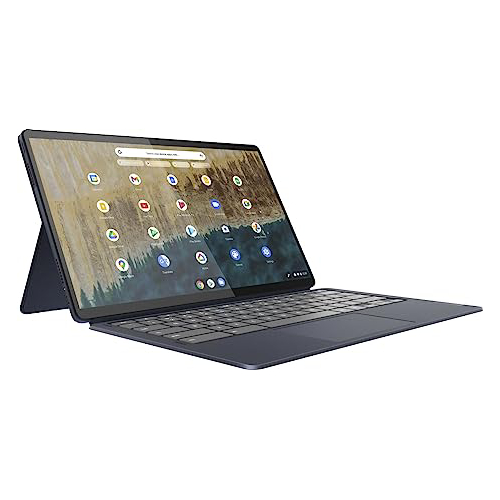
2. Lenovo Duet 5 Chromebook
For users prioritizing portability and display quality, the Duet 5 remains a formidable contender. Its primary differentiator is a 13.3-inch OLED display, a rare inclusion for a sub-300-dollar device. While its synthetic benchmark performance—averaging 1,727 on Geekbench 5—is more modest, its battery efficiency is industry-leading, reaching over 13 hours on a single charge. The inclusion of a detachable keyboard makes it a highly flexible tool for mobile work.
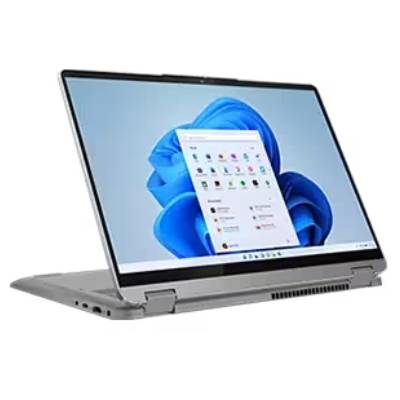
3. Lenovo IdeaPad Flex 5 14 (Intel)
Representing the best Windows-based option, the IdeaPad Flex 5 14 serves as a bridge between affordability and power. Featuring an Intel Core i5-1135G7 processor, it offers a more robust environment for users who require traditional desktop software. With a battery life exceeding 14 hours in real-world testing, it avoids the common pitfalls of budget Windows machines that often suffer from premature power failure.
4. Acer Chromebook Spin 312
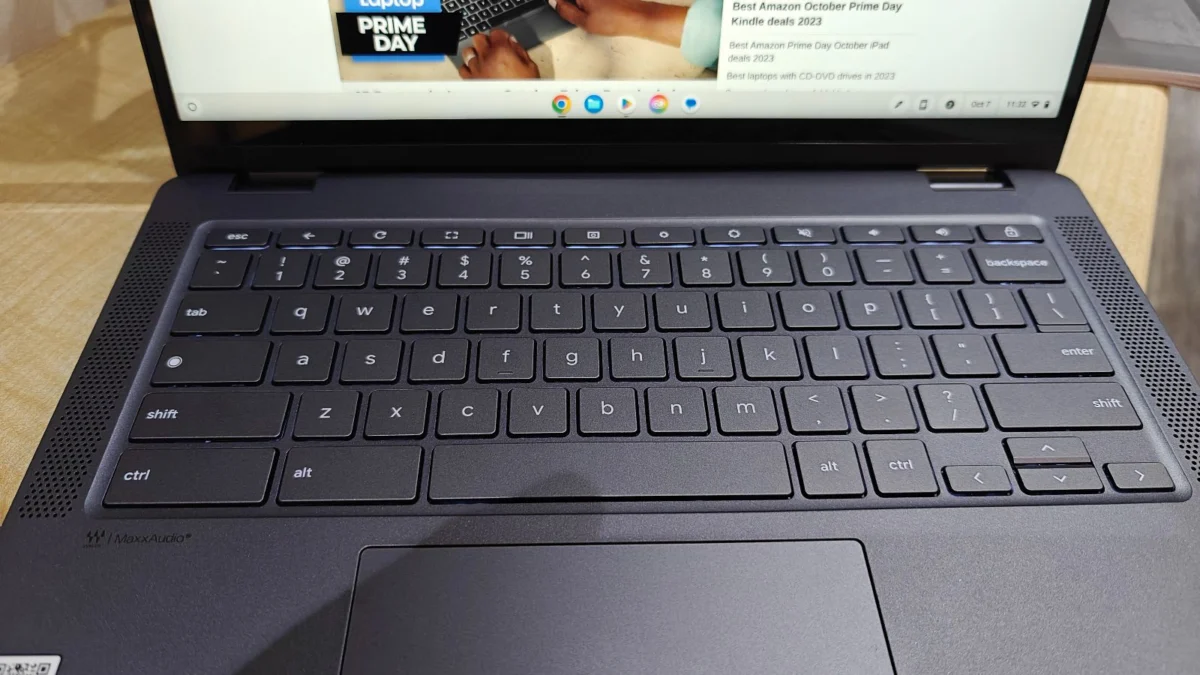
Targeted specifically at the student demographic, the Spin 312 has gained traction for its durability and tactile experience. With a weight of less than 3 pounds and a sturdy chassis, it is designed for the rigors of classroom environments. The inclusion of the "OceanGlass" touchpad and a Corning Gorilla Glass-coated display provides a premium tactile feel that is atypical for its 450-dollar price tag.
Strategic Selection Criteria for Consumers
Choosing a device in this price range requires a clear understanding of intended use cases. To maximize the value of a sub-500-dollar investment, consumers should prioritize three specific hardware metrics:

- Processor Architecture: While Intel N-series or MediaTek Kompanio processors are common, they are best suited for Chromebooks. For Windows users, seeking an Intel Core i3 or Ryzen 3 series is highly recommended to ensure basic longevity.
- Memory and Storage: Avoid devices with less than 8GB of RAM. While 128GB of eMMC storage is standard, users should be prepared to utilize cloud storage solutions like Google Drive or OneDrive to mitigate the limitations of physical space.
- Battery Sustainability: A machine should offer at least 10 hours of real-world battery life. Any device falling below the 8-hour mark is generally considered a poor investment, as it limits the device’s utility as a portable workstation.
Implications of Market Trends
The current stability in the budget laptop market is not guaranteed. Potential legislative shifts regarding electronic tariffs could significantly alter pricing structures in the coming quarters. Industry experts suggest that if tariff hikes are implemented, the availability of high-quality sub-500-dollar laptops could contract, potentially forcing consumers toward more expensive mid-range tiers.
Furthermore, the integration of AI-based features—even in entry-level processors—suggests that future budget laptops will increasingly rely on cloud-based computing rather than local processing power. This shift benefits Chromebooks, which are designed specifically for this architecture. For Windows users, the requirement for higher local hardware specifications may make finding a "budget" device more difficult as operating system demands continue to rise.

Rigorous Testing Methodologies
The assessments provided herein are derived from a comprehensive testing protocol. Each laptop undergoes a standardized series of synthetic benchmarks, including Geekbench 5 and 6, which measure multi-core and single-core CPU efficiency. Additionally, real-world tests—such as 4K video transcoding and large file duplication—are performed to simulate user workloads.
Thermal management is also a critical metric. Using a 15-minute high-definition video playback test, technicians measure surface temperatures to ensure that the chassis remains within the 95-degree Fahrenheit comfort threshold. These lab-based findings are then paired with subjective, long-term hands-on reviews to provide a complete picture of the user experience.
Final Considerations for Buyers
The "best" budget laptop is ultimately defined by the specific needs of the user. Students requiring a rugged device for note-taking and research will find the most value in a 2-in-1 Chromebook like the Acer Spin 312. Professionals or home users who occasionally need to run Windows-exclusive applications should prioritize the Lenovo IdeaPad Flex 5 14.
As of May 2025, the market is currently in a state of high value for the consumer. With retailers offering frequent discounts throughout the year, especially surrounding major retail events like Black Friday and Cyber Monday, prospective buyers are encouraged to monitor current price fluctuations. By maintaining realistic expectations—understanding that these machines are built for utility rather than high-end gaming or professional-grade video editing—consumers can secure a reliable device that will serve its purpose for years to come.