In an increasingly digitized world, where virtual meetings, remote work, and online content creation have become cornerstones of professional and personal life, the quality of one’s digital presence has never been more critical. Gone are the days when a laptop’s integrated webcam sufficed for occasional video calls. Today, a high-quality external webcam is an indispensable tool, serving as the visual gateway to effective communication, engaging presentations, and compelling online content. This shift underscores a broader trend: the imperative for individuals and professionals alike to project clarity, professionalism, and engagement in their virtual interactions.
The Evolving Landscape of Digital Communication
The genesis of the modern webcam dates back to the early 1990s, with the first commercial webcam, the QuickCam, emerging in 1994. Initially, these devices were novelty items, offering grainy, low-resolution images primarily for rudimentary video conferencing. However, the early 21st century saw a gradual integration of webcams into laptops, making them a standard feature. For years, these built-in cameras, often limited to VGA or 720p resolution, were deemed "good enough."
The dramatic acceleration of remote work and online learning, particularly from 2020 onwards, fundamentally altered this perception. As millions transitioned to conducting business, education, and social interactions entirely online, the deficiencies of standard laptop webcams became glaringly apparent. Users experienced pixelated images, poor low-light performance, narrow fields of view, and subpar audio, leading to a diminished professional appearance and less effective communication. This widespread realization fueled an unprecedented demand for external webcams capable of delivering superior audio and visual fidelity. Industry analyses from firms like Statista and Grand View Research have consistently pointed to significant growth in the global webcam market, projecting continued expansion as hybrid work models solidify and the creator economy flourishes.
The Imperative for Superior Visuals
The core argument for investing in an external webcam is simple yet profound: image and sound quality directly impact perception. In a professional context, a sharp, well-lit image and clear audio convey competence and attention to detail. Conversely, a blurry, dark, or choppy video feed can inadvertently undermine credibility. For content creators and streamers, the stakes are even higher. High-definition visuals and crisp audio are foundational to viewer engagement, retention, and ultimately, audience growth.
Beyond the Built-in: Why External Webcams Dominate
While some premium laptops, such as the 16-inch MacBook Pro M4 Pro with its 12MP Center Stage camera, offer commendable integrated solutions, these are exceptions rather than the norm. Most original equipment manufacturers (OEMs) prioritize thin chassis designs, which often necessitate smaller, less capable camera sensors. External webcams, unconstrained by such design compromises, can incorporate larger sensors, more sophisticated lenses, and dedicated image processing hardware. This allows them to capture more light, produce richer colors, offer wider fields of view, and manage challenging lighting conditions more effectively.
Key Considerations for Choosing a Webcam
Selecting the right webcam involves balancing various technical specifications with individual needs and budget. The market offers a diverse range of options, from affordable general-purpose cameras to advanced models tailored for specific professional applications.
Resolution and Frame Rate: The Foundation of Clarity
Resolution, typically measured in pixels (e.g., 1080p, 4K), dictates the level of detail a webcam can capture. A 1080p (1920 x 1080) resolution is generally considered the minimum for a professional appearance in virtual meetings and is perfectly adequate for most casual streaming. For those demanding the absolute sharpest image, 4K (3840 x 2160) webcams offer unparalleled clarity, making them ideal for high-end content creation, detailed presentations, or situations where every pixel matters.
Frame rate (FPS – frames per second) refers to how smoothly video appears. While 30 FPS is standard and acceptable for most video calls, a higher frame rate of 60 FPS provides a noticeably smoother, more fluid motion. This is particularly beneficial for live streamers, gamers, or anyone whose content involves dynamic movement, as it reduces motion blur and creates a more immersive viewing experience.
Sensor Technology and Low-Light Performance
The sensor is the "eye" of the webcam, capturing light and converting it into an image. Larger sensors, like the 1/2-inch sensor found in some premium models or the 8.5MP Sony STARVIS CMOS sensor in others, can gather more light. This is crucial for excellent low-light performance, ensuring a clear and vibrant image even in dimly lit environments, reducing the need for elaborate lighting setups. Features like High Dynamic Range (HDR) further enhance image quality by balancing exposure in scenes with both bright and dark areas, preventing blown-out highlights or crushed shadows.
Audio Quality: The Unsung Hero
While visuals often take center stage, audio quality is equally vital. Many external webcams integrate superior microphones compared to their laptop counterparts. Features like stereo microphones, dual beamforming mics, or noise-canceling technology significantly improve voice clarity by isolating the speaker’s voice and minimizing background distractions. For professional use, clear audio ensures that every word is heard, fostering more effective communication.
Advanced Features: AI Tracking, Autofocus, and Privacy
Modern webcams incorporate a range of advanced features that enhance user experience and versatility. Responsive autofocus ensures that the subject remains sharp even if they move closer or further from the camera. AI tracking, often facilitated by a motorized gimbal, can automatically follow a user’s movements, keeping them perfectly framed during presentations or dynamic content creation. This is particularly valuable for educators, presenters, or fitness instructors who need to move freely while on camera. Physical privacy shutters are also a crucial addition, offering peace of mind by ensuring the camera is completely blocked when not in use.
Top Webcam Recommendations for Every Need
Based on extensive testing and user feedback, several models stand out for their performance, features, and value across different user profiles.
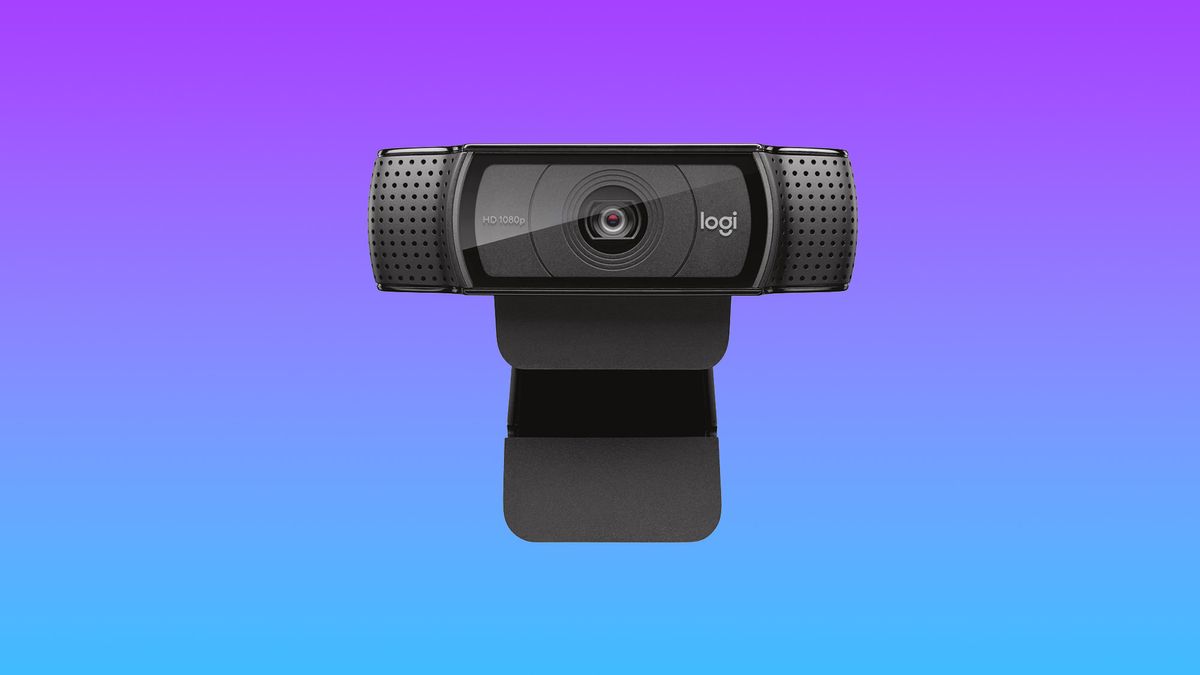
Best Overall: Logitech HD Webcam C920 – The Reliable Workhorse
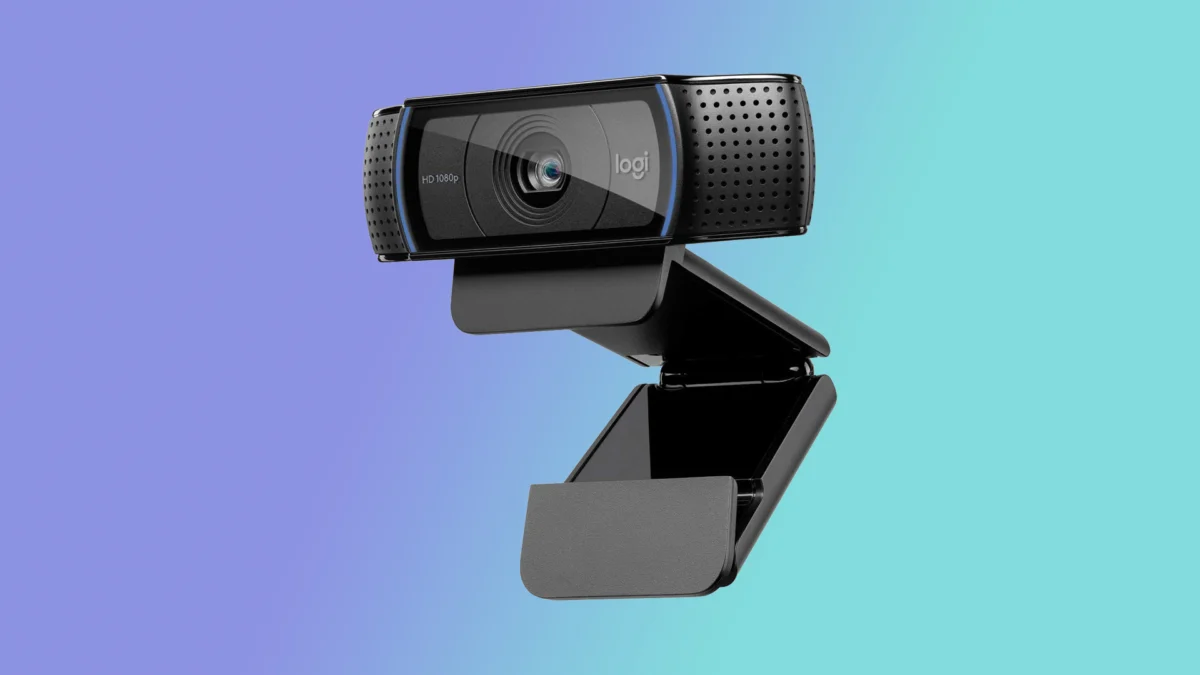
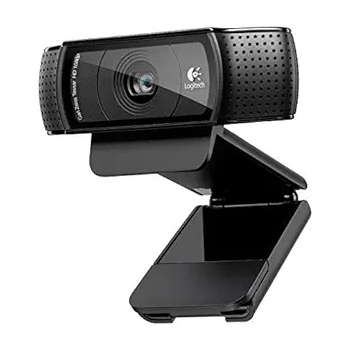
The Logitech HD Webcam C920 has consistently remained a favorite for its exceptional balance of quality and affordability. Priced around $60, this 1080p camera delivers sharp, color-accurate, and crystal-clear images, far surpassing the quality of most integrated laptop webcams. Its 78-degree field of view is wide enough to comfortably frame two people, making it suitable for small group teleconferences. While its accompanying software is considered somewhat basic, allowing for filters and angle adjustments, the core performance of the C920 is its primary strength. For individuals seeking a significant upgrade without a substantial investment, the C920 represents outstanding value, making the return to a standard laptop camera almost unimaginable once experienced.
- Specifications: Resolution: 1920 x 1080; Size: 1.14 x 3.70 x .94 inches; FPS: 30fps; Built-in Mic: Stereo mic; Autofocus: Yes; Gimbal: No; HDR: No.
- Pros: Excellent video quality, highly affordable, wide-angle lens.
- Cons: Underwhelming software.
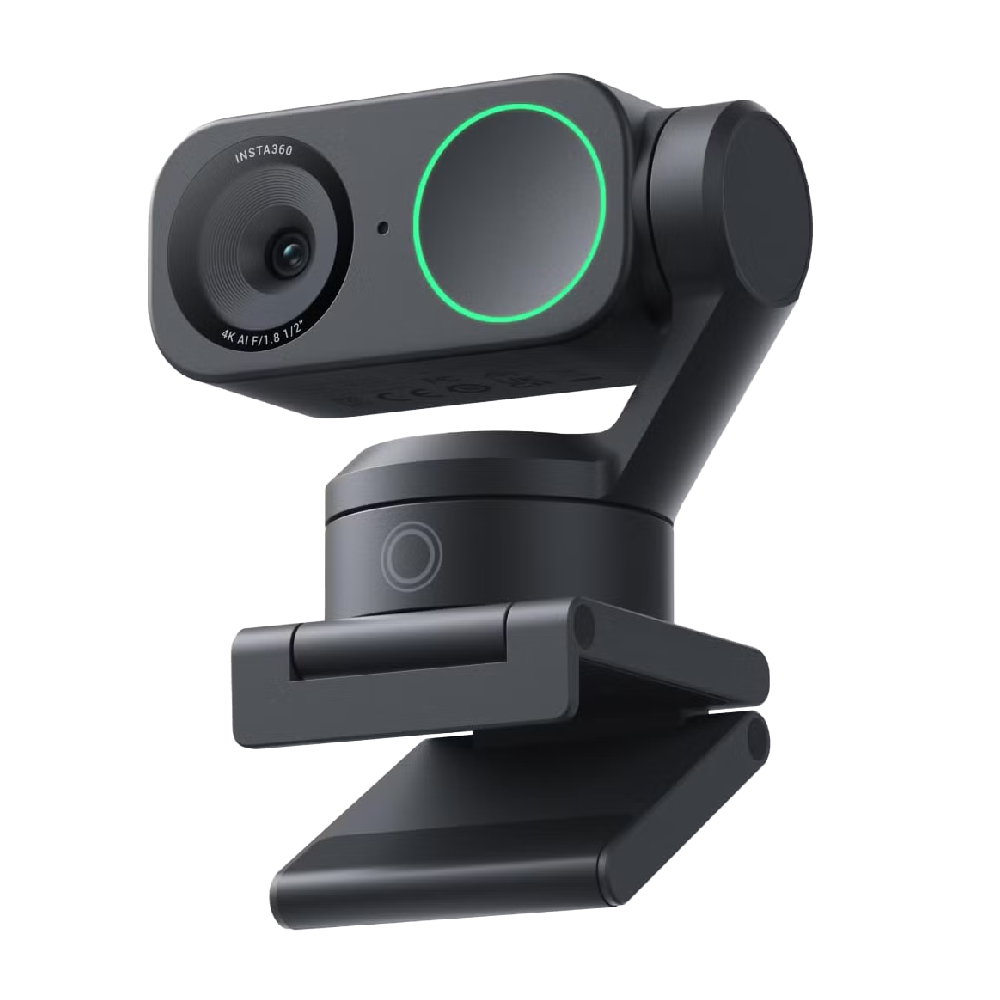
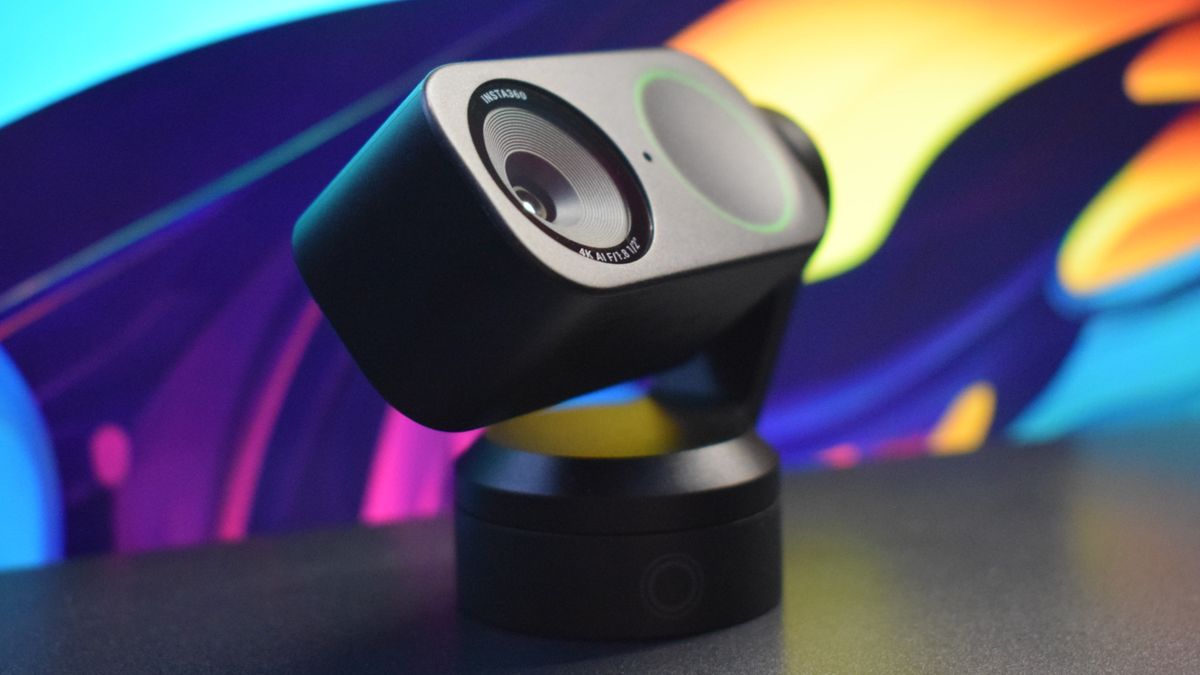
Best Premium Webcam: Insta360 Link 2 – AI-Powered Innovation
For users demanding production-level results and advanced functionality, the Insta360 Link 2 is a standout premium option. Retailing around $199, this 4K webcam integrates a unique dual-axis gimbal design, enabling it to turn and tilt, coupled with highly responsive AI tracking that keeps the user perfectly framed and in focus, even when moving. This makes it an ideal tool for content creators, professional presenters, and educators. The Link 2’s capabilities extend to specialized modes, such as automatically snapping focus and cropping to capture whiteboards, or transforming into a DeskView for hands-on demonstrations. Equipped with an improved 1/2-inch sensor, it excels in low-light conditions, producing richly detailed and crisp images that rival those from entry-level DSLR cameras when paired with appropriate lighting.
- Specifications: Resolution: 3840 x 2160; Size: 2.8 x 2.3 x 1.5 inches; FPS: 30fps at 4K, 60fps at 1080p; Built-in Mic: Noise-cancelling pinhole mic; Autofocus: Yes; Gimbal: Yes; HDR: Yes.
- Pros: DSLR-like image and video quality, extensive picture customization, responsive and accurate AI tracking, versatile design, excellent low-light performance.
- Cons: Middling audio quality (though still an improvement over most laptop mics).
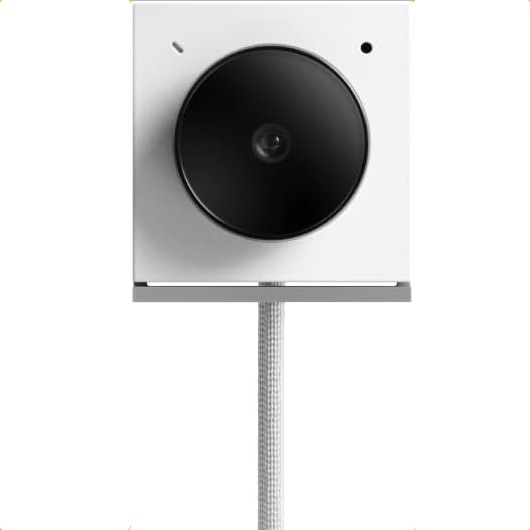
Best Travel Webcam: Opal Tadpole – Portability Meets Performance
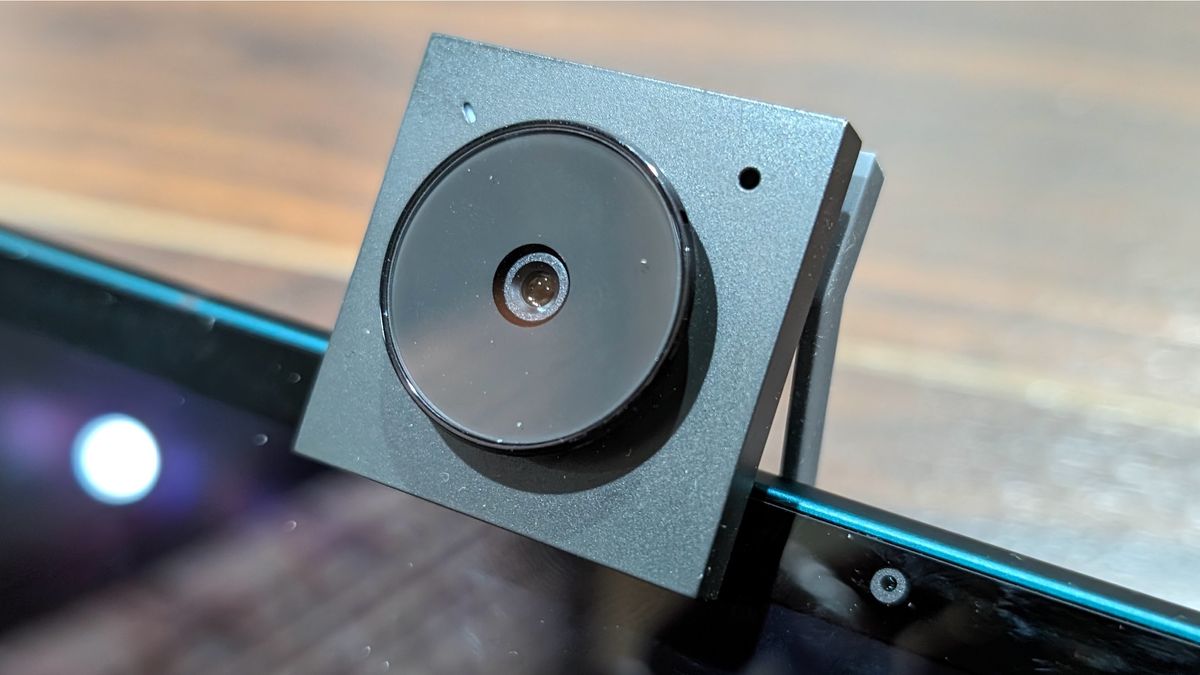
Remote workers and frequent travelers often face the dilemma of subpar laptop webcams versus bulky external options. The Opal Tadpole offers a compelling solution, combining ultimate portability with excellent 4K image quality. Its diminutive, clip-on design, reminiscent of an old iPod Shuffle, makes it incredibly easy to carry without adding noticeable weight to a laptop bag. The plug-and-play functionality via its built-in USB-C cable ensures effortless setup. Despite its small size, the Tadpole delivers a sharp, vivid image with outstanding low-light and HDR capabilities, dramatically improving video call quality compared to integrated laptop cameras. While its full companion app is currently macOS only, its core functionality is robust on both macOS and Windows.
- Specifications: Resolution: 3840 x 2160; Size: 1.4 x 1.8 x 0.8 inches; FPS: 30fps at 4K; Built-in Mic: MEMS directional mic; Autofocus: Yes; Gimbal: No; HDR: No.
- Pros: Tiny clip-on design, sharp vivid image, outstanding low-light and HDR quality, plug-and-play on macOS or Windows.
- Cons: Full companion app is macOS only, directional mic can be finicky.
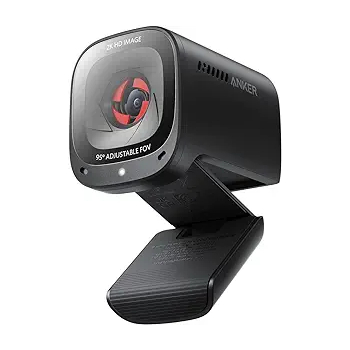
Best Midrange Webcam: Anker PowerConf C200 – Value and Versatility
For those seeking a high-quality webcam that punches above its price point, the Anker PowerConf C200 (around $69.99) is an excellent midrange choice. This stylish and sturdy 2K webcam delivers outstanding image quality that rivals or surpasses many pricier competitors. It provides crisp, color-accurate images in both normal and low-light conditions, complemented by super-fast autofocus. A notable feature for home office users is the integrated physical privacy shutter, offering peace of mind. The C200 is a testament to Anker’s ability to deliver premium features at an accessible price, making it a strong contender for anyone needing a significant upgrade without breaking the bank.
- Specifications: Resolution: 2560 x 1440; Size: 2 x 1.6 x 2.2 inches; FPS: 60fps @ 2K; Built-in Mic: Dual-stereo mics; Autofocus: Yes; Gimbal: No; HDR: No.
- Pros: Good build quality, outstanding 2K image quality, fast autofocus, excellent low-light performance.
- Cons: Noise-canceling can sometimes cause choppy digitized audio.
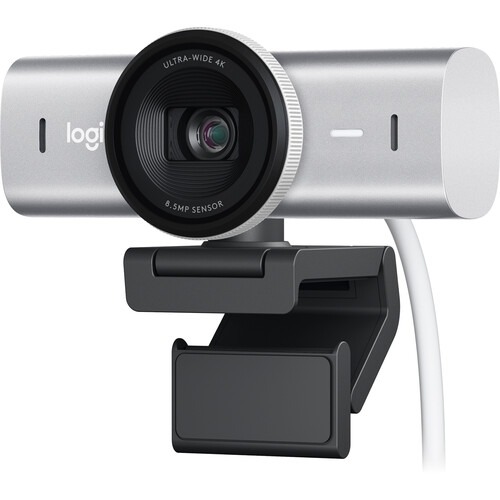
Best 4K Webcam: Logitech MX Brio 4K – Uncompromised Detail
When uncompromised 4K image quality is the top priority, the Logitech MX Brio 4K webcam stands out. While it commands a higher price point (around $200), its advanced 8.5MP Sony STARVIS CMOS sensor ensures incredibly sharp video and stills with bright, vivid colors. This superior sensor not only yields exceptional images in ideal lighting but also maintains excellent quality in less-than-perfect conditions. The MX Brio features a privacy shutter for enhanced security and robust build quality. While its AI tracking is competent, users prioritizing dynamic movement tracking might lean towards the Insta360 Link 2. However, for sheer static image fidelity, the MX Brio excels, offering features like "Show Mode" and the ability to track faces, bodies, whiteboards, and even desks with remarkable clarity.
- Specifications: Resolution: 3840 x 2160; Size: 1.7 x 3.9 x 1.4 inches; FPS: 30fps at 4K, 60fps at 1080p; Built-in Mic: Dual Beamforming mic; Autofocus: Yes; Gimbal: No; HDR: No.
- Pros: Sharp video and stills with bright and vivid image quality, privacy shutter on lens, sturdy build quality, excellent low-light performance with smooth autofocus, Show Mode is a valuable feature.
- Cons: Solid mic, but could be better.
Navigating the Webcam Market: A Buyer’s Guide
The journey to finding the ideal webcam hinges on prioritizing clarity of image and video quality relative to the product’s price point. However, several other factors can significantly influence the decision. Portability is paramount for frequent travelers, making compact designs like the Opal Tadpole highly appealing. For high-end professional applications, such as detailed content creation or complex presentations, features like AI tracking, motorized gimbals, and robust picture customization, as offered by the Insta360 Link 2, become essential. Budget-conscious consumers will find excellent value in options like the Logitech C920 or the Anker PowerConf C200, which deliver substantial upgrades over integrated cameras without a premium price tag. Ultimately, the "best" webcam is the one that most effectively meets an individual’s specific communication needs, technical requirements, and financial constraints.
The Future of Webcams
The evolution of webcam technology is far from over. Future innovations are likely to focus on enhanced AI capabilities for more sophisticated tracking and framing, improved computational photography for even better low-light performance and dynamic range, and tighter integration with communication platforms for seamless user experiences. As virtual and augmented reality technologies mature, webcams may also play a role in capturing real-world environments for immersive digital interactions. The trend towards smaller, yet more powerful sensors, combined with advanced software, suggests a future where exceptional video quality becomes even more accessible and versatile across all digital platforms.
Editorial Integrity and Expertise
This comprehensive guide is built upon the rigorous testing methodologies and decades of experience provided by Laptop Mag. As a leading authority in mobile technology reviews, Laptop Mag meticulously evaluates hundreds of devices annually, extending beyond laptops to smartphones, tablets, headphones, webcams, PC accessories, and software. Our commitment to 100% independent and trustworthy reviews is underpinned by a strict regimen of synthetic benchmarks and real-world application tests, ensuring that every recommendation is based on quantifiable performance and practical usability. Our editorial trustworthiness is further reinforced by Future Publishing, one of the world’s largest technology publishers, providing an unrivaled depth of expertise across every tech sector.