The quest for laptops equipped with integrated CD-DVD drives remains a surprisingly persistent search query in 2025, reflecting a lingering demand despite the industry’s widespread shift towards digital media and thinner device profiles. While manufacturers have largely phased out built-in optical drives from brand-new mainstream models, a dedicated segment of consumers continues to seek these machines for specific, often critical, functionalities. This article delves into the current landscape of laptops offering built-in optical drives, explores the reasons behind their diminishing presence, and provides expert recommendations, including a highly pragmatic alternative solution.
The Vanishing Act: Why Optical Drives Disappeared
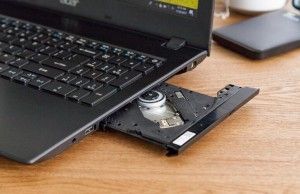
For decades, the CD-DVD drive was a ubiquitous feature in personal computers, serving as the primary medium for software installation, data backup, and multimedia consumption. From the late 1990s through the 2000s, these drives were indispensable, evolving from CD-ROM to CD-RW, then DVD-ROM to DVD-RW, and eventually to Blu-ray. However, the technological landscape began to shift dramatically in the late 2000s and early 2010s, initiating the gradual decline of the optical drive.
Several key factors contributed to this disappearance. Firstly, the rise of digital distribution platforms for software, music, and movies—such as Steam, iTunes, Netflix, and various app stores—drastically reduced the need for physical media. Users could download content directly, often instantly, eliminating the need for disks. Secondly, the advent of faster and more capacious USB flash drives and external hard drives offered more convenient and portable solutions for data transfer and backup. Cloud storage services, like Dropbox, Google Drive, and OneDrive, further cemented this trend, allowing users to store and access files from anywhere without physical media.
Perhaps the most significant driver was the industry’s relentless pursuit of thinner, lighter, and more portable laptop designs. An optical drive occupies a considerable amount of internal space, adds weight, and consumes power. Removing it allowed manufacturers to create sleeker ultrabooks, incorporate larger batteries for extended life, and facilitate improved thermal management. This design philosophy, championed by devices like Apple’s MacBook Air in 2008 which famously omitted an optical drive, quickly became the industry standard. By the mid-2010s, built-in CD-DVD drives had largely become a relic of the past in new consumer laptops, relegated to a niche market or professional workstations.
The Enduring Niche: Who Still Needs a Built-in Drive?
Despite the digital revolution, a significant segment of users still finds themselves in need of an optical drive. These needs often stem from legacy requirements, professional obligations, or personal preferences.
- Medical Professionals: Accessing medical scans (X-rays, MRIs, CT scans) provided on CDs or DVDs is a common requirement in healthcare. Many clinics and hospitals still rely on physical media for patient data transfer due to privacy concerns, compatibility with older imaging equipment, or established protocols.
- Legacy Software and Archives: Businesses and individuals may possess crucial software, drivers, or archived data stored exclusively on CDs or DVDs. This could include old accounting software, specialized design programs, or personal photo/video archives from pre-cloud eras. Reinstalling or accessing this content without an optical drive can be a significant hurdle.
- Physical Media Enthusiasts: Collectors of movies, music, or video games on CD, DVD, or Blu-ray often prefer the tangible experience and higher fidelity (in some cases) of physical media over streaming or digital downloads. For them, a built-in drive offers immediate access without additional peripherals.
- Educational Institutions: Some educational software, particularly for specialized subjects or older curricula, may still be distributed on physical disks.
- Data Recovery and System Imaging: For advanced users, an optical drive can be a valuable tool for booting from recovery disks, installing operating systems, or performing system diagnostics when other boot methods fail.
The convenience of an integrated drive, eliminating the need to carry or connect an external peripheral, remains a strong draw for these users, even if it means compromising on modern laptop performance and design.
The Recommended Alternative: Embracing External Drives
Given the severe limitations and compromises associated with acquiring a laptop with a built-in CD-DVD drive in 2025, industry experts and technology reviewers overwhelmingly recommend opting for a modern laptop paired with a high-quality external DVD drive. This approach offers a superior balance of contemporary performance, battery life, portability, and access to optical media.
- Performance: Modern laptops feature significantly faster processors (e.g., Intel’s 13th or 14th Gen Core series, AMD’s Ryzen 7000 series), vastly improved integrated and discrete graphics, and lightning-fast Solid State Drives (SSDs). These components contribute to quicker boot times, snappier application loading, seamless multitasking, and better overall responsiveness compared to the 7th-generation Intel Core processors and Hard Disk Drives (HDDs) typically found in older laptops with built-in drives. For instance, a modern SSD can offer boot times under 10 seconds, whereas an HDD in an older laptop might take 30-60 seconds or more.
- Battery Life: Advances in processor efficiency and battery technology mean contemporary laptops often boast 10-15 hours or more of battery life on a single charge, a stark contrast to the typically 4-6 hours found in older models, especially those with power-hungry optical drives.
- Portability and Design: Modern laptops are significantly thinner and lighter, making them easier to carry and more aesthetically pleasing. The bulk associated with an internal optical drive is entirely avoided.
- Future-Proofing: Investing in a current-generation laptop ensures compatibility with the latest software, operating systems, and security updates, extending the device’s useful lifespan far beyond that of an older, pre-owned machine.
- Cost-Effectiveness: While the initial price of a new, high-performance laptop might be higher than an older, used model with a built-in drive, the long-term value, including reduced frustration from slow performance and extended usability, often outweighs the perceived savings. External DVD drives are also relatively inexpensive, typically ranging from $20 to $50, making them an accessible add-on.
Moreover, many external drives offer superior performance, including faster read/write speeds and support for advanced formats like Blu-ray, which were less common in older integrated drives. They are also highly portable, often slim and lightweight, easily fitting into a laptop bag.
Top External DVD Drive Recommendations:
For those embracing the external drive solution, several excellent options stand out:
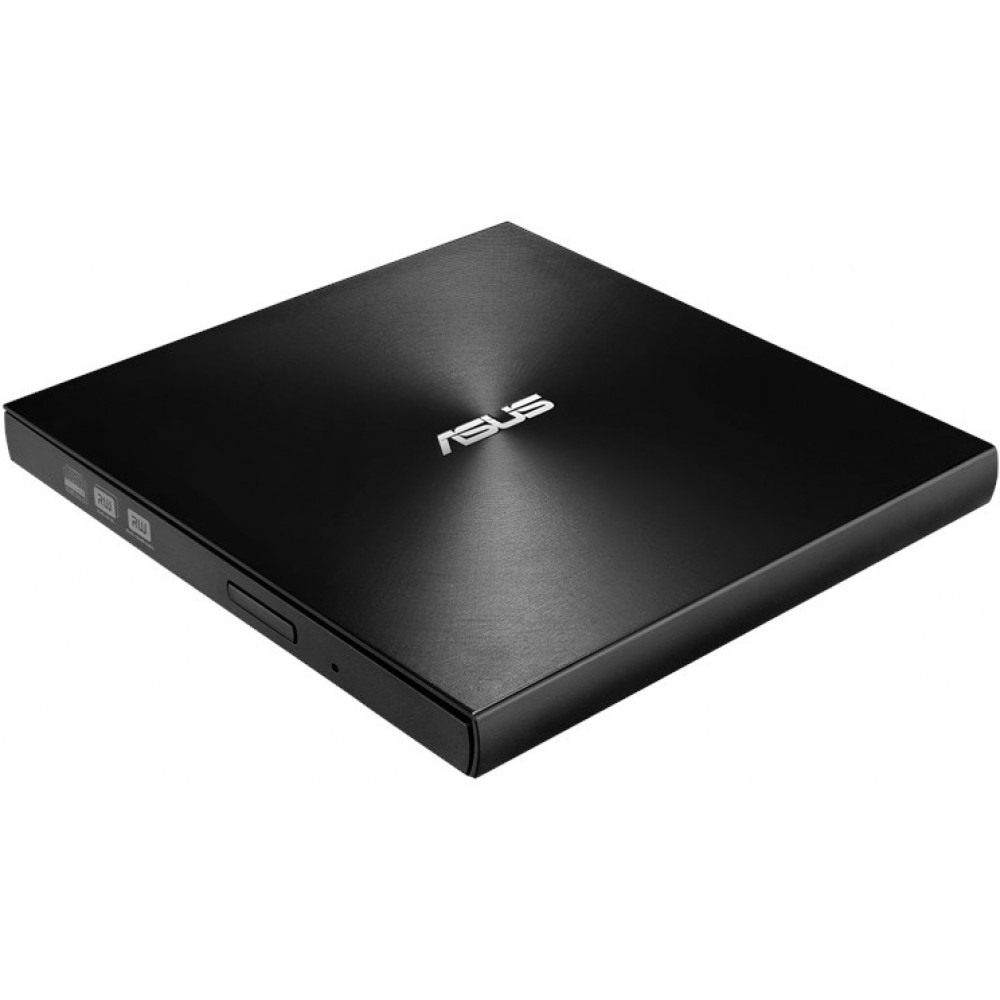
- ASUS ZenDrive U9M: This drive is lauded for its broad compatibility across various desktop platforms, making it a versatile choice for anyone needing to access physical media on a laptop without an integrated drive. Its slim design and robust performance make it a top pick.
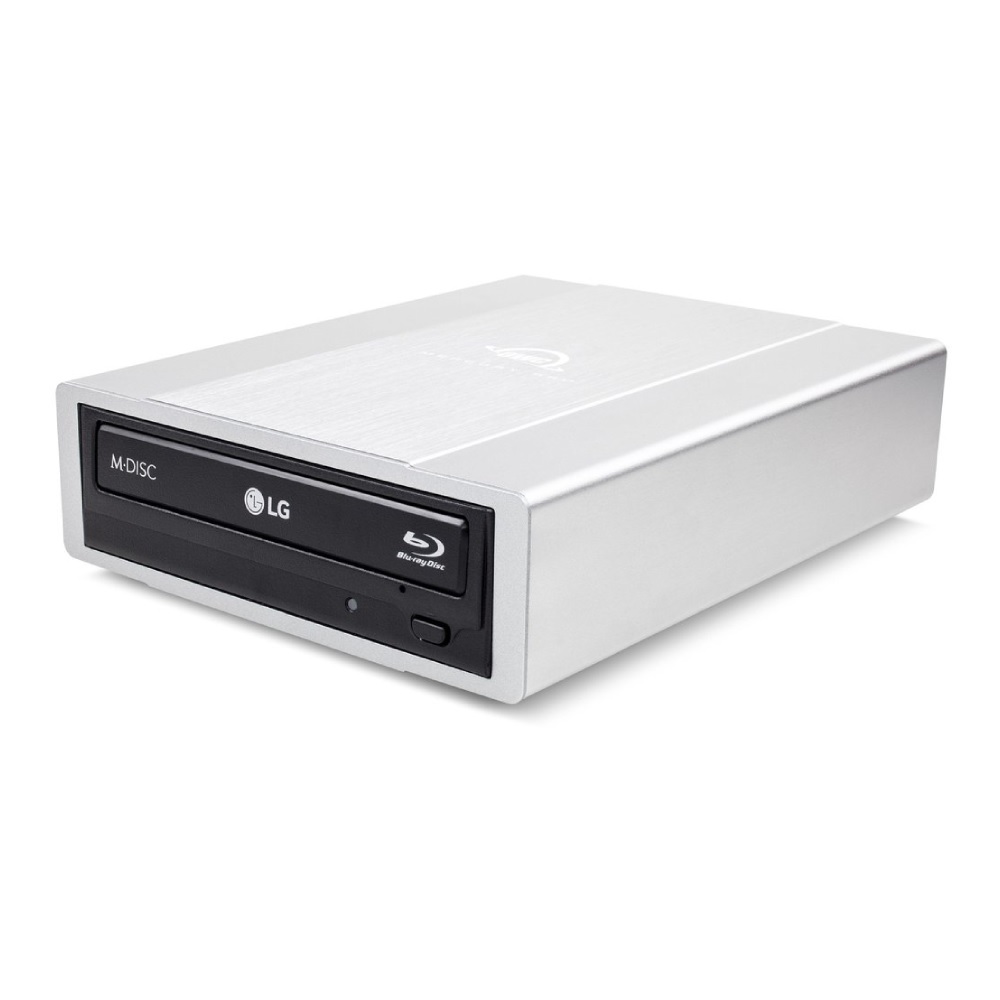
- OWC Mercury Pro 5.25" Optical Drive External Enclosure: For users prioritizing performance, especially for Blu-ray playback and data burning, the OWC Mercury Pro offers impressive speeds in a stylish enclosure. It’s a powerhouse for physical media enthusiasts.
- Apple USB SuperDrive: Designed to seamlessly integrate with Apple’s ecosystem, this drive provides excellent performance for macOS users. Its sleek, polished aluminum chassis perfectly complements Apple products.
Navigating the Landscape of Laptops with Built-in Drives (If You Must)

For those rare scenarios where an integrated CD-DVD drive is an absolute, non-negotiable requirement, the options are limited to older, often refurbished or used, models. These machines represent a compromise in performance, battery life, and overall user experience compared to contemporary laptops. Nevertheless, for specific legacy needs, they can still serve a purpose. Here are the leading choices in this very narrow category:
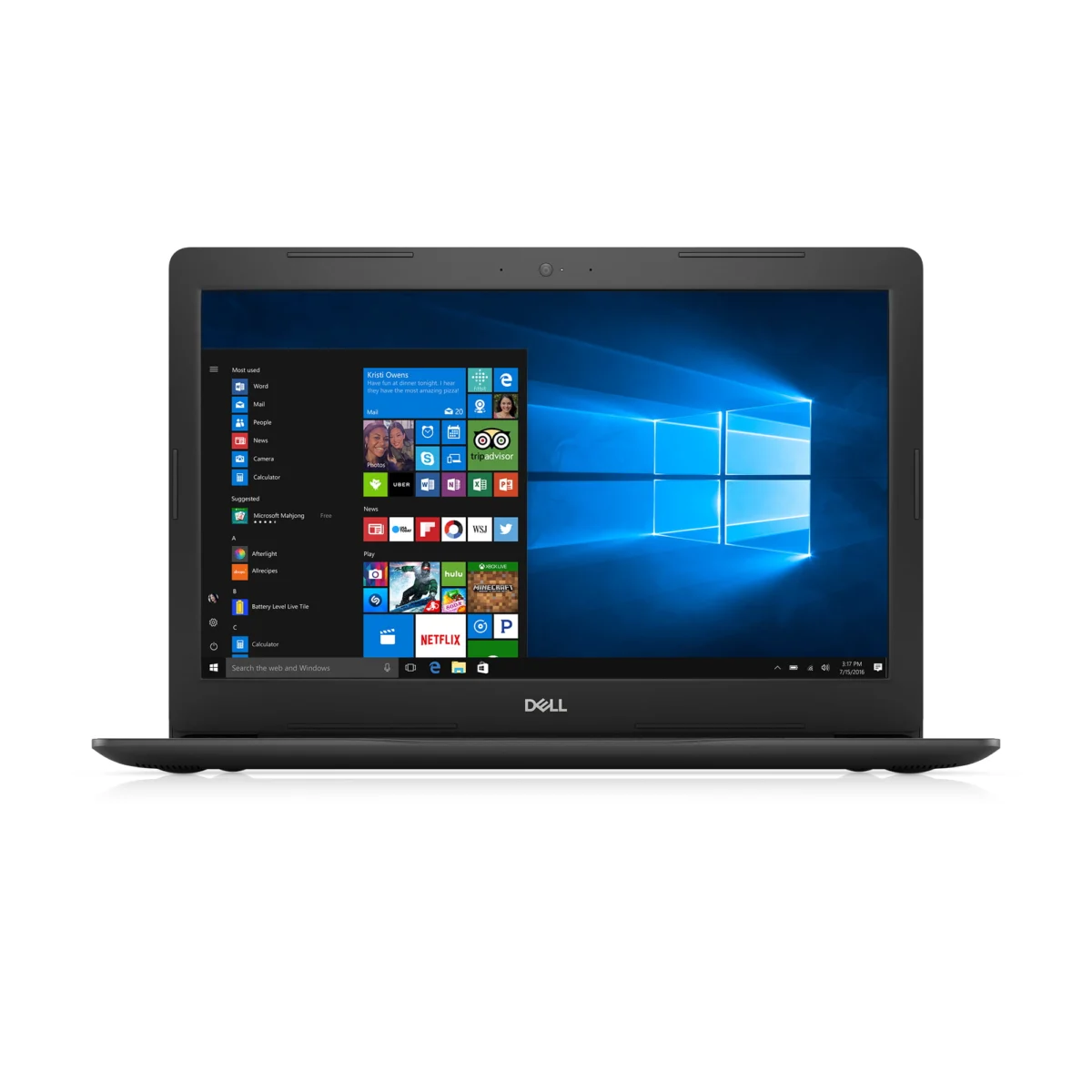
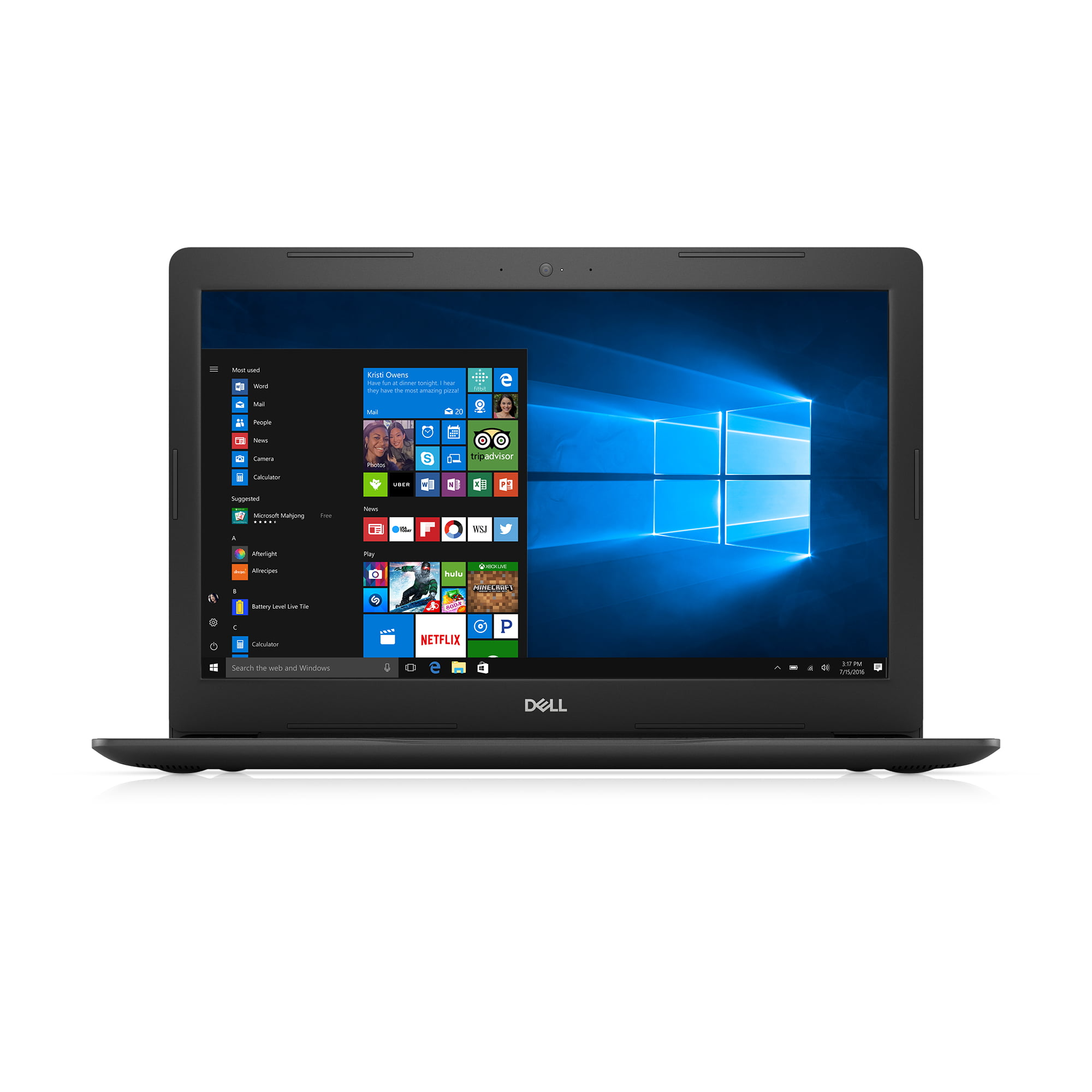
1. Dell Inspiron 15 5000 (2017): The Best Overall Compromise
- Optical Drive: DVD Drive (Read/Write to DVD/CD)
- Display: 15.6-inch 1366×768
- CPU: Intel Core i5-7200U (options for Core i7 available)
- RAM: 8GB
- Storage: 1TB HDD (SSD options with less capacity exist)
- Weight: 4.9 pounds
The Dell Inspiron 15 5000, specifically models from around 2017, offers the most balanced set of specifications for a laptop featuring a built-in CD/DVD drive. While requiring some hunting in the used or refurbished market, it represents the best value for money in this niche. Prices can range from $300 for a Core i5 model to around $500 for a Core i7 configuration.
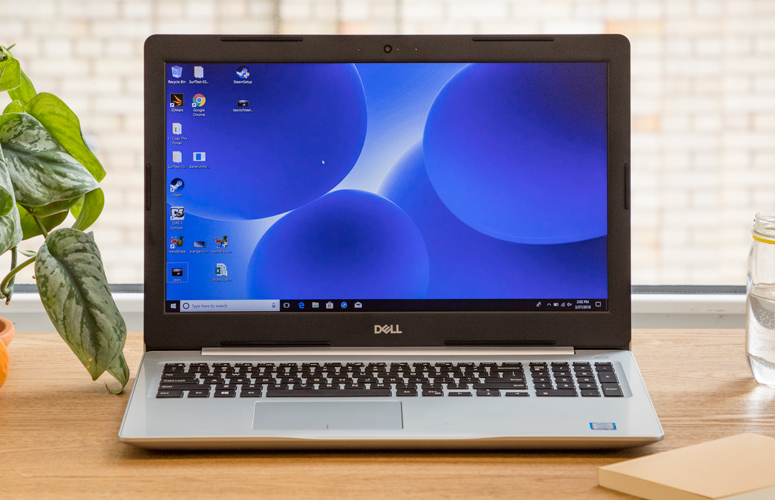
However, prospective buyers must be aware of the significant trade-offs. The 1TB of storage, while ample in capacity, typically resides on a traditional Hard Disk Drive (HDD). HDDs are dramatically slower than modern Solid State Drives (SSDs) in terms of boot times, application loading, and file transfer speeds. For context, a modern laptop with an NVMe SSD can boot in under 10 seconds and load demanding applications almost instantly, while an HDD-equipped Inspiron 15 5000 might take 30-60 seconds to boot and exhibit noticeable delays when opening programs.
Furthermore, the Intel Core i5-7200U or Core i7 processors, while respectable in their time, are several generations behind current offerings. This means significantly lower multi-core performance, less efficient power consumption, and reduced capabilities for demanding tasks such as video editing, complex data analysis, or modern gaming. The 1366×768 resolution on a 15.6-inch display is also below modern standards, which typically feature Full HD (1920×1080) or higher for sharper text and images. Despite these limitations, if a built-in optical drive is paramount, the Dell Inspiron 15 5000 is a pragmatic starting point for your search.
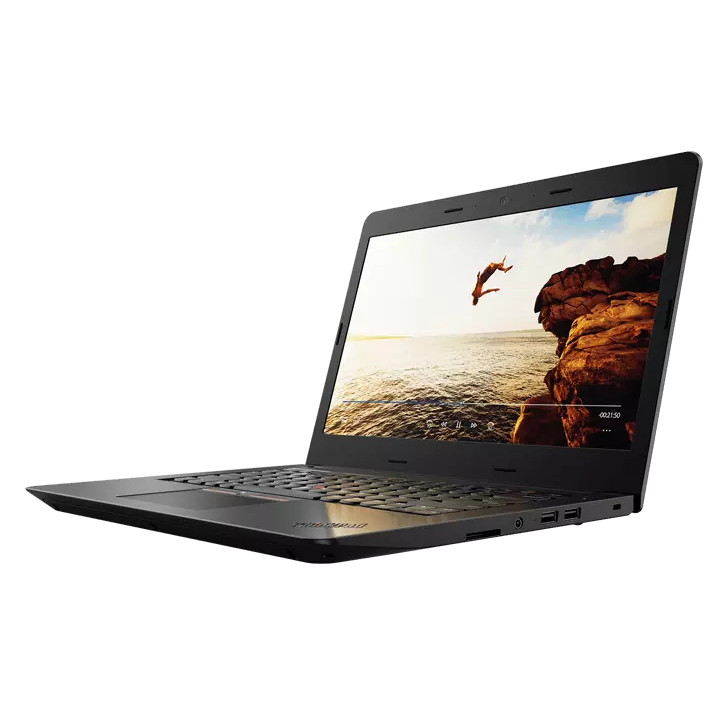
2. Lenovo ThinkPad E570: The Best Budget Option
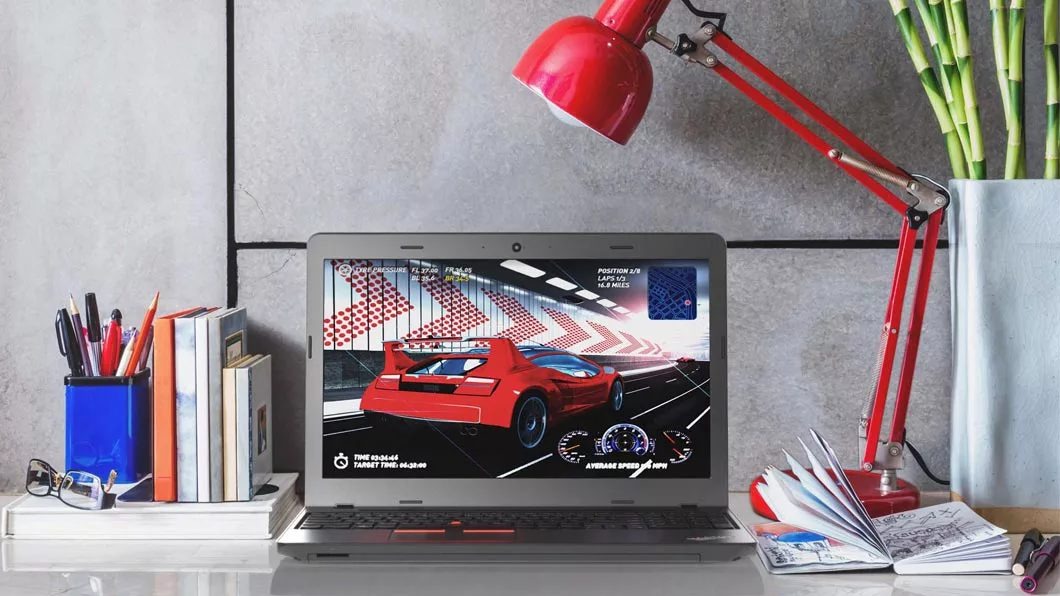
- Optical Drive: DVD writer
- Display: 15.6 inches 1366×768
- CPU: Intel Core i3-7100U (options for Core i5 available)
- RAM: 8GB
- Storage: 240GB SSD
- Weight: 5 pounds
For those on a strict budget who still require a built-in CD drive, the Lenovo ThinkPad E570 (7th Gen) presents a viable, albeit basic, solution. Known for its comfortable keyboard and a decent array of legacy ports, it can be found for as low as $200-$300.
The E570’s specifications highlight the compromises made for its price point and integrated drive. An Intel Core i3-7100U CPU is suitable only for the most basic tasks—web browsing, email, word processing, and light media consumption. It will struggle with more intensive applications or extensive multitasking. While the 240GB SSD offers faster storage access than an HDD, its capacity is quite limited by today’s standards. Users will quickly find themselves managing storage space carefully, especially if they intend to store many files or install larger applications.
The 1366×768 display also means less screen real estate and lower image clarity. However, for users whose primary need is to access physical media and perform rudimentary computing tasks, the ThinkPad E570 delivers on its promise of an integrated DVD writer at an affordable price. Its robust ThinkPad build quality, even in the E-series, also offers a degree of durability.
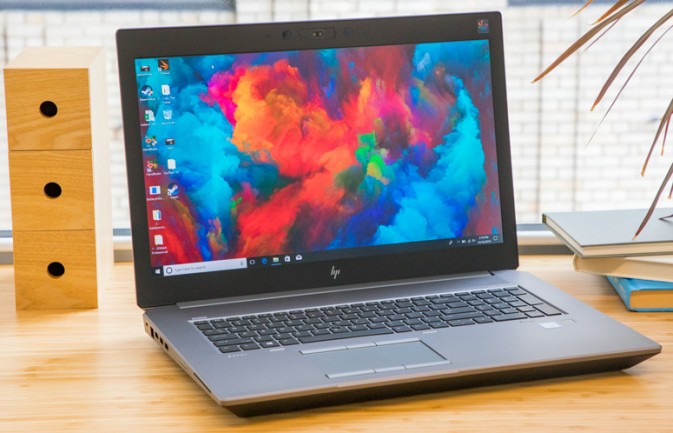
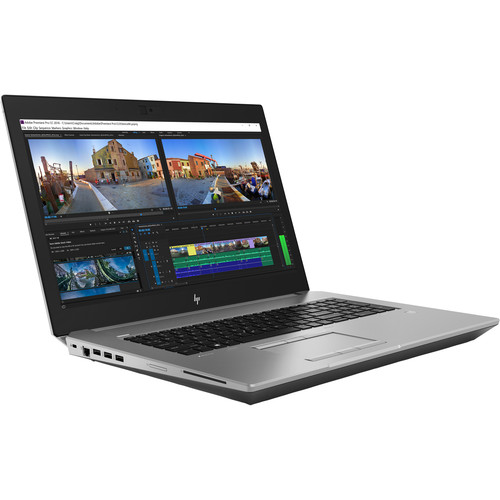
3. HP ZBook 17 G5: The Best Performance (for an Older Machine)
- Optical Drive: Blu-Ray R/W
- Display: 17.3-inch 4K (optional, often Full HD)
- CPU: Intel Xeon E-2176M
- RAM: 32GB (configurable)
- Storage: 512GB SSD (configurable)
- Weight: 7.7 pounds
The HP ZBook 17 G5 stands out as a workstation-grade laptop designed for professionals who, at the time of its release, still required an optical drive. Uniquely, it often includes a Blu-ray R/W drive, a feature even rarer than standard DVD drives. This machine is built for durability, featuring military-grade MIL-STD-810G testing, and packs a powerful Intel Xeon E-2176M processor. Coupled with 32GB of RAM and a 512GB SSD, it offers considerably more processing power and faster storage than the other options on this list. This makes it suitable for power users who need to run more demanding applications while retaining optical drive functionality.
However, the ZBook 17 G5 comes with significant caveats. Its 17-inch form factor and robust build contribute to a substantial weight of 7.7 pounds, making it far from portable for daily commuting. Moreover, despite its "performance" designation among laptops with optical drives, its Xeon E-2176M processor, while powerful for its era, is still an older generation chip and will be outperformed by modern consumer-grade laptops in many benchmarks, particularly in single-core performance and power efficiency.
The price point for a used or refurbished ZBook 17 G5 can range from $1000 to $1200. At this price, one could purchase a brand-new, significantly more powerful, and lighter laptop with a current-generation processor and an SSD, easily surpassing the ZBook’s performance. The decision to opt for the ZBook 17 G5 is therefore a very specific one, reserved for professionals who absolutely need a built-in Blu-ray drive, military-grade durability, and legacy workstation performance, and are prepared to accept the trade-offs in portability and modern computing power.
Conclusion: Balancing Legacy Needs with Modern Demands
The journey to find a laptop with a built-in CD-DVD drive in 2025 is a testament to the diverse needs of computer users. While the technology industry has largely moved on, pushing towards thinner designs, digital distribution, and cloud-centric workflows, the requirements for physical media persist in various professional and personal domains.
For the vast majority of users, the pragmatic and highly recommended path is to invest in a modern, high-performance laptop and pair it with a versatile, affordable external optical drive. This approach maximizes computing power, battery life, and future-proofing, providing a superior overall experience.
However, for those with truly specific, unavoidable legacy requirements—such as accessing medical archives, running crucial older software, or a strong personal preference for integrated hardware—the options, while limited and requiring compromise, do exist. The Dell Inspiron 15 5000, Lenovo ThinkPad E570, and HP ZBook 17 G5 represent the best available choices within this shrinking niche, each catering to different levels of performance and budget. Regardless of the choice, understanding the trade-offs between modern computing advancements and legacy hardware needs is crucial for making an informed decision in today’s evolving technological landscape.