Navigating the market for budget-friendly computing can often feel like a compromise between affordability and functional obsolescence. For consumers seeking a laptop priced under $500, the challenge lies in identifying hardware that manages the essential tasks of web browsing, document creation, and multimedia consumption without sacrificing basic reliability. As the computing landscape shifts toward cloud-based workflows and artificial intelligence integration, the definition of a "capable" entry-level machine has evolved. Today, the most effective sub-$500 devices are those that prioritize high-efficiency processors, optimized operating systems, and durable chassis designs.

The current market for affordable laptops is largely dominated by two distinct categories: ChromeOS-based devices and entry-level Windows notebooks. While Windows machines have traditionally offered broader software compatibility, the rapid maturation of Chromebooks has shifted the value proposition for students, remote workers, and casual users. By leveraging the lightweight nature of ChromeOS, manufacturers can deliver a fluid user experience even on hardware that would struggle to run a full-featured Windows 11 installation.
Current Market Dynamics and Hardware Standards
As of mid-2025, the standard for a competitive budget laptop has risen significantly. Consumers should now expect a minimum of 8GB of RAM and a 1080p display resolution as the baseline for any purchase. While storage capacity remains a point of contention—with many budget models relying on 128GB eMMC drives rather than faster NVMe SSDs—the integration of cloud storage solutions has mitigated this limitation for most typical use cases.
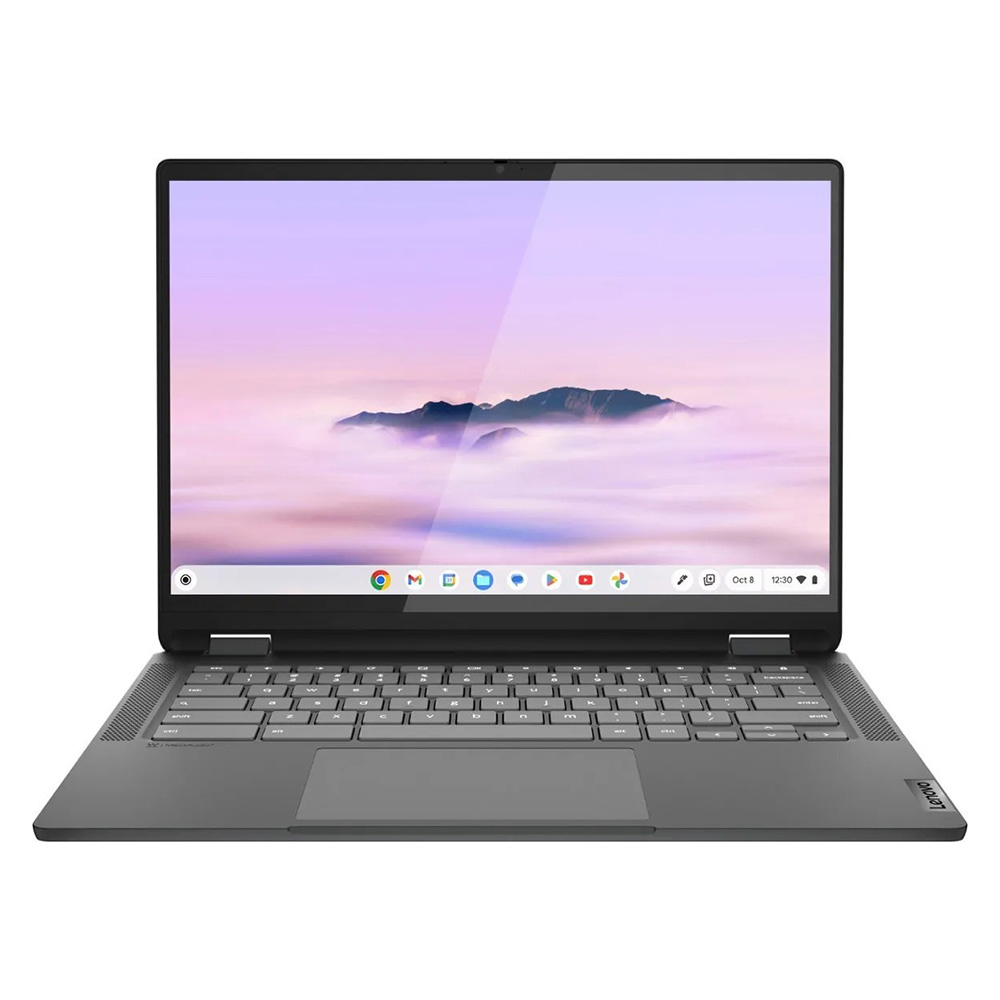
The shift toward AI-enhanced performance, particularly within the Chromebook Plus initiative, represents a pivotal moment in the budget segment. By mandating higher hardware standards—such as better webcams, faster processors, and increased memory—for "Chromebook Plus" branding, Google and its hardware partners have created a "gold standard" that ensures these sub-$500 machines remain relevant for years rather than months.
Top Performers: The 2025 Selection
Lenovo IdeaPad Flex 5i Chromebook Plus
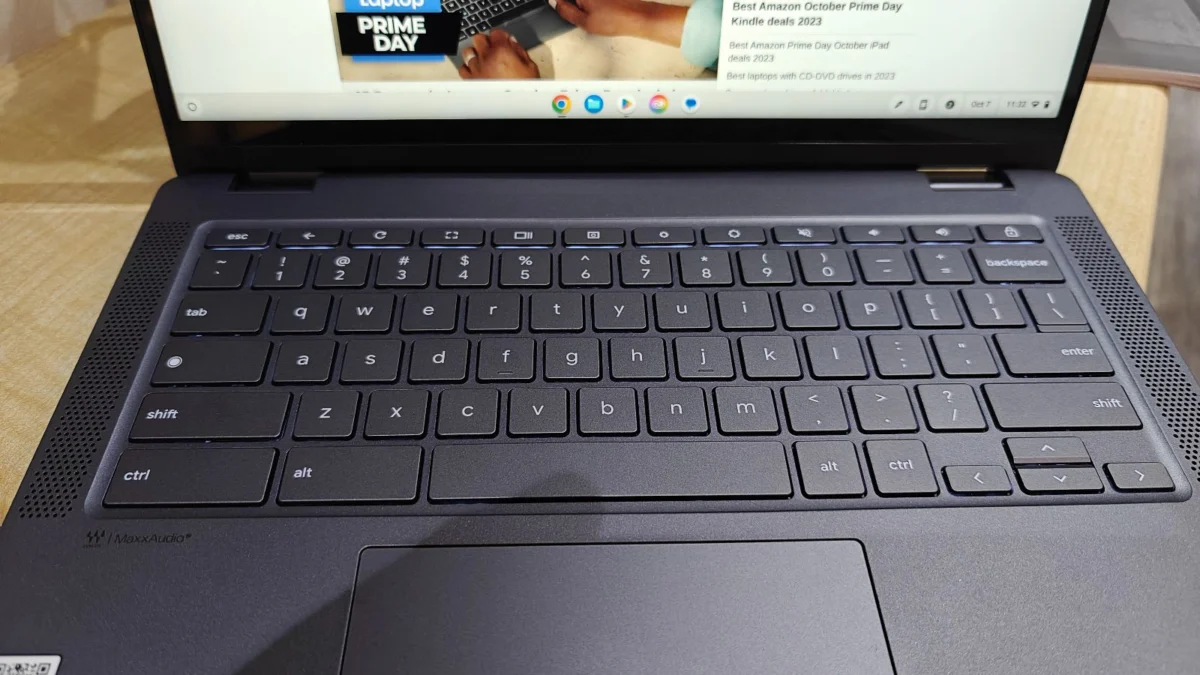
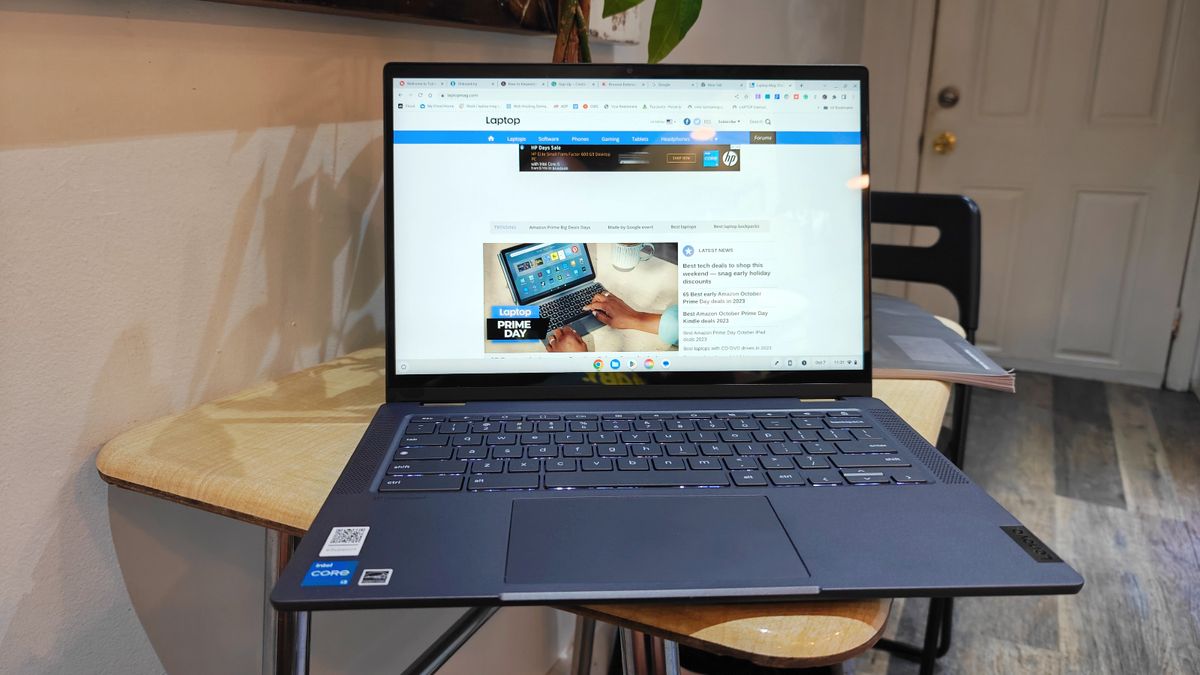
The Lenovo IdeaPad Flex 5i Chromebook Plus has emerged as the definitive leader in the budget segment. By combining an Intel Core i3-1315U processor with 8GB of RAM, it delivers performance metrics that frequently outperform more expensive traditional Windows laptops. Its multi-core Geekbench 6 score of 5,384 highlights its capability to handle multitasking and browser-intensive workflows with ease. Beyond performance, the device features a robust 2-in-1 design that allows for versatile usage, ranging from traditional laptop mode to tablet-style interaction.
Lenovo Duet 5 Chromebook
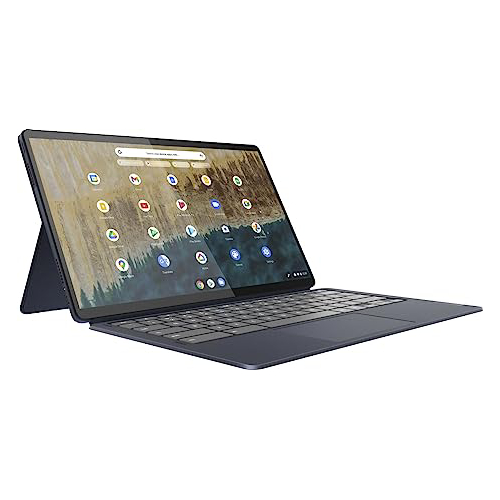
For those prioritizing portability and media consumption, the Lenovo Duet 5 Chromebook remains a highly relevant choice. It stands out primarily due to its 13.3-inch OLED display, a feature rarely found in the sub-$300 price bracket. The detachable design allows the device to function as a lightweight tablet, weighing only 1.5 pounds, or a functional laptop when paired with its included keyboard cover. While its synthetic benchmark scores are lower than its more powerful counterparts, its exceptional battery life—surpassing 13 hours—makes it an ideal companion for long travel days or extended study sessions.
Lenovo IdeaPad Flex 5 14 (Intel)
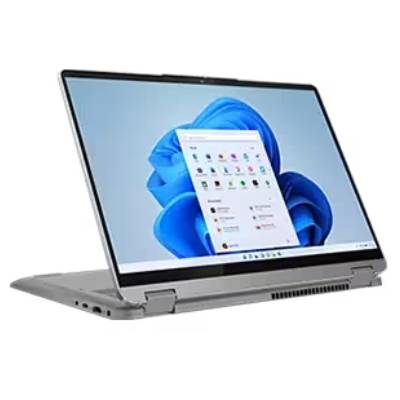
The Lenovo IdeaPad Flex 5 14 serves as a benchmark for Windows-based budget computing. Finding a Windows laptop under $500 that does not suffer from performance bottlenecks or poor build quality is notoriously difficult. This model succeeds by offering a balanced configuration that includes 16GB of RAM and a 512GB SSD in some configurations, providing a significantly more "premium" feel than its competitors. It serves as a necessary recommendation for users whose workflows are strictly tied to Windows-exclusive software, such as specific legacy productivity suites.
Acer Chromebook Spin 312
Designed specifically with the educational sector in mind, the Acer Chromebook Spin 312 excels in durability and daily utility. Featuring a 12.2-inch display coated in Corning Gorilla Glass, it offers a level of screen protection and visual clarity that is uncommon at its $450 price point. Its integration of the "OceanGlass" trackpad—a material made from recycled ocean-bound plastics—provides a tactile experience that exceeds the industry standard for budget trackpads.
Comparative Performance Metrics
A review of internal testing data conducted by laboratory analysts reveals the performance gap between these devices. While the IdeaPad Flex 5i Chromebook Plus leads in processing power, the Lenovo IdeaPad Flex 5 14 demonstrates the stability of x86 architecture for Windows-based tasks.

| Model | Geekbench 6 (Multi-core) | Battery Life (Web Surfing) | Display Brightness (Nits) |
|---|---|---|---|
| Lenovo IdeaPad Flex 5i | 5,384 | 9:43 | 306 |
| Lenovo Duet 5 | N/A (Geekbench 5: 1,727) | 13:31 | 361 |
| Lenovo IdeaPad Flex 5 14 | N/A (Geekbench 5: 3,841) | 14:16 | 200 |
| Acer Chromebook Spin 312 | 4,477 | 10:33 | 277 |
These metrics underscore the importance of selecting a device based on specific needs. A student requiring long battery life for a full day of classes might prioritize the Lenovo IdeaPad Flex 5 14, whereas a user focused on web-based productivity might find the higher processing power of the IdeaPad Flex 5i Chromebook Plus more beneficial.
The Impact of Economic Factors on Budget Computing
The availability of high-quality budget laptops is currently influenced by broader economic variables, including supply chain fluctuations and international trade policies. Analysts have noted that tariff hikes on electronic components have historically placed upward pressure on the entry-level market, making the "under $500" category increasingly difficult for manufacturers to maintain without compromising on quality.

Despite these pressures, the trend toward improved performance in budget hardware has been consistent. Manufacturers have largely moved away from the "netbook" era of sub-par hardware, instead opting for trickle-down technology where mid-range chips and screen technologies from previous years are integrated into modern budget chassis. This cyclical refresh cycle ensures that today’s $500 laptop is significantly more capable than a $500 laptop purchased as recently as 2021.
Strategic Advice for Consumers
When evaluating a potential purchase in this price range, consumers should focus on three primary indicators of longevity:
- Software Support Lifecycle: For Chromebooks, check the "Auto Update Expiration" (AUE) date. Google provides years of support, but ensuring a device is early in its support cycle is critical.
- Chassis Integrity: While budget laptops use more plastic than premium models, look for devices with reinforced hinges and minimal screen flex. 2-in-1 models should be tested for rigidity in the hinge mechanism, as this is the most common point of failure.
- Repairability and Upgradability: Most sub-$500 laptops feature soldered RAM and storage. Buyers should treat the initial configuration as permanent and select a model with at least 8GB of RAM to ensure the device remains usable as web applications become more resource-intensive.
Future Outlook and Conclusion
The landscape for budget laptops is likely to remain competitive, with manufacturers focusing on integrating AI-driven productivity features to add value to lower-cost hardware. While the allure of extreme low-cost devices (often found in the $200–$300 range) is strong, data suggests that the $400–$500 range provides the optimal "sweet spot" for performance and longevity.
As the industry moves toward 2026, the convergence of high-efficiency ARM-based processors and the continued refinement of ChromeOS suggest that the "budget" designation will no longer be synonymous with poor performance. For the average consumer, the current market offers a rare opportunity to acquire a machine that is more than capable of handling modern digital demands without the financial burden of premium-tier pricing. By adhering to the metrics of screen resolution, memory capacity, and battery efficiency, consumers can navigate this segment with confidence, ensuring their investment provides utility for years to come.