The landscape of personal computing has undergone a radical transformation since the debut of the first Chromebooks in June 2011. Initially perceived as stripped-back, budget-friendly web terminals designed primarily for simple browsing and basic educational tasks, these machines have evolved into sophisticated, high-performance devices that rival premium Windows laptops and MacBooks. As of mid-2025, the best Chromebooks now offer elegant, lightweight chassis designs, vibrant OLED displays, and processing power capable of handling complex multitasking and advanced artificial intelligence workflows.

The evolution of the platform accelerated significantly in October 2023 with the introduction of the Chromebook Plus initiative. This program set a new, higher standard for hardware, requiring manufacturers to include more powerful processors—specifically Intel’s 13th and 14th Generation chips, including the Core 100 series—and improved memory and storage configurations. This pivot was not merely aesthetic; it was a strategic move by Google to integrate its burgeoning Gemini AI ecosystem directly into the hardware, providing users with sophisticated tools for content generation, image editing, and automated organization.
A Historical Perspective on the ChromeOS Evolution
When Google first introduced ChromeOS, the operating system was essentially a browser inside a shell. The early years were defined by "netbook" hardware: low-power processors, minimal RAM, and plastic builds that prioritized affordability for K-12 education. By 2015, the market began to see the first "premium" attempts, such as the Google Chromebook Pixel, which hinted at a future where ChromeOS could be a professional-grade OS.
The COVID-19 pandemic served as a major catalyst for the segment. With a sudden, massive demand for remote learning and work-from-home solutions, manufacturers rushed to bridge the gap between "cheap" and "functional." The result was an influx of 2-in-1 devices, improved touchscreens, and a refined focus on battery life. By 2025, the distinction between a "student laptop" and a "professional workstation" has blurred, with the Chromebook Plus standard serving as the gold-standard benchmark for consumers and enterprise buyers alike.

Top Performers and Market Leaders in 2025
The current market is segmented into categories tailored to specific user personas: the power user, the student, the educator, and the gamer.
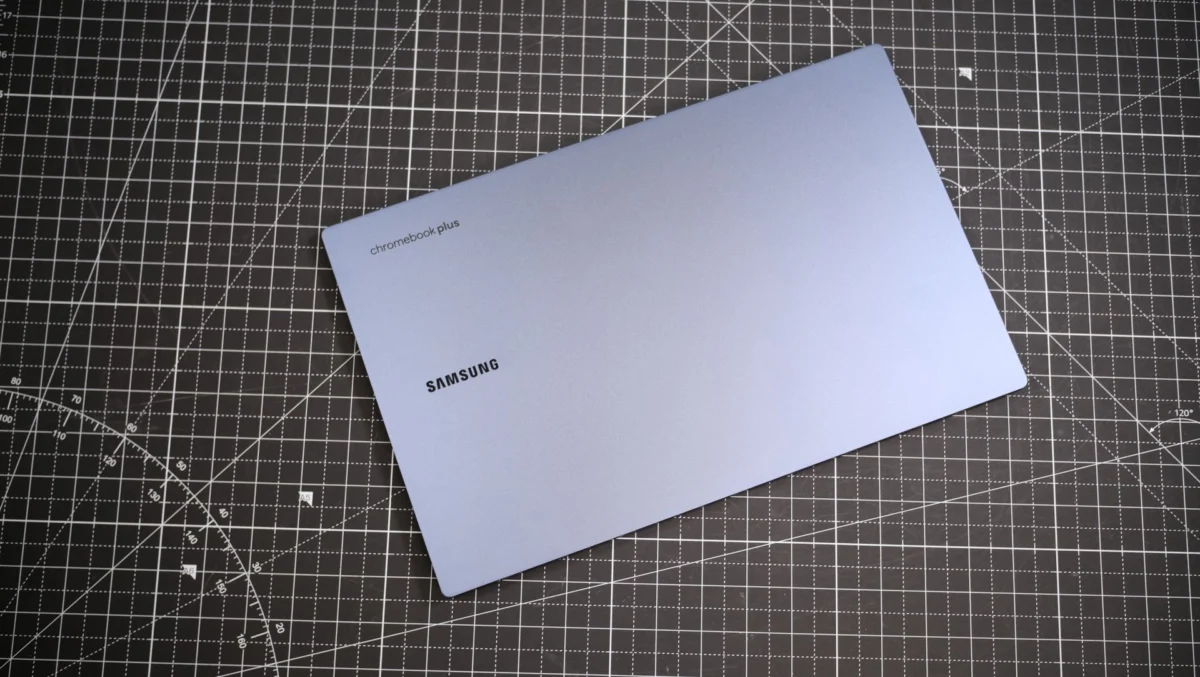
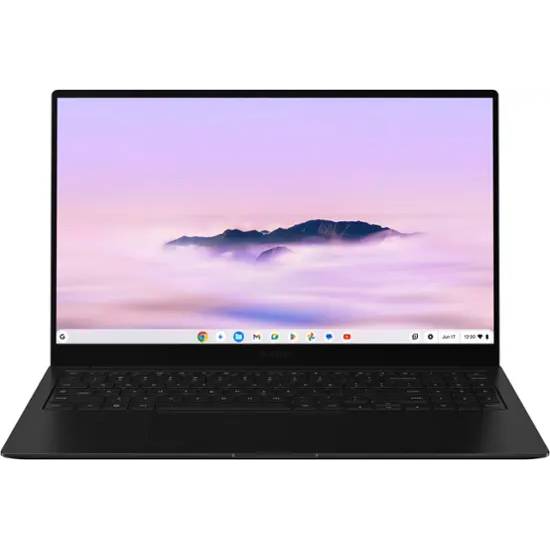
The Samsung Galaxy Chromebook Plus currently leads the market for the best overall experience. Priced at $699, it represents a departure from the "budget-first" philosophy. Its inclusion of an Intel Core 3 100U processor and a 15.6-inch AMOLED display demonstrates that ChromeOS is no longer a secondary platform but a primary driver for media consumption and creative work. The integration of the dedicated "Quick Insert" button—a hardware manifestation of the Gemini AI assistant—positions it as the flagship for Google’s AI-first strategy.
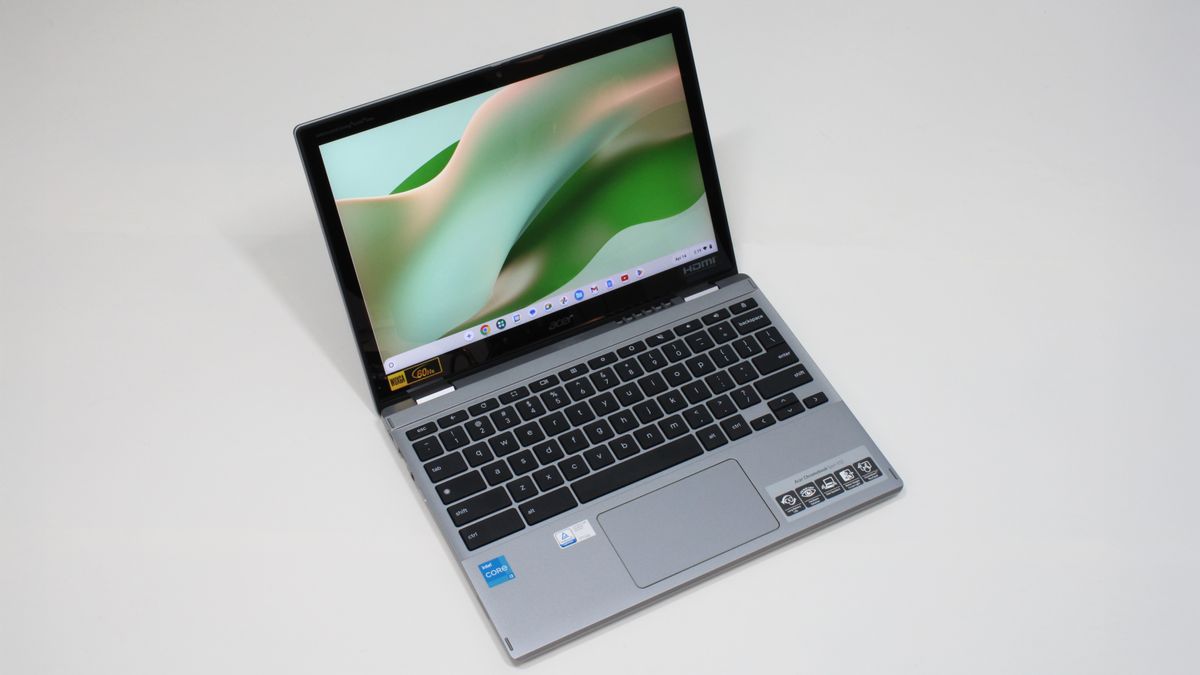
For students, the Acer Chromebook Spin 312 has emerged as the most recommended choice. Priced under $500, it addresses the fundamental requirement of the educational sector: durability combined with portability. It features a sturdy chassis and an IPS touchscreen that supports stylus input, making it a viable tool for note-taking. While its hardware specs are modest compared to the Samsung model, its optimization for cloud-based education tools makes it a highly efficient machine for its price point.
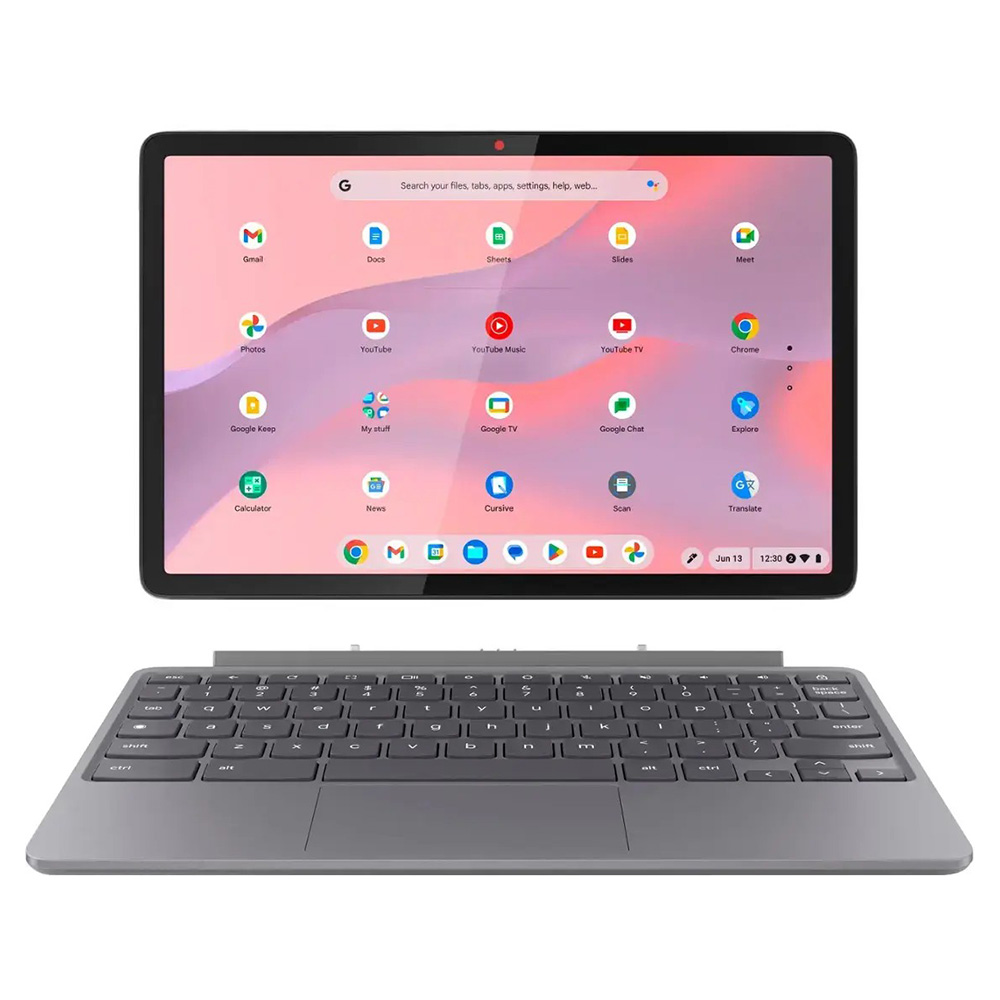
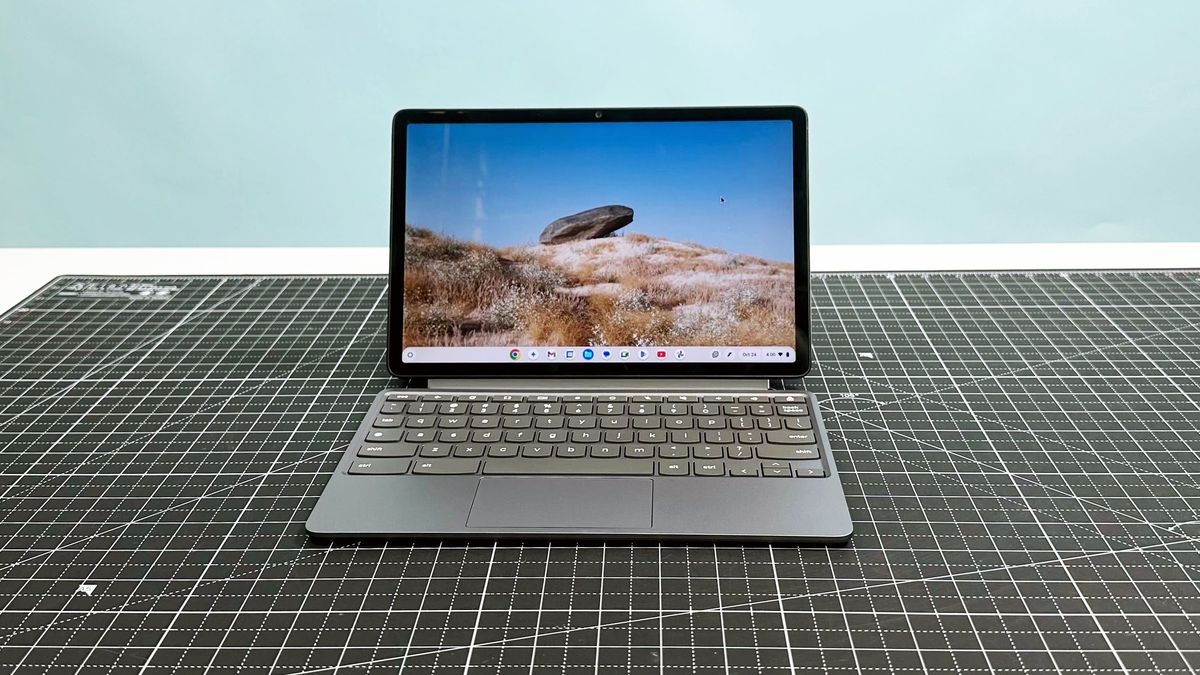
The Lenovo Chromebook Duet 11 Gen 9 caters specifically to younger users and those requiring extreme portability. As a tablet-first device with a detachable keyboard, it fills the gap left by traditional laptops in environments where a mouse and keyboard are not always necessary. Despite its lower price point, it features high-quality front and rear-facing cameras, which are essential for hybrid learning and remote communication.
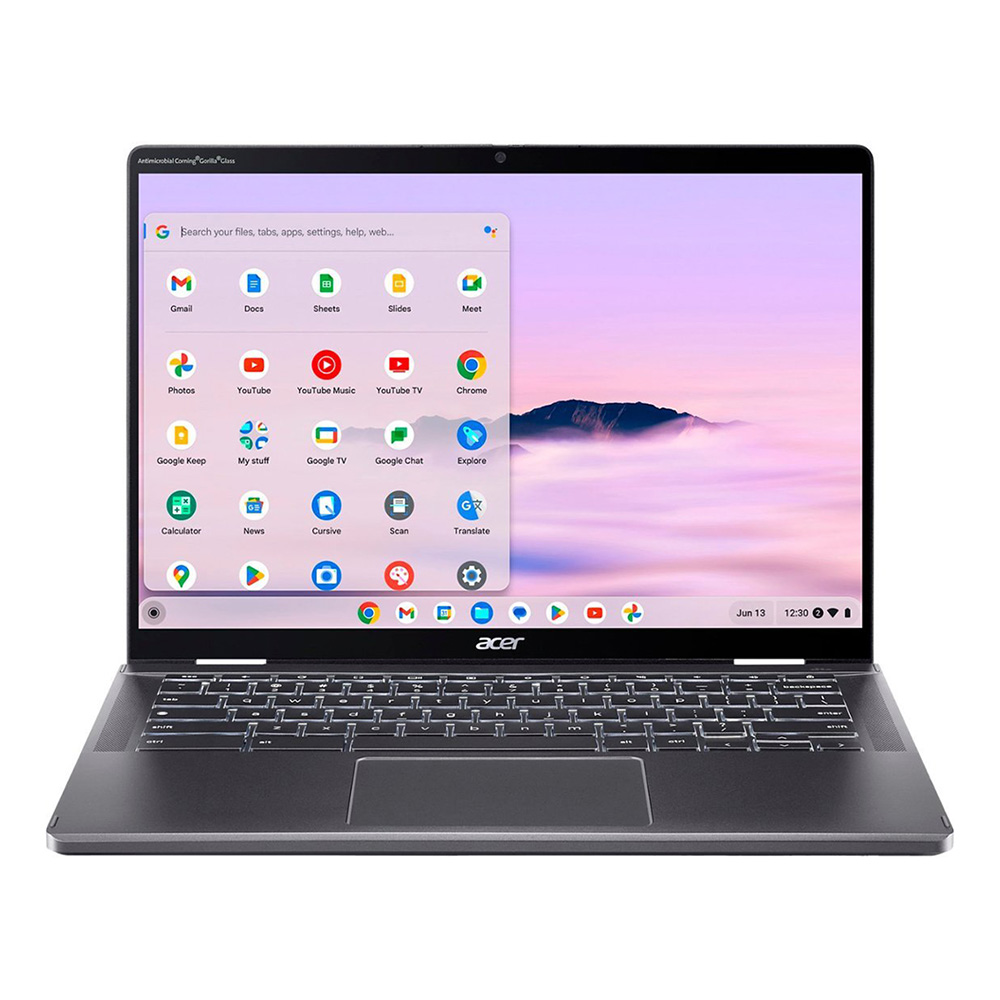
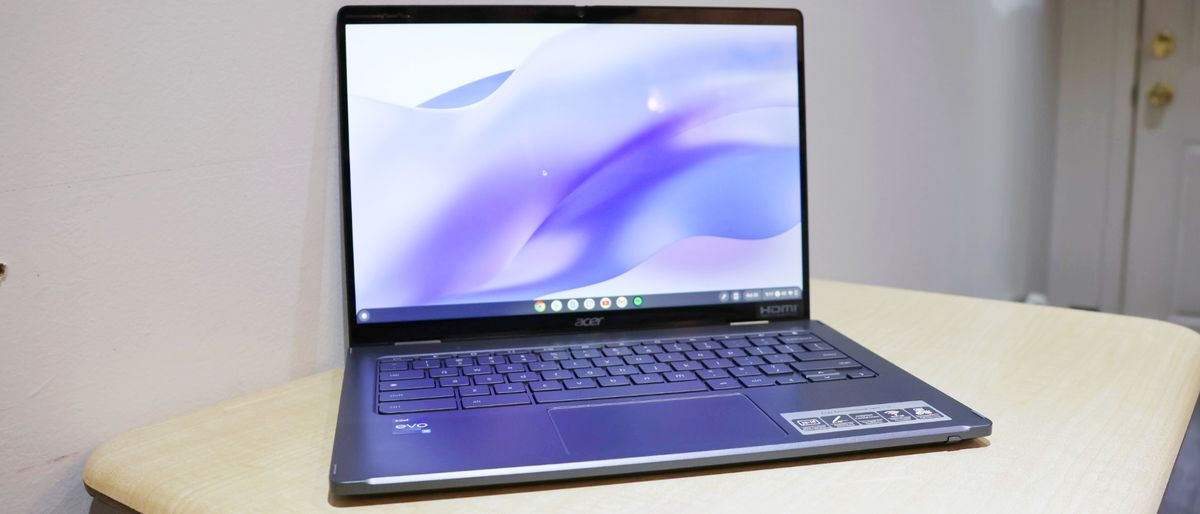
For those who prioritize tactile feedback, the Acer Chromebook Plus Spin 714 remains the gold standard. It features an Intel Core Ultra 5 115U processor and, crucially, a keyboard that has been lauded for its crisp actuation and deep travel, surpassing many competitors in the Windows laptop space.
Addressing the Gaming Frontier
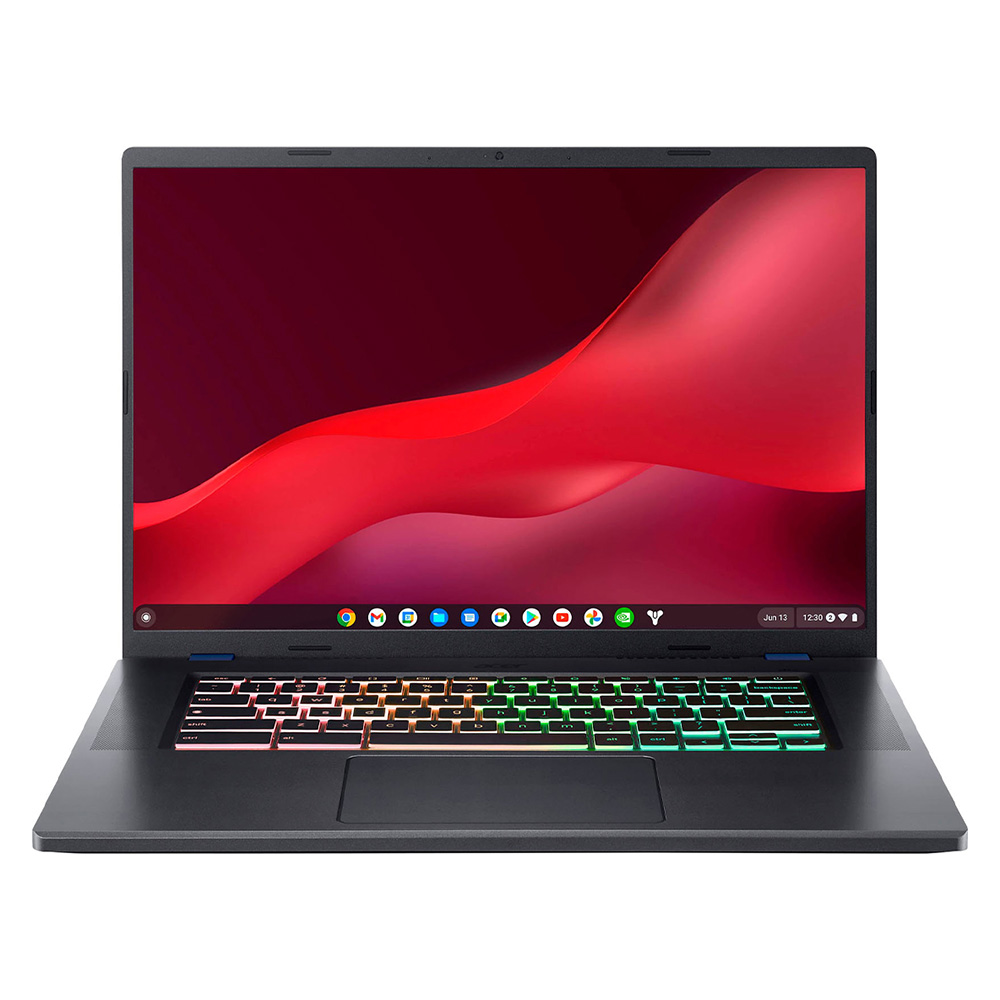
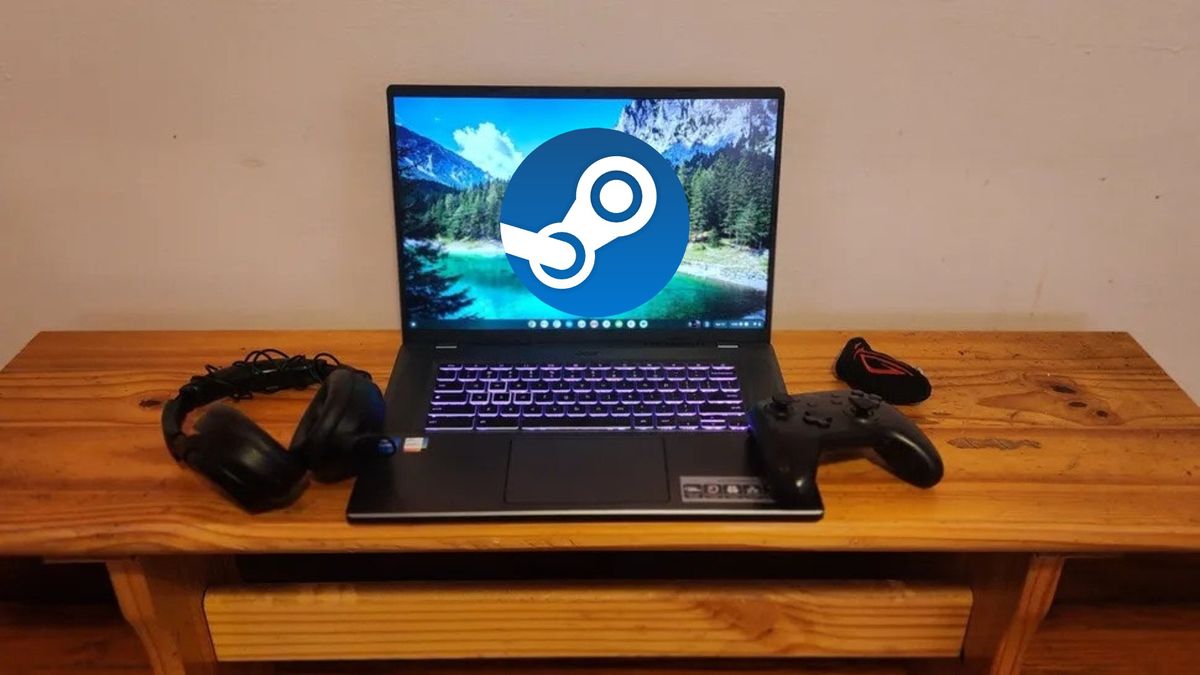
A notable shift in the 2025 market is the legitimization of Chromebooks as gaming devices. Historically, ChromeOS was considered unsuitable for gaming. However, the rise of cloud streaming services like Nvidia’s GeForce Now has altered the paradigm. The Acer Chromebook 516 GE is the definitive hardware response to this shift. Equipped with a 16-inch 120Hz display and a design language reminiscent of dedicated gaming rigs—complete with RGB keyboard lighting—it is built to minimize latency and maximize the visual fidelity of streamed titles. By providing a dedicated Ethernet port and high-refresh-rate capabilities, it serves as a bridge for users who want a gaming experience without the prohibitively high cost of a dedicated high-end GPU workstation.

Comparative Data and Performance Metrics
The following performance benchmarks reflect the current state of the market, based on internal testing conducted by industry experts as of mid-2025. These figures demonstrate the clear divide between entry-level and professional-grade ChromeOS devices.

In terms of processing power, the Acer Chromebook Plus Spin 714 recorded a Geekbench 6 score of 6335, outperforming the Samsung Galaxy Chromebook Plus (6015) and the entry-level Lenovo Duet 11 (2323). This data reinforces the necessity of choosing hardware based on the intended workload; while the Duet 11 is sufficient for browsing and streaming, the Spin 714 is clearly intended for intensive, multi-tab workflows.
Battery longevity remains the strongest selling point for the platform. The Samsung Galaxy Chromebook Plus consistently delivers over 11 hours of real-world usage in web-browsing scenarios. Even the gaming-oriented Acer 516 GE, which is inherently more power-hungry, manages a respectable 7 hours and 40 minutes, which is sufficient for many casual gaming sessions but falls short for a full day of professional productivity without a charger.
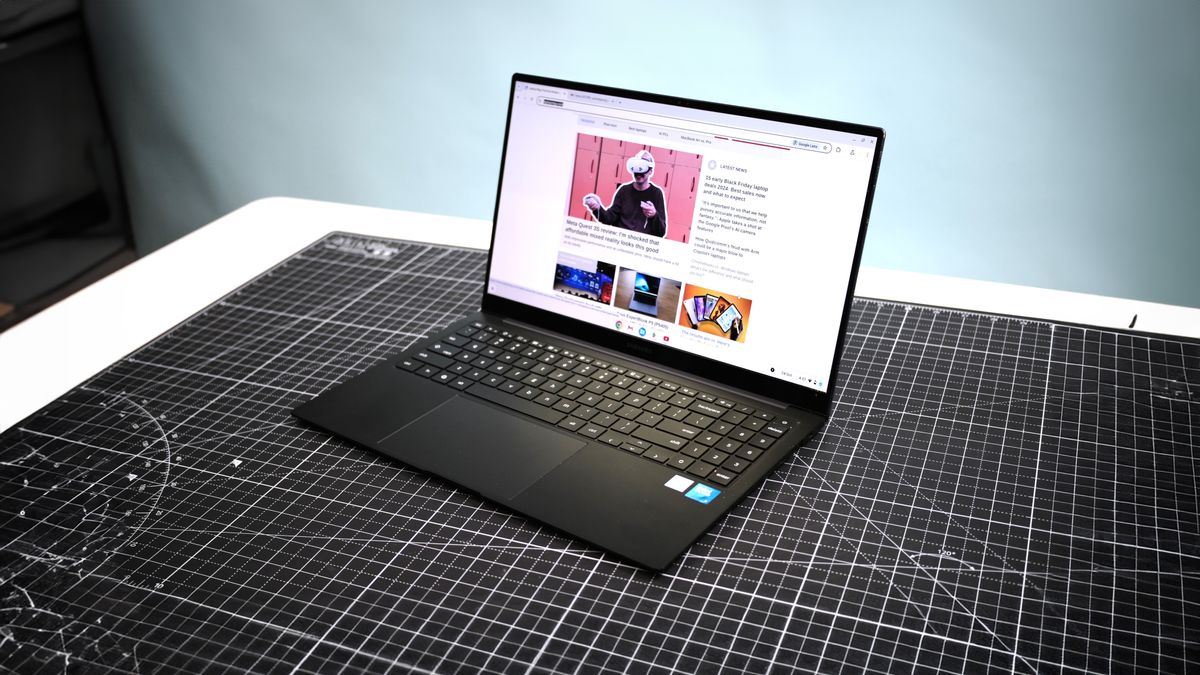
Display quality is the final area of significant differentiation. While the Samsung model achieves 109% coverage of the DCI-P3 color gamut, budget-oriented models like the Acer Spin 312 often hover around the 55-60% range. For users involved in graphic design or high-end video editing, these metrics are critical to the purchasing decision.
Implications of the AI-First Strategy
The industry-wide move toward AI-integrated hardware is the most significant trend of 2025. By embedding the Gemini AI assistant at the firmware level, Google is attempting to solve the "productivity gap" that once hindered Chromebooks. AI tools can now assist in writing emails, summarizing long documents, and even managing complex file structures within Google Drive.
Industry analysts observe that this shift has broader implications for corporate IT departments. With the integration of Chrome Enterprise, businesses can now deploy these AI-capable machines with centralized, granular control over security protocols, data encryption, and real-time threat monitoring. This makes the "plus" series of Chromebooks a competitive threat to traditional Windows-based enterprise fleets, which often require higher maintenance overheads.
How to Select the Right Machine
For consumers navigating this complex market, the selection process should be dictated by three core pillars: portability, input requirements, and performance overhead.
- Portability vs. Screen Real Estate: If the device is intended for a daily commute, 13-to-14-inch models offer the best balance. For users who work primarily from a desk, the 15-to-16-inch form factors provide a superior visual experience.
- The Input Experience: Professionals who spend significant hours writing should prioritize keyboard quality and trackpad responsiveness. In this category, the Acer Spin 714 series remains a top recommendation.
- Ecosystem Integration: Users heavily invested in the Google ecosystem (Drive, Docs, Sheets) will find the seamless cloud synchronization of these devices unmatched. However, users who require legacy Windows software or complex local-machine creative tools (such as Adobe Premiere Pro or full-scale CAD software) should remain cautious, as the reliance on cloud streaming for these tasks can introduce latency and dependency on network quality.
Conclusion and Future Outlook
The Chromebook of 2025 is no longer a compromise; it is a specialized tool. The platform has successfully transitioned from a niche educational product to a robust, secure, and increasingly powerful ecosystem. As the integration of local and cloud-based AI continues to mature, it is likely that the "Chromebook Plus" label will become the default requirement for all new hardware, pushing the industry toward a higher baseline of performance.
Whether for a student needing a reliable notebook, a business requiring a secure and manageable fleet, or a gamer seeking an entry point into high-fidelity cloud titles, the current lineup offers a solution for every requirement. The key to successful adoption lies in understanding the specific hardware limitations of the OS and selecting a device that aligns with the user’s specific technical and creative workflows. As we look toward the remainder of the decade, the line between "Cloud OS" and "Desktop OS" will continue to fade, likely cementing the Chromebook’s role as the primary computing device for the next generation of digital natives.