




Selecting the ideal laptop for Adobe Photoshop requires a strategic balance between raw computational power, display color accuracy, and long-term hardware reliability. As of June 2025, the landscape for creative hardware has shifted significantly with the widespread adoption of Intel’s Core Ultra 200-series processors, AMD’s Max Pro series, and the latest iteration of Nvidia’s RTX 50-series discrete graphics cards. For digital artists, photographers, and graphic designers, these advancements mean that hardware-accelerated tasks—such as AI-driven content-aware fill, complex layer masking, and 3D rendering—are faster and more efficient than ever before. However, performance is only one piece of the puzzle; the visual fidelity of the display remains the most critical factor for ensuring color consistency across various media platforms.
Evolution of Creative Hardware Requirements
The demands placed on mobile workstations have evolved alongside Adobe’s software suite. Adobe has aggressively integrated artificial intelligence through Adobe Firefly, which leverages machine learning to automate complex editing workflows. These features are resource-intensive, requiring not only a robust CPU but also significant GPU overhead and high-bandwidth RAM. In previous years, integrated graphics were often sufficient for basic photo editing; today, however, professional-grade workflows necessitate discrete graphics cards to offload the strain of real-time filter rendering and generative AI processing.
The current market is defined by three distinct tiers of creative laptops. The entry-level tier, priced under $1,000, focuses on efficient, thin-and-light designs that utilize advanced integrated graphics. The mid-range tier, spanning $1,000 to $1,500, offers the "sweet spot" for most freelancers, combining discrete GPUs with high-refresh-rate OLED panels. Finally, the workstation tier, often exceeding $2,500, caters to enterprise-level professionals who require maximum thermal headroom, massive memory capacity, and workstation-grade GPUs to handle multi-gigabyte files without interruption.
Performance Benchmarks and Technical Specifications
When evaluating these machines, industry standards rely on specific synthetic and real-world benchmarks. Geekbench 6 serves as the primary metric for multi-core CPU performance, which is vital for batch-processing images. For video-heavy workflows, the Handbrake transcoding test remains the gold standard for measuring how quickly a processor can re-encode 4K files.
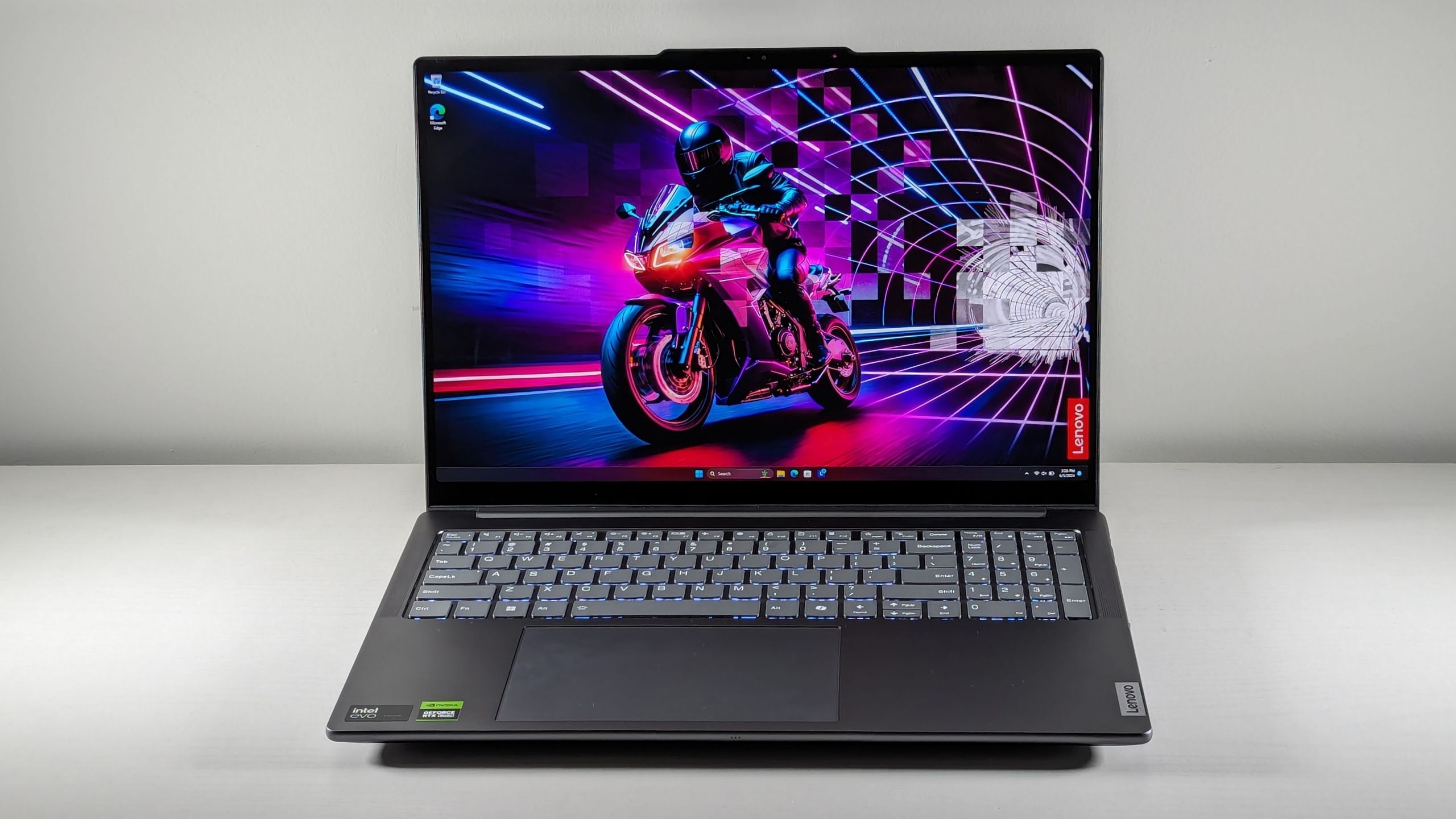
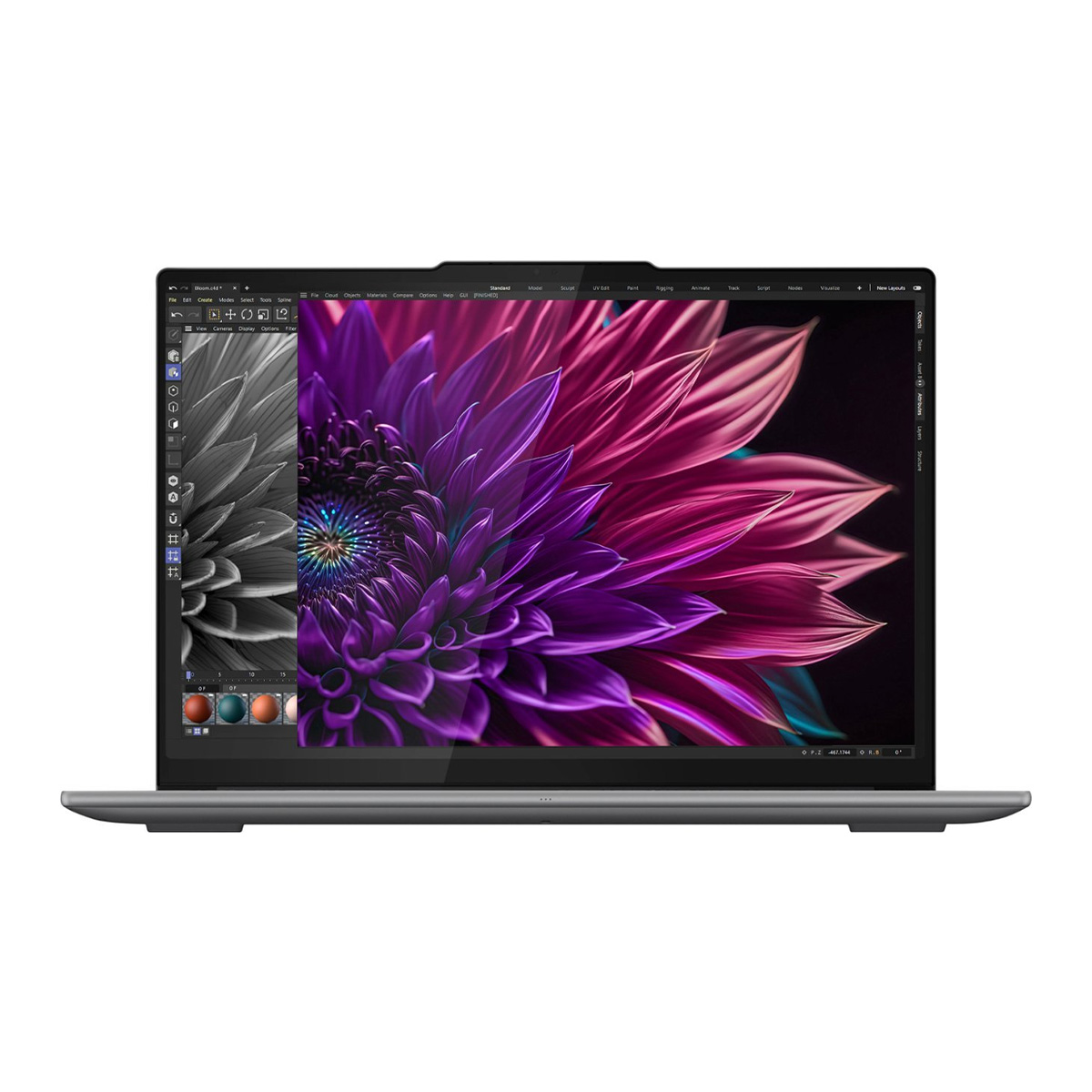
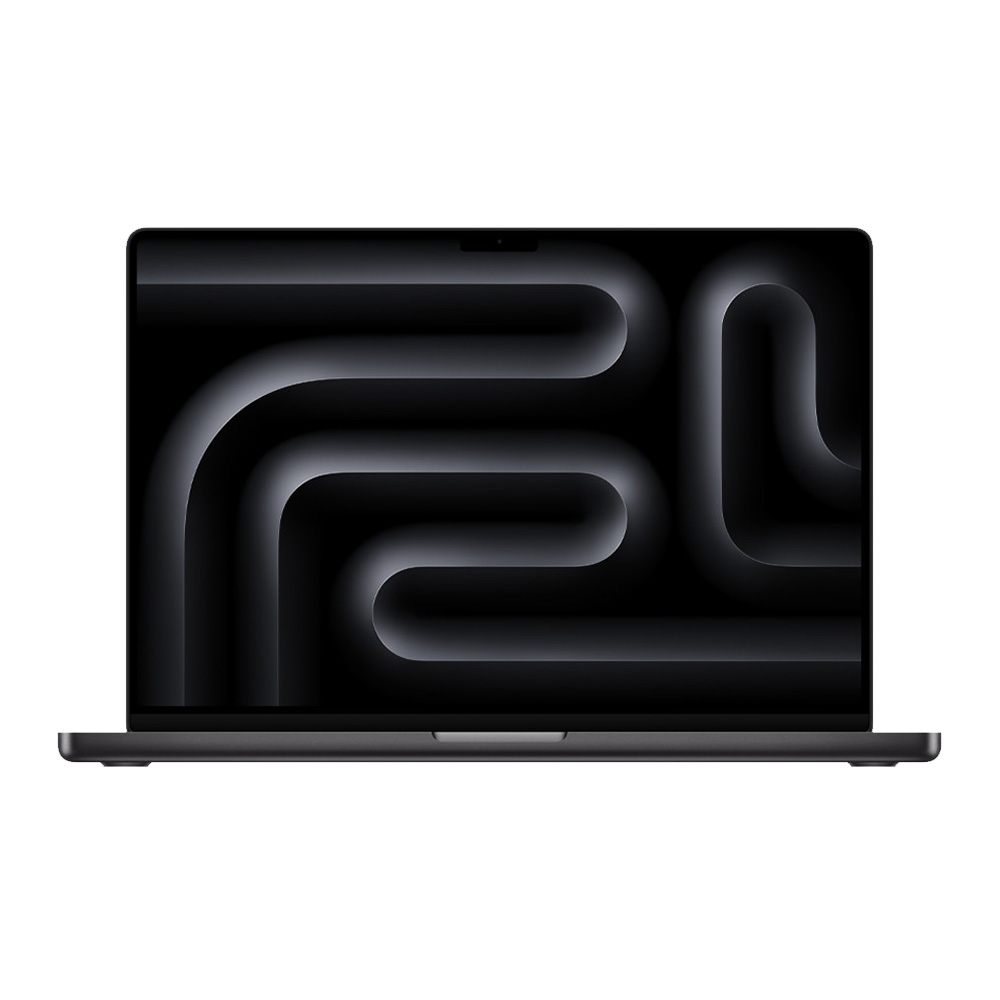
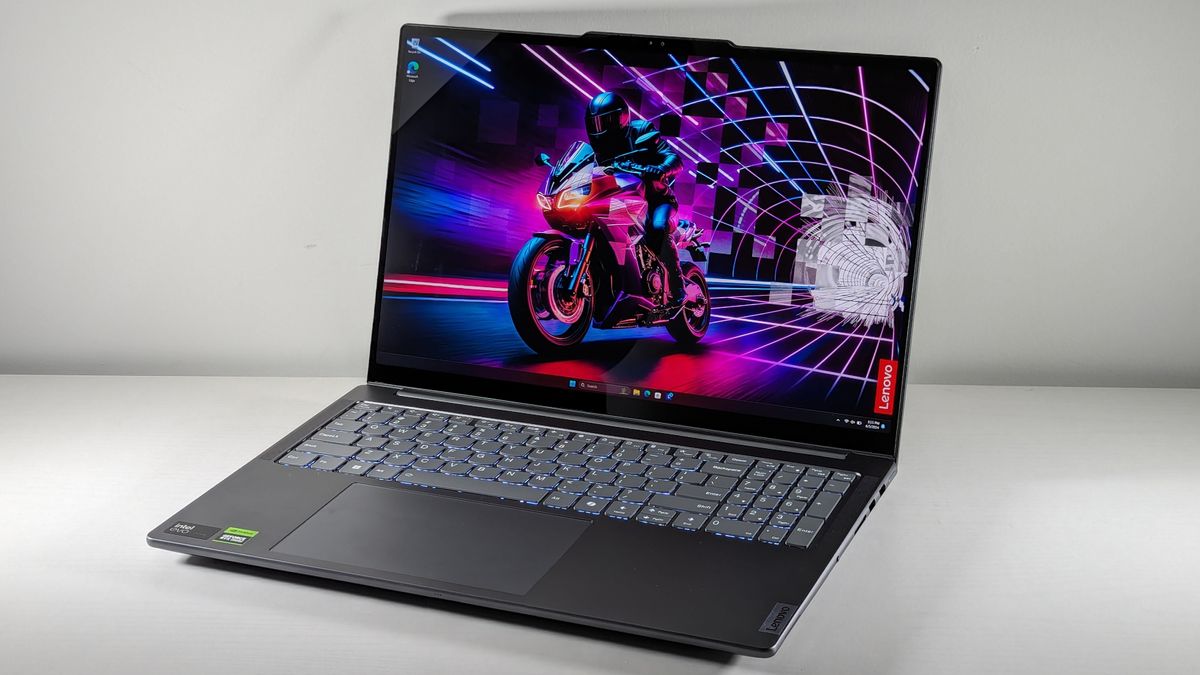
For 2025, the Lenovo Yoga Pro 9i 16 Gen 9 has emerged as the definitive choice for the "Best Overall" category. Featuring the Intel Core Ultra 9 185H processor and Nvidia RTX 4050 graphics, it delivers a multi-core score of over 12,000 in Geekbench 6. Its 16-inch 3.2K display covers over 105% of the DCI-P3 color gamut, outperforming many competitors in the premium segment. Conversely, for users prioritizing portability and battery efficiency, the Apple MacBook Pro 16-inch with the M4 Pro chip continues to lead. Its 20-hour battery life, measured in continuous web-surfing tests, provides a level of mobile freedom that few Windows-based competitors can match, especially when maintaining high display brightness.
The Rise of OLED and Color Accuracy
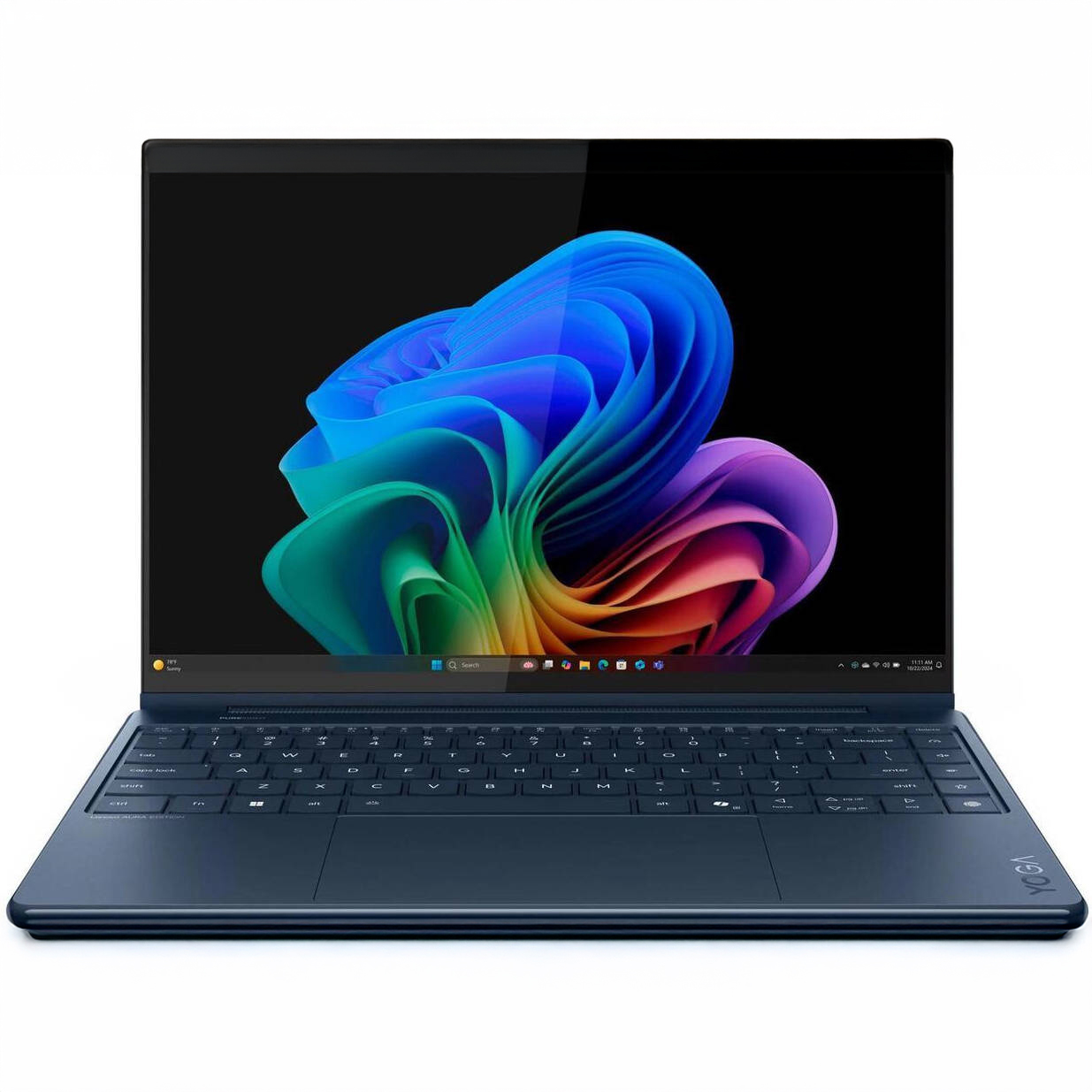
Color reproduction is perhaps the most debated technical specification among Photoshop users. The industry has largely moved toward OLED technology, which offers true blacks and high contrast ratios. However, as noted in recent technical reviews, not all OLED panels are created equal. The Lenovo Yoga 9i 2-in-1 Aura Edition, for instance, covers a staggering 149.2% of the DCI-P3 color gamut, making it a standout for digital painters who require intense saturation.
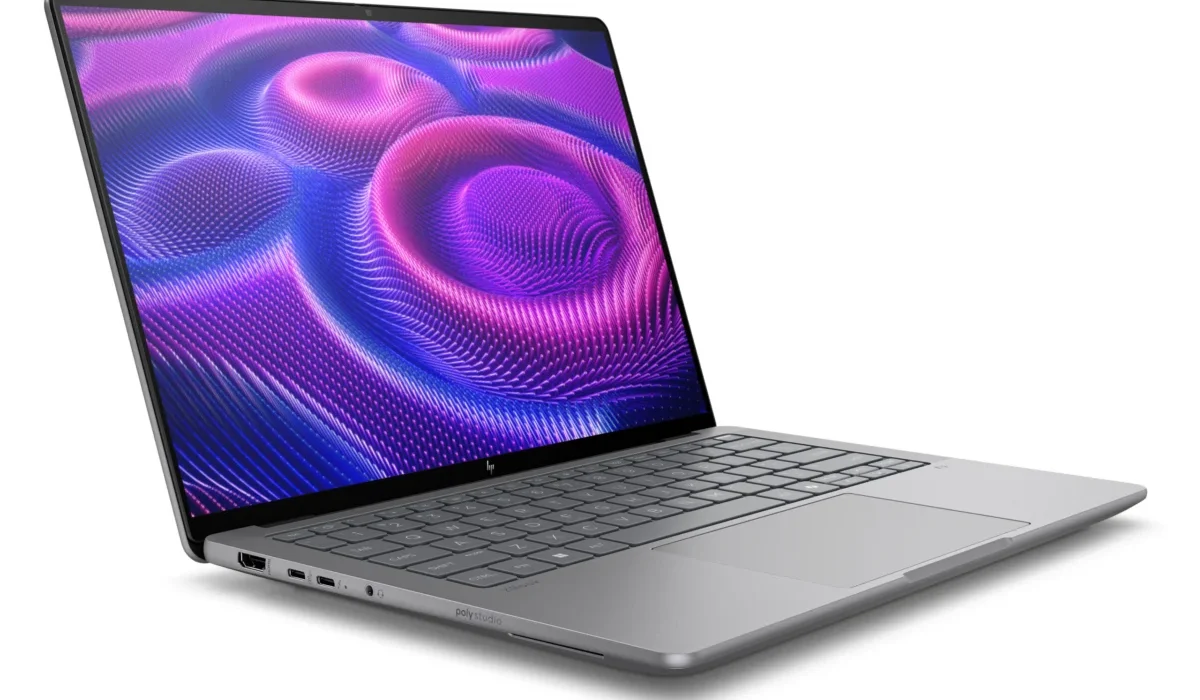
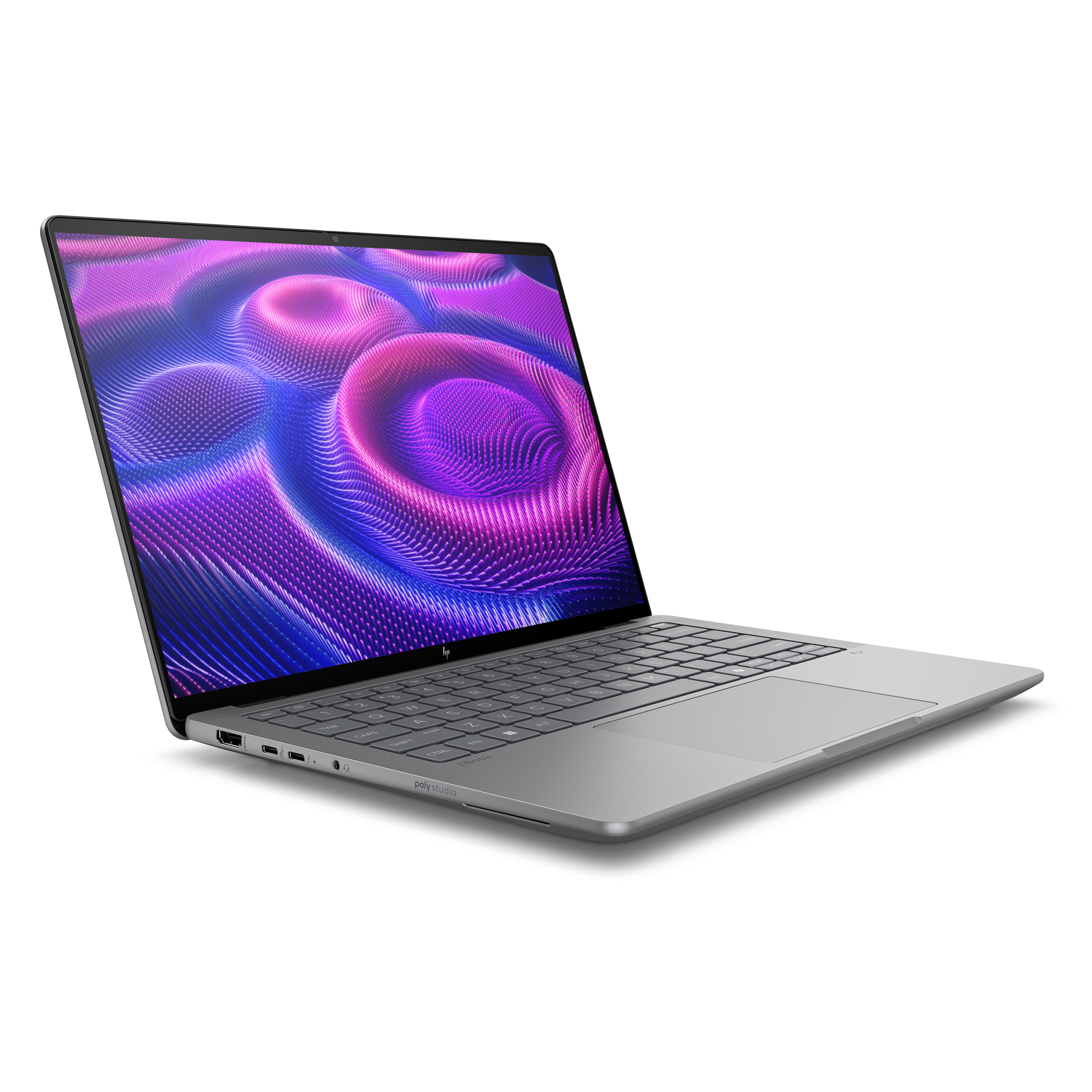
Conversely, for professional print work where color accuracy (Delta-E) is more important than absolute saturation, users must look for factory-calibrated panels. While the HP ZBook Ultra 14 G1a provides a brilliant 139% DCI-P3 coverage, the importance of these metrics must be balanced against the environment of use. High-brightness displays, such as those found on the MacBook Pro (565 nits), are essential for outdoor or office environments with significant glare, whereas lower-nit displays may struggle in anything but a controlled, dim studio setting.
Chronology of 2025 Hardware Updates
The first half of 2025 saw a flurry of releases that redefined the "workstation" classification. In early January at CES, the industry witnessed a pivot toward AI-integrated hardware. The HP ZBook Ultra 14 G1a was arguably the most impactful release of the quarter, proving that a device weighing 3.4 pounds could house an AMD Ryzen AI Max+ Pro 395 chip and handle tasks previously reserved for heavy, non-portable desktop replacements.
Following this, mid-year updates to the Lenovo Yoga and Asus Zenbook lines introduced the Intel Core Ultra 200-series, which focused heavily on power efficiency. This shift was a direct response to user feedback requesting better thermal management in thin chassis. By June 6, 2025, major manufacturers had fully standardized 32GB of RAM as the recommended minimum for new professional-tier releases, reflecting the rising memory requirements of Adobe’s latest software updates.
Implications for the Creative Industry
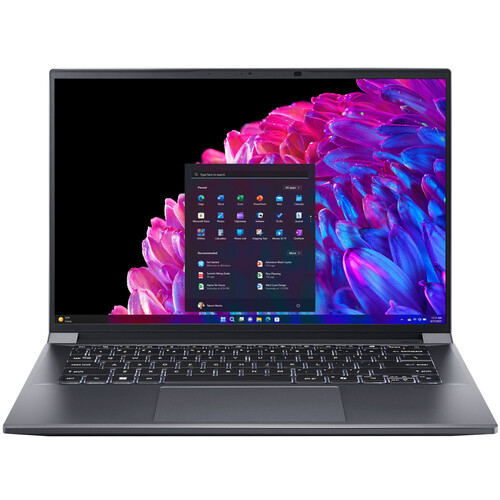
The broader impact of these hardware trends is a democratizing effect on professional creative work. With the current availability of high-performance laptops under $1,500, such as the Acer Swift X 14, entry-level professionals no longer need to invest in expensive desktop setups to perform high-level editing. The ability to carry an RTX 4070-equipped machine in a standard backpack—a feat that was technically challenging just three years ago—has allowed for a more mobile, agile workforce.

However, the industry also faces a challenge regarding software compatibility with emerging architectures. The transition to ARM-based Windows laptops has been a point of contention. While Qualcomm’s Snapdragon X Elite platforms offer impressive efficiency, the software ecosystem for Adobe products is not yet fully optimized for native performance across the entire Creative Cloud suite. Until native support is universal, the professional consensus remains that x86-based processors—whether Intel or AMD—are the safer bet for studios that rely on a diverse range of plugins and legacy software.
Strategic Recommendations for Buyers

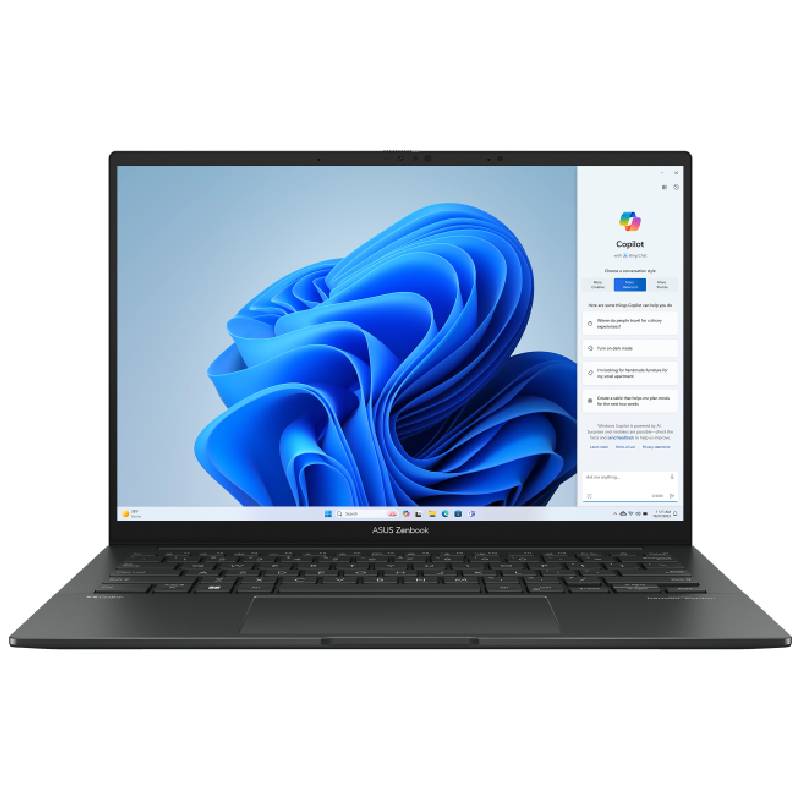
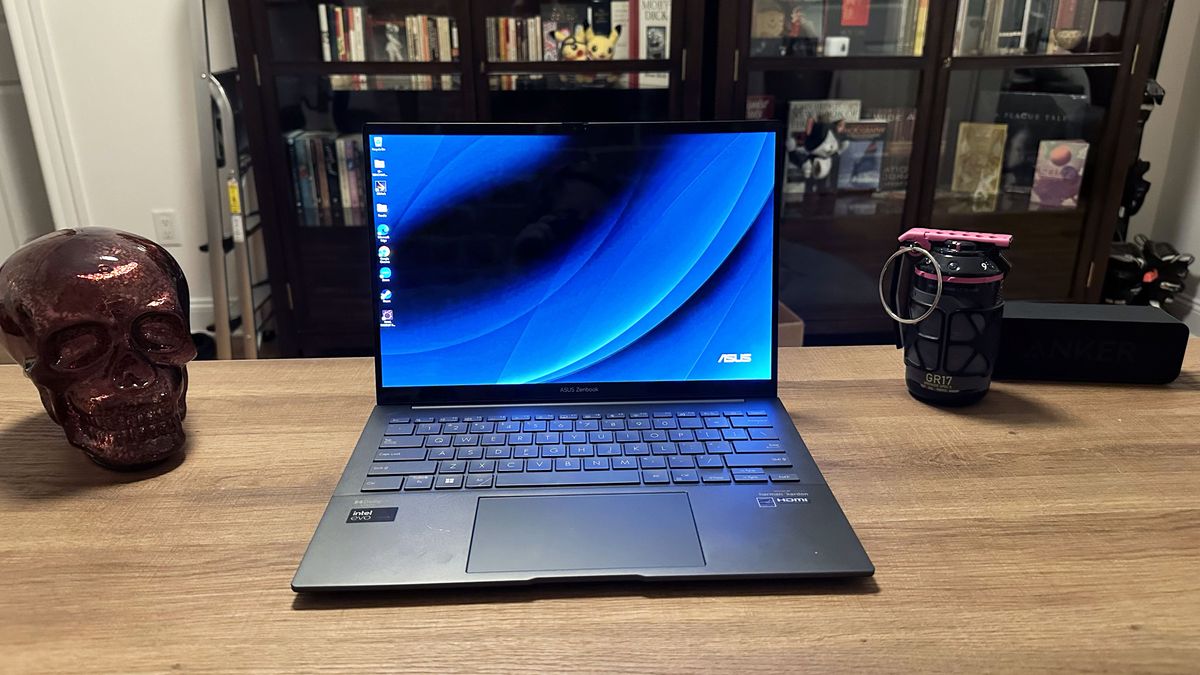
When selecting a machine, the decision should be dictated by the specific nature of the workflow rather than just the price tag. For a photographer who primarily works with RAW files in Lightroom and Photoshop, a high-resolution, color-accurate display is more valuable than a high-end discrete GPU. In this scenario, the Asus Zenbook 14 OLED represents an exceptional value, offering 15+ hours of battery life and a stunning display at a sub-$1,000 price point.
For the motion graphics artist or the professional who incorporates 3D elements into their designs, the GPU is the priority. Here, the Acer Swift X 14 or the Lenovo Yoga Pro 9i become necessary investments. The discrete Nvidia graphics are not optional when rendering 3D scenes or utilizing GPU-based AI filters. Furthermore, storage considerations should be approached with a "future-proof" mindset. While CPU and RAM are often soldered or fixed, storage can technically be offloaded to external NVMe drives; however, for a seamless workflow, a 1TB internal SSD is strongly recommended to accommodate the massive cache files that Photoshop generates.
Future Outlook
As we look toward the remainder of 2025, the trend lines suggest that "NPU" (Neural Processing Unit) performance will become as significant as CPU clock speeds. Adobe’s roadmap indicates deeper integration of local AI, which will place even greater demand on the NPU to handle background tasks without sapping the main processor’s resources.
In conclusion, the current generation of laptops offers a mature and capable set of tools for every skill level. Whether choosing the raw power of the MacBook Pro 16 M4 Pro for its unrivaled battery and color precision or the versatile, workstation-grade performance of the HP ZBook Ultra 14 G1a, the hardware is no longer the bottleneck in the creative process. The challenge for the user in 2025 is not finding a machine that is "powerful enough," but rather finding one that aligns with their specific mobility needs, budget constraints, and operating system preferences. By focusing on display quality, cooling efficiency, and sufficient RAM, creative professionals can ensure their hardware will remain relevant for years to come.