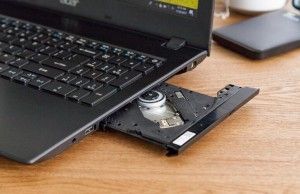
In the landscape of modern personal computing, the internal optical disk drive has become a relic of a bygone era. As of 2026, major original equipment manufacturers (OEMs) have completely phased out the inclusion of built-in CD/DVD drives in mainstream consumer laptops. The transition away from optical media, driven by the rise of high-speed cloud storage, digital streaming services, and the ubiquitous nature of USB flash memory, has left a specific subset of users—ranging from medical professionals needing to access patient imaging to archivists digitizing physical collections—in a difficult position. While brand-new laptops with integrated drives are virtually non-existent, the secondary market remains a vital, albeit limited, resource for those requiring this specific hardware.
The Evolution and Decline of Optical Media in Laptops
The decline of the optical drive began in earnest around 2012, signaled by the industry-wide move toward "ultrabook" form factors. As consumers demanded thinner, lighter, and more energy-efficient machines, the physical space required for an optical bay—often consuming as much as 15% of a laptop’s internal chassis—became a liability.
The chronology of this decline is stark. In the mid-2000s, almost every consumer and enterprise laptop featured a CD/DVD drive. By 2015, the drive had been relegated to "budget" or "desktop replacement" models, which were significantly thicker and heavier than their premium counterparts. By 2020, even these categories had largely abandoned the feature. Today, the only laptops containing native optical drives are aging enterprise machines, many of which are now over seven to ten years old, necessitating a cautious approach to procurement and maintenance.
Strategic Procurement: The Case for Older Hardware
For users who determine that a native, built-in drive is non-negotiable, the market offers three distinct tiers of refurbished or "new-old-stock" equipment.
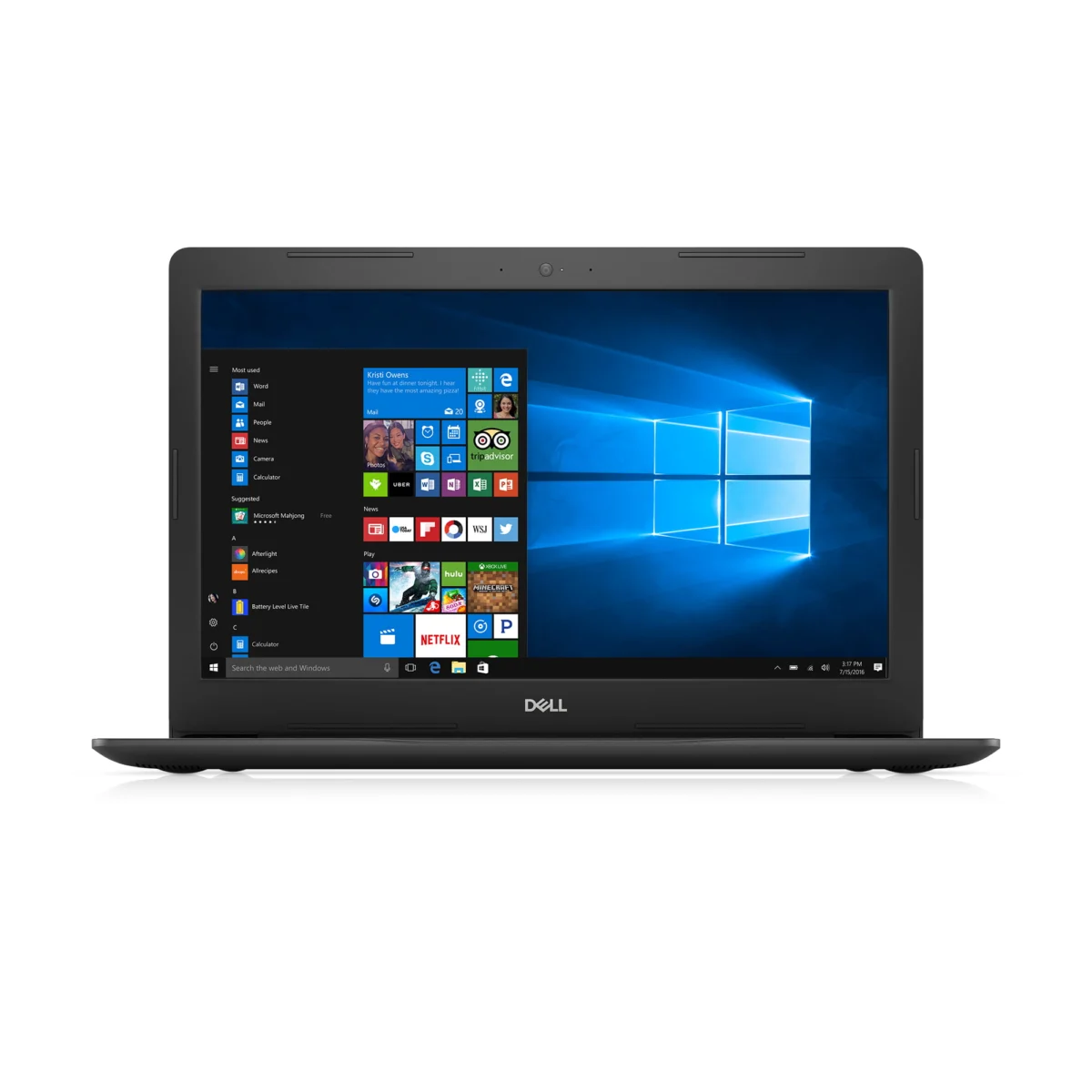
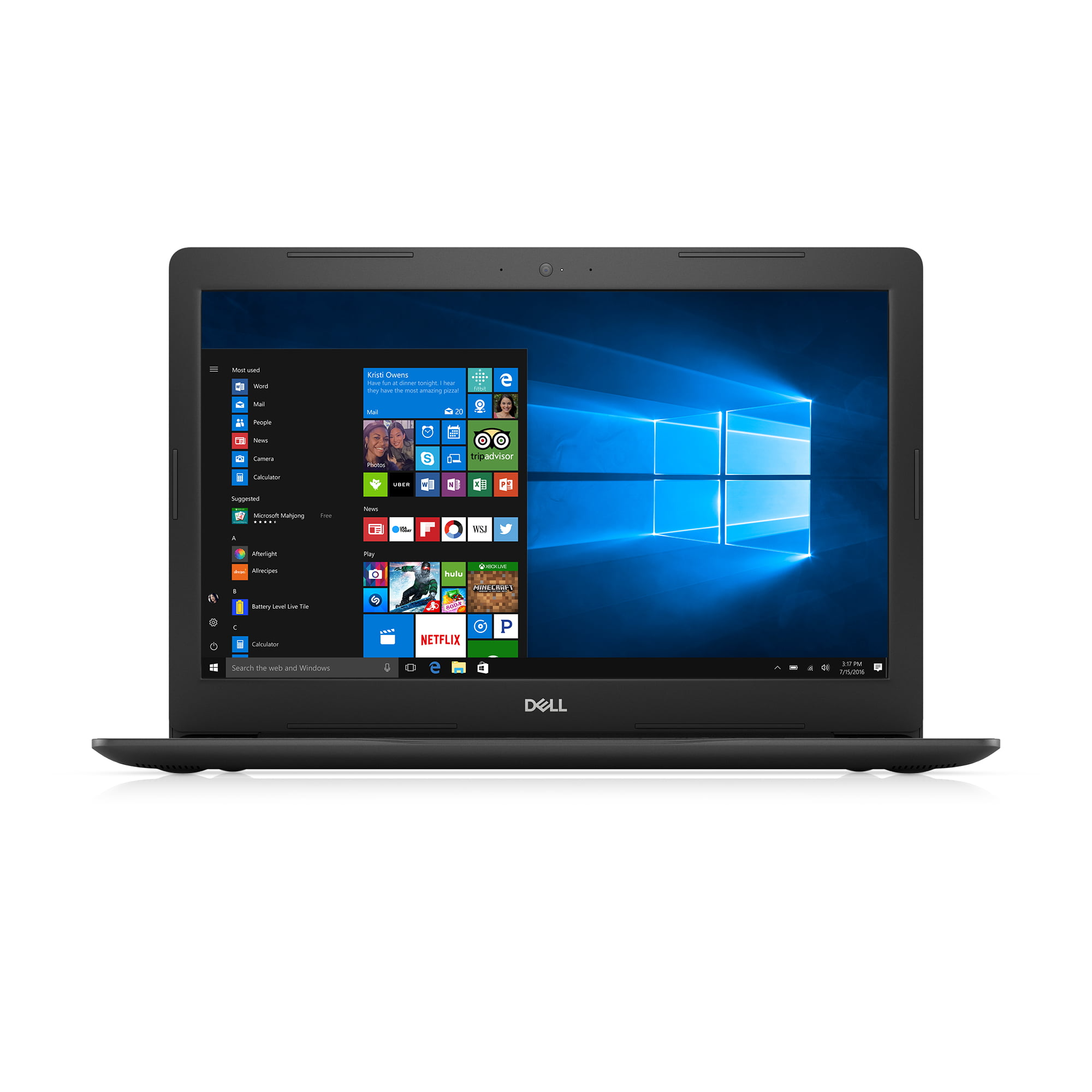
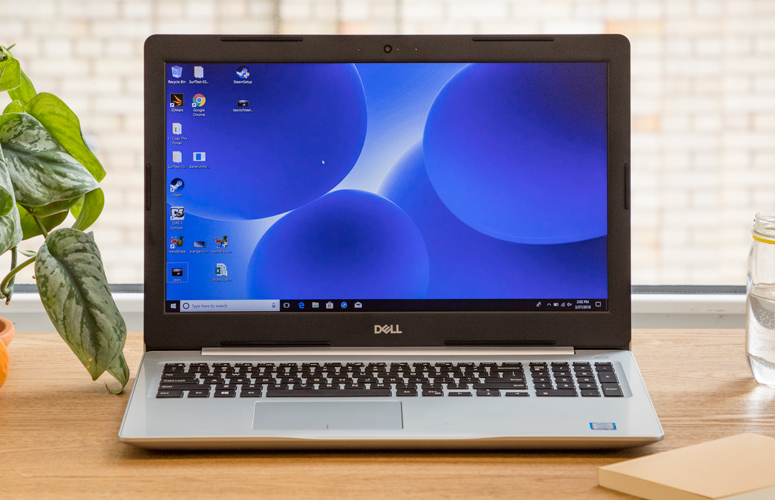
The Dell Inspiron 15 5000 series, specifically models from the 2017 production cycle, remains the most frequently recommended "best overall" choice. These machines provided a balanced architecture for their time, often featuring Intel Core i5 or i7 processors and 1TB hard disk drives (HDDs). From a performance standpoint, these machines are adequate for basic word processing and media playback, though they fall short when compared to modern NVMe SSD-based systems. The primary implication for buyers here is the bottleneck created by older mechanical storage; users are frequently advised to replace the stock HDD with a SATA SSD to maintain functional speeds.
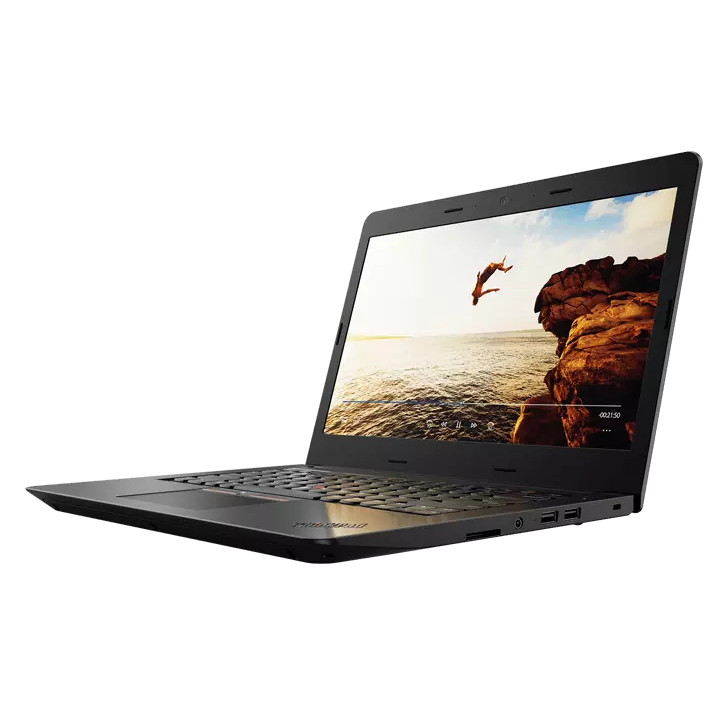
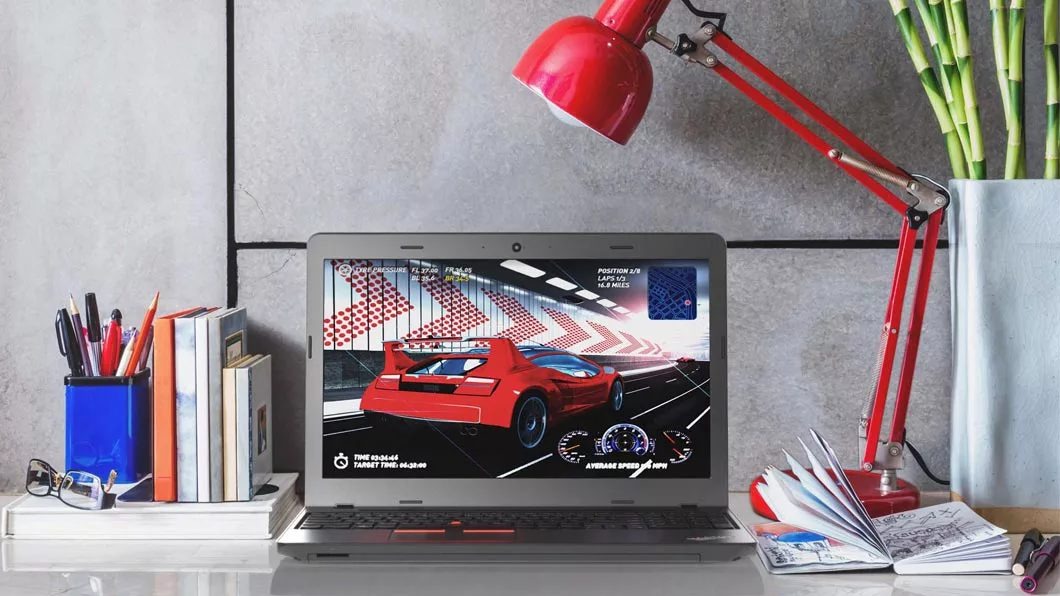
For the budget-conscious, the Lenovo ThinkPad E570 series serves as a reliable entry point. These units were staples of the mid-2010s office environment. While they offer a robust port selection—a rarity in today’s USB-C-only world—the internal components, specifically the 7th Generation Intel Core processors, are significantly behind current standards. These machines are generally capable of running lightweight applications but will struggle with modern software bloat.
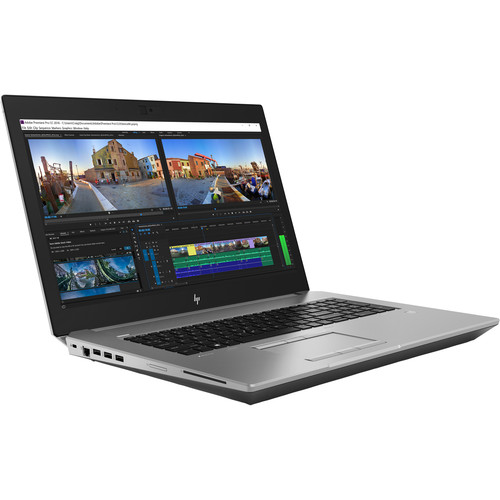
At the high end of the performance spectrum, the HP ZBook 17 G5 represents the pinnacle of what was possible in a portable workstation with an optical drive. Unlike standard consumer laptops, the ZBook 17 G5 was designed for heavy-duty engineering and design work, often including Blu-ray read/write capabilities. Its Intel Xeon processors and professional-grade construction make it the only viable "performance" machine for professionals who require a disk drive on the go. However, its weight, exceeding seven pounds, makes it more of a portable desktop than a traditional mobile device.
The Case for External Alternatives
Industry analysts and hardware experts consistently advocate for the use of external optical drives rather than seeking out legacy hardware. The primary argument rests on the principle of system longevity and performance efficiency.
When a user purchases an older laptop simply for its CD/DVD drive, they are essentially tethering their workflow to outdated technology. The processors, batteries, and display panels of these older machines are nearing the end of their operational lifespan. Furthermore, modern, lightweight external drives—such as the ASUS ZenDrive U9M or the OWC Mercury Pro—utilize USB 3.0 or USB-C interfaces, which provide faster data transfer rates and more reliable burning capabilities than the aging internal drives found in refurbished machines.

Beyond speed, there is a tangible benefit to "decoupling" hardware. If an internal optical drive fails, the entire laptop often requires a motherboard-level repair or a complex disassembly to replace a proprietary component. If an external drive fails, it can be replaced for under $50 for a high-quality unit without affecting the integrity or data security of the primary laptop.
Technical Implications and Security Risks
Purchasing legacy hardware carries inherent risks that consumers must consider. First is the matter of security. Older laptops often lack the TPM (Trusted Platform Module) 2.0 chips required to natively run the latest operating systems, such as Windows 11. Running an outdated OS in 2026 leaves a device vulnerable to security exploits that no longer receive patches.
Second is battery chemistry. Lithium-ion batteries have a shelf life. Even if an "original" battery is included in a refurbished laptop, it is likely chemically degraded, offering only a fraction of its original capacity. Users often find that these machines must be permanently tethered to a power outlet, further negating the "mobile" aspect of the laptop.
Future-Proofing Your Workflow
For organizations and individuals who rely on physical media for legacy data—such as medical records, scientific research, or personal archives—the recommended strategy is to transition toward digitization. Utilizing an external drive to rip or burn media onto high-capacity, reliable cloud storage or redundant solid-state drives is considered the industry-standard "best practice."
While it is technically possible to source a functional legacy laptop with a built-in optical drive, it should be viewed as a niche solution for a specific problem, rather than a viable long-term computing strategy. The current marketplace for these devices is purely driven by specific, non-negotiable requirements, such as the need for specialized legacy software that only runs on older versions of Windows, or the requirement for a self-contained, offline unit that does not rely on external peripherals.
In summary, for the vast majority of users in 2026, the best approach is to invest in a modern, high-performance laptop and supplement it with an external optical drive. This ensures that the user benefits from current security standards, superior battery life, and modern processing power, while still maintaining the ability to interface with legacy physical media when necessary. The "built-in" era has concluded; the "external" era provides a more flexible, secure, and performant path forward for those who still value the versatility of the optical disc.